

Turn recordings into transcripts and summaries in minutes
Upload audio or video for multilingual transcription, AI notes, and action items
Meeting recordings keep failing? Google Meet's pitfalls are more numerous than you think
You're 30 minutes into a meeting, all the important decisions have been discussed, and you realize the record button is grayed out.
Or you finally manage to record, but after the meeting ends, the video file doesn't show up in Google Drive—you just get a "recording failed" notification email.
If you're using a free Gmail account, or your company hasn't enabled Google Workspace recording permissions, Google Meet simply won't let you record. Even if permissions are in place, insufficient Drive storage, a disabled meeting host account, or even just starting the meeting from a conference room device can cause the recording feature to fail.
These issues aren't your fault—Google Meet's recording mechanism is tied to many conditions. Working around the platform's limitations isn't impossible, but a more practical approach is to have a meeting notes solution that isn't held hostage by the platform.
Before choosing a meeting recording tool, understand these 3 key points
Not every recording tool can handle the various situations Google Meet throws at you. Before testing, we identified three common blind spots that lead to poor choices.
Can it work independently of platform restrictions?
Many tools claim to "support Google Meet," but they actually just record system audio. If Google Meet's own recording feature is disabled, these tools won't capture anything either. A truly reliable tool must be able to independently record your computer's speakers and microphone, unaffected by the meeting software's permissions. One of our tests simulated a scenario where Google Meet's recording permission was turned off, to see which tools still worked.
Transcription accuracy: Don't just take the ads at face value
The 98% accuracy rate officially claimed is usually measured in a quiet recording studio with standard accents. Real meetings have keyboard clicks, paper shuffling, people talking over each other, and even mixed Chinese and English. We used a 5-minute recording of a typical Taiwanese office meeting (with Mandarin, English technical terms, and slight background noise) to test each tool's transcription quality, comparing the error rate in the transcripts. The results show that some tools even mishear "AI" as "I" (or similar), making cleanup even more tedious.
Beyond transcripts, can it help you organize content?
Simply converting speech to text isn't enough. The key to meeting notes lies in summaries, action items, and decision tracking. If a tool only gives you a long transcript, you'll still have to spend time reviewing and manually organizing it. AI summaries, action item extraction, and even the ability to ask "What was the conclusion about the budget last time?" are the features that determine whether a tool is worth paying for.
Tinrec (秒聽錄音) — Our Top Pick After Testing
Tinrec is an AI recording and audio/video organization tool that isn't tied to any platform and supports multiple input sources. Whether it's Google Meet, Zoom, Teams, or in-person meetings and online videos, it can independently record audio and organize it into a searchable, queryable database.
3 Most Practical Features That Seamlessly Integrate into Your Meeting Workflow
1. Meeting Recording + Real-Time Transcription
When you start a Google Meet, just open the Tinrec desktop app (Windows / Mac), and it will start recording both speaker and microphone audio while displaying the transcript on your phone or web browser. Even if the Google Meet record button is locked by an admin, Tinrec still records without issue. In our tests, the summary and action items were generated within 30 seconds of the meeting ending—no waiting for uploads.
2. Ask AI Directly After Recording: What Were the Key Points?
This is the feature that impressed us the most. After recording a 40-minute project meeting, you can ask Tinrec directly: "Who mentioned the Q3 budget adjustment in the last meeting?" Tinrec doesn't just search for keywords; it understands semantics and gives you the answer along with the corresponding timestamp in the recording. Among tools in the same price range, almost none offer this "conversational query" capability.
3. Multi-Source Organization, Not Just for Meetings
Beyond recording meetings, you can upload old audio files, paste YouTube video links, or even drop in offline interview recordings. Tinrec generates summaries, chapters, and to-do lists for all of them. This is useful for anyone who needs to organize various audio materials over time, unlike some tools that only function as meeting bots.
Stop organizing recordings by hand
Upload audio or video and automatically get a transcript, summary, and action items
Test Data: Transcription Performance on Chinese Meetings
We used the same 5-minute audio file (a Taiwanese office meeting, primarily Mandarin with English technical terms and air conditioning background noise) for testing. Tinrec's character error rate was approximately 8.3%. Compared to Notta's 10.1% and Otter's 12.5% (Otter handles English technical terms well but often makes errors in Chinese sentence segmentation), Tinrec showed a clear advantage in accuracy for mixed Chinese-English scenarios in Taiwan.
Pros Summary
- Full Cross-Platform Support: Works on iOS, Android, Windows, Mac, and web, with automatic syncing of recording files.
- Strong AI Organization: Summaries, to-dos, chapters, and mind maps are all available, and you can even ask AI to find key points.
- Optimized for Chinese Scenarios: Better recognition of Taiwanese accents, mixed Chinese-English, and Chinese technical terms than most international brands.
Limitations: Honest Assessment
- The free plan offers 100 minutes of transcription per month; heavy users will need to pay. But for the average office worker with 2–3 meetings per week, the trial is sufficient.
- It's a "standalone recording tool" and cannot automatically join Google Meet calendar events; you need to start recording manually.
Who Is It For?
If you frequently encounter Google Meet recording failures, use a lot of Chinese in meetings, or want structured meeting notes immediately after recording, Tinrec is currently the most balanced choice.
Beyond Tinrec: What Other Options Are There?
Otter.ai: Best for English Meetings, but Struggles with Chinese
Otter is the most popular meeting notes tool in the US. Its free plan offers a generous 300 minutes, and its English transcription accuracy is extremely high. However, in our Chinese recording test, Otter misheard "專案時程" (project timeline) as "專案十層" (project ten layers), requiring frequent manual corrections. If most of your meetings are in English, Otter is still a more cost-effective option than Tinrec; but if your meetings are primarily in Chinese, it's not very user-friendly.
Notta: Complete Transcription Features, but Weak AI Q&A
Notta's paid plans offer 1,800 minutes per month, making it suitable for those who need extensive transcription. However, its AI Q&A only supports keyword search, not the ability to directly answer questions like "What was the conclusion?" like Tinrec can. If you only need to convert large volumes of audio to text, Notta is a viable option; but if you want quick organization of meeting highlights after transcription, Tinrec's AI processing is more practical.
PLAUD Note: Great Hardware Recording Quality, but with Clear Limitations
PLAUD is a standalone AI recording card with a sleek design and long battery life, ideal for carrying to in-person meetings. However, it requires the mobile app for transcription and cannot directly record Google Meet audio from your computer. Moreover, the hardware costs nearly $180, and you'll need to pay an annual fee for more transcription hours. For those who just want to record online meetings, the cost is high; Tinrec requires no extra hardware—your computer or phone is enough.
Pitfall Guide: 3 Common Mistakes When Choosing a Meeting Recording Tool
Pitfall 1: Assuming Google Meet's Built-in Recording Is Sufficient
Google Meet's recording feature is convenient, but permissions are entirely controlled by admins and meeting hosts. If any link in the chain fails (account version, cloud storage, device used to start the meeting), recording will fail. To avoid missing recordings, prepare an independent recording solution that doesn't rely on the meeting software itself.
Pitfall 2: Only Looking at Minutes, Not "Organization Capabilities"
No matter how many free minutes you get, if the tool just gives you a huge block of transcript, you'll still have to spend time highlighting and writing summaries yourself. In the long run, the time cost far exceeds the subscription fee. When choosing a tool, prioritize AI summaries, action item extraction, or searchable chapters—these are the features that truly save you time.
Pitfall 3: Ignoring Cross-Platform Needs
Many people only focus on whether the mobile app is good, forgetting that meetings mostly happen on computers. If the tool doesn't have a Windows/Mac version, or if recording files can't be edited on a computer, organizing them becomes painful. Make sure all your commonly used devices are seamlessly supported so that recording files can be centrally managed.
Summary: Which One Should You Choose?
If Google Meet's recording limitations are causing you trouble, the most practical solution isn't to keep fighting with permission settings, but to find a recording tool that works independently and helps you organize content.
- English-only meetings with zero budget → Otter.ai (generous free minutes, but poor Chinese support)
- Large volumes of audio transcription without AI Q&A → Notta (generous transcription minutes)
- Prefer portable recording and don't mind hardware costs → PLAUD Note (great hardware, but you'll need another solution for computer meetings)
- Chinese meetings, cross-platform, and need quick organization after recording → Tinrec (most user-friendly for Taiwanese users)
We recommend downloading the free version of Tinrec to try it out—the 100-minute monthly allowance is enough to record two or three meetings and see how it works. If you find that the AI summaries and Q&A really save you time, then consider upgrading.
References
- Turn Meet recording on or off for your organization | Google Workspace Help
- How to record Google Meet, storage locations, and workarounds when recording fails - Tanaka Systems
- Troubleshoot meeting recording issues - Google Meet Help
- How to record Google Meet sessions—three methods explained
- 3 solutions to fix Google Meet recording unavailable error
Turn every recording into actionable outcomes
Get 60 free transcription minutes when you sign in. No credit card required.
Related Reading
You might also like
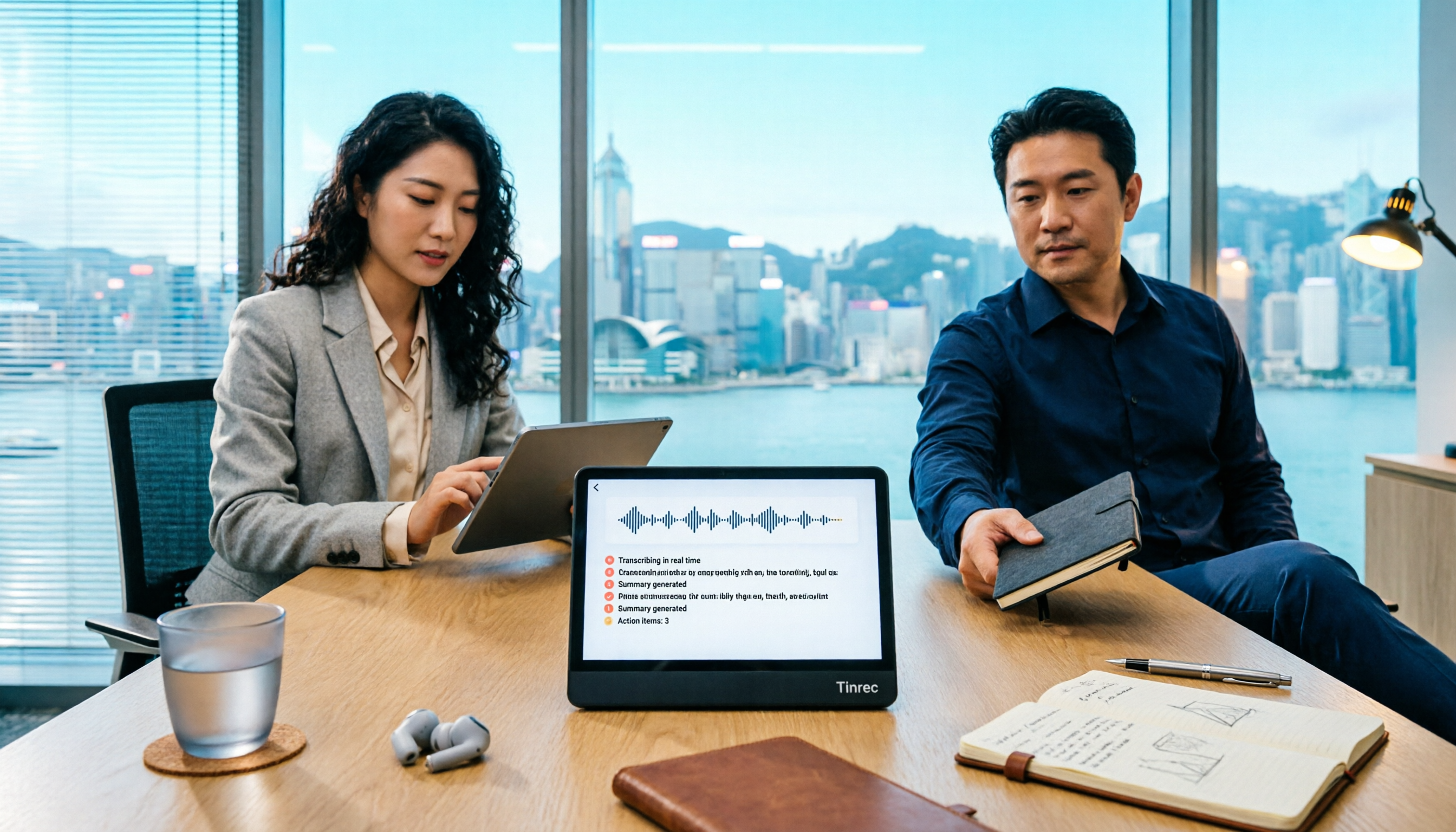
Tinrec vs Teams Built-in Transcription 2026: 5-Dimension Comparison — Which Keeps Meeting Records Better?
In Teams meetings, 'retention' has two meanings: call hold and post-meeting record retention. This article breaks down the blind spots of Teams built-in transcription and retention policies, compares Tinrec and Teams built-in solutions across 5 dimensions, and briefly reviews Otter.ai and Granola to help professionals choose a method that truly retains meeting content.

2026 Top 3 Teams Meeting Transcription Tools Compared: Which Saves the Most Time with Automatic Transcripts?
This article first breaks down the 3 most common misconceptions and correct approaches when starting a Teams meeting, then explains how to choose a meeting transcription tool. Using Tinrec as an example, the desktop version captures system audio without a meeting bot, transcribes Teams meetings in real time, and automatically generates summaries, chapters, and action items—ideal for professionals who want to save time on post-meeting organization.

2026 Voice-to-Text Tools Comparison: Tinrec vs Yating Transcript, Which Is Better for Chinese Meetings?
There are plenty of voice-to-text tool recommendations, but the real challenge for most people is choosing the right one. This article compares Tinrec and Yating Transcript across five dimensions: Chinese recognition, online meeting handling, post-transcription usability, cross-platform quotas, and team collaboration, to help you decide which better fits your meeting and organization needs.

2026 Comparison of 3 Teams Meeting Tools: How to Run Meetings and Who Can Auto-Organize After?
How do you run a Teams meeting without missing records? This article tests 3 meeting note tools, covering the meeting process, scheduling, instant meetings, and post-meeting AI summaries, and shares hands-on experience with Tinrec's bot-free recording for Teams meetings to help you find the most time-saving solution.

Best Speech-to-Text Software in 2026: We Tested 5, and This One Nails Chinese Meetings
For knowledge workers who need to organize meeting, interview, and lecture recordings. I tested several speech-to-text tools, from Chinese recognition to post-meeting organization and team collaboration, and found Tinrec to be the smoothest for Chinese meetings and post-meeting AI Q&A. Here I share my selection method and a list of pitfalls to avoid.

Tinrec vs PLAUD Note 2026: 5-Dimension Comparison, Which Is Better for LINE Recording Storage?
LINE doesn't record calls for you, so 'LINE recording storage' breaks down into three decisions: how to capture audio, where to store files, and whether you can use them later. This article covers 6 solutions from free to hardware, including LINE's built-in Save As, system screen recording, Tinrec, PLAUD Note, Notta, and Otter.ai, and explains common pitfalls like iPhone not capturing the other party's voice, helping you choose the right method.
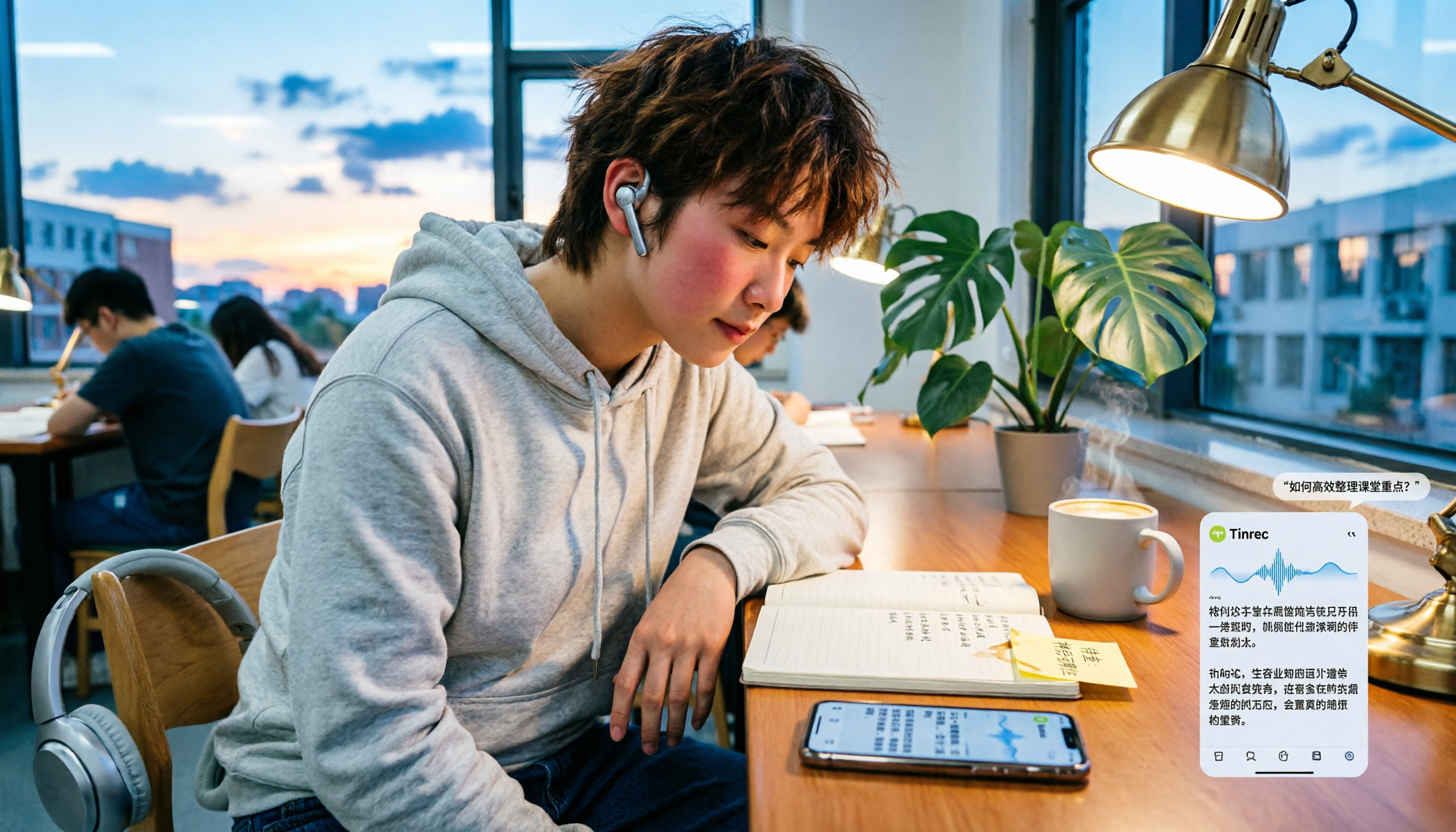
Tinrec vs Notta 2026: 5-Dimension Comparison — Which Is Better for LINE Voice-to-Text?
When LINE recordings or voice messages have no sound, it's usually not a broken app but a microphone permission, audio channel conflict, or speaker setting issue. This article first walks you through common troubleshooting mistakes, then rounds up 6 practical recording-to-text solutions for students, from free to paid, and compares Tinrec and Notta on Chinese transcription, AI Q&A, and pricing.

5 Best Audio-to-Text Tools in 2026: How to Choose for Chinese Meeting Notes, According to PTT Users
PTT discussions about audio-to-text transcription never stop, but most people fall into the trap of thinking 'free is enough' or 'transcription is the end.' Based on real meeting scenarios, this article covers 4 key buying factors, tests Tinrec's bot-free recording and AI Q&A, briefly reviews Notta, Otter.ai, PLAUD, and other common options, and provides selection advice you can directly apply.

How to Join a Teams Meeting for Free in 2026: 5 Methods Explained
Whether you only have a meeting ID, just an invite link, or only a calendar notification, the way you join a Teams meeting is completely different. This article covers 5 free ways to join, plus a solution for avoiding manual transcription after the meeting.