

Turn recordings into transcripts and summaries in minutes
Upload audio or video for multilingual transcription, AI notes, and action items
Still Using Word for Recording? You Need a Smarter Organization Solution
Two hours in a meeting, another two hours transcribing—this is the daily grind for many office workers. To make matters worse, Word's "transcribe" feature can convert speech to text in real time, but it only supports Windows for Business, and the audio files are stored only in OneDrive, so finding key points still means manually flipping through pages.
If you're looking for a tool that truly saves time, this article is for you. We tested three recording-to-text tools, evaluating their Chinese language organization capabilities, AI summaries, and cross-platform support, to tell you which one is most worth using.
Before Choosing a Recording-to-Text Tool, Understand These 3 Key Points
1. Input Sources: Only Meetings, or Can It Handle Other Audio Files? Some tools are only suitable for online meetings, but if you also need to organize course recordings, interview recordings, or YouTube videos, you'll want a tool that supports multiple sources. We paid special attention to this during testing, because not everyone just attends meetings.
2. Organization Capabilities: What Else Can It Do After Transcribing? Just providing a text file isn't enough. A good tool will automatically summarize, split into chapters, extract action items, and even let you search the recording content as if asking questions. This is the real key to saving time.
3. Chinese Language Experience: Not All Tools Understand Chinese Meetings Many internationally renowned services are strong in English, but when it comes to Chinese or mixed Chinese-English content, accuracy and summary quality drop significantly. If you mainly handle Chinese content, be sure to choose a tool with localized design.
Tinrec (MiaoTing Recording) — Our Top Pick After Testing
Tinrec is an AI recording and audio/video organization tool designed for meetings, classes, interviews, and content creation. It doesn't just convert speech to text; it also automatically summarizes, splits into chapters, extracts action items, and even lets you query recording highlights through conversation.
Understanding Its Features Through Use Cases
When you open Tinrec during a meeting, it displays the transcript in real time. When the meeting ends, the AI has already generated a summary and action items—who is responsible for what, and deadlines, at a glance. Our favorite feature is its AI Q&A: after recording, you can ask, "What was the final budget the other party agreed to?" and it will find the answer from the entire recording, rather than just showing keyword search results.
In addition to live recording, you can also upload old audio files or paste links to YouTube, Bilibili, and other videos, and Tinrec will transcribe and organize them into notes. This is very convenient for creators who need to organize online video materials.
Pros
- Supports 14 languages, with excellent Chinese (including Cantonese) recognition.
- Not just meetings; it can handle classes, interviews, online videos, and historical files.
- AI summaries and chapters make long recordings easy to browse, and action items become a to-do list.
- Cross-platform: iOS, Android, and web versions all work, with seamless data sync.
Limitations
Stop organizing recordings by hand
Upload audio or video and automatically get a transcript, summary, and action items
- The free version has monthly transcription limits; heavy users may need to consider paid plans.
- No automatic joining of online meetings; you need to start recording manually (but you can import recordings from meeting software).
Who Is It For? If you frequently need to organize Chinese meetings, classes, or interviews, and want to get key points and action items immediately after recording, while switching between phone and computer, Tinrec is currently the most balanced choice.
Beyond Tinrec, What Other Options Are There?
Otter.ai: A Strong Performer for English Meetings Otter.ai focuses on online meeting transcription, with extremely high English accuracy, and its free plan offers a generous 300 minutes per month. However, its Chinese processing is noticeably weaker than English, and summaries tend to follow meeting formats. If you mainly have English meetings, it's a good choice; but for organizing Chinese interviews or classes, Otter falls short. Also, it lacks the ability to transcribe from online video links like Tinrec does.
Notta: A Master of Transcription and Translation Notta's transcription speed and multilingual support are strong, and it also offers subtitles and translation features. However, its organization depth is weaker: no AI Q&A feature, and summaries are more basic, so you can't converse with the recording content like you can with Tinrec. The free plan offers 120 minutes per month, slightly less than Tinrec's trial allowance. If you only need simple transcription, Notta is worth considering; but if you want to further organize into usable materials, Tinrec is more suitable.
Pitfall Avoidance Guide: 3 Common Mistakes When Choosing a Recording-to-Text Tool
Pitfall 1: Only Looking at Free Allowance, Ignoring Organization Features Some tools offer many free minutes, but after transcription, they only give you a plain text file with no summary or segmentation. As a result, you still have to spend time reading the entire transcript yourself. Remember to check what the tool can automatically organize, so you don't waste time.
Pitfall 2: Not Paying Attention to Cross-Platform Sync If you record on your phone today and edit on your computer tomorrow, and the tool doesn't sync, you'll have to manually transfer files. Services with full platform support, like Tinrec, can save you a lot of hassle.
Pitfall 3: Thinking It's Over After Recording, Not Using AI Q&A Most people treat transcription tools as "convert recording to text" and stop there, but the real time-saver is the Q&A feature afterward. AI conversational querying, like Tinrec's, can quickly find key numbers or conclusions, much faster than manually flipping through 30 minutes of transcript.
Summary: Which One Should You Choose?
If you need to organize Chinese content and want to get summaries and action items immediately after recording, and even find key points through Q&A, Tinrec is the top choice. Its multi-source support (meetings, classes, online videos) is also more flexible than pure meeting tools.
- Chinese meetings, classes, interviews organization → Tinrec (best Chinese experience, most complete AI organization)
- Pure English meetings, need integration with tools like Slack → Otter.ai (complete English ecosystem)
- Only need quick transcription, no deep organization required → Notta (fast transcription, strong translation)
We recommend starting with Tinrec's free version to experience its AI summary and Q&A features. If you find it saves you time, you can consider upgrading later.
References
- Can Word Record Video? Clarifying the Difference Between Voice Input and Recording-to-Text, 5 Efficient Tool Recommendations - MiaoTing Recording Blog
- Still Recording Manually? iOS Version of Word Launches Voice Transcription Feature for More Efficient Notes - SOGI Phone King
- How to Do Built-in Screen Recording on Windows? Free Screen Recording Tools
- Transcribe Your Recordings | Microsoft Support
- Transcribe Your Recordings - Microsoft Support
Turn every recording into actionable outcomes
Get 60 free transcription minutes when you sign in. No credit card required.
Related Reading
You might also like

Tinrec vs Plaud Note 2026: 5-Point Hands-On Comparison – Which Is Better for Chinese Users?
Choosing a speech-to-text tool? I compared open-source Whisper, the Plaud Note hardware recorder, and the all-in-one software Tinrec across five key dimensions—input sources, cross-platform support, AI organization, cost, and Chinese-language experience—to show you which one truly turns your recordings into usable knowledge.

4 One-Click Meeting Minutes Tools Tested in 2026: Student Review, Free Plans & AI Summaries Compared
A senior student tested 4 one-click meeting minutes apps for class recordings, group discussions, and final exam prep, comparing free plans, Chinese speech recognition, AI summaries, and cross-platform performance. Tinrec came out on top, offering not just transcription but AI-powered Q&A to find key points.

2026 AI Meeting Notes Tools Compared: Which One Is Better for Chinese Meetings?
This article compares Tinrec and Otter.ai for automatic meeting report generation, analyzing five dimensions: Chinese accuracy, input source variety, post-meeting organization, export flexibility, and AI Q&A. It helps decision-makers quickly determine which tool is best for Chinese-language meetings.

2026 Speech-to-Text Guide: Tinrec as a Gemini Alternative for Multi-Source Recording + AI Organization
Gemini's speech-to-text is fast, but it only handles transcription. This guide explains how to choose the right speech-to-text tool, using Tinrec as an example to show how to turn meetings, classes, interviews, and online videos into searchable, queryable, and organized actionable knowledge.

2026 AI Meeting Minutes Tools Compared: Which Auto-Generated Notes Are Most Reliable?
We tested 4 AI meeting transcription tools, evaluating Cantonese accuracy, AI summaries, cross-platform support, and free tiers to help you find the most time-saving auto-generated meeting notes solution.

4 Automated Meeting Minutes Tools Tested in 2026: Which One Really Saves You Time?
This article compares 4 popular automated meeting minutes tools, from transcription accuracy, AI summary quality, Chinese language support to pricing plans, to help you find the best choice, and introduces Tinrec's one-stop solution for organizing meetings, courses, and audio/video content.

Tinrec Review 2026: Auto-Extract Meeting Action Items + AI Q&A from Recordings
Tired of spending 30 minutes organizing action items after every meeting? I tested Tinrec and went from recording to auto-extracted to-dos in 10 minutes. This tutorial and review compares Tinrec with Otter.ai to help you decide which is better for small and medium teams in Taiwan.

Tinrec vs Otter.ai in 2026: How to Choose a One-Click Meeting Notes Tool? A 5-Dimension Hands-On Comparison
I used Tinrec and Otter.ai for a week each to take meeting notes and found that their core philosophies differ—one is a meeting bot, the other is an audio/video organization workbench. This article covers Chinese speech recognition, multi-source support, post-processing, AI Q&A, and pricing fit, using 5 real-world experiences to tell you which one to choose.
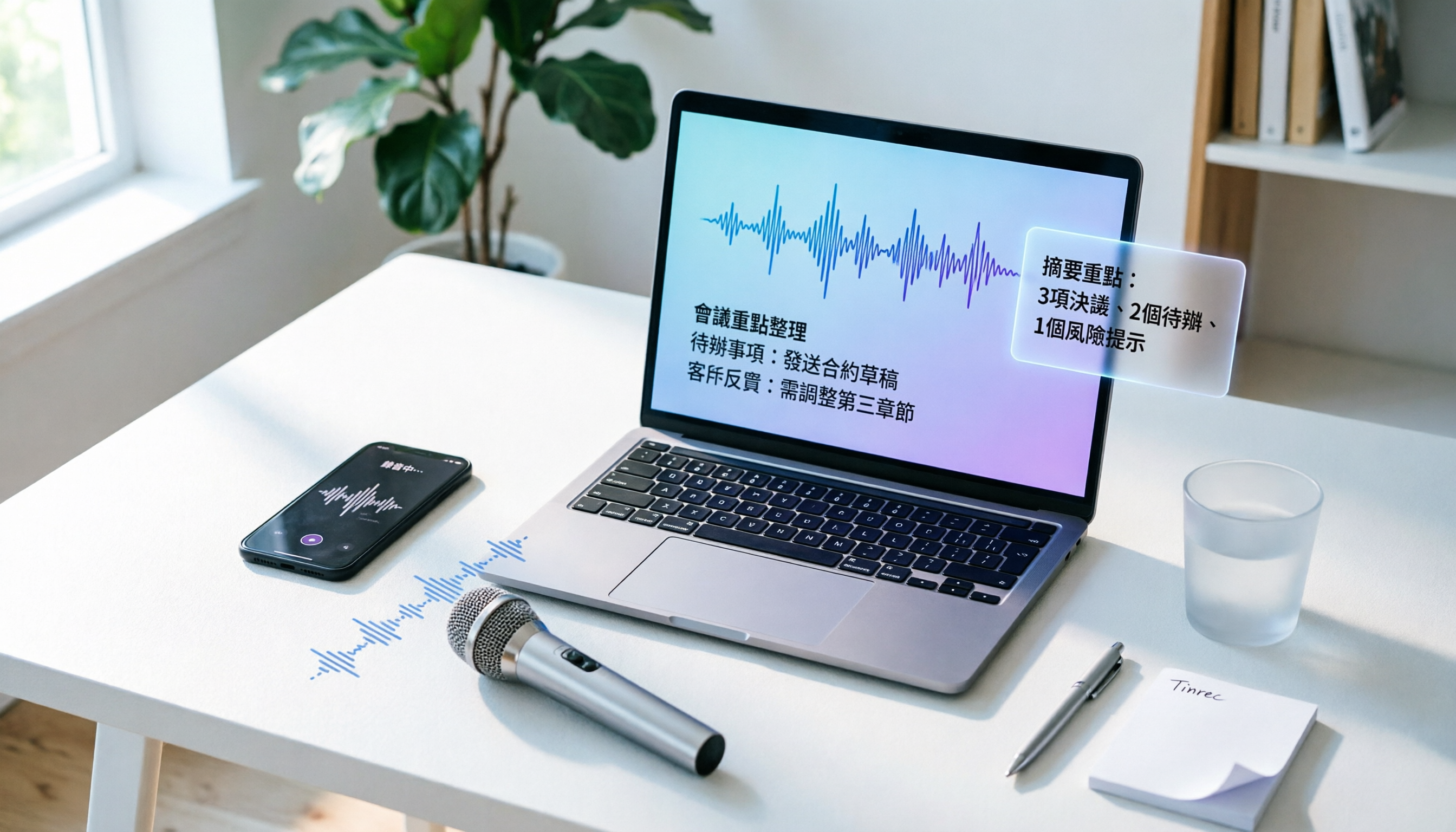
How to Convert Audio to Text in 2026? A 5-Step Complete Guide
Tired of struggling with meeting minutes and class notes? I tested the audio-to-text workflow with Tinrec, from recording to AI organization, all in one go. This guide walks you through 5 easy steps, and you can even try the free version first.