
Turn recordings into transcripts and summaries in minutes
Upload audio or video for multilingual transcription, AI notes, and action items
2026 Hands-On Comparison of 5 AI Voice Tools: From ChatGPT Read-Aloud to Tinrec Audio/Video Organization, Which Is More Practical?
Think ChatGPT Read-Aloud Is Enough? What You Really Need Is the Ability to Turn Content into Data
ChatGPT's human-like voice read-aloud feature has gotten many people used to absorbing information by listening. But what happens after you listen? If your meeting recordings, course audio files, and interview videos are still piling up unorganized, you need more than just a read-aloud tool.
In real work scenarios, it's more common to find: a two-hour meeting takes another two hours to transcribe; or you need to find a key figure from last month's client call but have to listen from start to finish.
If you've experienced these situations, this article is written for you—we're not just answering "Can ChatGPT read aloud?" but also showing you which AI voice tools can truly turn audio and video into readily usable data.
Before Choosing an AI Voice Tool, Understand These 3 Key Points
1. Read-Aloud Is Just the Entry Point; Transcription and Organization Are the Real Needs
ChatGPT's read-aloud feature is suitable for "listening to text," but when you need to record, review, or organize, you'll need speech-to-text capabilities. Moreover, if the transcript is just a huge block of text, it's still hard to use—AI summarization, action item extraction, and chapter segmentation are what truly save time.
2. Where Does Your Content Come From? Determines Whether the Tool Can Keep Up
Some tools only support live recording and can't handle old audio files or YouTube videos; others are meeting bots that aren't much use outside online meetings. If you handle meetings, courses, interviews, and public videos found online, an AI voice tool that supports multiple input sources will suit you better.
3. Is the Free Tier Enough? Try Before You Decide
Almost every provider has a free version, but the limits vary greatly: some give 300 minutes per month, others only 100. We recommend running a real recording through the tool to see if the transcription quality and organization reports meet your needs before deciding to pay.
Tinrec (MiaoTing) — Not Just Transcription, It's Your Audio/Video Organization Workbench
Tinrec is an AI recording and audio/video organization tool that supports multiple input sources, covering iOS, Android, and web versions. It doesn't just convert speech to text; it further organizes the content into summaries, chapters, action items, and even lets you ask questions directly about the recording.
Open Tinrec during a meeting, and it will generate a transcript in real time. As soon as the meeting ends, the AI has already listed key summaries and action items—who should do what and by when, all at a glance. Moreover, what's most impressive about Tinrec is its "AI conversational query": after recording a long interview, you can ask it, "Where does the interviewee mention budget constraints?" It doesn't just give keyword search results but answers based on semantics, saving you a lot of re-listening time. Currently, competitors in the same price range rarely have similar features.
Besides live recording, you can also drag and drop old audio or video files for transcription, or paste YouTube or Bilibili links to organize public videos into editable text. For users who frequently handle course recordings and podcast episodes, these features are closer to daily work than ChatGPT, which can only read aloud.
In actual use, Tinrec's Chinese recognition stability is decent, and it handles mixed Chinese-English meeting content smoothly. While it's not recommended to compare it to studio-grade equipment, under typical meeting room or classroom recording conditions, the transcripts are good enough to let you grasp the key points within minutes, without having to listen from start to finish.
Even better, the transcribed content can be exported in multiple formats or synced to tools like Notion and Google Docs for further processing. If you want to turn meeting conclusions into a formal report, you can also use the subsequent Agent feature to do it automatically—this effectively turns audio/video data into a reusable knowledge base.
Stop organizing recordings by hand
Upload audio or video and automatically get a transcript, summary, and action items
Who Is It For?
If you frequently need to record meetings, take notes in class, organize interviews, or turn public videos into text, and you want to use AI to find key points and ask questions after recording, rather than being stuck in hours of audio, Tinrec is a very suitable choice.
Limitations
The free version has a basic transcription quota each month, suitable for occasional trials or light recording. If you have frequent meetings or classes, you'll need to consider upgrading to the Pro plan. Additionally, while AI summaries are convenient, it's recommended to quickly scan the original text to ensure no details are missed.
Beyond Tinrec, What Other Options Are There?
Otter.ai
Otter.ai is a veteran tool for English meeting notes, excelling in automatic joining of online meetings, speaker identification, and team collaboration. The free version offers 300 minutes of transcription per month, which is great for those who only record English meetings. However, its ability to organize Chinese and Cantonese content is weaker, and it lacks AI conversational query like Tinrec—after recording, you can only search by keywords, missing the flexibility of direct Q&A. If your primary scenario is English business meetings, Otter is worth considering; if you need to handle Chinese content or diverse audio sources, Tinrec is more practical.
Notta
Notta performs well in transcription and translation, with a free tier of 120 minutes per month, suitable for those who want quick subtitles or bilingual transcripts. However, its core is still a "transcription tool," lacking web video link parsing and subsequent AI organization features. In contrast, Tinrec allows you to paste video links directly, automatically generate summaries and action items, and continue asking questions and exporting after transcription—something Notta currently can't do.
PLAUD Note
PLAUD Note is a standalone AI recording hardware device, suitable for users who prefer carrying a dedicated recorder, with good battery life. However, it requires an additional purchase of about NT$5,000, and transcription features require a subscription; Tinrec only needs your phone or computer, no extra device needed for recording, transcription, and organization. If you already have a complete mobile ecosystem, Tinrec is a more cost-effective and lighter solution.
Pitfall Guide: 3 Common Mistakes When Choosing a Voice Tool
1. Only Looking at Price, Ignoring Use Cases
Many people rush to "free transcription" but later find the tool only supports online meetings, while what they most often record is face-to-face discussions or video content. First, inventory the types of audio you typically need to handle, then find the corresponding tool, so you don't end up registering and never using it.
2. Thinking a Transcript Is Enough, Without Organizing
If you just archive the transcript, it's almost the same as not transcribing. What truly saves time is AI summarization, key point highlighting, and action item extraction. Instead of spending time digging through a large text, choose a service that can organize it for you from the start.
3. Buying Hardware for Convenience, but Unable to Integrate into Daily Workflow
Recorders are lightweight and portable, but after recording, you still need to connect to the app, manually upload for transcription, and the resulting files may not export directly to your preferred note-taking software. Unless you truly need highly private offline recording, a pure software solution can meet most needs, and subsequent organization and search are smoother.
Summary: Which One Should You Choose?
If you simply want to listen to text, ChatGPT's read-aloud feature can satisfy you. But if your real problem is the mountain of recordings, courses, and videos—that's where AI voice tools should shine.
- Need English meeting transcription and team collaboration → Otter.ai is a familiar and stable choice
- Heavy transcription and translation, need subtitles → Notta is worth trying
- Prefer standalone recorders and hardware recording → PLAUD series can be considered
- But if you want one tool to handle meetings, courses, interviews, and online videos, and want to use AI to find key points, ask questions, and export reports after recording → Tinrec is currently the most complete solution
We recommend downloading the free version of Tinrec first and running it through your own meeting or course to experience the AI-organized results. If you find it useful, consider upgrading; there's no need to spend money upfront, which is the safest approach.
References
- ChatGPT Adds Human-like Voice Read-Aloud: 6 Ways to Enhance Knowledge Learning Experience by Listening
- [Free and Easy] How to Have a Voice Conversation with ChatGPT! Setup and Usage on PC and Smartphone | Text-to-Speech Software Ondoku
- ChatGPT has a voice read-aloud feature, but it works only occasionally ...
- Talk to ChatGPT without typing.
- Unlock ChatGPT Human-like Voice Read-Aloud Tips: Turn English Articles into Chinese Audiobooks
Turn every recording into actionable outcomes
Get 60 free transcription minutes when you sign in. No credit card required.
Related Reading
You might also like
2026 Hands-On Comparison of 3 Mobile Recording-to-Transcript Tools: Is the Free Version Enough? This AI Organizer Saves the Most Effort
Is iPhone's built-in transcription feature any good? We tested Tinrec, iPhone Voice Memos, and Otter.ai, comparing accuracy, AI summaries, cross-platform support, and free tiers to help you find the best recording-to-text solution.
Laptop Recording to Text in 2026: Use Tinrec to Auto-Generate Transcripts and Meeting Minutes
Tired of spending time sorting through laptop recordings? This guide shows you how to record with Windows’ built-in voice recorder, upload to Tinrec, and automatically get transcripts, summaries, and to-dos—making meeting and course notes stress-free.
2026 Recording Notes: Real-Time Transcription + AI Summary – iPhone Built-in vs Tinrec, Which Is More Complete?
This article compares iPhone's built-in Voice Memos/Notes recording features with the Tinrec recording tool, covering recording sources, transcription accuracy, AI organization, database search, and cross-platform export, to help you find the best way to organize meeting and course recordings.
2026 Free Speech-to-Text Tools Roundup: 5 Options at a Glance
Looking for where the recording feature is? What you actually need may not just be a recording feature, but a tool that turns recordings into useful information. This article rounds up 5 free or freemium speech-to-text options, from built-in apps to all-in-one AI tools, to help you pick the most time-saving choice.
Where Are iPhone Voice Memos Stored in 2026? 5 Steps to Find and Manage Recordings (Tutorial)
iPhone Voice Memos are stored in iCloud or within the app. Want to export them to the Files app or other cloud services? This article shows you how to locate recordings and use AI tools to turn meeting and lecture recordings into searchable text.
2026 Police Interview Recording Guide: Legal Self-Protection & AI Summarization
Can you record your own police interview? A senior student shares hard-won lessons, legal rules, and practical tips on when and how to record legally—and how Tinrec can auto-transcribe, summarize, and help protect your statement.

2026 Free Recording Organization Solutions: 2 Tools Compared
iPhone Notes is built-in and free, but Tinrec offers automatic transcription, AI summaries, and cross-platform organization. This article compares two free recording organization options across transcription, organization features, syncing, and exporting to help you find the right productivity tool.
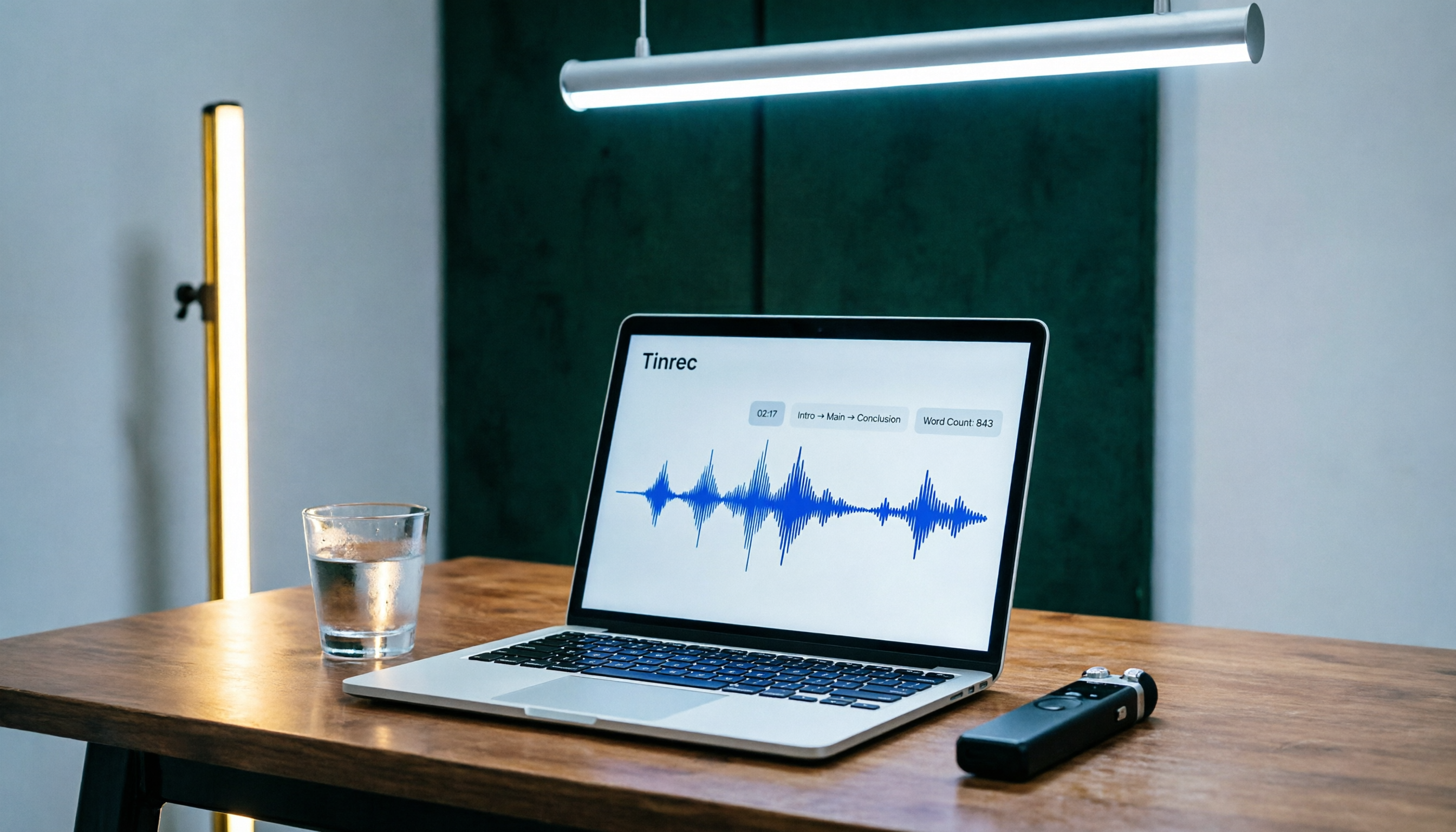
Tinrec Speech-to-Text 2026 Tutorial: Precisely Calculate 1,000-Word Speech Time + AI Auto-Organization
How long does a 1,000-word speech take? This article teaches you to calculate speaking rate based on the occasion and use Tinrec's speech-to-text feature to test your speech time, auto-generate transcripts and key summaries, so you can keep every presentation on schedule.

How to Change Font in iPhone Notes in 2026: A 5-Step Complete Guide
Changing fonts in iPhone Notes has its limits. This guide shows you how to use the latest iOS 18 features to apply bold, italics, headings, and text color, and compares Notes with Notion's full font capabilities to help you choose the right note-taking app for your needs.