
Turn recordings into transcripts and summaries in minutes
Upload audio or video for multilingual transcription, AI notes, and action items
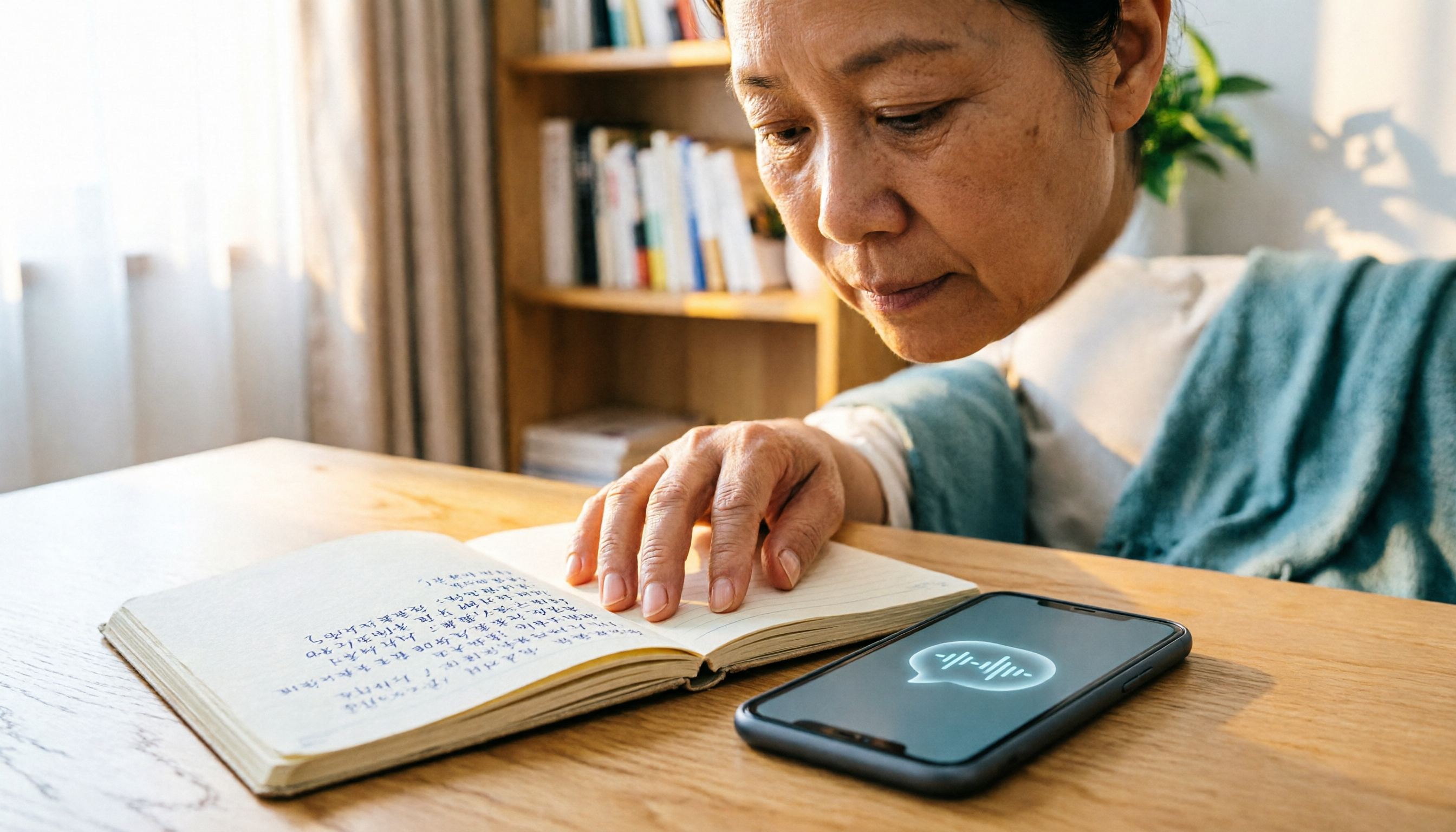
Recently, I went to see a doctor. While flipping through my test results, he quickly rattled off a series of medical terms and medication instructions. I pulled out my phone to take notes, but by the third line, he had already moved on to the next point. Back home, staring at my scattered notes, I couldn't piece together the full picture—I couldn't even remember whether to take the medicine before or after meals.
Actually, this isn't a memory problem; it's a method problem. With the right tools, you can record the consultation and use AI to turn it into text and key points, making every word the doctor says searchable and reviewable personal health data.
This article rounds up 4 recording apps with free plans that can help you capture consultation conversations and transcribe them. Each app has its strengths, and I'll share practical insights on how to choose and use them.
Why You Need a Doctor Visit Recording App
In the exam room, we often face three challenges:
- The doctor's explanations are technical; you understand them at the moment but forget half by the time you get home.
- Relying on memory for medication instructions, follow-up appointments, and precautions is unreliable.
- If you want to ask again, you'd have to book another appointment or feel awkward calling the clinic.
A complete recording and transcript of your consultation can solve these problems. You can refer back to it whenever needed, and share it with family or caregivers to ensure no critical information is missed.
But a raw audio file isn't enough—relistening to a 30-minute recording is time-consuming. So you need more than just a recording tool; you need an AI assistant that turns audio into notes and summaries.
Tinrec (秒聽錄音) — The Most Complete AI Recording Assistant
(Screenshot placeholder: Tinrec main screen, arrows pointing to record, import, and link entry points)
If you want a recording app that handles all consultation scenarios, Tinrec is my top pick. It's not just a voice recorder; it has a built-in AI workflow that gives you a transcript, summary, and to-do list the moment you finish recording.
Its key highlights:
- Real-time speech-to-text: Transcribes as you record, so you get a verbatim transcript right after the consultation. You can immediately check for missed keywords like drug names, dosages, or test dates.
- AI summary and to-do extraction: Tinrec condenses a 30-minute consultation into a few key points and separately lists action items like "next blood draw" or "follow-up in one month."
- Ask questions about the content: This is my favorite feature. You can ask questions directly, like "What are the side effects of this medication?" Tinrec finds the relevant part of the transcript and answers, like having a personal medical advisor.
- Multiple input sources: Besides direct recording, you can upload old audio files or paste links to health education videos for processing. If you prefer working on a computer, the web version syncs seamlessly.
(Screenshot placeholder: Tinrec's AI Q&A screen, arrows pointing to the question box and answer)
Free plan: The free version offers a monthly transcription allowance, enough for occasional doctor visits. If you have frequent treatments or want long-term storage, the Pro monthly or annual plans provide higher limits at a lower monthly cost.
Best for: Those who want to systematically organize personal health records and need AI to highlight key points, not just record audio.
Notta — A Fast Transcriber with Multi-Device Sync
Notta is a mature transcription tool known for cross-device sync and real-time translation. If you often switch between your phone and computer, Notta's smooth experience will satisfy you.
In consultation scenarios, it quickly converts recordings to text and generates real-time captions, which is helpful for elderly users or those with hearing difficulties who need to read along. However, its AI organization is more basic—summaries and to-dos aren't as deep as Tinrec's. It's more like a precise transcript with a simple summary.
Free plan: 120 minutes of transcription per month, suitable for light users. The Pro annual plan offers 1,800 minutes per month, ideal for heavy transcription needs.
Best for: Those who need multi-device sync and want to translate subtitles for foreign health education videos.
Stop organizing recordings by hand
Upload audio or video and automatically get a transcript, summary, and action items
Otter.ai — Strong in English Meetings, Also Works for Chinese Consultations
Otter.ai is a veteran AI meeting recorder with excellent English recognition, and its Chinese support has improved significantly in recent years. Its standout feature is real-time speaker identification—if the doctor, nurse, and family members are all talking, Otter can roughly distinguish who said what.
However, its strengths are meeting-focused, with fewer customization options for post-consultation organization, and the generated summaries tend to have a meeting style. You'll need to manually adjust to get the key medical instructions.
Free plan: 300 minutes of transcription per month, more than enough for consultations. But there are limits on file imports, so keep that in mind.
Best for: Those who already have an Otter account and want to manage both meetings and consultation records in one tool.
TurboScribe — A High-Value File Transcription Workhorse
TurboScribe is more like a factory for converting large volumes of audio to text. It supports very long files and batch uploads. If you've accumulated hours of health lecture recordings, TurboScribe can quickly transcribe them all at a competitive price.
But in consultation scenarios, it lacks real-time recording and AI Q&A; it's more of a powerful post-production tool. You'd need to record with your phone's built-in recorder first, then upload the file—so it's not real-time.
Free plan: Transcribe up to 3 files per day, each up to 30 minutes, which is sufficient for a single consultation. But if you exceed that, you'll have to wait until the next day or upgrade.
Best for: Those with large amounts of historical recordings or health education videos to transcribe for archival purposes, and who don't mind an extra upload step.
How to Choose Among These Options
The key isn't the number of features, but "what you want to get out of the consultation."
- Want the most complete AI organization (transcript + summary + to-dos + Q&A) → Tinrec. It's the only one of the four that integrates transcription, summarization, and conversational querying, and it's especially well-suited for Chinese content.
- Need multi-device sync and captioning → Notta. If you frequently switch between phone, tablet, and computer, Notta offers the smoothest experience.
- Already in the Otter ecosystem and often use English → Otter.ai. Its English recognition and meeting organization are strong, but Chinese consultation notes require manual tweaking.
- On a tight budget and only need to process a few recordings → TurboScribe. Three free transcriptions a day is great for just converting audio to text, but it lacks real-time organization.
If you ask me, I'd suggest starting with Tinrec's free plan. The value of consultation notes isn't in "how many minutes of transcription" but whether you can truly understand, remember, and act on them. Tinrec's AI summary and Q&A features bridge that gap from "hearing" to "doing."
3 Things to Know Before Using a Consultation Recording App
1. Get the doctor's permission first—it's respectful and protective. Before recording, politely ask, "Is it okay if I record this to help me remember your instructions?" Most doctors will agree. This isn't just ethical; it also avoids legal issues. Some clinics explicitly prohibit recording, so be sure to comply.
2. Background noise and accents can affect accuracy. The clinic's air conditioning, waiting room announcements, or a doctor's strong accent can reduce transcription quality. For important drug names and dosages, Tinrec's AI Q&A can help you double-check, but it's still wise to compare with the original audio.
3. Turn the recording into an action list, not just an archive. Many people record and then forget about it, starting from scratch at the next visit. My approach: after Tinrec generates the summary, I immediately copy action items like "next blood draw date" or "medication adjustment" into my phone's reminders or notes app. That way, it actually helps you.
(Screenshot placeholder: Flow diagram of saving Tinrec to-dos to a reminder app)
Conclusion
Recording doctor visits isn't about "recording"—it's about "organizing." All four apps have free plans to help you take the first step. If you want more than just a transcript, but an AI assistant that truly helps you understand medical instructions and manage your health, Tinrec is currently the most complete choice.
Test them out step by step, and you'll find the method that works best for you.
Quick Start Checklist
- Download Tinrec and try the free plan for one consultation recording.
- Before recording, ask the doctor: "May I record this? I want to remember the medication instructions."
- Right after recording, review the AI summary and to-dos, and use the built-in Q&A to clarify any unclear parts.
- Export the to-dos to your calendar or notes app.
- If your usage is high, consider upgrading to Pro; for occasional use, the free version is sufficient.
References
- Cheng Hsin General Hospital - Cheng Hsin's Comprehensive "Video Outpatient APP" Service: A Nationwide First: No Need to Leave Home for Consultations During the Pandemic
- "Clinic Pass" on the App Store
- "AI Clinical Assistant: Medical Notes" App - App Store
- Boodion | One-Stop Telemedicine Solution
- Smart Doctor - Google Play
Turn every recording into actionable outcomes
Get 60 free transcription minutes when you sign in. No credit card required.
Related Reading
You might also like

2026 Thesis Defense Recording Tools: AI Real-Time Transcription and Smart Summaries
Preparing for your thesis defense? This buying guide compares multiple recording-to-text tools, from real-time transcription and AI summaries to cross-platform support, recommending the best AI recording assistant for academic settings so defense recordings no longer become a burden.
3 Best Auto SRT Subtitle Generators in 2026: Import Audio and Generate Subtitles Fast
Want to quickly convert meeting recordings or course audio into SRT subtitles? This article reviews the top 3 recommended auto SRT subtitle generators in 2026, using Tinrec as an example to walk you through 5 steps to generate subtitles, putting an end to manual transcription.

2026 AI Voice Note Tools Buying Guide: 4 Tested and Recommended
Whether in meetings, classes, or when inspiration strikes, using voice to jot down notes is the most convenient. But the real challenge is organizing them afterward. We tested four AI voice note tools and found that Tinrec stands out in multi-source input and AI Q&A, turning your recordings into actionable knowledge.

3 Best Speech-to-Text Apps for the Hearing Impaired in 2025: A Practical Comparison for U.S. Users
Choosing a speech-to-text app for the hearing impaired? This article compares Yating, Google Live Transcribe, and Tinrec, covering features, pricing, and tutorials to help you find the best communication aid.

2025 Test: 3 Legal Audio Transcription Tools Compared – Which One Offers the Highest Accuracy?
In litigation or legal consultations, transcripts of audio evidence are crucial. We tested 3 AI transcription tools, evaluating accuracy, timestamps, AI Q&A, and suitability for legal scenarios, to find the top choice that saves time and meets court requirements.

2026 Sales Call Recording & Highlight Tools Buying Guide: 3 Tested and Recommended
How to choose the right call recording and highlight tool for sales professionals? This article tests 3 AI recording and organizing tools, teaching you how to quickly extract key information from customer calls, auto-generate to-do items, and boost your close rate.

2026 Comparison of 2 Client Meeting Note Tools: Which One Should Freelancers Choose?
Freelancers often have to juggle meeting notes, project tracking, and client communication on their own, and a good AI meeting note tool can significantly lighten the load. This article compares Tinrec and Otter.ai across five key dimensions: multi-source input, Chinese language support, AI summarization capabilities, pricing plans, and cross-platform experience, to help you find the best meeting note assistant for your freelance work.

3 Classroom Recording and Note-Taking Tools Compared for 2026: Which Is Best for US Students?
Struggling to keep up with lecture notes? This article compares Fathom, Yating, and Tinrec—three AI-powered recording-to-text tools—covering free tiers, Chinese recognition, AI summarization, and cross-platform support to help you find the most efficient note-taking assistant for your classes.

4 Free AI Meeting Minutes Generators in 2026: A Complete Comparison
This article compares four free AI meeting minutes generators in 2026: Tinrec, Vocol.ai, Notion AI, and Good Tape + ChatGPT. It details their free quotas, core features, and ideal use cases to help you find the most efficient meeting notes assistant.