

Turn recordings into transcripts and summaries in minutes
Upload audio or video for multilingual transcription, AI notes, and action items
2026 AI Voice Note Tools Buying Guide: 4 Tested and Recommended
Inspiration often strikes in the shower or on the commute—what you really need is an AI organization solution
Have you ever been in a meeting when a great idea suddenly pops into your head, so you quickly pull out your phone to record it, but then never listen to it again for months? Or after listening to a two-hour lecture, you stare at the recording file with no idea how to start organizing it. The worst part is that many speech-to-text tools on the market either have poor recognition for accented English or only provide verbatim transcripts, which don't help with summarization at all.
If you're facing these issues, this article is for you. With the right tool, you can save up to 80% of your organizing time, and even directly ask the AI: "What was the budget the client mentioned last time?" and get an instant answer.
Before Choosing an AI Voice Note Tool, Understand These 4 Key Points
1. Accuracy—Don't Just Look at Advertised Numbers
Many tools claim 98% accuracy, but those numbers are usually measured in soundproof recording studios. In real environments with air conditioning noise, keyboard clicks, and overlapping voices, the gap can be huge. We recommend testing the free version with your own recordings, especially for content with strong accents, as not all tools handle them well.
2. AI Organization Capability—Verbatim Transcripts Are No Longer Enough
Modern AI voice note tools should automatically generate summaries, chapters, key points, and even turn meeting discussions into to-do lists. If you still have to manually scroll through transcripts to find key points, you might as well type them out yourself.
3. Wide Input Sources
Besides live recording, would you like to organize existing audio files? Or convert YouTube or Bilibili tutorial videos into text notes? Some tools only support recording, while others can even process video links, making a big difference in flexibility.
4. Cross-Platform Sync—Record on Your Phone, Continue Editing on Your Computer
Americans are glued to their phones, but when you get to the office, you want to review on a bigger screen. If the app doesn't have a web or desktop version, you'll have to manually transfer files, which is time-consuming and error-prone. Choose a tool that supports iOS, Android, and web for maximum convenience.
Tinrec—Our Top Pick After Testing
Tinrec is an AI recording and audio/video organization tool designed for meetings, learning, interviews, and content creation. It supports iOS, Android, and web, and its mission is to "turn audio into actionable knowledge," going beyond just providing verbatim transcripts.
Hands-On Experience: Ask Right After Recording, AI Gives You Answers
When you open Tinrec during a meeting, it transcribes in real time. In our test with a 5-minute English news segment (iPhone 15, with some background noise), about 90% of the words were correct. While there were occasional errors, the overall readability was high. The best part is that after recording, you can directly ask the AI: "Who mentioned the marketing deadline earlier?" It uses semantic understanding to give you the answer directly, rather than just showing keyword search results. This feature is rare among comparable products.
Three Major Advantages
- Multi-Source Input, Not Just Recording: In addition to live recording, Tinrec allows you to upload audio and video files, or even paste YouTube or Bilibili links, converting the entire video into text and summaries. This is extremely useful for people who regularly organize online tutorials or podcasts.
- Thorough AI Organization: It automatically generates summaries, chapters, and to-do items, and can export as mind maps, meeting minutes, or even sync directly to Notion or Google Docs. The Agent post-processing mode can also generate reports or tables, saving you even more time on post-production.
- True Cross-Platform: The mobile app and web version sync seamlessly. I recorded an idea on my iPhone on the go, then continued editing on my computer at the office without needing to transfer files. The workflow is smooth.
Stop organizing recordings by hand
Upload audio or video and automatically get a transcript, summary, and action items
Limitations
The free version has a monthly transcription quota, so heavy users may need to upgrade. However, if you only have two or three meetings a week, the free version is sufficient for testing. Additionally, while the AI Q&A is powerful, for extremely complex or overlapping conversations, the summaries may still have omissions. For important decisions, it's advisable to cross-reference the original recording.
Who Is It Best For?
If you frequently handle content with strong accents or non-standard English, and want to use AI to find key points and summarize after recording, or need to convert YouTube videos into notes, Tinrec is currently the most comprehensive choice.
Other Options Besides Tinrec
Audiopen AI: This app can automatically rewrite voice notes into clear, well-structured short texts, and also has a "super key points aggregation" feature, making it suitable for those who want to turn scattered ideas into articles. However, it doesn't have built-in AI conversational queries, so finding specific content after recording requires manual scrolling. It also doesn't support directly organizing web video links, where Tinrec is clearly more flexible.
Voicenotes: Its AI auto-tagging and task generation are convenient, and its most unique feature is the ability to turn notes into public topic pages (Pages) that others can subscribe to and ask questions, making it suitable for creators looking to build a personal knowledge brand. However, Voicenotes is primarily positioned for voice input and doesn't allow uploading existing audio files or video links. If you want to organize past recordings or online resources, Tinrec is more helpful.
Pixno (Photes.io): This app's strength lies in converting images, PDFs, and audio into notes, and it also has an AI tutor for Q&A, making it suitable for students organizing lecture recordings and study materials. However, its core is document OCR, not real-time recording transcription or video link processing. Cross-platform sync is also not as smooth as Tinrec. If your main need is organizing meetings and idea recordings, Tinrec is more convenient.
Pitfall Guide: 3 Common Mistakes When Choosing AI Voice Note Tools
Pitfall 1: Assuming "Speech-to-Text" Equals "Organized"
Many tools just give you a verbatim transcript, and you have to slowly go through an hour of content yourself. In reality, "AI organization" is the core feature—such as automatically generating summaries, to-do items, and chapters. These features truly save you time. Tinrec's AI Q&A goes a step further by giving you direct answers, so make sure to use it.
Pitfall 2: Ignoring Input Source Limitations
Some apps only do live recording, but you might have a bunch of old recordings or want to organize YouTube videos. Think about whether you'll use it for such content before choosing, otherwise you'll regret it after purchasing.
Pitfall 3: Committing Without Testing Accent Performance
Many tools boast multilingual support, but actual recognition for accented English can vary drastically. Always test the free version with your own recordings, especially in real environments with mixed languages and background noise. Try before you pay.
Summary: Which One Should You Choose?
After testing four tools, Tinrec clearly excels in multi-source input, AI Q&A, and cross-platform integration, making it especially suitable for users who need to handle accented English. Here's a quick decision guide by scenario:
- Need to organize meetings, classes, interviews, and ask AI to find key points → Tinrec (the only one with AI conversational queries and web video transcription)
- Just want to turn voice ideas into short texts without complex organization → Audiopen (multiple rewriting styles, but more limited features)
- Want to build a public voice knowledge base and interact with followers → Voicenotes (unique Pages feature, but limited input sources)
- Students who want to turn study materials, images, and recordings into notes all at once → Pixno (strong OCR, but real-time recording transcription is not its strength)
In conclusion, if you want a comprehensive AI voice note tool, Tinrec is the most worthwhile choice. We recommend downloading the free version first to experience the convenience of AI Q&A and multi-source input. Upgrade only if it suits your needs—no need to pay upfront.
References
- The Next-Gen "Speech-to-Text" Tool: Audiopen AI In-Depth Introduction and Tutorial | Reading Outpost
- Is AI Voice Note Voicenotes Good? A Frictionless Experience from "Inspiration to Action" with One Sentence! Complete Tutorial | Future Commerce
- AI Note Assistant - Generate Notes from Images, Documents, and Audio | Pixno
- No Time Limit! 3 Free AI Transcription Tools, Highly Recommended! AI Voice Notes Generate Meeting Minutes, Presentations, and Mind Maps | 104 Career Force
- AI Meeting Notes in Notion | Capture Ideas, Summaries ...
Turn every recording into actionable outcomes
Get 60 free transcription minutes when you sign in. No credit card required.
Related Reading
You might also like

2026 Free AI Lecture Recording to Notes Tools: 3 Options Compared
Based on a mid-level manager's hands-on experience, this article compares the free plans of 3 AI tools that turn lecture recordings into notes, with an in-depth look at how Tinrec helps you quickly convert training recordings and online courses into structured notes, boosting learning and review efficiency.
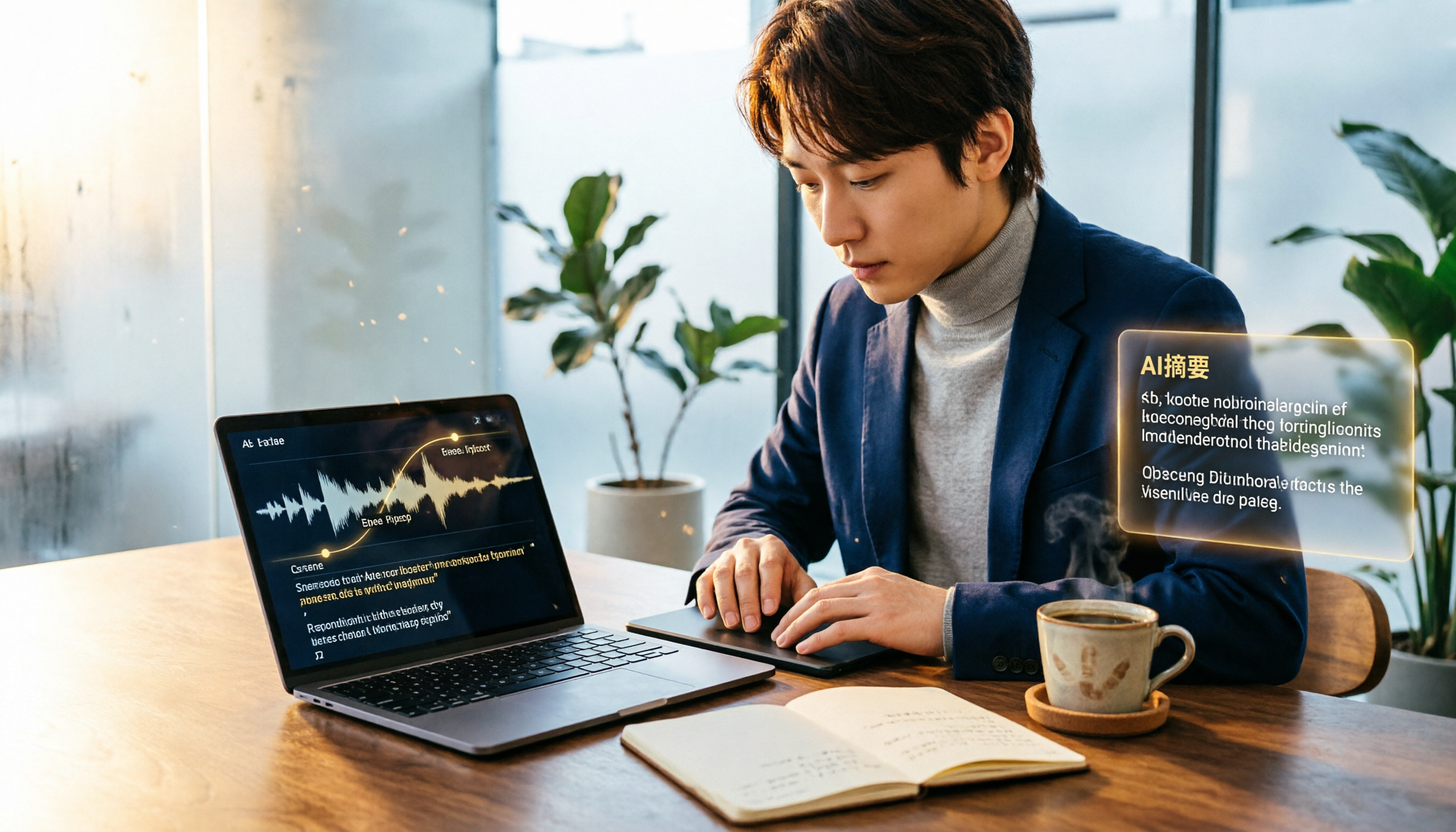
2026 Comparison of 2 Speech-to-Text Tools: Timestamp Jump vs. AI Summarization—Which Is More Practical?
An in-depth comparison of Tinrec and MyEdit, two leading speech-to-text tools, covering timestamps, AI summaries, input sources, and pricing to help you choose the best transcription solution for your needs.

Tinrec vs Yating Transcription 2026: 4-Dimension Comparison, AI Organization Capabilities Are the Deciding Factor
How can journalists quickly generate transcripts after interviews? This article compares Tinrec and Yating Transcription across four key dimensions—accuracy, smart organization, cross-platform support, and free plans—to help you choose the best voice-to-text tool.

5 Free Real-Time Captioning and Translation Tools for Remote Meetings in 2026
Struggling to understand and keep up with cross-border remote meetings? This article reviews 5 free real-time captioning and translation solutions, with an in-depth look at how the AI recording and transcription tool Tinrec can help you fully capture meetings, quickly generate transcripts and summaries, and make post-meeting translation easier.

How to Use AI to Organize Your Year-End Performance Review: A 5-Step Guide (Using Tinrec as an Example)
Year-end performance reviews are approaching, and you're still wondering how to turn a year's worth of meeting recordings and course notes into a compelling work summary? This article uses Tinrec, a voice-to-text app, as an example to teach you 5 steps to convert accumulated audio content into transcripts, automatically generate meeting minutes, and use AI Q&A to quickly extract key achievements, making your annual self-assessment a breeze.

2026 Thesis Defense Recording Tools: AI Real-Time Transcription and Smart Summaries
Preparing for your thesis defense? This buying guide compares multiple recording-to-text tools, from real-time transcription and AI summaries to cross-platform support, recommending the best AI recording assistant for academic settings so defense recordings no longer become a burden.
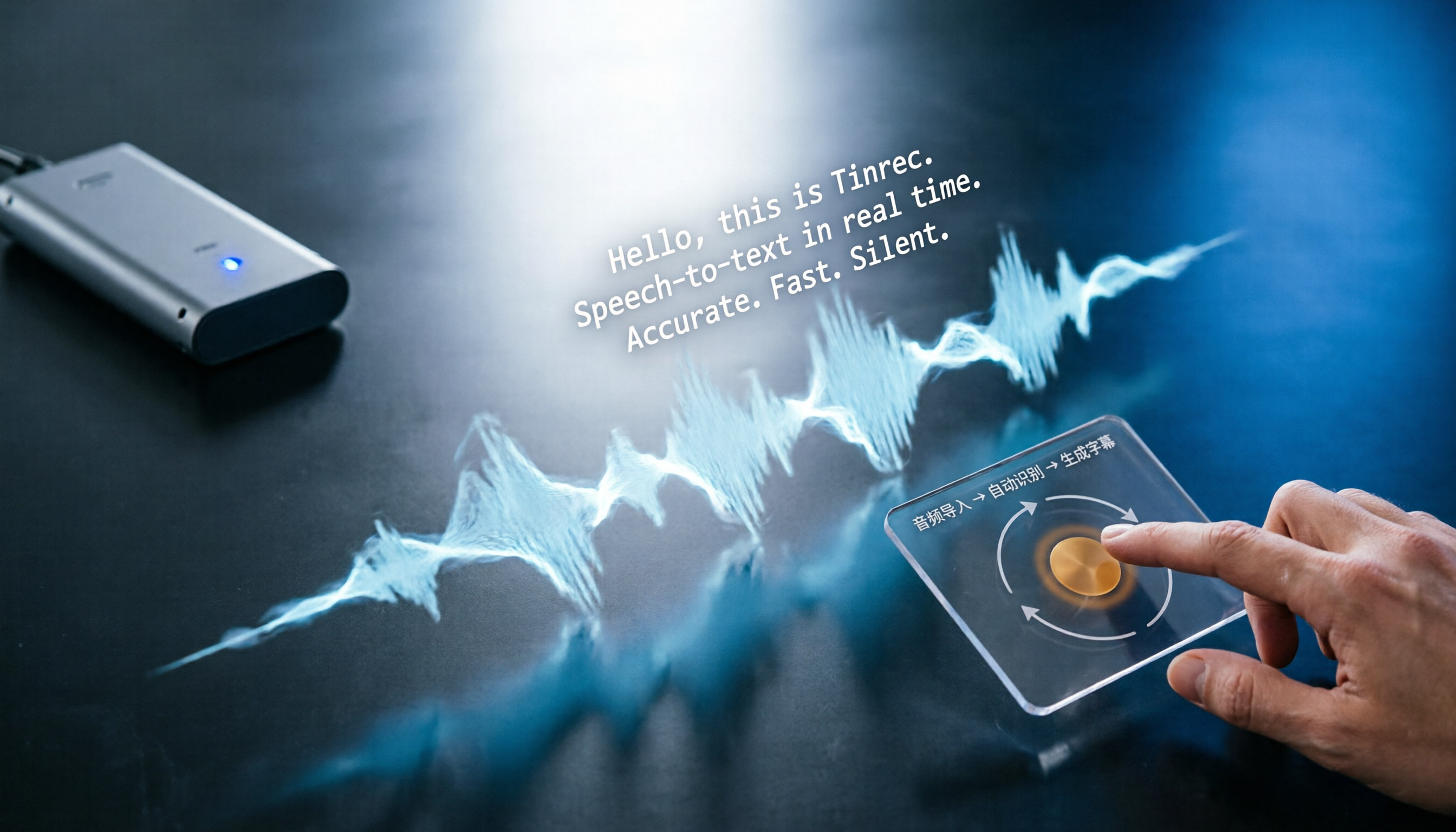
3 Best Auto SRT Subtitle Generators in 2026: Import Audio and Generate Subtitles Fast
Want to quickly convert meeting recordings or course audio into SRT subtitles? This article reviews the top 3 recommended auto SRT subtitle generators in 2026, using Tinrec as an example to walk you through 5 steps to generate subtitles, putting an end to manual transcription.

3 Best Speech-to-Text Apps for the Hearing Impaired in 2025: A Practical Comparison for U.S. Users
Choosing a speech-to-text app for the hearing impaired? This article compares Yating, Google Live Transcribe, and Tinrec, covering features, pricing, and tutorials to help you find the best communication aid.

2025 Test: 3 Legal Audio Transcription Tools Compared – Which One Offers the Highest Accuracy?
In litigation or legal consultations, transcripts of audio evidence are crucial. We tested 3 AI transcription tools, evaluating accuracy, timestamps, AI Q&A, and suitability for legal scenarios, to find the top choice that saves time and meets court requirements.