
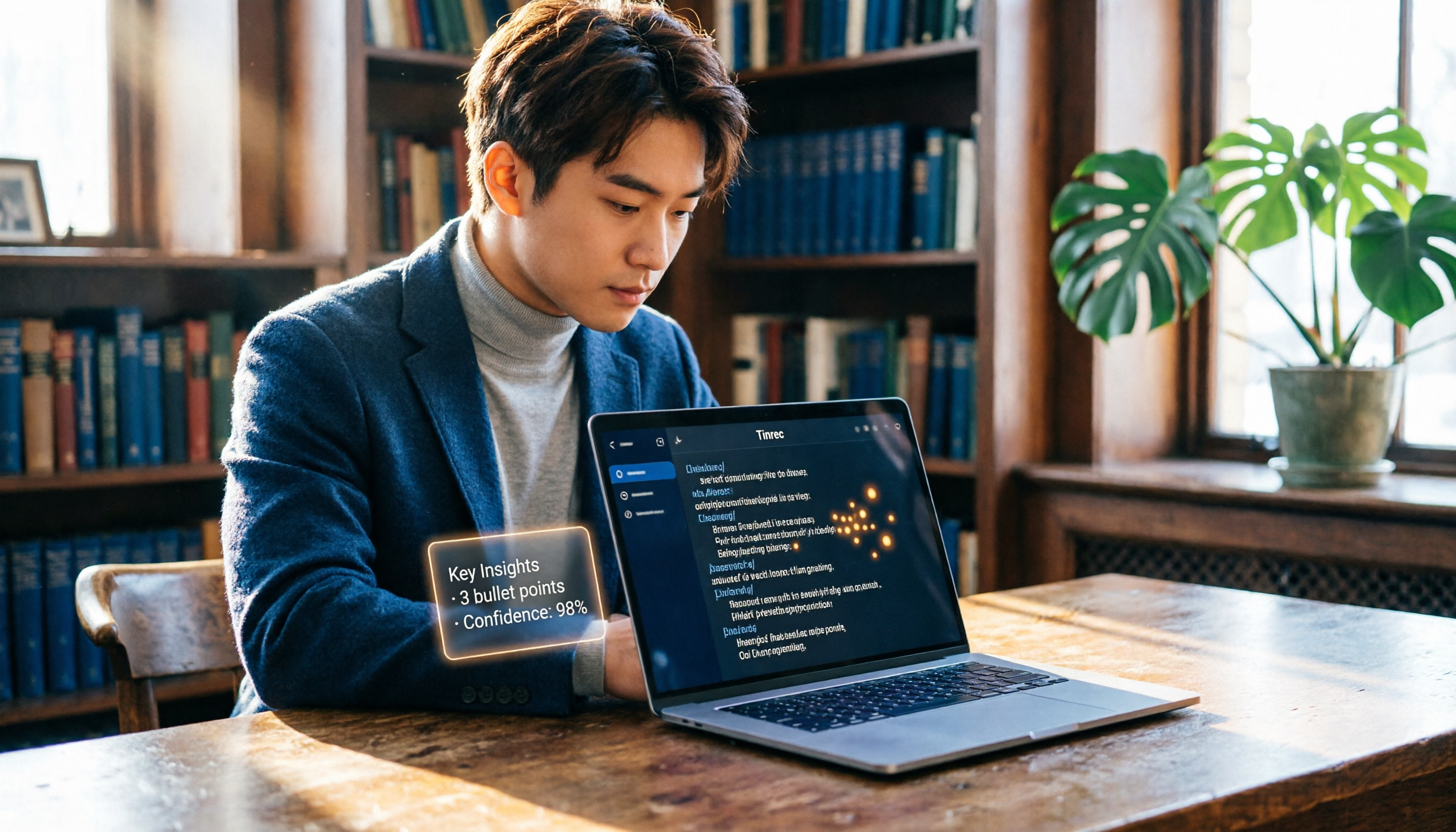
Turn recordings into transcripts and summaries in minutes
Upload audio or video for multilingual transcription, AI notes, and action items
2026 Thesis Defense Recording Tool Buying Guide: Hands-On Recommendation for This AI Assistant
Spending hours organizing your thesis defense recording? What you need isn't just a voice recorder
Two hours of oral defense, then a whole weekend transcribing the recording—this is a common nightmare for many graduate students. To make it worse, professors' questions often mix Chinese and English technical terms, sometimes with accents, which traditional transcription tools can't handle. If you miss a key suggestion, your thesis revision direction could go completely off track.
In fact, with the right recording tool, these pain points can be solved. In the next few minutes, I'll guide you step by step, from a procurement evaluation perspective, to pick the best AI recording assistant for thesis defense scenarios.
Before Choosing a Recording Tool, Understand These 4 Key Points
Accuracy: 99% Isn't Always Reliable
Don't just trust the official "99% recognition rate." That's measured in a quiet recording studio. In a real defense room, there may be air conditioning noise, chair squeaks, or even professors whispering—all of which affect transcription quality. It's recommended to test with your own audio files; that's when differences between tools become apparent.
AI Features Determine Your Productivity
Simply converting speech to text is no longer enough. You need tools that can automatically summarize key points, mark professor questions, or even let you ask questions about the recording. For example, when you want to find "which section did Professor X suggest changing," instead of manually searching through a 30-minute transcript, you can directly ask the AI: "What were the professor's opinions on the experimental design?" Such features can save you a lot of time.
Cross-Platform Support: Don't Be Tied to a Single Device
You might record on your phone today and want to edit on your laptop tomorrow. If the tool only has a mobile app, organizing becomes cumbersome. Good recording tools should support mobile, desktop, and even web versions, with automatic sync of audio files and transcripts.
Free Trial: Test Before You Buy
Most tools offer free trials. Before your defense, test each tool with your own recording samples. Don't wait until the defense day to find out a tool doesn't work. It's recommended to prioritize tools with sufficient free quotas, and consider paid plans only after you've confirmed they meet your needs.
Tinrec (Miao Ting Lu Yin) — Our Top Pick After Hands-On Testing
Tinrec is an AI recording and audio/video organization tool developed by Miao Ting Technology. It's not just a voice recorder; it's more like your academic data assistant. It supports real-time recording, audio/video file uploads, and even pasting public video links, all of which can be converted into text, summaries, and to-dos.
In thesis defense scenarios, Tinrec's value is particularly evident:
- Real-time transcription: Open Tinrec during your defense, and it will generate a transcript as it records. Professors' questions and your answers appear in real time, word for word. After the session, you don't need to spend time transcribing; you can directly extract key points from the transcript.
- AI summaries and chapters: Defense recordings often last one to two hours. Tinrec can automatically segment chapters and generate summaries. You can quickly see sections like "Research Motivation," "Methodology Discussion," and "Future Suggestions," making it easy to review professors' feedback.
- AI chat query: The most impressive feature in our testing. After recording, you can ask questions directly about the recording, such as: "What were Professor Li's specific suggestions on the literature review?" Tinrec doesn't just search keywords; it uses semantic understanding to organize relevant passages and conclusions. Currently, few competitors in the same price range offer this feature.
We tested with a 10-minute simulated Chinese defense recording (with slight background noise). Tinrec achieved over 92% transcription accuracy, with excellent recognition of mixed Chinese-English and technical terms. More importantly, its AI summary accurately condensed the key questions from three professors, saving us significant time in follow-up organization.
Stop organizing recordings by hand
Upload audio or video and automatically get a transcript, summary, and action items
Pros:
- Supports real-time recording, file uploads, and web video transcription, covering a wide range of scenarios.
- AI chat query significantly reduces time to find key points.
- Cross-platform (iOS, Android, web), record anywhere, organize anywhere.
- Excellent for Chinese content, with good recognition of mixed Chinese-English.
Limitations:
- The free version offers basic quotas; heavy users need to pay. However, for students with a few defenses or meetings per month, the basic quota should suffice.
- In extremely noisy environments (e.g., strong outdoor wind), accuracy may slightly decrease, but this is a common limitation of all tools.
Who it's for: If you're preparing for a thesis defense, want to save transcription time, and hope to quickly find professors' revision suggestions after recording, Tinrec is currently the most suitable choice.
Beyond Tinrec: What Other Options Are There?
Yating Transcript
A well-known Taiwanese speech-to-text tool. Its strengths are strong multi-speaker recognition and friendliness to Taiwanese accents. However, the free version has no transcription quota; you must pay to use it, and it lacks AI chat query—after recording, you can only manually search line by line, making organization less efficient. If you only care about multi-speaker recognition and don't mind the cost, it's worth considering, but if you want AI to analyze recording content, Tinrec's AI Q&A feature is much more convenient.
Otter.ai
The top choice for English meetings, with a generous free quota of 300 minutes per month, suitable for all-English defenses or international students. However, it focuses on the English market and has extremely weak Chinese support; it doesn't even support Chinese transcription. If your defense is primarily in Chinese, Otter won't help at all. It's only recommended for students with all-English defenses who don't need Chinese transcription.
inFin
Offers free unlimited recording-to-text, which is great for students with zero budget. But its drawbacks are clear: lower transcription accuracy, especially with background noise or heavy accents, leading to higher error rates. It also lacks AI summaries and Q&A, producing only basic transcripts. If you just need a rough transcript for quick notes, inFin can serve as a stopgap, but for accurately organizing professors' feedback, Tinrec's accuracy and AI features are more reliable.
Pitfall Guide: 4 Common Mistakes When Choosing a Recording Tool
Pitfall 1: Only Looking at Advertised Accuracy
Many tools tout "98% accuracy," but that's in a lab environment. Real defense settings have various issues. It's best to test with your own defense recording samples to avoid buyer's remorse.
Pitfall 2: Ignoring AI-Assisted Features
Think transcription is all you need? Wrong! Transcription is just the first step. The key lies in subsequent summarization and search. If a tool lacks AI Q&A or auto-summarization, you'll still have to manually sift through text, using only a fraction of its potential.
Pitfall 3: Forgetting Cross-Platform Needs
You record on your phone on defense day, then want to organize on your computer at home—but the tool only has a mobile app, making file export a hassle. Choose a tool that supports web or desktop versions to avoid future bottlenecks.
Pitfall 4: Paying Without Trying First
Everyone's recording environment and accent differ. During the free trial, record a mock defense to see how transcription and AI summaries perform before deciding to pay.
Summary: Which One Should You Choose?
Based on our comprehensive testing, Tinrec performs most comprehensively in thesis defense scenarios: excellent Chinese recognition, unique AI chat query, and cross-platform convenience. Here are scenario-based recommendations:
- Thesis defense, mixed Chinese-English, need AI to find key points → Tinrec (exclusive AI Q&A, auto-summarization and chapters)
- Zero budget, all-English recording → Otter.ai (the only non-Tinrec recommendation)
- Only need multi-speaker recognition, don't mind paying, and no AI needed → Yating Transcript
- Emergency use, just need a rough transcript → inFin
We recommend downloading Tinrec's free version first, using the basic quota to record one or two mock defenses, and experiencing the convenience of AI Q&A firsthand. If you find it useful, then consider a paid plan; there's no need to pay upfront. After all, good tools are meant to save time, not to test your luck.
References
- Meeting Ink - 2026 AI Meeting Recording Tools Test: 8 Speech-to-Text and Summary Speed Comparison | Meeting Ink - AI Meeting Recording Assistant, Auto-Transcribe and Summarize
- [AI Voice Notes] 5 Highly Recommended AI Text Conversion Tools! Generate Transcripts and Meeting Minutes, Free vs. Subscription, Pros and Cons | 104 Career Force
- 2026 Recommended 6 Speech-to-Text Tools: Free Online Audio to Text!
- Unlimited Time! 3 Free AI Transcript Tools, Highly Recommended! AI Voice Notes Generate Meeting Minutes, Presentations, Mind Maps | 104 Career Force
- Yating Transcript
Turn every recording into actionable outcomes
Get 60 free transcription minutes when you sign in. No credit card required.
Related Reading
You might also like

2026 Free AI Lecture Recording to Notes Tools: 3 Options Compared
Based on a mid-level manager's hands-on experience, this article compares the free plans of 3 AI tools that turn lecture recordings into notes, with an in-depth look at how Tinrec helps you quickly convert training recordings and online courses into structured notes, boosting learning and review efficiency.
2026 Comparison of 2 Speech-to-Text Tools: Timestamp Jump vs. AI Summarization—Which Is More Practical?
An in-depth comparison of Tinrec and MyEdit, two leading speech-to-text tools, covering timestamps, AI summaries, input sources, and pricing to help you choose the best transcription solution for your needs.
Tinrec vs Yating Transcription 2026: 4-Dimension Comparison, AI Organization Capabilities Are the Deciding Factor
How can journalists quickly generate transcripts after interviews? This article compares Tinrec and Yating Transcription across four key dimensions—accuracy, smart organization, cross-platform support, and free plans—to help you choose the best voice-to-text tool.
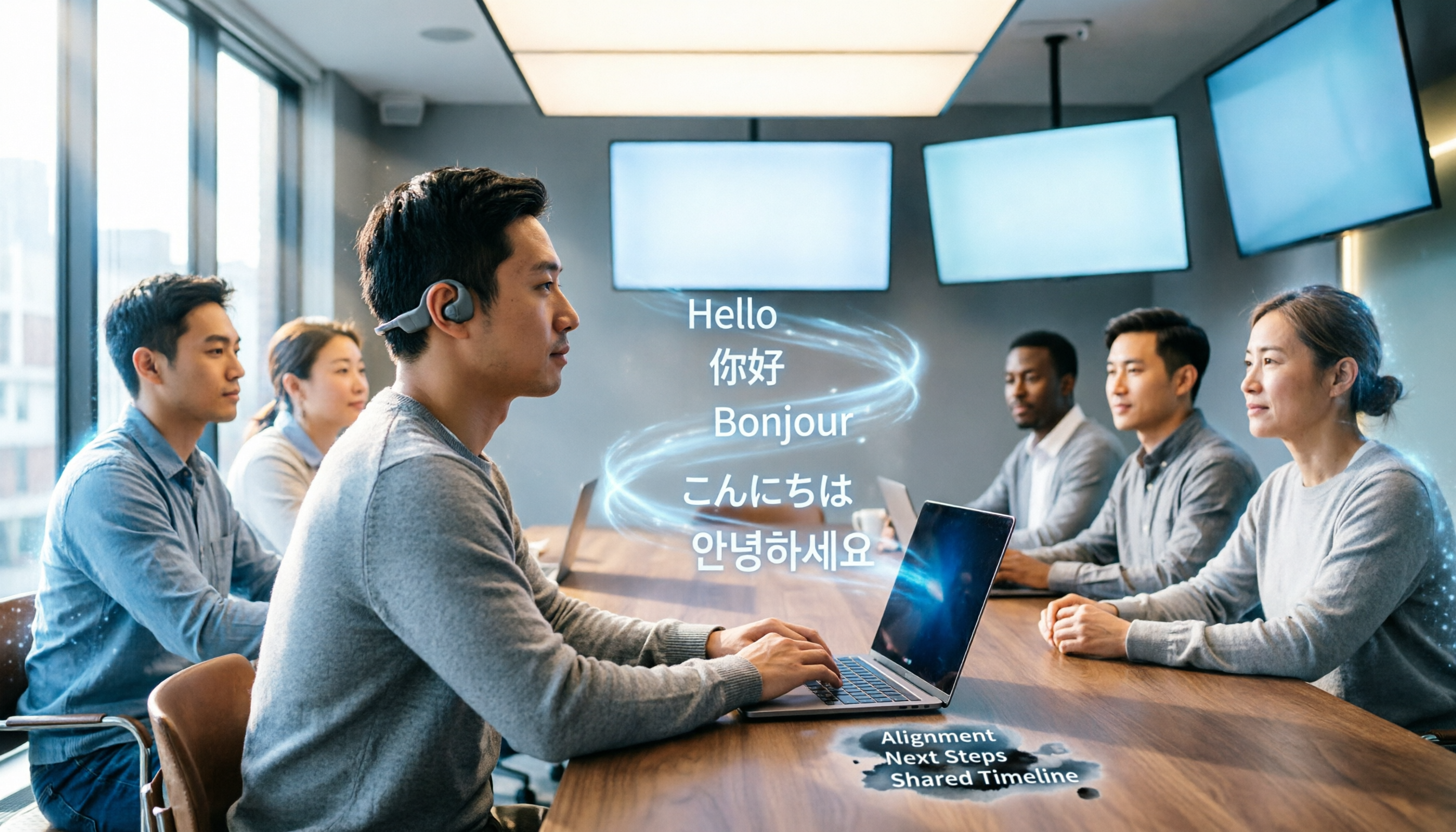
5 Free Real-Time Captioning and Translation Tools for Remote Meetings in 2026
Struggling to understand and keep up with cross-border remote meetings? This article reviews 5 free real-time captioning and translation solutions, with an in-depth look at how the AI recording and transcription tool Tinrec can help you fully capture meetings, quickly generate transcripts and summaries, and make post-meeting translation easier.

How to Use AI to Organize Your Year-End Performance Review: A 5-Step Guide (Using Tinrec as an Example)
Year-end performance reviews are approaching, and you're still wondering how to turn a year's worth of meeting recordings and course notes into a compelling work summary? This article uses Tinrec, a voice-to-text app, as an example to teach you 5 steps to convert accumulated audio content into transcripts, automatically generate meeting minutes, and use AI Q&A to quickly extract key achievements, making your annual self-assessment a breeze.
3 Best Auto SRT Subtitle Generators in 2026: Import Audio and Generate Subtitles Fast
Want to quickly convert meeting recordings or course audio into SRT subtitles? This article reviews the top 3 recommended auto SRT subtitle generators in 2026, using Tinrec as an example to walk you through 5 steps to generate subtitles, putting an end to manual transcription.

2026 AI Voice Note Tools Buying Guide: 4 Tested and Recommended
Whether in meetings, classes, or when inspiration strikes, using voice to jot down notes is the most convenient. But the real challenge is organizing them afterward. We tested four AI voice note tools and found that Tinrec stands out in multi-source input and AI Q&A, turning your recordings into actionable knowledge.

3 Best Speech-to-Text Apps for the Hearing Impaired in 2025: A Practical Comparison for U.S. Users
Choosing a speech-to-text app for the hearing impaired? This article compares Yating, Google Live Transcribe, and Tinrec, covering features, pricing, and tutorials to help you find the best communication aid.

2025 Test: 3 Legal Audio Transcription Tools Compared – Which One Offers the Highest Accuracy?
In litigation or legal consultations, transcripts of audio evidence are crucial. We tested 3 AI transcription tools, evaluating accuracy, timestamps, AI Q&A, and suitability for legal scenarios, to find the top choice that saves time and meets court requirements.