
Turn recordings into transcripts and summaries in minutes
Upload audio or video for multilingual transcription, AI notes, and action items
5 Free Real-Time Captioning and Translation Tools for Remote Meetings in 2026
I attend about 15 meetings a week—team meetings, project status updates, one-on-ones, cross-departmental coordination—and the ones I dread most are cross-border meetings. When the other party speaks English or Japanese, even with meeting software captions, heavy accents and fast speech can make me miss key points. Worse, after the meeting, I have to organize notes, listen to recordings, and type up transcripts, often working until 10 PM.
Eventually, I realized that real-time captioning and translation tools for remote meetings come in several types. Some are built into meeting software, some are dedicated real-time translation apps, and there's a category like Tinrec—an AI recording and transcription tool. It doesn't do real-time translation, but it can turn the entire meeting into text, which you can then translate and organize later. For a manager like me who attends 15 meetings a week, that's actually more practical.
This article compiles the 5 types of solutions I've tested, with a focus on Tinrec, and shares how to use AI recording and transcription to solve the pain points of remote meeting documentation.
What Can Real-Time Captioning and Translation Do for You?
Scenario 1: During the Meeting, Captions Aid Comprehension
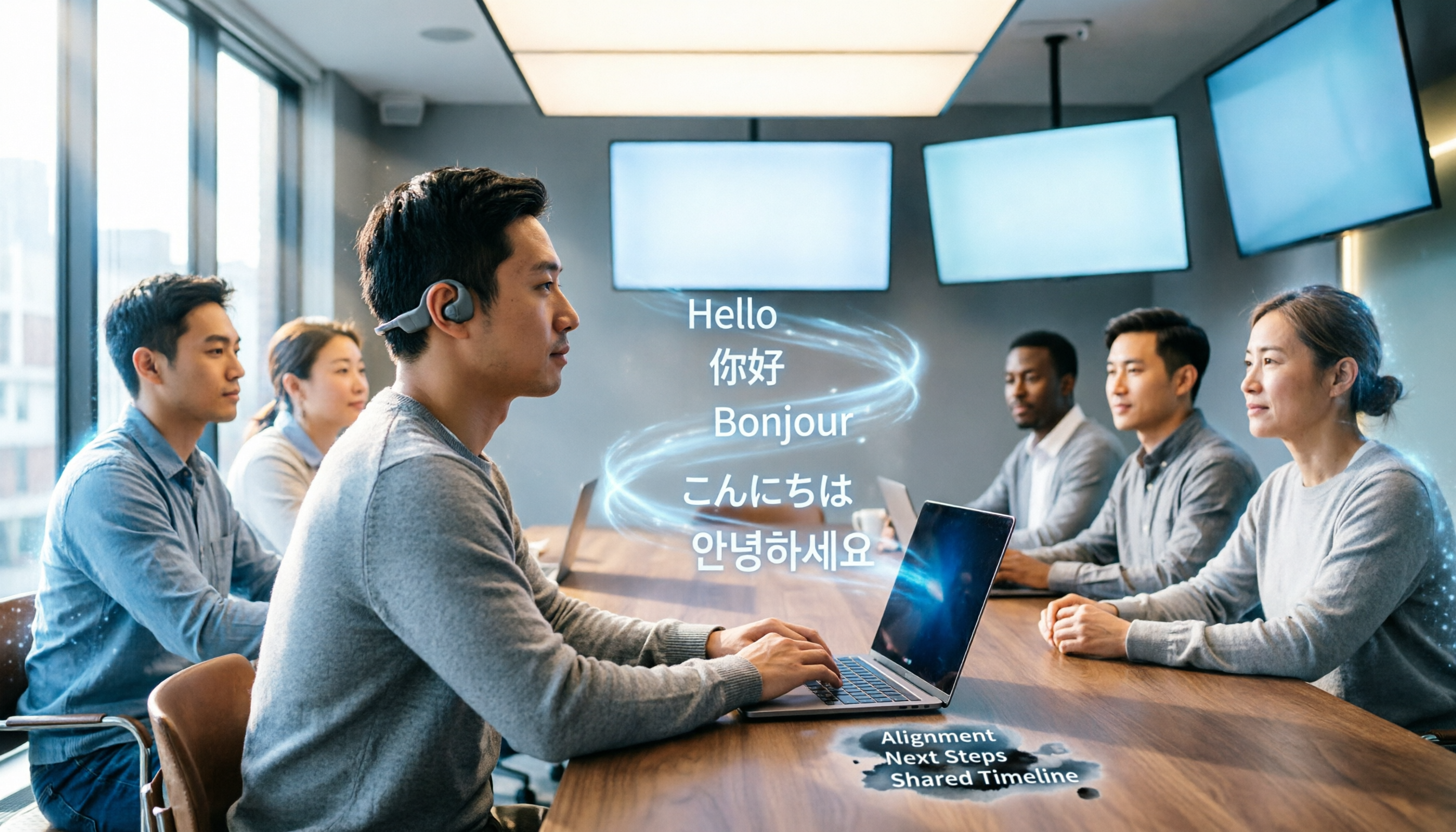
The biggest fear in cross-border meetings is not being able to keep up with listening. Take Tinrec as an example: although it's not a real-time translation tool, its live recording-to-text feature can display captions in real time during the meeting (by capturing computer audio), giving you an extra visual aid. Even if the meeting software's built-in captions are inaccurate, Tinrec provides a second transcription reference, letting you listen and read simultaneously to reduce the risk of missing information.
Scenario 2: Quickly Organize Transcripts and Summaries After the Meeting
Previously, after a two-hour meeting, I might spend another hour listening to the recording and typing up the transcript. Now, with Tinrec, by the time the meeting ends, the AI has already generated the transcript, summary, and action items. Who is responsible for what, and deadlines—all clear at a glance. If it's a foreign-language meeting, I just paste the transcript into a translation tool and understand the entire discussion within minutes, much faster than listening to the recording from scratch.
Scenario 3: Turn Meeting Content into a Searchable Database
Over time, I accumulate a pile of meeting recordings on my computer, but I never go back to listen to them. The advantage of Tinrec is that it stores all transcriptions in the cloud, so I can search past discussions by keyword, or even ask the AI directly: "What was the budget discussed with the client last time?" It finds relevant passages based on semantic understanding. This post-meeting query capability is what truly saves time.
What Are the Core Capabilities of Real-Time Captioning and Translation Tools?
1. Real-Time Recording-to-Text
The most basic need for remote meetings is to see text while the meeting is happening. Tinrec supports real-time transcription with less than 1 second latency, so you can visually confirm whether you've missed any key points. It supports 14 languages, including Traditional Chinese and English, which is sufficient for teams that frequently hold bilingual meetings.
2. AI Semantic Summarization
Transcription is just the first step; the subsequent organization is what takes the most time. Tinrec automatically generates structured summaries: meeting topic, discussion conclusions, action items, and responsible persons, listed separately. I often copy this summary directly to my boss, saving half an hour of manual organization.
3. Action Item Extraction
The worst meetings are those that end without clear decisions. Tinrec can automatically extract action items from the discussion, tag responsible persons and deadlines, and even export them into a table. After my Monday meetings, I can assign tasks to the team within half an hour, and no one can claim they forgot.
4. AI Conversational Query
After transcription, you can ask Tinrec questions directly, such as: "Who mentioned the budget in the meeting?" or "What was the client's feedback?" It answers based on semantic understanding, so you don't have to search line by line.
Stop organizing recordings by hand
Upload audio or video and automatically get a transcript, summary, and action items
5. Multi-Format Export and Further Processing
Tinrec can export the organized content to Word, PDF, TXT, or sync to Notion and Google Docs. If you need formal meeting minutes, you can use the AI Agent to generate a more complete report. These outputs make translation and sharing more convenient.
Practical Use Cases: Tinrec as an Example
Remote Meeting Documentation
I use Tinrec to record audio from Zoom, Teams, or Google Meet (by placing my phone with Tinrec nearby or recording system audio on my computer). When the meeting ends, the transcript is ready. For foreign-language parts, I copy the text into Google Translate or DeepL to quickly grasp the key points. Although it doesn't offer bilingual captions like professional real-time translation apps, it saves me a lot of time for positions where I only need to confirm details afterward.
Online Course Learning
I recently enrolled in an overseas management online course where the instructor speaks fast and with an accent. I used Tinrec to record and transcribe the entire session. After class, I review the transcript notes and translate anything I don't understand. This note-taking method is three times more efficient than handwriting.
Cross-Border Interview Organization
When interviewing foreign clients or experts, the worst thing is trying to listen and take notes simultaneously, ending up doing neither well. Now I focus on asking questions and let Tinrec record and transcribe in the background. After the interview, I can quickly organize the key points and share the transcript with translation colleagues for smoother collaboration.
4 Things to Consider When Choosing Real-Time Captioning and Translation Tools
1. Accuracy: Don't Just Trust Official Numbers
Every tool claims 90% accuracy, but real-world performance varies. Test with your own meeting recordings. I tested Tinrec's Traditional Chinese transcription, and in a typical meeting room environment, the error rate was about 8%, meaning less than one wrong character per ten sentences—already quite practical. In noisy environments, accuracy drops, but key terms are usually captured.
2. Do You Need Real-Time Translation?
If you need simultaneous interpretation, look for dedicated translation tools. If you just want to understand after the meeting, AI transcription tools like Tinrec combined with subsequent translation offer better value and more complete features.
3. Cross-Platform Support
Check whether the tool supports the devices you commonly use. Tinrec has iOS, Android, and web versions, so you can use it for computer meetings and phone recordings. Some tools are limited to computer or mobile only, so pay attention before purchasing.
4. Post-Transcription Organization Capabilities
A transcript is just a half-finished product; the subsequent summary, search, action items, and export are what save time. Tinrec's AI summary and conversational query are the most practical post-organization features I've used, which is why I abandoned simple transcription tools.
Frequently Asked Questions
Does Tinrec Have Built-in Translation?
Currently, Tinrec focuses on recording-to-text and post-organization, without real-time translation or bilingual captions. However, the transcribed text can be copied to any translation tool, so post-meeting processing is no problem.
Is the Free Version Sufficient?
Tinrec's free version provides 100 minutes of transcription per month. If you only have 2-3 meetings a week and occasionally need to transcribe courses or interviews, you can start with the free version. If you're like me with over a dozen meetings a week, it's more cost-effective to upgrade to the Pro monthly plan—just skip one nice meal.
Can It Integrate with Video Conferencing Software?
Tinrec is not a plug-in bot, but it can capture meeting audio by recording computer audio or using your phone, so it's compatible with all video platforms. It won't automatically join meetings, but starting a manual recording is simple.
What Languages Are Supported?
It currently supports transcription in 14 languages, including Traditional Chinese, English, Japanese, and Korean. That's sufficient for cross-border meetings in the Asia-Pacific region. Accuracy is affected by accents and environment, so it's recommended to try it out first.
Conclusion: Find a Solution That Fits Your Workflow
There's no one-size-fits-all answer for real-time captioning and translation in remote meetings. Some people need real-time bilingual captions; others, like me, care most about post-meeting organization efficiency and searchability. If you're like me and drowning in meetings every week, I strongly recommend trying the AI recording and transcription route.
Download the free version of Tinrec, which gives you 100 minutes per month—enough to experience two or three meetings and see what it's like to have AI organize your meeting notes. No more staying up late listening to recordings and typing transcripts. Save your time for decisions that truly matter.
References
- AI Real-Time Translation Subtitles: 90+ Languages, 95% High Accuracy, Secure Encryption
- Meeting Ink - 2025 Meeting Ink Real-Time Captions + AI Translation Tutorial | Cross-Border Meetings Without Barriers! Professional Meeting Notes Efficiency Accelerator | Meeting Ink - AI Meeting Assistant for Automatic Transcription and Summaries
- AI Real-Time Meeting Translation for Zoom, Teams, and Google Meet
- 2026 Meeting Real-Time Translation Software Comparison: Which Is Most Accurate, Smooth, and User-Friendly?
- Display Real-Time Translation in Meetings and Webinars
Turn every recording into actionable outcomes
Get 60 free transcription minutes when you sign in. No credit card required.
Related Reading
You might also like

Best Otter Alternatives in 2026: Tinrec AI Meeting Notes Tested for English
Looking for an English AI meeting notes tool? This article tests Tinrec as an Otter alternative, comparing language support, input sources, and AI post-processing to help you decide which is better for organizing meetings, classes, and interview recordings.

2026 Tested: 5 Meeting Minutes Templates Compared – Which AI Summary Really Saves Time?
Tired of filling out meeting minutes templates in Word? I tested 5 digital tools, from recording and transcription to auto-generated structured summaries, to find the best AI solution for Chinese meetings.

2026 Meeting Minutes Tools Buyer's Guide: 4 Hands-On Tests and Recommendations
Spending two hours in a meeting and another two hours writing up the minutes? Handwritten Word templates are no longer the best solution. This article tests 4 AI tools, including Tinrec, comparing accuracy, AI features, cross-platform support, and free plans to help you choose the right tool to automatically generate meeting minutes and to-do lists, saving your time for what matters most.

2026 Hands-On Comparison of 3 AI Meeting Note Tools: Beyond Transcripts, Which One Turns Content into Truly Usable Data?
Spending two hours in a meeting and another two organizing notes? We tested Tinrec, Meeting Ink, and SeaMeet—three AI meeting note systems—evaluating transcription accuracy, summary quality, AI Q&A, and Chinese-language performance to help you find a truly time-saving option.

Best English Meeting Minutes Tools in 2026: Hands-On Review of 4 Options with AI Q&A
Struggling with English meeting minutes? This article reviews 4 audio-to-text tools for English meetings in 2026, covering AI summaries, action item extraction, and conversational search, showing why you no longer need to type transcripts manually.

2026 Speech-to-Text Tool Buying Guide: 4 Tools Tested and Recommendations
We tested Tinrec, Otter.ai, Plaud Note, and Notta for meetings, learning, and content creation. Get productivity-focused buying advice, avoid common pitfalls, and turn recordings into usable knowledge.

2026 Hands-On Comparison of 4 Meeting Transcription Tools: Which Free Option Works Best for Civil Servants?
Civil servants often need to quickly compile meeting minutes, but with so many free tools available, which one truly saves time and effort? This article tests 4 popular AI transcription tools, comparing Traditional Chinese recognition, AI summarization, and privacy export to help you choose the best option.

2026 Free AI Lecture Recording to Notes Tools: 3 Options Compared
Based on a mid-level manager's hands-on experience, this article compares the free plans of 3 AI tools that turn lecture recordings into notes, with an in-depth look at how Tinrec helps you quickly convert training recordings and online courses into structured notes, boosting learning and review efficiency.
2026 Comparison of 2 Speech-to-Text Tools: Timestamp Jump vs. AI Summarization—Which Is More Practical?
An in-depth comparison of Tinrec and MyEdit, two leading speech-to-text tools, covering timestamps, AI summaries, input sources, and pricing to help you choose the best transcription solution for your needs.