
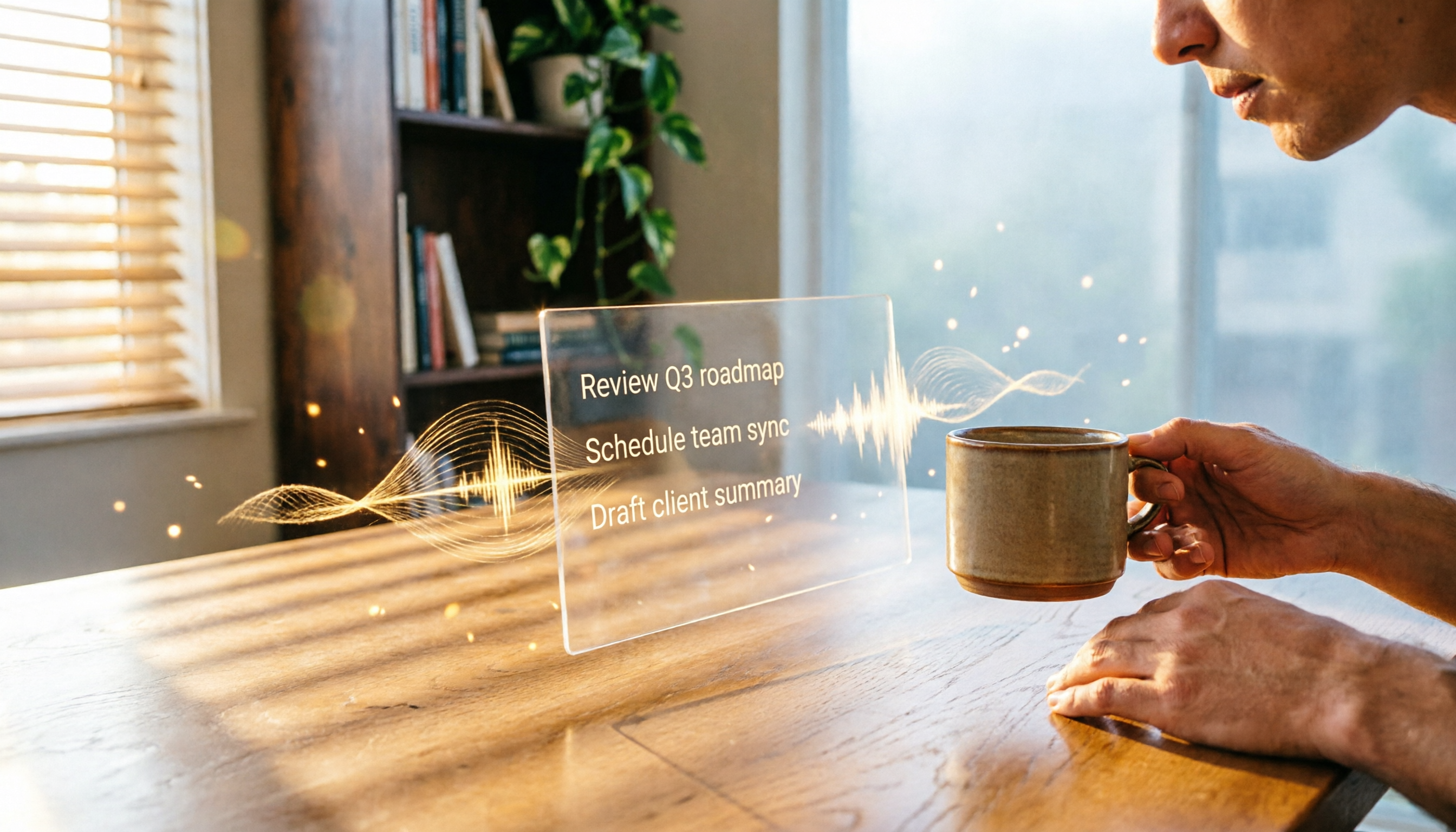
Turn recordings into transcripts and summaries in minutes
Upload audio or video for multilingual transcription, AI notes, and action items
Tinrec is an AI organization tool that focuses on turning audio files into immediately usable data. It not only transcribes recordings in real time but also supports uploading audio files, parsing video links, and automatically generating summaries, chapters, and to-do items. There is currently a free version for trial, suitable for office workers and students who want to use AI to reduce the burden of meeting minutes, course notes, or interview writing. Next, let's look at how this tool fits into office automation workflows from real usage scenarios.
What is Tinrec?
In a nutshell, Tinrec is your personal recording organization secretary. It doesn't just give you a huge block of transcript; it turns recording content into structured data—summaries, key points, next actions, and even lets you ask it questions directly. Whether it's meetings, lectures, interviews, or organizing online videos, you can do it all in one place. It currently supports iOS, Android, and web versions, and can transcribe 14 languages including Traditional Chinese, English, and Cantonese smoothly. The free version provides a monthly base transcription allowance, so you can try it out to see if it fits your workflow.
Core Features and Highlights
Real-Time Transcription: Get Transcripts While You Meet
Press the record button, and text appears almost simultaneously, with less than 1 second of delay. In a real meeting test, you can see the text as you record, and any verbal slips can be corrected immediately. By the end of the meeting, a complete transcript is already waiting on your phone or computer.
Not Just Meetings: Convert Online Videos and Podcasts Too
Paste a public video link from YouTube, Bilibili, etc., into Tinrec, and it will automatically extract the audio and transcribe it, complete with chapters and summaries. If you want to quickly grab key quotes from an interview video or turn podcast highlights into notes, this feature saves a lot of time re-listening.
AI Summaries and To-Do Extraction: Understand a Two-Hour Meeting in Five Minutes
This is my most-used feature. After recording a cross-departmental meeting, I click "AI Summary" and Tinrec lists the main discussion points and decisions; the "To-Do" feature clearly organizes who does what and by when. Compared to reading through the entire transcript, the efficiency gain is huge.
AI Chat Query: Treat Your Recordings as a Database
Recordings aren't just for reference; you can ask questions like you would a colleague: "What was the conclusion of the budget discussion in the last meeting?" "What feature requests did the client mention before?" Tinrec answers based on the actual recording content and includes the original segments for verification. This is especially helpful for those who often need to look back at past discussions.
Rich Export Options: Seamlessly Integrate with Your Existing Workflow
Organized content can be exported as text files, PDFs, Markdown, or even synced directly to Notion, Google Docs, and Dropbox. If you need to create a formal report, AI can further generate meeting minutes, tables, etc., so you don't have to manually copy and paste.
Stop organizing recordings by hand
Upload audio or video and automatically get a transcript, summary, and action items
Pricing Plans
- Free Plan: 100 minutes of transcription per month, with access to real-time recording, file upload, and link parsing. Ideal for light trial use.
- Weekly Pass: Suitable for short-term projects or intensive meeting periods; affordable and can be viewed in the app.
- Pro Monthly: 1,200 minutes per month, great for those who frequently attend meetings or have weekly classes.
- Pro Annual: Lowest monthly cost, ideal for long-term users who want to turn all their audio files into a knowledge base.
No hidden fees; pricing is transparent on the official website. You can start with the free version before purchasing.
How to Use
Step 1: Download Tinrec and Sign Up
Search for "Tinrec" on the App Store or Play Store, or open the web version on your computer. Registration only requires an email; no credit card is needed.
Step 2: Choose Your Recording Source
- For live recording, tap the "Record" icon at the bottom.
- To transcribe an existing file, select "Import" and upload the audio file.
- To parse an online video, paste the link.
Step 3: Set Language and Start
First, make sure the language option at the top is set to English (or your preferred language), then press the microphone to start real-time transcription. You can add bookmarks to mark important sections while recording.
Step 4: Generate Summary and To-Dos
After recording, tap the "AI Magic Wand" and the system will automatically generate a summary, chapters, and to-do items. You can also type questions directly to the AI.
Step 5: Export or Sync
You can export the organized content from the top-right menu, or tap "Connect" to authorize third-party services and continue working in other tools.
FAQ
How accurate is Tinrec's transcription?
In typical meeting or classroom environments (quiet, clear speech), the recognition rate for English is over 95%; in noisy backgrounds or with overlapping speakers, accuracy may decrease. It's still recommended to verify important content against the original recording.
How long does the free 100 minutes last?
Assuming one 30-minute meeting per week, that's about 120 minutes per month. If you exceed the limit, you'll be prompted, and you can upgrade as needed.
What languages are supported?
It supports 14 languages including Traditional Chinese, Simplified Chinese, English, Cantonese, Japanese, and Korean. You can switch before recording.
How long are recordings stored?
Free plan recordings are stored on the server for 30 days; Pro plans store them long-term, allowing playback or regeneration of summaries anytime.
Is my privacy secure?
Audio files and transcriptions are encrypted in transit, and staff do not directly view user content. For detailed privacy policies, please refer to the official website.
How does it compare to Notta?
Notta offers more transcription minutes, but Tinrec excels at "post-transcription organization": it doesn't just give you a transcript; it integrates summaries, to-dos, chat queries, and multiple export formats. If you need to turn audio files into truly usable knowledge assets, Tinrec's overall experience is closer to office automation needs.
References
- Five Free AI Office Tools to Boost Work Efficiency and Automate Workflows | Tricuss
- AI Automation | Microsoft Copilot
- AI Automation Is Not Hard! Double Your Efficiency Without Coding! 6 Advantages for an Efficiency Revolution!
- AI Workflow Automation: 14 Tools to Boost Team Efficiency and Scale Faster | monday.com Blog
- What is Intelligent Automation (IA)? A Guide
Turn every recording into actionable outcomes
Get 60 free transcription minutes when you sign in. No credit card required.
Related Reading
You might also like
2026 Free Transcription Tools for Thesis Interviews: 4 Options Compared
Transcribing thesis interviews is a nightmare—one hour of audio can take half a day to type up. This article tests four free transcription tools to help Hong Kong graduate students find the best option, even for Cantonese mixed with English.
2026 Free AI Transcription Tools for Therapy Session Notes: 5 Options Compared
Recording therapy sessions is subject to strict regulations, but AI tools can help therapists efficiently organize session notes while staying ethical. This article compares 5 AI transcription tools for therapists, from free to paid options.
How to Convert Training Recordings to Text in 2026: A Complete Guide to 4 AI Tools
Stop wasting time transcribing training recordings! This article highlights 4 AI speech-to-text tools: Tinrec, cSubtitle, MyEdit, and Monica, comparing free and paid plans, with a selection guide and important tips to quickly turn training content into notes and transcripts.

2026 Medical Recording-to-Text Tools: Tinrec vs Yating Verbatim - Real-Time Transcription + AI Summaries
Medical professionals often need to quickly organize recordings of meetings, case discussions, or patient communications. This article compares two recording-to-text tools, Tinrec and Yating Verbatim, analyzing them across five key dimensions: transcription quality, AI organization capabilities, input sources, export flexibility, and cross-platform convenience, to help you choose the solution that saves the most administrative time.

5 Best Speech-to-Text Tools in 2026: Which Free Version Is Worth It?
Struggling to choose a speech-to-text tool? Pseric tested 5 popular AI transcription tools, comparing free plans, Chinese accuracy, and post-processing features to help you find the perfect transcription app for your needs.

Tinrec vs PLAUD NOTE: Turn Meeting Audio into Actionable To-Do Lists Without Buying New Hardware (2026 Guide)
Looking to streamline your AI meeting workflow? This article compares Tinrec and PLAUD NOTE across hardware requirements, input sources, Chinese transcription quality, AI Q&A, and pricing—showing why Tinrec is the better fit for organizing audio and video from multiple sources.
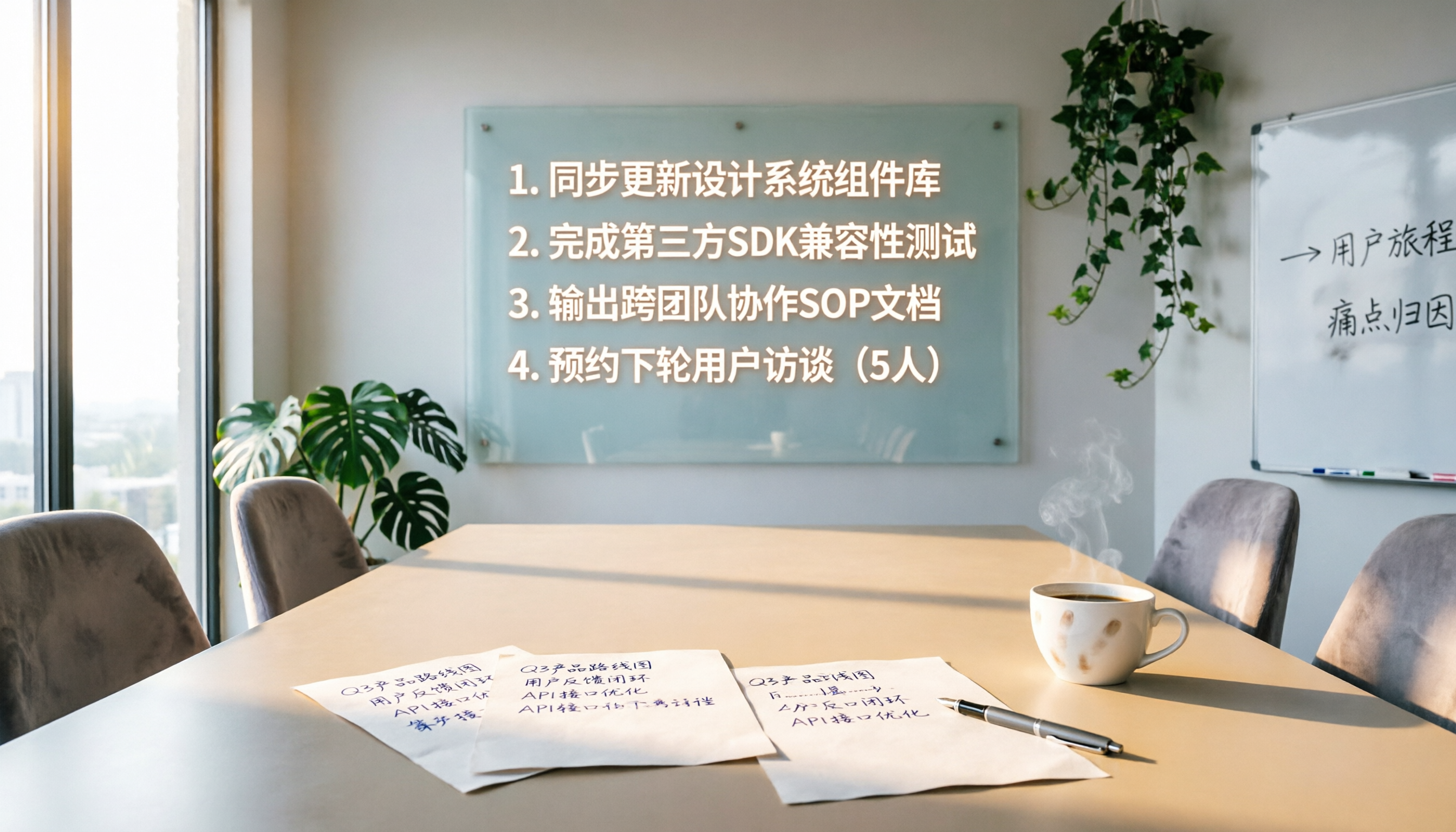
4 Meeting Follow-Up Automation Tools Tested in 2026: Which One Turns Decisions into To-Do Lists?
Meeting follow-ups often miss action items. This article tests 4 automation tools, covering transcription, action item extraction, and task sync, to help you find the best meeting follow-up solution.

Best AI Meeting Notes Tools: 2026 Hands-On Test of 2 Top Picks—Which One Fits More Scenarios?
A mid-level manager tests two AI meeting notes tools, Tinrec and PLAUD Note, comparing them across five dimensions to help busy professionals choose the right one.

2026 Hands-On Comparison of 4 AI Meeting Follow-Up Tools: Which One Is Best at Finding Key Points After Recording?
This article tests 4 AI meeting follow-up tools, including Tinrec, Otter.ai, Fireflies.ai, and Notta, covering real-time transcription, AI summaries, action item extraction, and post-meeting AI Q&A, to help you find the best choice for Chinese meeting scenarios.