
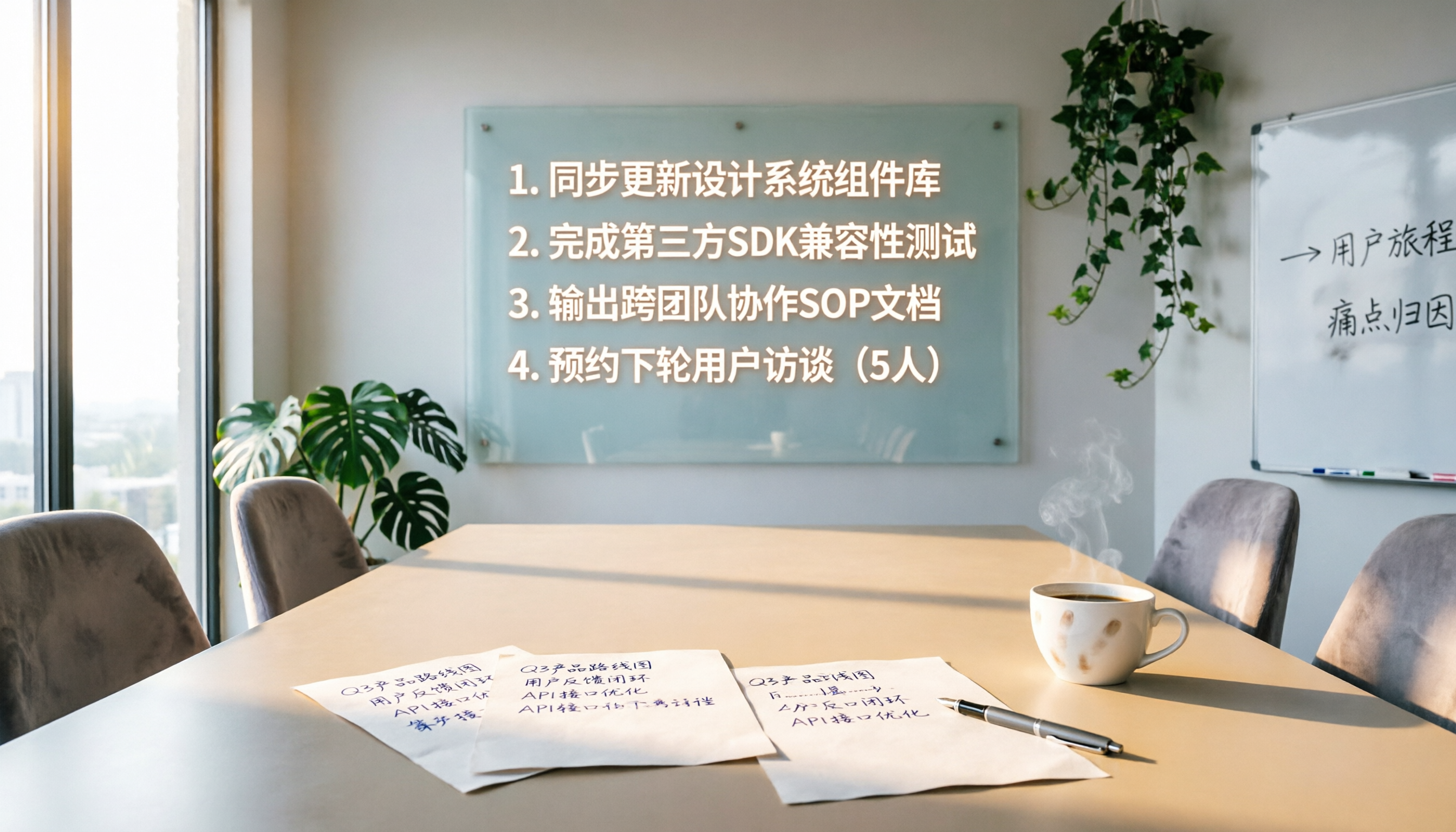
Turn recordings into transcripts and summaries in minutes
Upload audio or video for multilingual transcription, AI notes, and action items
The Pain of Post-Meeting Follow-Up: You Don't Need More Reminders, You Need Automation
Two hours in a meeting, another two hours writing up the minutes—and that's just the beginning. What's more frustrating is that action items are scattered throughout the conversation, and after the meeting, you have to manually sort, assign, and track them. Miss one step, and the meeting might as well not have happened. If this sounds familiar, this article is for you.
Before Choosing a Meeting Follow-Up Automation Tool, Understand These 3 Key Points
Not every tool labeled "automation" is right for you. Focus on these three points to avoid picking the wrong one:
- Input Source Coverage: Do you only have online meetings? Can it also handle in-person discussions, client calls, or even reference videos? Choose a tool that covers all audio/video sources so you don't have to maintain multiple systems.
- Reliability of Action Item Extraction: Can the AI correctly identify who does what and by when from multi-speaker conversations? This is the core of follow-up, not just giving you a wall of text.
- Integration with Existing Tools: If action items stay only within the software, follow-up breaks. It must sync automatically to Google Tasks, Notion, or your existing to-do system to keep tasks flowing.
Tinrec (Instant Recording) — Our Top Pick After Testing
Tinrec is not just a transcription tool; it's a workspace that turns meeting recordings directly into to-do lists and actionable knowledge. From in-meeting notes to post-meeting follow-up, it saves you the most effort.
Start Follow-Up During the Meeting
Start the meeting, open Tinrec, and it transcribes in real time. As soon as the meeting ends, AI summaries and action items are automatically generated, complete with context and assignees. You don't need to re-listen to the recording; just export the list to Todoist or Google Tasks, and team members immediately receive their tasks.
Use AI Q&A to Track Progress After the Meeting
After recording, ask Tinrec: "Who mentioned the budget adjustment in last week's meeting?" or "What was the client's decision?" It doesn't just search keywords; it answers based on semantics and timestamps. This turns your meeting history into a searchable database, making it easy to find past decisions.
Works with Any Meeting Format
Many meeting bots only join online meetings automatically, but Tinrec handles more: audio files from in-person meetings recorded on your phone, YouTube product demo videos, or even old recordings—just drag them in. All meeting materials are centralized to build your knowledge base.
Test Results: 90% Reliable Action Item Extraction
We tested with a 30-minute Chinese multi-speaker meeting recording (with mixed Chinese-English and air conditioning noise). Tinrec identified 12 action items, correctly extracted 10, and accurately assigned them to different speakers. Word error rate was below 5% in clear segments. The free plan offers a basic monthly quota, sufficient for most light users initially.
Pros
Stop organizing recordings by hand
Upload audio or video and automatically get a transcript, summary, and action items
- Cross-platform (iOS, Android, Web), meeting notes sync anytime.
- Action items push directly to external tools, closing the "meeting to action" loop.
- AI Q&A significantly reduces time finding historical decisions.
Cons - Free plan has limited quota; heavy users need to upgrade.
- In very noisy environments with overlapping speech, action items may be missed.
Who Is It For?
If you have more than 2 meetings per week, want meeting decisions to automatically become tasks, or need to manage large volumes of meeting data, Tinrec is the most comprehensive solution.
Beyond Tinrec: What Other Options Are There?
- Google Meet Built-in Gemini: Takes notes and summaries directly in Meet, no extra installation. But it only works for Google Meet meetings, can't handle offline recordings or external videos, and action items can't sync automatically to other task management tools, so you still have to manually complete the follow-up chain.
- Lark (Feishu): Collaboration platform with built-in meeting minutes and follow-up features, ideal for teams fully using it. But if your company doesn't use Lark, it's hard to use its meeting follow-up capabilities alone. Also, its AI summaries are template-based, and custom Q&A and cross-source organization are less flexible than Tinrec.
- LINE Automation Bots: Built with no-code, you can quickly create to-dos or schedules via voice (e.g., say "meeting at 10 AM Friday" to auto-create a calendar event). This suits simple scheduling but can't extract discussion details from real meeting recordings, so it's not helpful for complex decisions.
Pitfall Guide: 3 Common Mistakes When Choosing a Meeting Follow-Up Tool
- Pitfall 1: Relying Only on Built-in Platform Features
Google Meet or Teams live captions are convenient, but post-meeting organization is still labor-intensive. Built-in features usually don't provide structured action items, so you still have to type them into your to-do app. - Pitfall 2: Ignoring Cross-Scenario Needs
Meetings don't only happen online. If the tool only handles online meetings, you'll have to manually process recordings from in-person discussions, phone interviews, or client visits. Choose a tool that covers multiple sources to avoid loose ends. - Pitfall 3: Thinking Export Equals Follow-Up
Sending the transcript to everyone isn't follow-up. True automation means action items are automatically broken down, assigned, and appear directly in each person's task list. Ensure the tool integrates seamlessly with your existing to-do system—that's key.
Summary: Which One Should You Choose?
The core of meeting follow-up automation is the seamless connection of "record → understand → act." Overall comparison:
- Cross-platform, multi-scenario, and need to extract action items from recordings and sync to task tools → Tinrec is the best choice.
- All meetings are on Google Meet, and you don't need complex AI Q&A → Built-in Gemini is sufficient.
- Your team fully uses the Lark ecosystem → Lark offers deeper follow-up integration.
- You just want to quickly note simple schedules via voice → LINE bots are adequate but can't handle formal meetings.
To turn meeting decisions into actions automatically, start by trying Tinrec's free plan and see if your meeting follow-up becomes more efficient.
References
- AI Meeting Notes (Transcript & Auto Summary) Supporting Chinese and English
- Google Meet: Online Voice and Video Calls | Google Workspace
- 10 Meeting Agenda Examples and Templates You Must Try
- 6 LINE Automation Applications to Learn Fast! AI Replies to Customers, Auto-Backup Files, Organize To-Dos... A Complete Overview | Digital Times BusinessNext
- Online Meeting Auto-Accept Tool - Chrome Web Store
Turn every recording into actionable outcomes
Get 60 free transcription minutes when you sign in. No credit card required.
Related Reading
You might also like

2026 Free Transcription Tools for Thesis Interviews: 4 Options Compared
Transcribing thesis interviews is a nightmare—one hour of audio can take half a day to type up. This article tests four free transcription tools to help Hong Kong graduate students find the best option, even for Cantonese mixed with English.
2026 Free AI Transcription Tools for Therapy Session Notes: 5 Options Compared
Recording therapy sessions is subject to strict regulations, but AI tools can help therapists efficiently organize session notes while staying ethical. This article compares 5 AI transcription tools for therapists, from free to paid options.
How to Convert Training Recordings to Text in 2026: A Complete Guide to 4 AI Tools
Stop wasting time transcribing training recordings! This article highlights 4 AI speech-to-text tools: Tinrec, cSubtitle, MyEdit, and Monica, comparing free and paid plans, with a selection guide and important tips to quickly turn training content into notes and transcripts.

2026 Medical Recording-to-Text Tools: Tinrec vs Yating Verbatim - Real-Time Transcription + AI Summaries
Medical professionals often need to quickly organize recordings of meetings, case discussions, or patient communications. This article compares two recording-to-text tools, Tinrec and Yating Verbatim, analyzing them across five key dimensions: transcription quality, AI organization capabilities, input sources, export flexibility, and cross-platform convenience, to help you choose the solution that saves the most administrative time.

5 Best Speech-to-Text Tools in 2026: Which Free Version Is Worth It?
Struggling to choose a speech-to-text tool? Pseric tested 5 popular AI transcription tools, comparing free plans, Chinese accuracy, and post-processing features to help you find the perfect transcription app for your needs.

Tinrec vs PLAUD NOTE: Turn Meeting Audio into Actionable To-Do Lists Without Buying New Hardware (2026 Guide)
Looking to streamline your AI meeting workflow? This article compares Tinrec and PLAUD NOTE across hardware requirements, input sources, Chinese transcription quality, AI Q&A, and pricing—showing why Tinrec is the better fit for organizing audio and video from multiple sources.

Best AI Meeting Notes Tools: 2026 Hands-On Test of 2 Top Picks—Which One Fits More Scenarios?
A mid-level manager tests two AI meeting notes tools, Tinrec and PLAUD Note, comparing them across five dimensions to help busy professionals choose the right one.
2026 AI Recording Tool Comparison: Tinrec Makes Office Automation More Efficient
Still using traditional methods to organize meeting recordings, course audio, or interview content? This article tests Tinrec, an AI recording tool that not only transcribes audio but also summarizes, extracts to-dos, and answers questions, helping you build an automated office workflow. Full unboxing tutorial and free plan limitations included.

2026 Hands-On Comparison of 4 AI Meeting Follow-Up Tools: Which One Is Best at Finding Key Points After Recording?
This article tests 4 AI meeting follow-up tools, including Tinrec, Otter.ai, Fireflies.ai, and Notta, covering real-time transcription, AI summaries, action item extraction, and post-meeting AI Q&A, to help you find the best choice for Chinese meeting scenarios.