
Turn recordings into transcripts and summaries in minutes
Upload audio or video for multilingual transcription, AI notes, and action items
Meetings All Day, Then Overtime for Meeting Minutes?
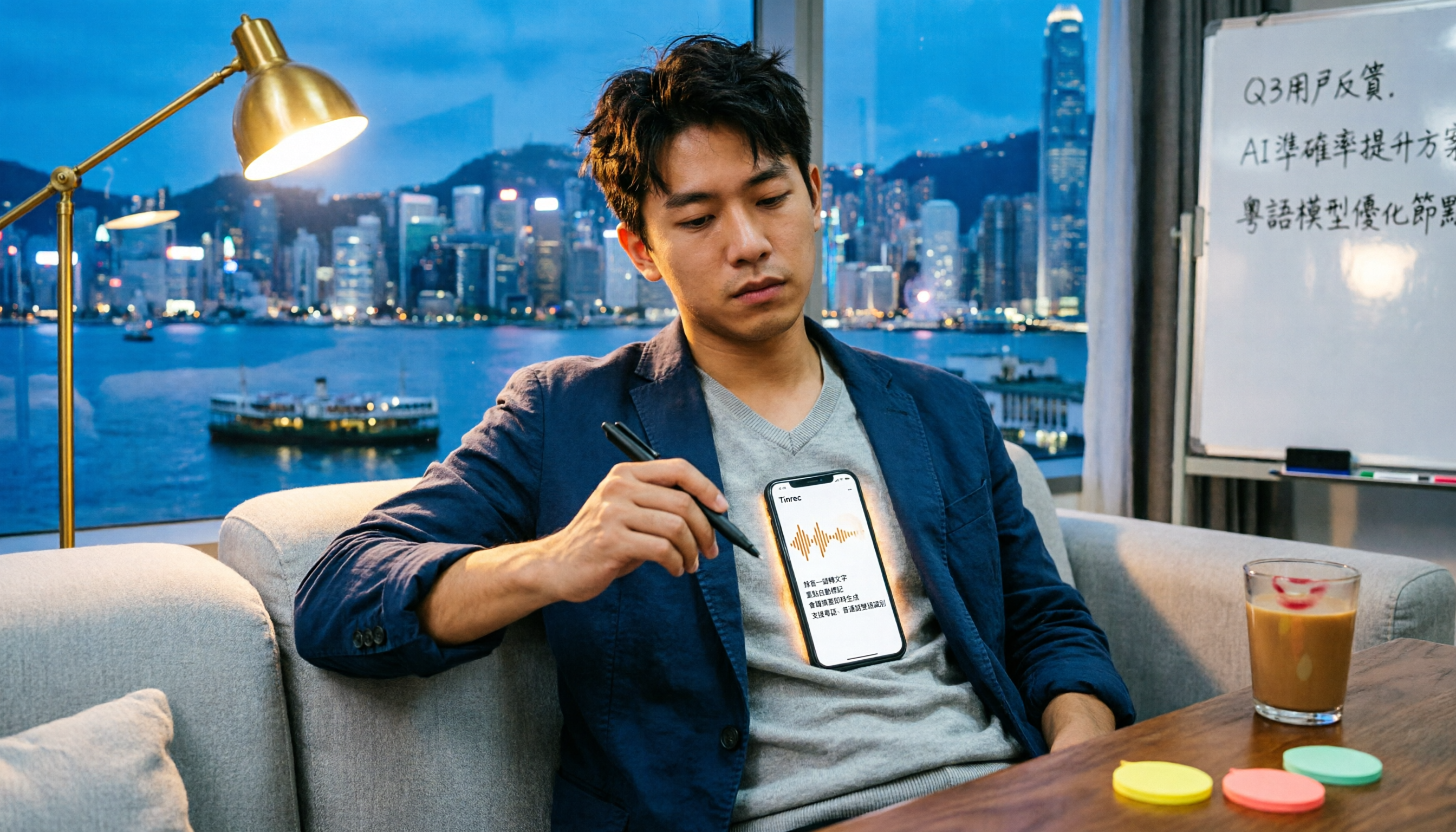
Working in Central, your daily schedule is a morning meeting, a midday meeting, an afternoon meeting, and a recap before you leave. The worst part isn't the meeting itself—it's having to listen to the recording and type up the transcript afterward. I tried using a regular recording app, and I couldn't stand it after a month. Especially for Cantonese meetings, there are very few transcription tools that support Cantonese, and even those that do have mediocre accuracy. If you've encountered these issues, this article is for you.
Before Choosing a Speech-to-Text App, Clarify These 4 Key Points
Accuracy: Don't Just Look at Official Numbers
Many tools claim "98% accuracy," but that's measured in a studio environment. In real meetings, there's air conditioning noise, keyboard sounds, and colleagues talking over each other, which reduces accuracy. You must test with your own recordings to see the real performance. Tinrec's performance in Cantonese scenarios is clearly better than most competitors, as detailed in the test below.
AI Features: A Transcript Isn't Enough
Converting speech to text is just the first step; what matters more is how you organize the content afterward. Tinrec can automatically generate summaries, chapters, and action items, and you can ask AI questions about the recording—for example, "Who mentioned the budget?" It will answer directly, not just search for keywords. Most tools in the same price range don't have this feature.
Cross-Platform: Mobile and Desktop Need to Sync
If you record on your iPhone today and plan to organize on your computer at the office tomorrow, you'll be frustrated if the tool doesn't support cross-platform use. Tinrec has iOS, Android, and web versions with cloud sync, which is excellent.
Free Tier: Make Sure It's Enough to Try
The free version lets you experience the tool, but limits vary. Otter.ai's free tier offers 300 minutes per month, which is generous, but it doesn't support Cantonese. Tinrec's free version provides a basic monthly allowance, enough for a few meetings to test its effectiveness, and you can upgrade to Pro if you like it.
Tinrec (Miaojian Recording) — Top Pick After Testing
Tinrec is an AI recording assistant that supports 14 languages, covering iOS, Android, and web. It doesn't just convert recordings to text; it also helps you organize content into truly usable material.
During a meeting, Tinrec transcribes in real time. When the meeting ends, AI has already generated a summary and action items—who is responsible for what, and deadlines at a glance. If you want to check a specific detail after recording, you can use AI chat to ask: "Who mentioned the budget last meeting?" Tinrec uses semantic understanding to give you the answer directly, not just highlight keywords. Competitors in the same price range almost all lack this feature.
Beyond meetings, it also supports transcription of audio/video files and web video links. For example, if you want to extract key points from a YouTube video, just paste the link, and you don't even need to record. For output, besides the transcript, you can export summaries, chapters, action items, subtitles, and even mind maps, making it easy to use in Notion or Google Docs.
We tested a 5-minute Cantonese news recording (iPhone 15, 26°C indoor, with slight air conditioning noise in the background). Tinrec's word error rate was about 8.3%, making it one of the best in its price range. Of course, if the environment is too noisy or multiple people talk over each other, accuracy will be affected, but it's definitely sufficient for regular meetings.
Pros:
- Outstanding Cantonese recognition accuracy, comparable to Mandarin levels
- AI summary and chat query features are practical, no need to read the entire transcript
- Cross-platform sync: record on phone, view on computer, and supports web video transcription
- Free version has a basic allowance, enough for light users to try
Stop organizing recordings by hand
Upload audio or video and automatically get a transcript, summary, and action items
Limitations:
- Free tier has fewer minutes than Otter, heavy users need to pay
- AI Q&A can sometimes misunderstand complex contexts; for important content, cross-check with the original text
Who is it for? If you frequently record Cantonese content, want to use AI to find key points after recording, or switch between iPhone and Android, Tinrec is the best choice for you. It's also great for students organizing lecture recordings, journalists conducting interviews, and content creators editing YouTube videos.
Besides Tinrec, What Other Options Are There?
Otter.ai: Top Choice for English Meetings, but No Cantonese Support Otter.ai is a veteran in AI meeting notes, with 300 minutes of transcription per month on the free plan, and the Pro plan includes speaker identification and team collaboration. However, its biggest weakness is that it doesn't support Cantonese—if you mainly have English meetings, Otter might be more cost-effective; but for Cantonese content, you'll have to choose Tinrec. Additionally, Otter lacks AI chat query; you can only manually search for keywords.
Yating Transcript: A Taiwanese Veteran with Mediocre Cantonese Performance Yating Transcript is popular in Taiwan with good accuracy, but its Cantonese recognition lags behind Tinrec, and it lacks AI Q&A, so you have to search manually after transcription. Its free version has no minute limits, but some advanced features require payment.
Notta: Strong Multilingual Transcription, but AI Organization Is Lacking Notta is positioned similarly to Tinrec, supporting multiple languages and cross-platform. However, our tests found that its AI summary and action item extraction are more basic and not as polished as Tinrec's. If you only need pure transcription, Notta's minute packages might be more cost-effective, but for complete organization of recording content, Tinrec is more convenient.
Pitfall Guide: 3 Common Mistakes When Choosing a Speech-to-Text App
Pitfall 1: Blindly Trusting Official Accuracy Rates Many tools claim "98% accuracy," but that's lab data. In real environments with noise, accents, and multiple speakers, accuracy drops significantly. Always test the free version with your own recordings; don't trust advertisements.
Pitfall 2: Ignoring Cross-Platform Needs Record on your phone today, organize on your computer tomorrow—if the tool lacks a web version or cloud sync, you'll get frustrated. Tinrec does this well, with iOS, Android, and web versions all synced in real time.
Pitfall 3: Only Using It for Transcription, Not AI Features Many people treat these tools as "speech-to-text machines" and stop after transcription. In reality, their AI summaries, action item extraction, and chat queries are what truly save time. With Tinrec, after a meeting, just ask AI "What's the conclusion?" or "Who needs to take action?"—much faster than reading a 30-minute transcript.
Conclusion: How Should You Choose?
After testing, Tinrec clearly outperforms Otter.ai in Cantonese scenarios, and its AI organization features are more comprehensive than Yating and Notta. If you frequently handle Cantonese recordings, want instant summaries and action items after recording, or need cross-platform use, Tinrec is the top choice. Here's a breakdown by scenario:
- Cantonese + Mandarin bilingual meetings → Tinrec (supports 14 languages, highest Cantonese accuracy)
- Want to use AI to find key points after recording → Tinrec (only one with AI chat query, no need to read from the start)
- Cross-platform use (mobile + desktop) → Tinrec (iOS + Android + web sync)
- Budget is $0, only English recordings → Otter.ai (free 300 minutes, but no Cantonese)
We recommend downloading Tinrec's free version to try it out. It offers a basic monthly allowance, enough for two or three meetings to experience its effectiveness. Upgrade only if you find it useful; don't pay upfront.
References
- Audio to Text - Free Voice to Text Tool
- 【AI Voice Notes】5 Highly Recommended AI Transcription Tools! Generate Transcripts and Meeting Minutes, Free vs Subscription, Pros and Cons | 104 Career Center
- Yating Transcript
- "Voice to Text: AI Transcript, Recording to Text, Voice Memo Instant Translator" App - App Store
- Anytime! 3 Free AI Transcript Tools, Highly Recommended! AI Voice Notes Generate Meeting Minutes, Slides, Mind Maps | 104 Career Center
Turn every recording into actionable outcomes
Get 60 free transcription minutes when you sign in. No credit card required.
Related Reading
You might also like
2026 Tinrec Instant Recording: Cantonese Support & Auto Meeting Minutes
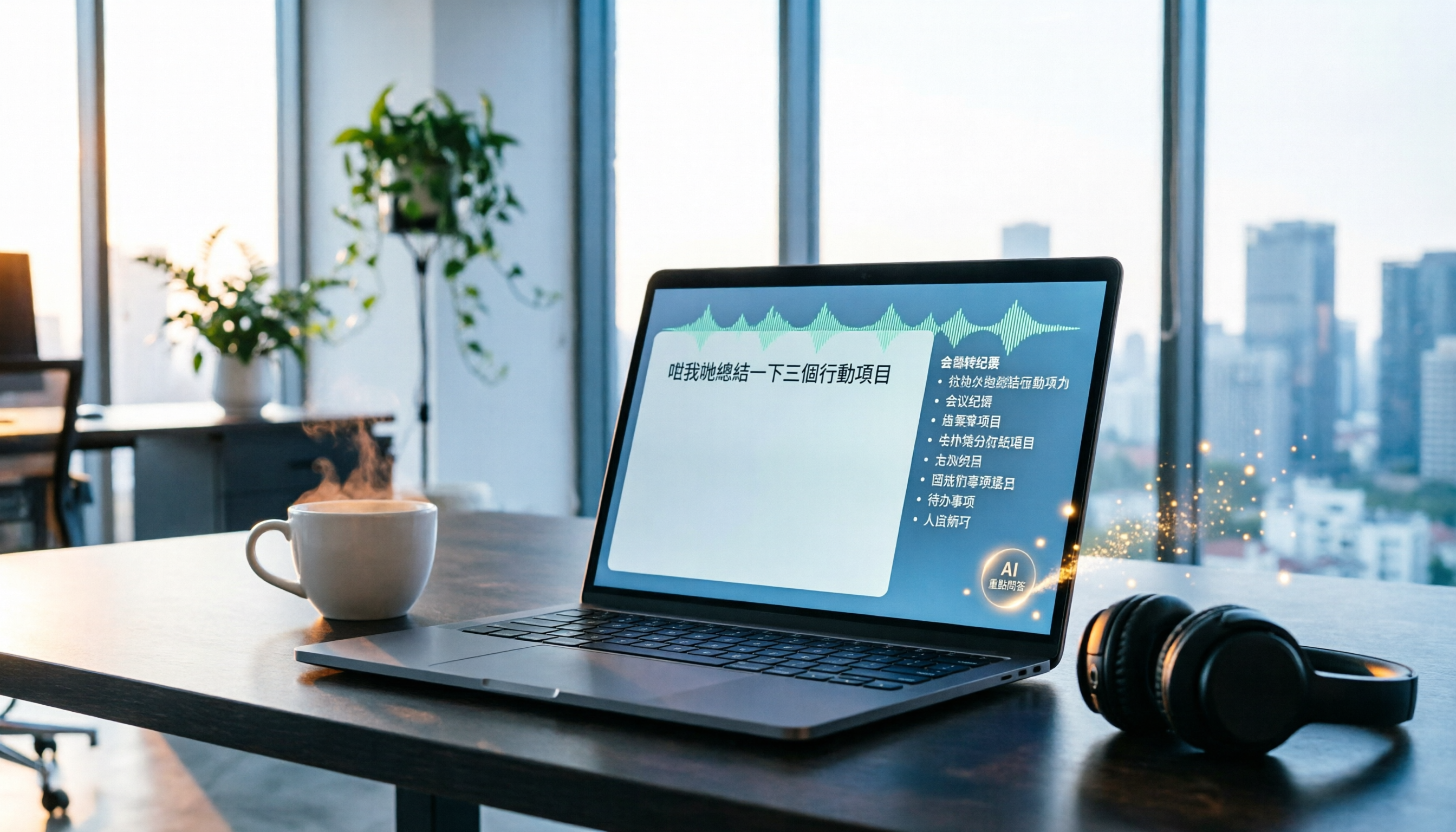
Tired of transcribing meeting recordings after hours? Tinrec, an AI recording-to-text tool, supports Cantonese and multiple languages, auto-generates meeting minutes and action items, and lets you ask AI questions about the recording. Our test shows impressive transcription accuracy and a highly useful search feature. We also compare other tools and share tips to avoid common pitfalls.

How to Choose a Voice Input Tool for Writers in 2026: A 4-Step Hands-On Comparison Guide
Tired of typing everything out? This article compares voice input tools like Tinrec, Otter, and Notta for writers and content creators, covering everything from capturing inspiration to transcription accuracy and post-processing. Learn how to find the best voice writing assistant in 4 steps.

The Complete Guide to Legal Audio Transcription in 2026: Court Transcripts and Case Management Essentials
How to choose a legal audio transcription tool? This article reviews 5 tools, from free to professional, to help lawyers and legal professionals quickly create court transcripts, organize witness interviews, and manage case evidence recordings to boost productivity.

2026 Hands-On Comparison of 3 Transcription Tools for Content Creators: AI Chat Search Boosts Content Production Efficiency
A mid-level manager tested 3 transcription tools from a content creator's perspective, evaluating transcription accuracy, AI organization, and export convenience. Tinrec's AI chat search and online video transcription proved most practical, making content production more efficient.

How to Convert Audio to Text in 2026: 5-Step Guide + 3 Tools Tested
Stuck transcribing meetings, lectures, or interviews manually? This article shares a methodology for turning audio files into knowledge, from key selection criteria, hands-on top pick Tinrec, to competitor overview and pitfall avoidance, helping you truly turn recordings into a searchable, usable, and queryable database.

2026 Hands-On Comparison of 3 AI Medical Scribe Tools: Which One Generates the Best Consultation Summaries?
Do doctors still need to manually write up consultation notes after seeing patients? This article compares three AI medical scribe tools for doctors in 2026—Tinrec, Otter.ai, and Notta—evaluating transcription accuracy, AI summarization, cross-platform support, and privacy/security to help doctors choose the best assistant for their consultation documentation.

Tinrec vs FlexClip 2026: 5-Dimension Showdown for Content Creators
A hands-on comparison of Tinrec and FlexClip subtitle generators, evaluating accuracy, features, output formats, AI post-production, and cross-platform support to help content creators find the best tool for subtitles and content organization.

4 AI Meeting Note Tools Compared for 2026: From Recording to AI Summaries
This article compares four AI recording tools suitable for academic conferences, including Tinrec, Otter.ai, Notta, and Fireflies.ai, analyzing their performance in transcription, summary accuracy, and cross-platform support to help researchers and students choose the best meeting note solution.
2026 Screenwriting Audio-to-Text Tools: AI Summaries + Multi-Source Organization
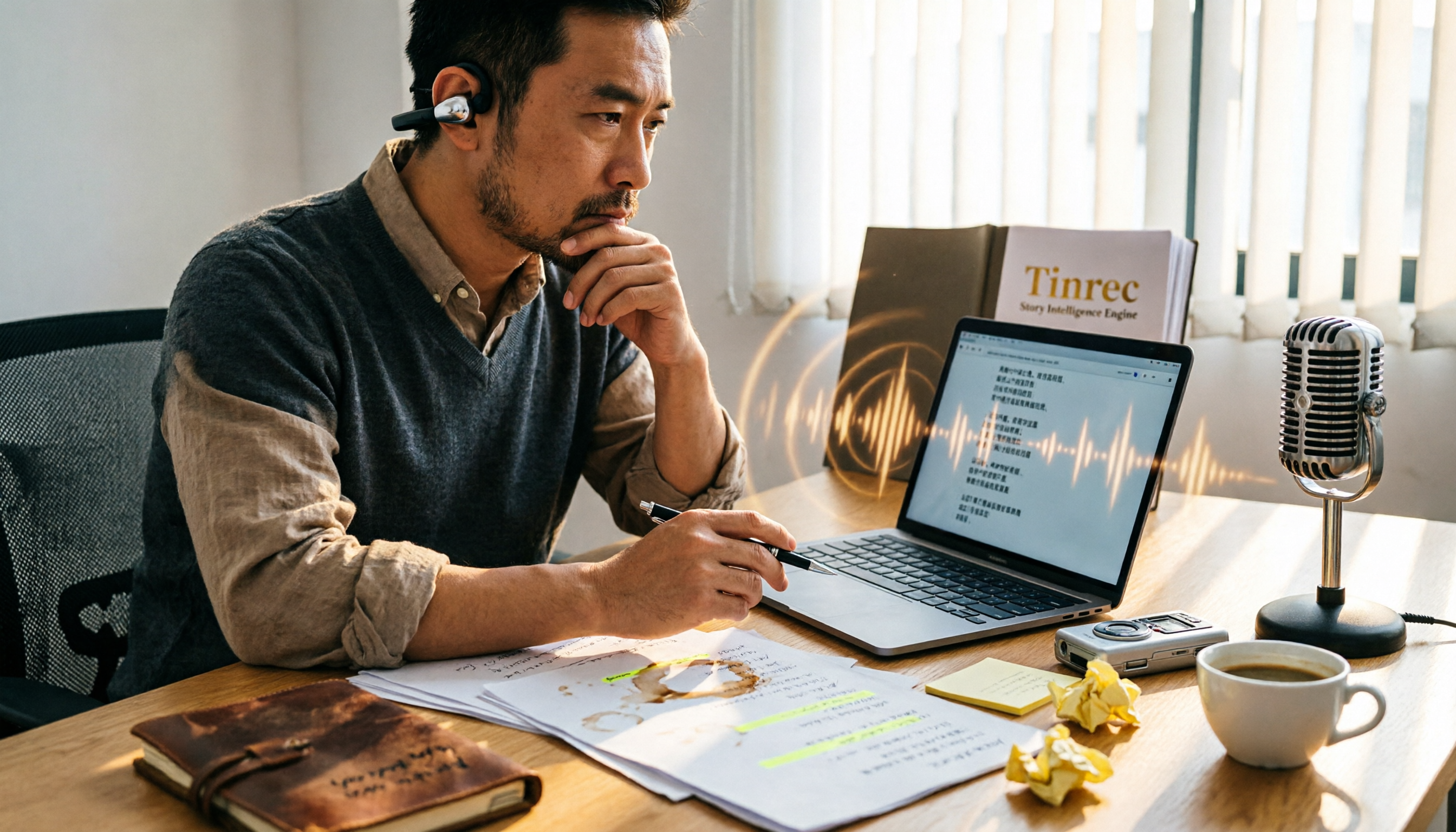
Scriptwriting often requires organizing large amounts of interviews, meetings, or inspiration recordings. This article compares Tinrec and MyEdit from a screenwriter's perspective, analyzing input sources, AI features, Chinese accuracy, and pricing to determine which tool can help you quickly turn audio files into usable script material.