

Turn recordings into transcripts and summaries in minutes
Upload audio or video for multilingual transcription, AI notes, and action items
Last semester, I took a super intense seminar course that required weekly group meetings, and the professor demanded formal Word meeting minutes for each session. I tried recording and typing manually, but after two hours, I still missed half the key points. I also tried Word's built-in AI note feature, but it required uploading recordings to OneDrive, and since I recorded on my phone, I had to transfer the files to my computer first—by the time I finished, it was almost dawn.
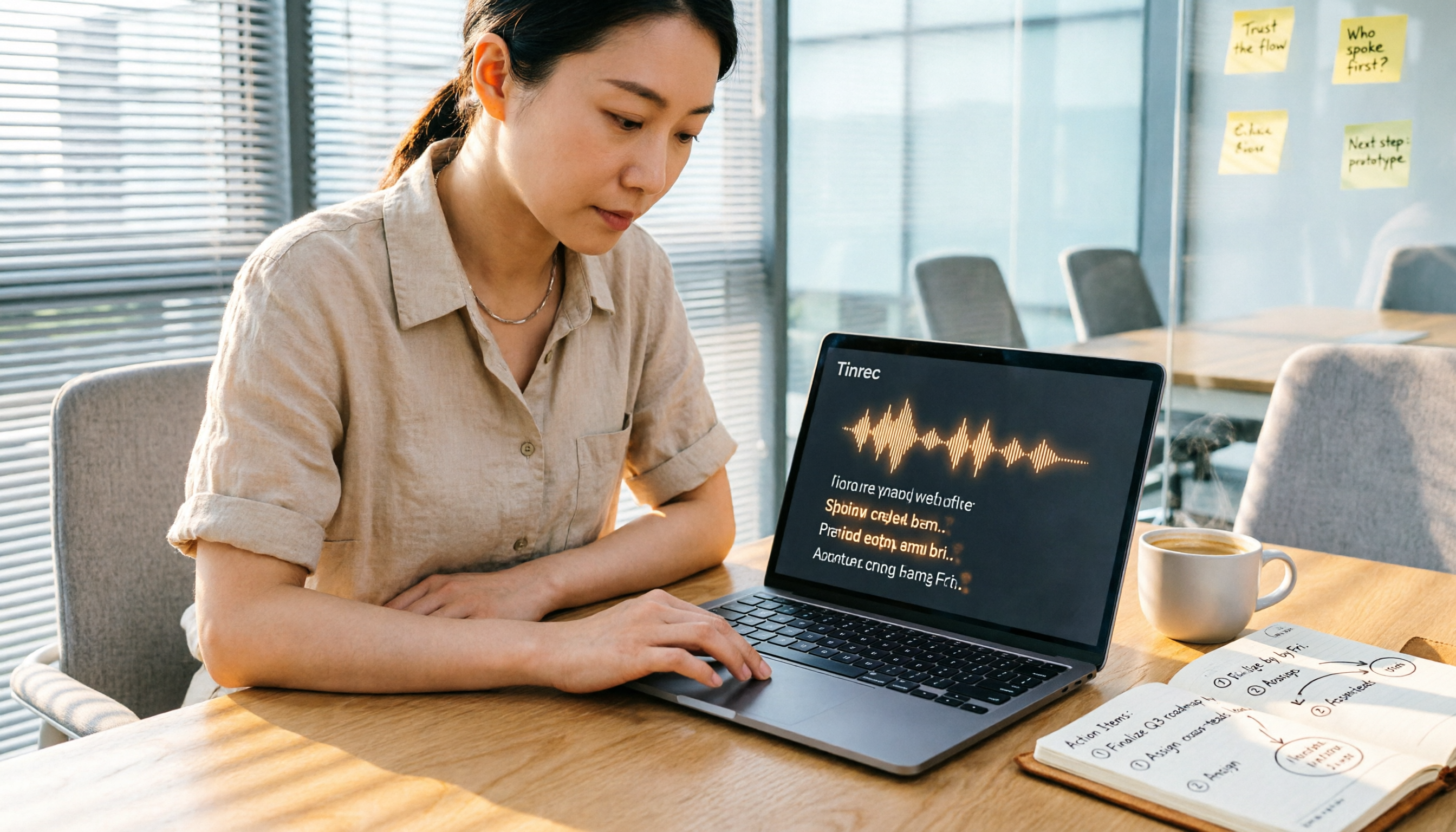
Later, a senior recommended Tinrec, saying he relied on it all semester to organize meetings and lecture recordings. After using it for the entire second semester, I realized AI meeting minutes could be much more effortless than I imagined. This post compares Tinrec and Microsoft Word's AI notes hands-on and explains why I now only use Tinrec to generate Word meeting minutes.
Tinrec vs. Microsoft Word AI Notes: Quick Overview
Tinrec is an AI tool specialized in processing audio and video content. It converts meeting, course, and interview recordings into text, then automatically extracts summaries and action items, and can export to Word. Microsoft Word's Copilot AI notes generate meeting minutes directly within Word, but recordings must be stored on OneDrive, and it writes summaries and key points based on the transcript.
Here's the basic info at a glance:
- Pricing: Tinrec has a free tier (with monthly transcription credits), and Pro plans start at $5/month; Word Copilot requires a Microsoft 365 subscription plus a Copilot add-on, costing around $10+/month—ouch for student budgets.
- Platforms: Tinrec offers iOS, Android, web, and desktop apps; Word Copilot is only available in the Word desktop or web app.
- Core Difference: Tinrec focuses on turning audio into usable knowledge, while Word Copilot lets you generate content with AI directly while writing documents.
Below, I'll compare them across four dimensions that matter most to students to see which is better for creating a complete Word meeting record.
Dimension 1: Recording Source Flexibility
Microsoft Word Copilot's meeting minutes feature heavily depends on recordings stored in OneDrive. If you record on other devices, you have to manually upload, which is an extra step for students who record on their phones. Additionally, it currently only processes entire recordings—you can't extract just a portion. If you record a two-hour lecture, it transcribes from start to finish without chapter segmentation.
Tinrec directly supports four sources: in-app live recording, uploading audio/video files, pasting links to online videos like YouTube or Bilibili, and even recording online meetings like Zoom or Google Meet. For example, I use Tinrec on my phone to record and transcribe lectures in real time—by the time class ends, the transcript and summary are ready. For group discussions, I record via a meeting link, and within five minutes after the meeting, key points are generated—no need to re-listen to the recording.
→ This dimension: Tinrec clearly wins, especially for phone recording enthusiasts.
Dimension 2: Chinese and Multilingual Accuracy
Word Copilot's speech recognition is primarily English-focused, and Chinese transcription occasionally produces simplified characters or awkward sentence breaks. Accuracy drops especially with mixed Chinese-English content. I tried feeding it a recording from a "Marketing Management" class, and it turned "KPI設定" into "KPI設定值" and missed many English abbreviations the professor used.
Tinrec handles Chinese much better, with stable Traditional Chinese output and accurate keyword extraction for mixed-language sentences. I once recorded a discussion with international students where Chinese and English were interleaved, and Tinrec's transcript was nearly flawless. It even automatically distinguished speakers, making it much easier to format into Word meeting minutes using its summaries and key points—saving tons of proofreading time.
Stop organizing recordings by hand
Upload audio or video and automatically get a transcript, summary, and action items
→ This dimension: Tinrec wins decisively, with noticeable Chinese optimization.
Dimension 3: Action Item Extraction
Word Copilot's meeting minutes automatically generate a summary and "action items," but its extraction is rigid—it often just lists verbs from the recording, like "need to confirm budget," without clear owners or deadlines. You'd have to re-listen to the recording to fill in the details.
Tinrec's AI summary and action item features are more advanced. It not only identifies tasks but also tags "What (do what) / Who (who) / When (by when)." After a recent group project meeting, I used Tinrec's "action item extraction" and immediately got specific tasks like "Li: Complete market research slides by next Tuesday." I just copied and pasted them into the "Follow-up Items" table in my Word meeting minutes, saving at least half an hour of organizing time.
→ This dimension: Tinrec wins again, with more practical task tracking.
Dimension 4: Pricing and Student-Friendliness
Word Copilot requires a Microsoft 365 subscription (personal plan ~$70/year) plus a Copilot Pro add-on (~$10/month), which means shelling out over $10 each month for college students. While some schools offer education discounts, not all do, and features may be limited.
Tinrec's free tier provides a certain number of transcription hours each month. I typically record 3-4 lectures plus one group discussion per week, and the free tier is just enough. During midterms or finals when I need intensive recording, I buy a weekly or monthly pass (starting at $5), which is less than a couple of bubble teas.
→ This dimension: Tinrec is a no-brainer for budget-conscious students.
What Unique Advantages Does Each Offer?
Tinrec's Exclusive Strengths:
- Online Video to Text: Paste a YouTube link to convert public courses or lectures into text—super convenient for reflection reports.
- AI Q&A: Ask questions directly about the recording content, like "What was the conclusion of this meeting?" without scanning the entire transcript.
- Multi-format Export and Post-processing: After organizing, export to Word, PDF, or TXT, and even use AI agents to generate formal meeting report tables that fit your school's Word template.
- Cross-platform Sync: Record on your phone, then continue editing on your computer via the web—no cables or file transfers needed.
Microsoft Word Copilot's Unique Advantages:
- Deep Office Integration: If you're already comfortable writing reports in Word, Copilot can generate content directly in your document, saving copy-paste steps.
- Optimized for English Meetings: If you're studying abroad or interning at a foreign company, its summaries and key point extraction for English meetings work well.
Summary: Which Should You Choose?
For everyday student use, I've now fully switched to Tinrec to organize all my recordings, then use its export feature to create Word meeting minutes. Final reports, semester projects, and group discussions—all handled in one place. The free tier is enough for most courses, and I only subscribe briefly when I need heavy usage.
Specific recommendations:
- If you need to quickly organize Chinese meetings or lecture recordings without extra budget → Tinrec's free tier is your best friend.
- If you often watch YouTube courses or public lectures and want to take notes → Tinrec's link transcription is a must.
- If you already subscribe to Microsoft 365 and only occasionally have English meetings → Word Copilot can handle it, but it still struggles with Chinese content.
In short: Instead of wrestling with Word's AI notes, let Tinrec turn your recordings into material for Word meeting minutes, and spend your time on decisions and thinking that really matter. Go download the free version and test it with your own recordings—I guarantee your group report efficiency will make your classmates admire you.
References
- How to Use AI for Meeting Minutes? How to Organize Meeting Transcripts? | AI Speech-to-Text Tutorial | 104 Career Institute
- AI Meeting Notes Organization Tips! 6 Steps to Use Gemini Notebook and Command Templates, Speech-to-Text, Mixed Chinese-English No Problem | 104 Career Institute
- Meeting Minutes: Microsoft Word's Free AI Note Feature | Microsoft Word
- Meeting Minutes Organization Template | TryAI Government AI Application Lab
- Meeting Agenda Template 2026: 3 Ready-to-Use Examples + AI Meeting Minutes Integration Process | Subanana
Turn every recording into actionable outcomes
Get 60 free transcription minutes when you sign in. No credit card required.
Related Reading
You might also like

5 Best Voice Recorders of 2026: AI-Powered Assistants and High-Quality Picks for Interviews
Interviews can be stressful when your recorder runs out of battery, delivers muffled audio, or leaves you with hours of transcription work. This hands-on comparison covers 5 recording solutions for interviews, meetings, and study sessions, including the AI-powered Tinrec and 4 traditional voice recorders. We compare sound quality, battery life, AI transcription, and price to help you find the perfect recording companion.

2026 Voice Recorder Buying Guide: Tinrec vs Plaud Note – Which One Is Right for You? Hands-On Comparison
Meetings running until 8 PM, then having to listen back to recordings to write minutes? This article compares two AI recording solutions: software powerhouse Tinrec and hardware gadget Plaud Note, evaluating recording scenarios, transcription accuracy, Cantonese support, long-term costs, and AI features to help you find the most time-saving voice recorder for Hong Kong professionals.

2026 Tested: 4 Best AI Meeting Recorders Compared – Which Saves You the Most Time?
Tired of spending hours after meetings transcribing notes? We tested 4 AI-powered recording and transcription tools to find the best time-saving solution for work—whether you need Cantonese support or cross-platform organization, here's everything you need to choose.

5 Best Voice Recorders of 2026: From AI Tools to Traditional Hardware—Which One Meets Your Recording Needs?
This article compares 5 voice recorders, including AI recording assistant Tinrec, SONY, Philips, u-ta M8, and a free smartphone solution, analyzing sound quality, features, and value to help you find the best recording companion.

Tinrec vs PLAUD Note Review: AI Software vs Hardware, Which One Is Right for You?
Tired of meetings that run until quitting time, then having to listen to recordings to write minutes? We tested two recording solutions: Tinrec AI software and the PLAUD Note hardware recorder, comparing them across 5 key areas—recording quality, transcription accuracy, AI features, battery life, and portability—to tell you which offers the best value.
2026 Guide to Choosing Recording-to-Meeting-Minutes Tools: 5 Tested and Recommended
As a mid-level manager attending 15 meetings a week, I tested 5 recording-to-meeting-minutes tools, from free to paid, to help you find the most time-saving Word meeting minutes solution.

Best Recording-to-Report/PPT Tools: 4 Tested in 2026, This One Saves the Most Time
After a meeting, how do you quickly turn recordings into reports and PPTs? This article tests 4 recording-to-text tools, comparing transcription accuracy, AI summarization speed, and export convenience, to recommend the most time-saving option.

2026 Free AI Meeting Minutes Solutions: 5 Tools Compared
As a mid-level manager attending 15+ meetings weekly, I found post-meeting note-taking the most time-consuming. This article reviews 5 AI meeting minutes tools, from free to paid, to help you save time.

2026 Hands-On Comparison of 2 AI Meeting Assistants: Tinrec vs Plaud Note – Which One Saves You the Most Overtime?
Office workers in Central battle endless meetings and meeting notes that take forever. We tested two AI meeting assistants, Tinrec and Plaud Note, comparing Cantonese accuracy, cross-platform support, AI post-processing, and pricing to help you pick the most time-saving, no-overtime option.