

Turn recordings into transcripts and summaries in minutes
Upload audio or video for multilingual transcription, AI notes, and action items
2-Hour Meeting, 2 More Hours to Organize Notes—You Need a Smarter Tool
You've probably been there: you attend an important meeting, hit record on your voice recorder, thinking, "I'll sort this out later." But back at your desk, facing a 90-minute audio file, you can't even bring yourself to open it. Even if you force yourself to listen, you still have to manually type out a transcript, pick out key points, write meeting minutes, and then condense it all into a few PPT slides for your boss. Worse, if someone speaks in a dialect, mixes Chinese and English, or there's background noise like a coffee machine, typical recording software won't help at all.
This isn't about you not working hard enough—it's that the traditional "record → transcribe → organize" workflow can't keep up with the pace of modern work. You need more than just a recording tool; you need a solution that turns audio files directly into editable, summarizable, exportable reports. This article is written for exactly that need.
Before Choosing a Recording Organizer, Understand These 4 Key Points
1. Transcription Quality ≠ Official Marketing Numbers
Don't just look at the "98% accuracy" on the official website; that's usually measured in a studio environment with standard accents. In real meetings, there's distance, noise, people talking over each other, and some tools can't even punctuate Chinese properly. We recommend testing with your own real meeting recordings to check readability, error rate, and whether it can automatically segment and label different speakers.
2. AI Organization: Transcription Is Just the First Step—What Matters Is "What's Next"
Good tools don't just give you a long transcript; they automatically generate summaries, key points, action items, and even let you query the content. For example, "Who mentioned the Q3 budget in the last meeting?" You get an answer in seconds without scrolling through everything. This "AI conversational search" is the key to saving time, and only a few tools currently offer it.
3. Export Formats Determine How Easy the Next Steps Are
The organized content must seamlessly fit into your workflow. At minimum, it should support exporting to TXT and DOCX, and ideally generate structured meeting minutes templates that you can easily paste into PPT or Notion. If the tool only outputs plain text, you'll have to format it yourself, which means you've only saved transcription time but added editing time.
4. Cross-Platform and Language Support Matter
Choose a tool that works on iOS, Android, and web so you can record on your phone, continue editing on your computer, or review on your tablet. In terms of languages, besides Chinese, also check if it supports English, Cantonese, Taiwanese, etc.
Tinrec (Miao Ting Lu Yin) — Our Top Pick After Testing
Tinrec is an AI tool that turns recordings and audio files into "actionable knowledge," covering iOS, Android, and web, supporting 14 languages. We tested it with a 30-minute Chinese meeting recording (two speakers, slight air conditioning noise, some Chinese-English mix). Here's why it's our top pick.
Not Just Transcription—It Gives You Report-Ready Material
After recording, Tinrec generates a transcript and automatically creates summaries, chapters, and action items. More practically, you can ask it directly: "What was the conclusion of this meeting?" It extracts key sentences from the entire recording, not just keyword searches. For anyone who needs to quickly produce reports or PPTs, this saves at least 60% of organization time.
Export Process Is Truly Painless
Its export function supports TXT, DOCX, and structured meeting minutes formats. You just copy and paste into the content outline section of your PPT, apply your company template, and a meeting report PPT draft is ready. In our test, from opening the recording to getting a summary text ready to paste into PPT, it took an average of just 2 minutes.
Stop organizing recordings by hand
Upload audio or video and automatically get a transcript, summary, and action items
Pros Summary
- Exclusive AI Conversational Search: Almost no competitors at this price point have it; just "asking for key points" saves a ton of time.
- Handles Multiple Sources: Besides live recording, it also supports uploading audio files and pasting YouTube links for transcription, ideal for those who need to organize material from various sources.
- Generous Free Plan: Monthly basic quota is enough for light meeting notes; you can try before buying without pressure.
Limitations and Who It's For
- The free plan has a minute cap; heavy users need to pay.
- Ideal for professionals who have 2–3 meetings per week and need to quickly produce reports or PPTs.
- If you often deal with Cantonese or mixed Chinese-English content, Tinrec's Chinese recognition is the most stable we've tested.
Beyond Tinrec: What Other Options Are There?
Otter.ai: Best for English Meetings, but No Chinese Support
Otter.ai is the most popular meeting notes tool in the US, with a generous free plan of 300 minutes per month and extremely high English transcription accuracy. However, it doesn't support Chinese at all—if you need to handle Chinese meetings or classes, you can skip it. Also, it lacks AI conversational search, so you'll have to manually search for keywords to find key points.
Notta: Strong Transcription, but Weak AI Organization
Notta offers 120 free minutes per month, and paid plans give generous minute allowances, with good transcription quality for both Chinese and English. But its AI summaries are basic, and it doesn't have conversational search like Tinrec, so you'll still have to dig through the transcript for key points. If you only need bulk transcription and don't care about post-processing efficiency, consider it.
PLAUD NotePin: Great Hardware Recording, but Poor Software Integration
PLAUD's recording hardware is portable and has long battery life. However, its software organization features are basic, lacking support for web video transcription and AI conversational search. For users who need multi-functional integration, spending nearly $200 on hardware isn't as cost-effective as just installing Tinrec on your phone.
Pitfall Guide: 3 Common Mistakes When Choosing a Recording Organizer
Pitfall 1: Only Looking at Price and Minutes, Ignoring Organization Features
Many tools tout "unlimited transcription" or "thousands of minutes per month," but after transcription, you get a huge block of text and the rest is up to you. If you need to quickly produce reports, AI summaries and conversational search are the real time-savers. Don't choose a cheaper option only to spend more time manually organizing later.
Pitfall 2: Ignoring Cross-Platform Needs
You might record on your phone during your commute and edit on your computer at the office. If the tool only has a mobile or web version, your workflow will be interrupted. Before deciding, make sure it works on all the devices you commonly use.
Pitfall 3: Buying a Tool but Only Using 1/3 of Its Features
Many users only use transcription tools for "recording to text" and never try AI conversational search or automatic summaries. With Tinrec, for example, after recording, you can ask "What are the key points of this lesson?" or "What were the meeting decisions?"—much faster than reading through the transcript line by line. Learning to use these features is the real way to free up your time.
Summary: Which One Should You Choose?
If you need a tool that quickly turns recordings into report and PPT material, our top pick is Tinrec. Its exclusive AI conversational search significantly reduces organization time, and its cross-platform support and export formats are the most practical.
- Primarily handle Chinese content and want to save organization time → Tinrec (AI conversational search is most efficient)
- Only record English meetings and don't need deep organization → Otter.ai (generous free quota)
- Very limited budget and only need basic transcription → Notta free plan (but less efficient)
We recommend downloading Tinrec's free version to try it out; the monthly quota is enough to experience the organization effect of a few meetings without rushing to pay.
References
- Record a slide show with narration and slide timings - Microsoft Support
- Add or delete audio in your PowerPoint presentation - Microsoft Support
- How to Record a PowerPoint Presentation with Audio
- Using PowerPoint to Record Teaching Narration - Hardware Requirements: A computer microphone is required, as shown in the example.
- Add or delete audio in your PowerPoint presentation | Microsoft Support
Turn every recording into actionable outcomes
Get 60 free transcription minutes when you sign in. No credit card required.
Related Reading
You might also like
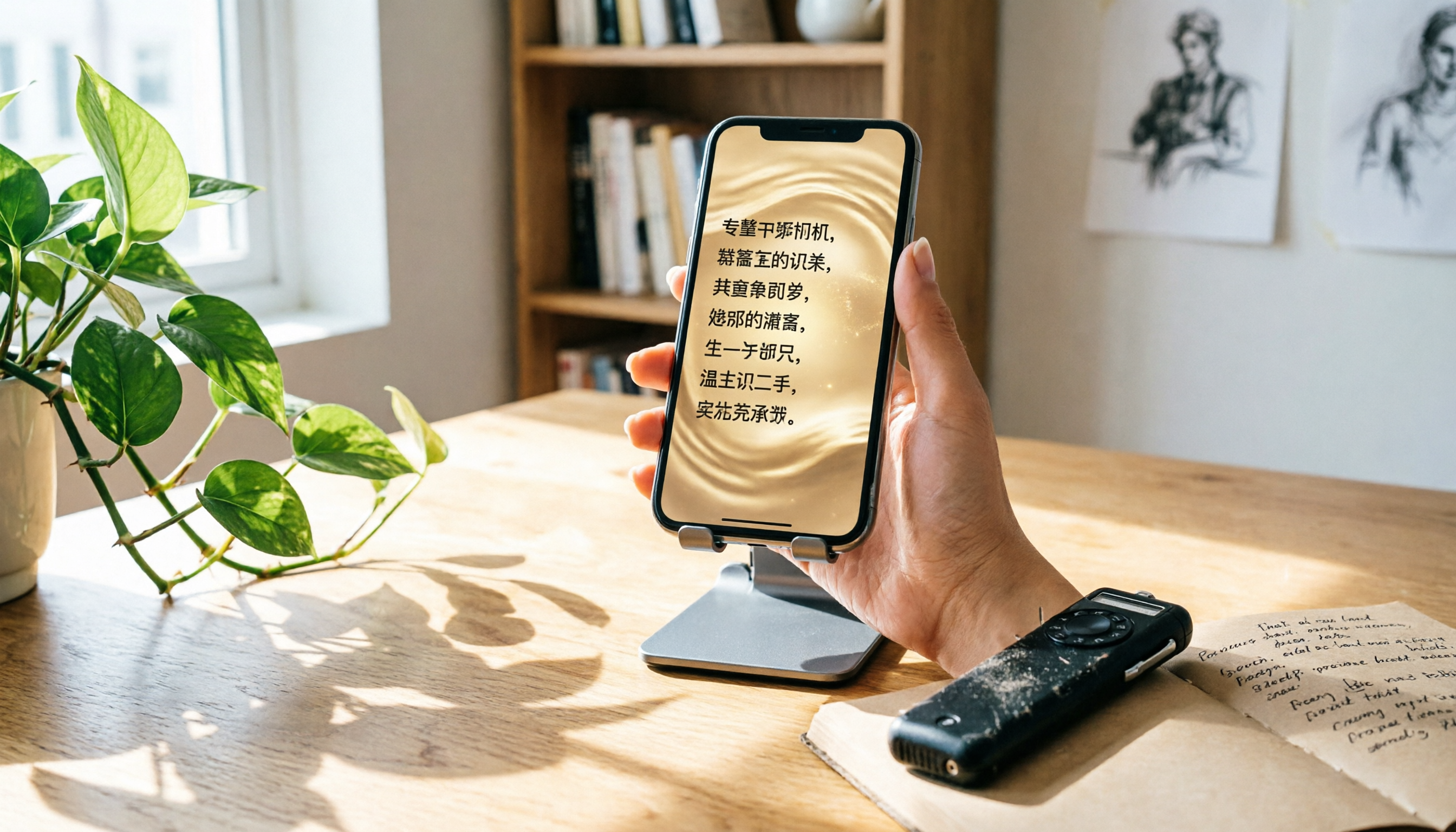
Voice Recorder vs. Phone Recording: 2026 Hands-On Comparison of 3 Solutions, This AI Tool Is Most Practical
Still wondering whether to buy a voice recorder? This article compares phone recording, traditional voice recorders, and the AI recording tool Tinrec, showing you how to achieve professional recording and transcription with just a smartphone.

Tinrec Voice-to-Text App 2026 Review: AI Transcripts + Chapter Summaries, No Need to Buy a Voice Recorder
Still debating between a voice recorder and a mobile app for recording? This hands-on comparison of the Philips smart voice recorder and the Tinrec app covers recording quality, AI organization, cost, and convenience, explaining why more people in 2026 are choosing AI recording apps over traditional devices.
5 Best Voice Recorders Tested in 2025: AI Saves You Hours of Organizing Time
Tired of spending hours on meeting minutes and lecture notes? This article tests 5 voice recorders, from traditional hardware to AI software, revealing which has the most accurate speech-to-text, the most useful AI summaries, and how to preserve voice memories more intelligently.

2026 Tested: 4 Best Student Lecture Recorders Compared – Which AI Note-Taking Tool Wins?
Still using your phone to record lectures? We tested 4 tools, from hardware voice recorders to AI recording apps, to show you which one truly helps organize notes and save review time.
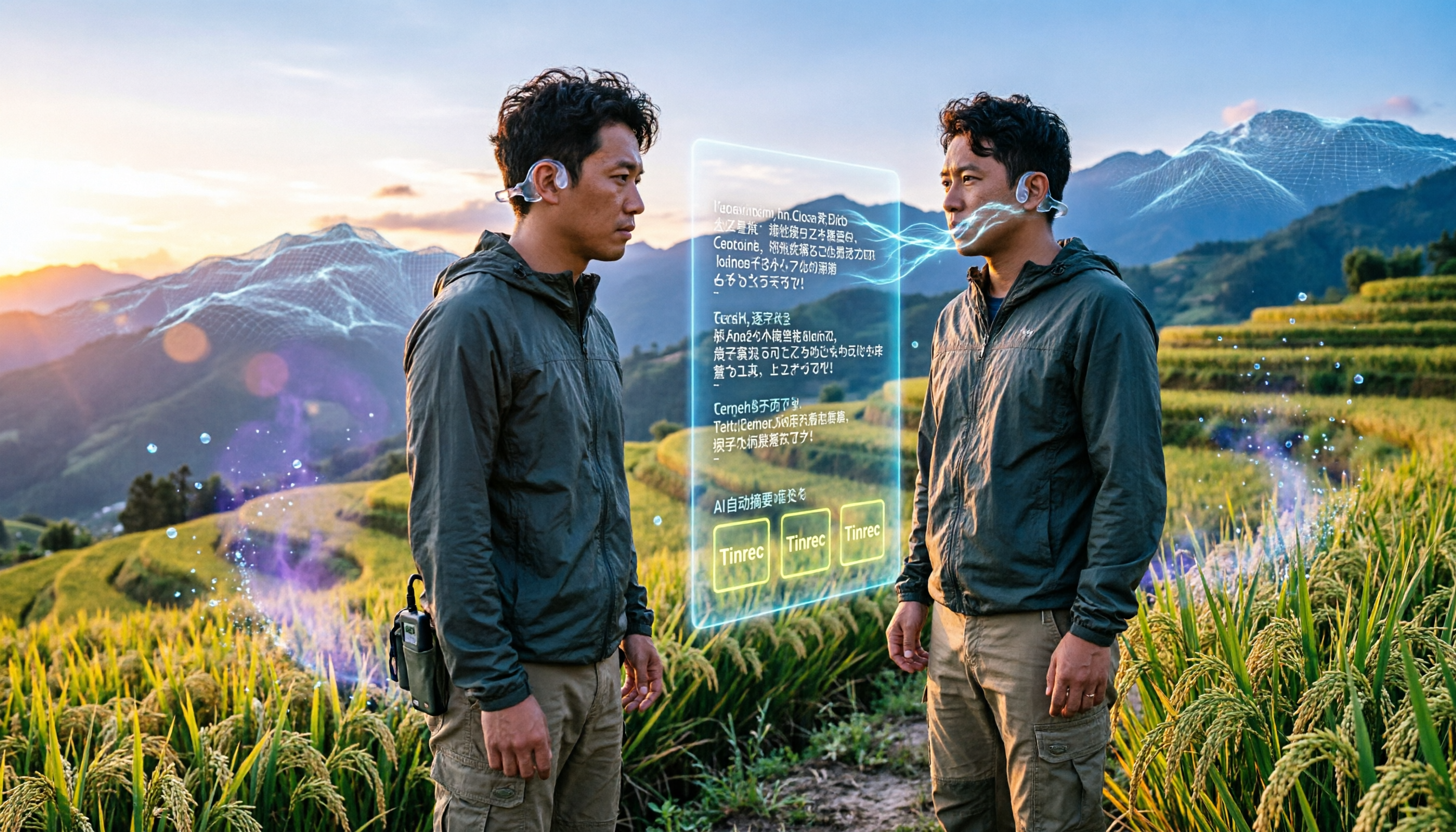
2026 Field Research Audio-to-Text Tools: Online, No Installation, AI Summaries
Field researchers often need to transcribe interview recordings, but manual transcription is time-consuming. This article reviews 5 online audio-to-text tools, comparing free plans, language support, and AI features to help you quickly create transcripts and boost field note efficiency.

5 Best Voice Recorders of 2026: AI-Powered Assistants and High-Quality Picks for Interviews
Interviews can be stressful when your recorder runs out of battery, delivers muffled audio, or leaves you with hours of transcription work. This hands-on comparison covers 5 recording solutions for interviews, meetings, and study sessions, including the AI-powered Tinrec and 4 traditional voice recorders. We compare sound quality, battery life, AI transcription, and price to help you find the perfect recording companion.

2026 Voice Recorder Buying Guide: Tinrec vs Plaud Note – Which One Is Right for You? Hands-On Comparison
Meetings running until 8 PM, then having to listen back to recordings to write minutes? This article compares two AI recording solutions: software powerhouse Tinrec and hardware gadget Plaud Note, evaluating recording scenarios, transcription accuracy, Cantonese support, long-term costs, and AI features to help you find the most time-saving voice recorder for Hong Kong professionals.

2026 Tested: 4 Best AI Meeting Recorders Compared – Which Saves You the Most Time?
Tired of spending hours after meetings transcribing notes? We tested 4 AI-powered recording and transcription tools to find the best time-saving solution for work—whether you need Cantonese support or cross-platform organization, here's everything you need to choose.

5 Best Voice Recorders of 2026: From AI Tools to Traditional Hardware—Which One Meets Your Recording Needs?
This article compares 5 voice recorders, including AI recording assistant Tinrec, SONY, Philips, u-ta M8, and a free smartphone solution, analyzing sound quality, features, and value to help you find the best recording companion.