
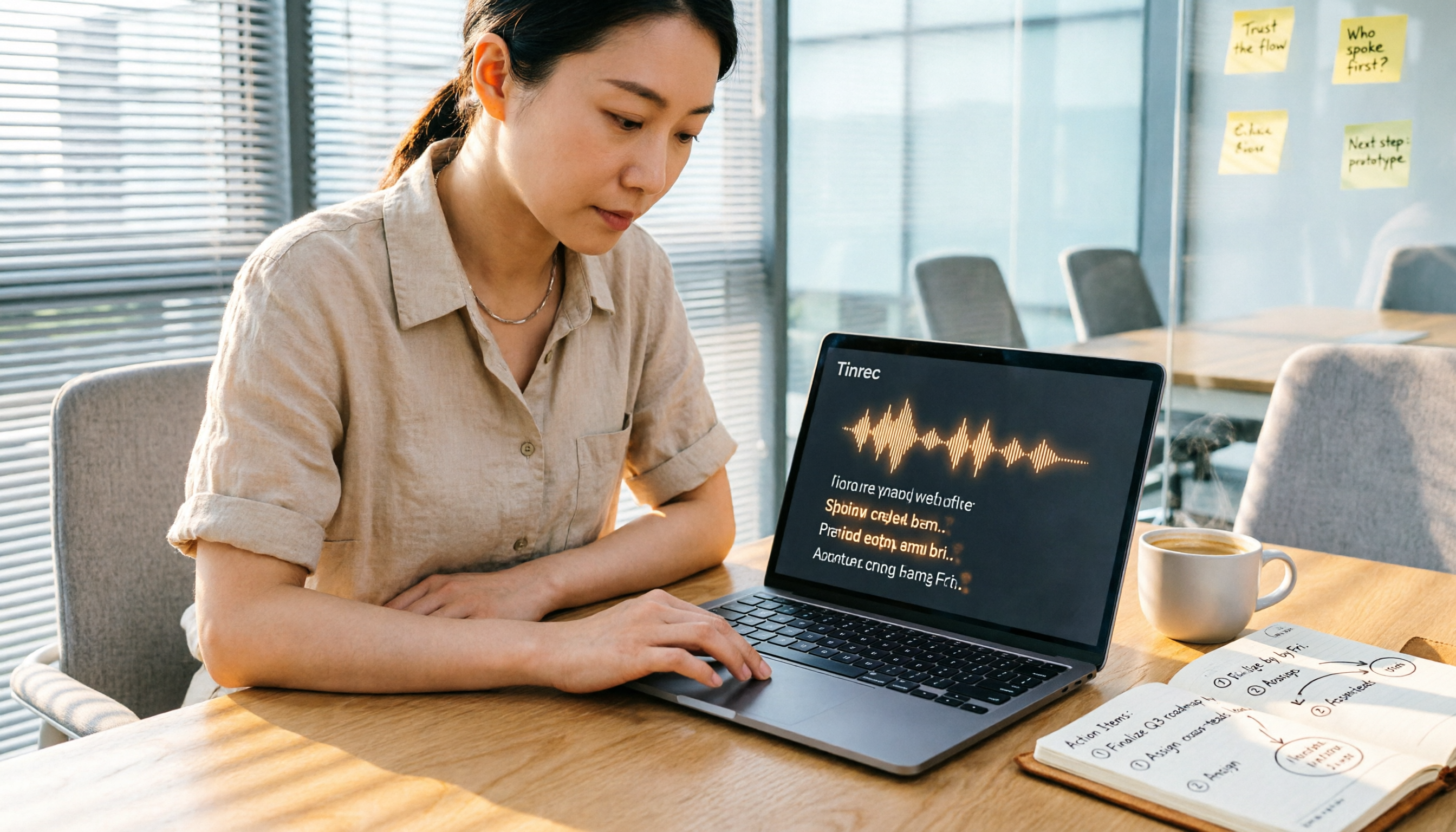
Turn recordings into transcripts and summaries in minutes
Upload audio or video for multilingual transcription, AI notes, and action items
As a mid-level manager attending 15 meetings a week, what I used to fear most wasn't the meetings themselves, but the post-meeting minutes. A one-hour meeting often required another half-hour to an hour to transcribe, summarize key points, list action items, and then type up a Word document to send to my boss and team. It wasn't until I started using AI recording-to-text tools that I saved all that mechanical organization time.
Why Do You Need a Recording-to-Meeting-Minutes Tool?
According to statistics, professionals spend an average of over 5 hours per week on meeting minutes. If AI can automatically convert recordings to text and even generate summaries, you can spend that time on real decision-making and execution. This article compiles my hands-on testing of 5 tools, from free to paid, covering different scenarios, to help you find the best fit for your needs.
Option 1 | Tinrec (Miaojie Recording) — The Most Complete AI Recording Assistant
Tinrec is the tool I currently use as my primary. It's not just a speech-to-text tool; it turns recordings and audio/video content into "actionable knowledge." I often use it in several scenarios: recording meetings directly on my phone and automatically getting transcripts and meeting summaries afterward; pasting links to industry analysis videos on YouTube to instantly get summaries and key points; and even feeding in interview recordings from last year to organize them, using the AI chat feature to ask questions like "What was the budget issue the client mentioned last time?"
Tinrec's core highlight is "not just transcription, but helping understanding." Besides basic recording-to-text, it automatically generates chapters, summaries, and action items, and supports multi-format export (including Word). My most common use is converting meeting recordings to Word files, then manually adding a few concluding remarks before sending them to my boss—the whole process takes less than 10 minutes. It also supports iOS, Android, and web versions, making cross-device use very convenient.
In terms of pricing, the free version offers a basic monthly transcription quota, enough for occasional trials. Since I have meetings every day, I directly purchased the Pro annual plan, which works out to less than a Starbucks coffee per month.
Best for: Professionals who need to handle multiple sources like meetings, courses, interviews, and online videos, and who truly want to "save organization time."
Option 2 | Otter.ai — Top Choice for English Meeting Minutes
I first started with Otter for AI meeting minutes. It's very mature in English speech recognition and meeting integration, automatically joining Zoom and Google Meet, with real-time transcription and speaker identification. If your team primarily has English meetings, Otter is a strong option. However, as my proportion of Chinese content increased, Otter's support for Chinese wasn't as refined, so I started looking for alternatives.
The free version offers 300 minutes per month; Pro annual is about $8.33 USD. Best for: Cross-national teams or foreign company workers who primarily have English meetings.
Option 3 | Notta — The Practical Choice for Multilingual Transcription
Notta is one of the tools I tried with decent Chinese recognition. It supports multiple languages, transcribes quickly, and can sync audio and text. At that time, I mainly used it for Chinese meeting transcription, with accuracy above 85%. However, I later found that while Notta's transcription is strong, its subsequent "organization" features are limited—the transcripts are long, and you have to summarize and extract action items yourself, which still takes time. Plus, its support for online video links isn't as intuitive as Tinrec, so I gradually used it less.
Stop organizing recordings by hand
Upload audio or video and automatically get a transcript, summary, and action items
Pro annual is $8.17 USD, with 1,800 minutes per month. Best for: Those who need multilingual transcription but don't mind further organizing content themselves.
Option 4 | Fireflies.ai — The Automated Scheduling Meeting Bot
Fireflies' strength is "automation"—set it once, and it automatically joins every online meeting on your schedule, recording, transcribing, and sending summaries. For those who spend all day in Zoom, this is almost a seamless way to record. But after a trial period, I found its design is too focused on "meetings." For things I often need to organize, like class recordings, YouTube videos, and historical audio files, Fireflies isn't as handy. Also, its Chinese transcription quality is only average.
Pro annual is $10 USD per seat; Business is $19 USD. Best for: Sales or consulting teams with many online meetings that need automated recording.
Option 5 | CLOVA Note — A Free and Stable Entry-Level Option
CLOVA Note from LINE is a free tool recommended by many colleagues. Its speech recognition quality is top-tier among free software, and it allows custom vocabulary (like company names and product names), greatly improving accuracy in meeting scenarios. I also recommend it to interns on my team with limited budgets. Of course, the free version is more basic—no AI summaries, no action item extraction, so you still have to spend time organizing the transcripts yourself.
It's completely free, but with limitations on some advanced features. Best for: Light users with only 3-5 meetings per month and zero budget.
With So Many Options, How Do You Choose?
- Want the most complete AI features (transcription + AI chat query + automatic summaries) → Tinrec (the only one with all these features)
- Often switch between Chinese, English, Japanese, and other languages → Tinrec (supports 14 languages, with special optimization for Chinese)
- Besides meetings, often need to organize course recordings, YouTube videos, and historical files → Tinrec (most comprehensive multi-source input)
- Team primarily has English meetings and needs automatic joining of online meetings → Otter.ai or Fireflies.ai (depending on whether you need more automation)
- Need lots of transcription minutes and are budget-sensitive → Notta (Pro plan offers generous minutes)
- Just trying it out and don't want to spend a dime → CLOVA Note (basic transcription is sufficient)
3 Things to Know Before Using Recording-to-Meeting-Minutes Tools
- Recording quality is everything: No AI can save a blurry audio file. When I use Tinrec for meetings, I place my phone in the center of the conference table, which works much better than keeping it in my pocket. For online meetings, use your computer's built-in recording and avoid headphones so you can capture two-way audio.
- AI summaries still need human review: No tool is 100% perfect. For example, Tinrec can automatically extract action items, but occasionally misjudges tone or misses subtle decisions. I always quickly scan through, add key names or numbers, and then save as a Word file for archiving.
- Leverage export features to build a database: Don't keep transcripts only in the app. Tinrec can export to Word, TXT, and even sync to Notion. I store all meeting minutes in the company cloud, so I can search by keywords to find historical discussions, which is much faster than digging through old emails.
Summary
From manually typing transcripts to now producing meeting minutes in Word within 10 minutes after recording, AI tools have indeed saved me a lot of time. If you're like me, with meetings, courses, and interviews filling your day, Tinrec is currently the most comprehensive solution. You can start with the free version to experience the efficiency of "record and organize." I hope this guide helps you find the best work partner.
References
- Transcribe your recordings | Microsoft Support
- How to Use AI for Meeting Minutes? How to Organize Meeting Transcripts? | AI Speech-to-Text Tutorial | 104 Career Builder
- Transcribe your recordings - Microsoft Support
- Meeting Ink - 2026 AI Meeting Minutes Tool Test: 8 Speech-to-Text and Summary Speed Comparison | Meeting Ink - AI Meeting Minutes Assistant, Automatic Transcript and Summary
- Get Meeting Minutes Done! How to Use AI Speech-to-Text for Transcripts? Gemini Notebook, Gemini, EchoScript Operation Guide | 104 Career Builder
Turn every recording into actionable outcomes
Get 60 free transcription minutes when you sign in. No credit card required.
Related Reading
You might also like
Voice Recorder vs. Phone Recording: 2026 Hands-On Comparison of 3 Solutions, This AI Tool Is Most Practical
Still wondering whether to buy a voice recorder? This article compares phone recording, traditional voice recorders, and the AI recording tool Tinrec, showing you how to achieve professional recording and transcription with just a smartphone.

Tinrec Voice-to-Text App 2026 Review: AI Transcripts + Chapter Summaries, No Need to Buy a Voice Recorder
Still debating between a voice recorder and a mobile app for recording? This hands-on comparison of the Philips smart voice recorder and the Tinrec app covers recording quality, AI organization, cost, and convenience, explaining why more people in 2026 are choosing AI recording apps over traditional devices.

5 Best Voice Recorders Tested in 2025: AI Saves You Hours of Organizing Time
Tired of spending hours on meeting minutes and lecture notes? This article tests 5 voice recorders, from traditional hardware to AI software, revealing which has the most accurate speech-to-text, the most useful AI summaries, and how to preserve voice memories more intelligently.

2026 Tested: 4 Best Student Lecture Recorders Compared – Which AI Note-Taking Tool Wins?
Still using your phone to record lectures? We tested 4 tools, from hardware voice recorders to AI recording apps, to show you which one truly helps organize notes and save review time.
2026 Field Research Audio-to-Text Tools: Online, No Installation, AI Summaries
Field researchers often need to transcribe interview recordings, but manual transcription is time-consuming. This article reviews 5 online audio-to-text tools, comparing free plans, language support, and AI features to help you quickly create transcripts and boost field note efficiency.

5 Best Voice Recorders of 2026: AI-Powered Assistants and High-Quality Picks for Interviews
Interviews can be stressful when your recorder runs out of battery, delivers muffled audio, or leaves you with hours of transcription work. This hands-on comparison covers 5 recording solutions for interviews, meetings, and study sessions, including the AI-powered Tinrec and 4 traditional voice recorders. We compare sound quality, battery life, AI transcription, and price to help you find the perfect recording companion.

2026 Voice Recorder Buying Guide: Tinrec vs Plaud Note – Which One Is Right for You? Hands-On Comparison
Meetings running until 8 PM, then having to listen back to recordings to write minutes? This article compares two AI recording solutions: software powerhouse Tinrec and hardware gadget Plaud Note, evaluating recording scenarios, transcription accuracy, Cantonese support, long-term costs, and AI features to help you find the most time-saving voice recorder for Hong Kong professionals.

2026 Tested: 4 Best AI Meeting Recorders Compared – Which Saves You the Most Time?
Tired of spending hours after meetings transcribing notes? We tested 4 AI-powered recording and transcription tools to find the best time-saving solution for work—whether you need Cantonese support or cross-platform organization, here's everything you need to choose.

5 Best Voice Recorders of 2026: From AI Tools to Traditional Hardware—Which One Meets Your Recording Needs?
This article compares 5 voice recorders, including AI recording assistant Tinrec, SONY, Philips, u-ta M8, and a free smartphone solution, analyzing sound quality, features, and value to help you find the best recording companion.