
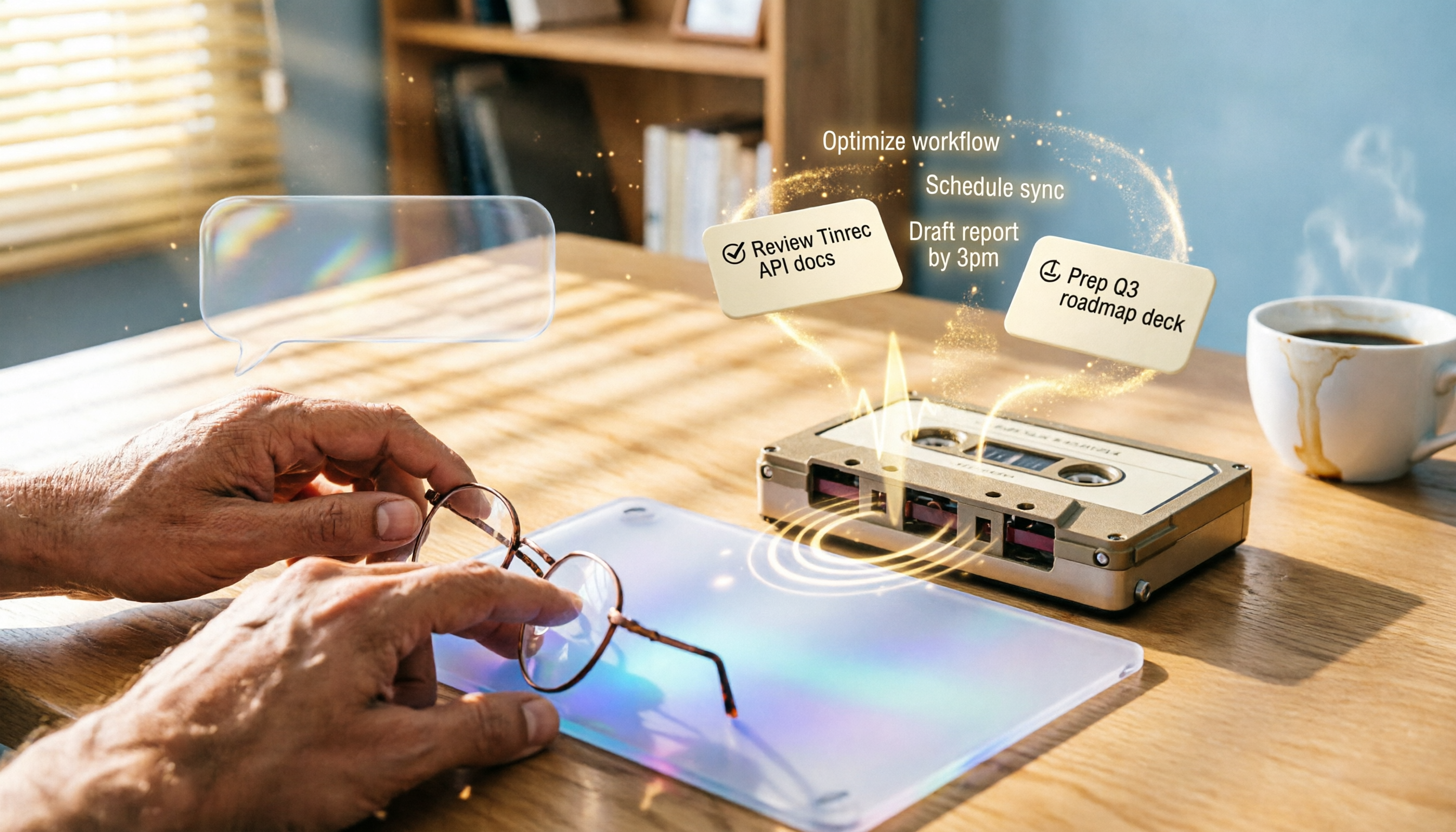
Turn recordings into transcripts and summaries in minutes
Upload audio or video for multilingual transcription, AI notes, and action items
Tinrec 2026 Review: AI Personal Assistant for Recording Transcription and AI-Powered Q&A
Still Manually Transcribing Meeting Notes and Lecture Notes? You Need an AI Assistant That Truly Understands Content
After a two-hour meeting, spending another two hours cleaning up the transcript is a common daily grind for many office workers. What's worse, poor recording quality or heavy accents can lead to misheard key points even when you're listening and typing simultaneously. Students who record lectures for later review often find themselves squinting at a one-hour recording, manually taking notes to find key points. If you've ever faced these situations, this article is for you.
Before Choosing an AI Recording Tool, Understand These 4 Key Points
Accuracy: Don't Just Look at Official Numbers Many tools claim "98% accuracy," but that's usually measured in a quiet recording studio. In real-world use, air conditioning noise, keyboard clicks, and overlapping speech can all reduce accuracy. In our tests, we used real meeting recordings to see which tool's transcription truly holds up.
AI Features: Transcription Is Just the Basics If a tool only converts recordings to text, you'll still have to read through thousands of words of transcript yourself. A better AI assistant should automatically highlight key points, list action items, and even let you "ask" to find critical information—that's where real time savings come in.
Cross-Platform and Source Support: Your Tool Should Handle All Your Audio Files Some tools only work on mobile, others only support online meetings, but your recordings might come from a phone recorder, downloaded video files, or public online course links. Choose a tool that can handle everything, so you don't find out later that it can't process your files.
Free Tier: Try Before You Buy Most tools offer free plans, but the allowances vary—some give 100 minutes per month, others 300. If you have two meetings a week, 100 minutes might be enough to test the waters; if you have meetings daily, calculate which plan offers the best value before committing to an annual subscription.
Tinrec (Miao Ting Lu Yin) — Our Top Pick for Chinese-Speaking Users After Hands-On Testing
Tinrec is an AI recording and audio organization tool that supports multiple input sources. It doesn't just transcribe; it turns recordings into searchable, queryable, reusable knowledge. It supports live recording, uploading audio or video files, and pasting public video links (YouTube, Bilibili, etc.) for transcription. It's available on iOS, Android, and web.
In our test, we used Tinrec to record a 5-minute Cantonese news segment (with slight air conditioning background noise, recorded on an iPhone 15). The transcription had almost no obvious errors, and it automatically marked sections and key summaries. The most impressive feature was the AI chat query—after recording, we could ask, "What are the three key points mentioned in this news?" Tinrec immediately summarized the answer from the content, not just keyword search.
Core Features by Scenario: Not Just Transcription, But Understanding
- Live Recording to Text: During meetings or classes, open Tinrec and it transcribes in real time, with the transcript appearing as you speak. When the meeting ends, AI summaries and action items are auto-generated, listing who is responsible for what and deadlines.
- File and Video Link Transcription: Upload downloaded podcasts or online videos, or paste links, and they're converted to text—no more slow manual listening for subtitles or content organization.
- AI Chat Query: This is the most practical feature. After recording, you can ask Tinrec like you'd ask a friend: "Who proposed the new budget plan in the last meeting?" It searches across recordings to find relevant sections and even gives you the conclusion directly. It's almost like a second brain for your work.
Pros
Stop organizing recordings by hand
Upload audio or video and automatically get a transcript, summary, and action items
- Excellent Chinese and Cantonese recognition, especially suitable for users in Taiwan and Hong Kong.
- Multiple output formats: not just transcripts, but also summaries, chapters, action items, subtitles, and export to Notion or Google Docs.
- Full cross-platform support: works on mobile and desktop, so no need to buy a separate recorder.
Limitations The free plan offers 100 minutes of transcription per month, so heavy users will need to pay. However, for most people with 2-3 meetings per week, 100 minutes is enough to try all features. If you like it, you can upgrade to the Pro monthly or annual plan.
Who Is It For? If you frequently handle Chinese or Cantonese meeting and lecture recordings, and want to use AI to find key points and ask questions after recording—rather than manually sifting through transcripts—Tinrec is currently the most complete choice on the market.
Alternatives to Tinrec
Otter.ai: Best for English Meetings, but Weaker for Chinese Otter is the most common AI meeting notes tool abroad, with 300 free minutes, making it great for English online meetings. However, Otter doesn't support Cantonese, and its Chinese transcription accuracy isn't as good as tools focused on Asian languages. If you primarily record English content, Otter's free tier is a great deal; but if you need AI chat query—Otter's AI Chat only works within a single meeting, unlike Tinrec which can query across recordings.
PLAUD Note: Great Hardware Recording Quality, but at an Extra Cost PLAUD's AI recording hardware is beautifully designed, ideal for those who prefer a standalone recorder. But the recorder itself costs nearly $200, and the free plan only offers 300 minutes per month, with expensive annual plans. In contrast, Tinrec works with your existing phone and computer, and adds video link transcription and cross-recording queries, offering better value.
Notta: Good for Transcription and Subtitles, but Lacks Advanced Organization Notta excels in transcription speed and multilingual subtitles, but its AI features are mainly limited to summaries, lacking Tinrec's cross-recording chat query. If you only need to convert meetings to text and simple summaries, Notta is sufficient; but if you want to turn all your recordings into a queryable database, Tinrec is closer to your needs.
Pitfall Guide: 3 Common Mistakes When Choosing an AI Recording Tool
Pitfall 1: Only Looking at Price and Minutes, Ignoring Post-Processing Capabilities Many tools advertise "unlimited transcription" at low prices, but after you generate a pile of transcripts, you still have to read them one by one. When choosing a tool, first think about "what will I do with these texts after transcription?" If it has AI summaries, action items, and cross-file queries, that's where real time savings come in.
Pitfall 2: Buying a Hardware Recorder, Only to Find the App Is Limited Recorders have great audio quality, but the backend software often only does basic transcription. If you ultimately need to search, organize, and export on your computer, using a mobile app with a web version is more flexible.
Pitfall 3: Overlooking Cross-Platform Needs You might attend meetings on your phone and record online courses on your computer. If a tool only has a mobile version, you can't use it on your computer. Choose a tool that supports iOS, Android, and web, so you're not stuck when switching devices.
Summary: Which One Should You Choose?
Overall, Tinrec is our top recommendation for Chinese AI recording organization, especially for those who need multi-source organization (meetings, courses, videos) and deep AI querying.
Scenario Recommendations
- Need Chinese or Cantonese transcription → Tinrec (high accuracy, supports mixed bilingual)
- Want to use AI to find key points across files after recording → Tinrec (only one with cross-recording chat query)
- Only record English meetings and don't need complex organization → Otter.ai (generous free tier)
- Prefer carrying a dedicated recorder → PLAUD, but you can use Tinrec for post-processing of audio files
- Only need quick subtitles, not much organization → Notta
We recommend downloading Tinrec's free version to try it out. The 100 minutes per month is enough for two or three meetings or classes, letting you experience the convenience of AI summaries and chat queries. If you like it, consider subscribing to Pro—there's no need to pay upfront.
References
- AI+ChatGPT Automation Work, 8-Hour Hands-On, Build a Super AI Personal Assistant
- Bill Gates: AI Personal Assistant Should Be Born Within 5 Years
- Gemini Debuts: Your New Personal AI Assistant
- AI Era ChatGPT Automation Work, 8-Hour Hands-On, Build a Super AI Personal Assistant - PanSci Academy
- LobsterAI: A 7×24 AI Personal Assistant That Works for You, Say Goodbye to Repetitive Work | RepoInside
Turn every recording into actionable outcomes
Get 60 free transcription minutes when you sign in. No credit card required.
Related Reading
You might also like

2026 Hands-On Test of 4 AI Recording Assistants: Which One Handles Chinese Meeting Notes Best?
We tested 4 AI recording assistants for meetings, lectures, interviews, and video transcription to find the best AI secretary for Chinese content. Tinrec stood out in Chinese comprehension and multi-source organization, making it ideal for quickly generating meeting minutes and summaries.

5 Best AI Office Assistant Tools in 2026: Free and Paid Options Compared
Looking to boost office productivity? This article reviews 5 free and paid AI office assistant tools, including Tinrec for recording transcription, Notion AI, Grammarly, Tricuss, and Monica, to help you handle meeting notes, writing proofreading, and workflow automation—easy for regular office workers to get started.

2026 Hands-On Comparison of 2 Recording-to-Text Tools: Tinrec vs Plaud Note – Which One Handles Cantonese Transcription Better?
Hong Kong office workers attend meetings daily—how can you avoid overtime just to write meeting minutes? We tested and compared Tinrec and Plaud Note, from Cantonese recognition and AI features to pricing, to see which one suits Hong Kong users best. Check out the results now.

2026 Free WeChat Voice-to-Text Solutions: 3 Tools Compared
WeChat's built-in voice-to-text isn't the only option—third-party AI tools can help you organize meeting and lecture recordings. We tested Tinrec and Notta to see which suits Hong Kong users better.
Which AI Recording Agent Is Best? 2026 Hands-On Test of 2 Options: This Software Solution Is More Flexible and Cost-Effective
Looking for an AI recording tool to organize meetings, classes, and interviews? This article hands-on tests Tinrec and PLAUD NOTE, comparing them across 5 key dimensions—recording methods, transcription and understanding, pricing, cross-platform support, and more—to help you choose the best option.

2026 Free Voice-to-Text Solutions: 5 Tools Compared
Want to transcribe phone recordings to text without paying? Alan tested 5 truly free and effective tools, with a complete Tinrec tutorial from recording to AI meeting minutes in one go. A must-read for office workers.
2026 Speech-to-Text Tool Buying Guide: Hands-On Review of 2 Tools and Selection Tips
Looking for the fastest and most accurate way to transcribe meetings, lectures, and interviews? We tested Tinrec and Otter.ai side by side, comparing Cantonese recognition, input sources, AI summarization, and export flexibility to help you pick the time-saving solution that fits your needs.

2026 Hands-On Test: 3 AI Agent Assistants for Automatic Meeting Notes – Which One Wins?
AI Agent assistants are no longer sci-fi – they can now handle recording-to-text and execute tasks autonomously. We tested 3 popular AI Agent assistant tools to see which one truly delivers automatic meeting minutes, class notes, and interview summaries, so office workers can clock out earlier and skip overtime paperwork.
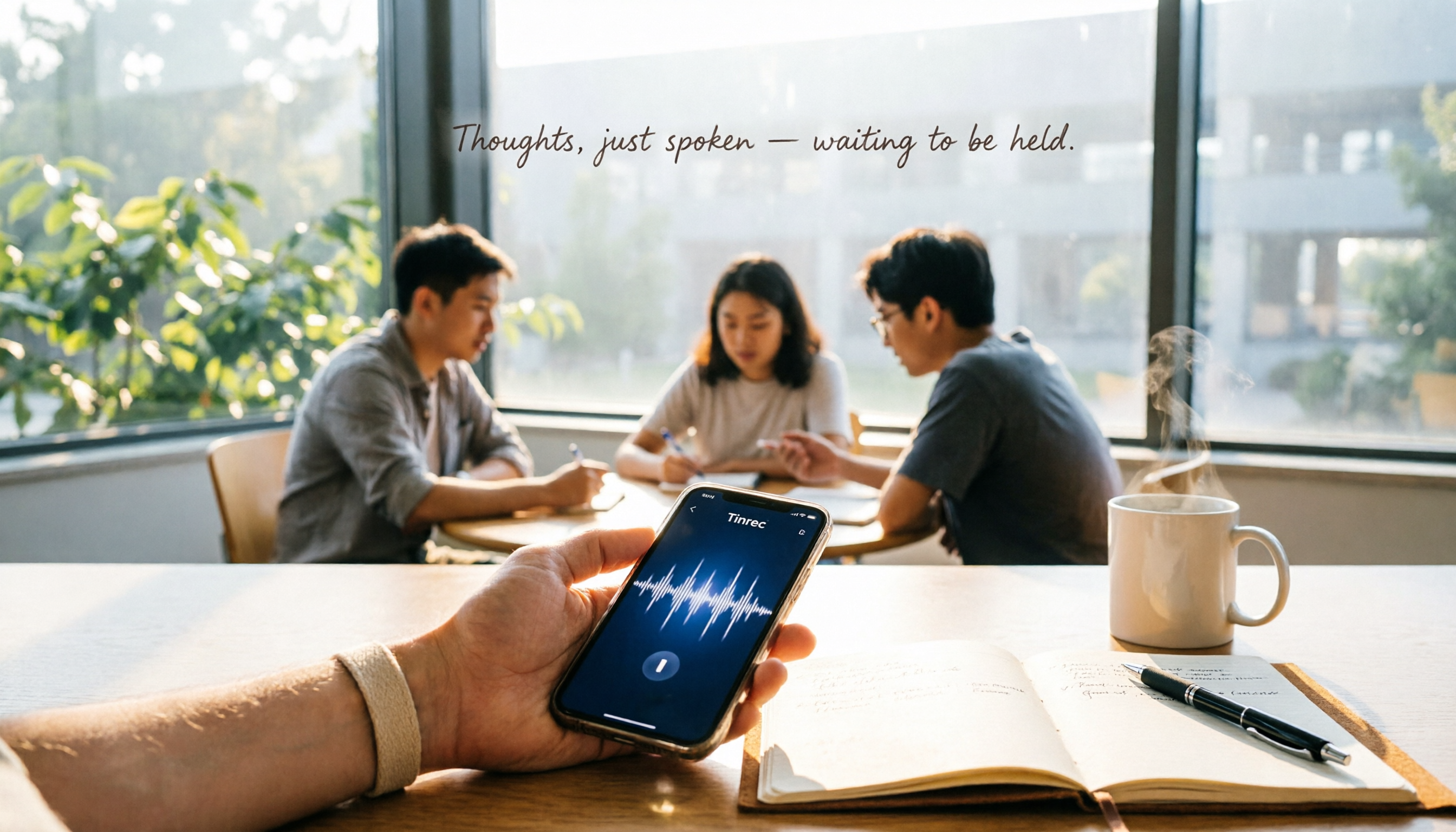
Tinrec 2026 Review: Auto Meeting Minutes + AI Q&A for Students
Tested from a student's perspective! Tinrec is an AI recording tool that transcribes, summarizes, and creates to-do lists, with AI Q&A to find key points. Is the free plan enough? How does it compare to Otter and Notta for students? Find out in this guide.