

Turn recordings into transcripts and summaries in minutes
Upload audio or video for multilingual transcription, AI notes, and action items
In recent months, I've received quite a few emails from readers, and one type of question keeps coming up: during online classes, the instructor talks so fast that handwritten notes can't keep up, and after class, you're left with a pile of scribbles and have to spend hours re-listening to fill in the gaps.
Honestly, I know this pain all too well. When I used to take online courses myself, I'd try to listen and write at the same time, only to end up failing at both. Eventually, I gave up on taking notes during class and just rewatched the recordings afterward. But that was really inefficient.
Later, I started researching various AI recording and organizing tools and realized that technology could already help us solve this problem.
In this article, I'll walk you through a simple method to understand what tools are available for AI note-taking in online classes, and help you choose the best one for your needs in 5 steps.
Why Do You Need AI Notes for Online Classes?
Online classes typically have a high information density—every sentence from the instructor could be a test point, and you can't rewind in real time. Traditional handwritten notes tend to miss key points, and re-listening after class is time-consuming. AI tools can transcribe your recordings into text, automatically summarize, split into chapters, and even let you review quickly through Q&A.
In short, they separate the actions of "listening" and "organizing," allowing you to focus on understanding during class and get structured notes right after.
Below, I've compiled 5 AI tools particularly suited for online class scenarios, using Tinrec, which I use most often, as the primary example.
Option 1 | Tinrec (Instant Recording) — The Most Complete AI Recording and Audio/Video Organizing Workbench
Tinrec is more than just a typical voice-to-text app. Its design philosophy is to "turn recordings and videos into knowledge you can continue to use," which is especially impactful for online class notes.
With Tinrec for online class notes, you can choose to record in real time, upload a class recording, or even paste a link to a public course on YouTube, Bilibili, etc., and it will convert it into a transcript. But what I use most often is the organizing feature after transcription: the AI automatically generates a summary, splits long courses into titled chapters, and extracts to-dos or key points.
Another key differentiator I find is the AI chat query. After class, you can ask questions like a teaching assistant: "What were the three theories the instructor just mentioned?" or "What are the assignments for this class?" Tinrec will answer based on the recording content. For students who need to write reports or prepare for exams, this is far more efficient than replaying from the start.
In terms of pricing, Tinrec offers a free trial version. If you have a heavy course load, you can buy a weekly pass; long-term users can consider the Pro monthly or annual plan.
Best for: Students who frequently need to convert online class content into review notes and want comprehensive organizing features.
Option 2 | NotebookLM (Google) — A Free AI Notebook Integrated with the Google Ecosystem
NotebookLM is a free AI note-taking tool from Google, with the core concept of "building a knowledge base based on the materials you upload." You can upload course PDFs, Google Docs, or even YouTube links to online classes, and it will automatically generate summaries, study guides, FAQs, and even turn them into conversational podcasts.
Because it's built on the Google ecosystem, if your school or you personally are already used to Google tools, integration will be seamless. The biggest advantage is that it's free and has almost no usage limits, making it great for students on a budget.
Best for: Learners who need to organize a lot of course materials, are willing to manually upload files, and value a free option.
Stop organizing recordings by hand
Upload audio or video and automatically get a transcript, summary, and action items
Option 3 | ThetaWave — Focused on Turning Classroom Audio into Structured Notes
ThetaWave's positioning is precise: "classroom notes." It particularly emphasizes handling formulas and technical terms in STEM subjects, and reorganizing the instructor's sometimes scattered lecture content into a readable structure.
Usage is simple: record during class or upload an audio file afterward, and the AI will produce well-organized notes. Many medical and engineering students on the official website have reported that this is much more reliable than handwriting and catching up later.
It has a free starter plan, with advanced features requiring payment.
Best for: Students with more challenging course content who need highly structured notes.
Option 4 | Otter.ai — Veteran AI Meeting Recorder, Also Suitable for Online Classes
Otter.ai is a pioneer in AI transcription, excelling in real-time transcription and speaker identification. Although it's primarily positioned for business meetings, it works perfectly for transcribing online classes, especially with high accuracy for English courses.
The free version offers 300 minutes of transcription per month, which is sufficient for light users. It automatically labels different speakers and provides summaries and keyword search.
Best for: Students with more English online classes or those who also need meeting recording features.
Option 5 | Notta — A Great Choice for Multilingual Transcription and Translation
Notta supports transcription in multiple languages and real-time translation, which is especially helpful for those taking foreign language online classes. Its transcription allowance is quite generous in paid plans; the Pro plan includes 1,800 minutes per month.
Besides online classes, it can also handle general meetings and interviews, making it quite versatile. The free version offers 120 minutes per month, so you can try it out first.
Best for: Learners who frequently take bilingual courses (e.g., Chinese-English, Chinese-Japanese) or need translation assistance.
With So Many Options, How Do You Choose? 5 Steps to Help You Decide
I usually recommend readers filter using the following steps to avoid choice paralysis:
Step 1: Clarify your primary use case
If it's purely for online class notes, Tinrec and ThetaWave are closest to your needs; if you also need to handle meetings or interviews, Otter and Notta are more versatile.
Step 2: Decide which organizing features you need
Do you only want a transcript, or do you need AI summaries, chapters, or even Q&A? Tinrec is one of the few options that offers complete post-processing features; NotebookLM excels at material integration but requires manual database building.
Step 3: Consider your budget
NotebookLM is completely free; Tinrec has a free version and a low-cost weekly pass; Otter and Notta have limited free allowances, but paid plans offer more minutes.
Step 4: Check your platform and ecosystem habits
If you're already living in the Google world, NotebookLM integrates most seamlessly; if you need cross-device use (phone and computer), Tinrec and Notta offer full platform support.
Step 5: Try before you decide
Almost all tools have free trials. My advice is to pick a real online class, run it through two tools, and compare the note results and user experience—the answer will become clear.
3 Things to Know Before Using AI Notes for Online Classes
Recording quality determines transcription success
During class, try to use a headset microphone to minimize background noise, which improves transcription accuracy. Tools like Tinrec support external microphones, so investing in a small accessory is worthwhile.AI-generated notes still need your review
AI may misinterpret technical terms or miss the instructor's nuances. For important test points, always cross-check with the original text or recording.Respect course copyright
Before recording an online class, check whether the course platform or instructor allows recording to avoid copyright infringement.
Conclusion
AI note-taking tools for online classes are no longer "future technology"—they're study aids you can use right now. Instead of regretting incomplete notes after every class, find a tool that works for you, outsource the organizing to AI, and focus more on understanding and thinking.
In my own experience, from recording to getting structured notes, it now only takes a few taps on my phone after class, and the entire review rhythm has changed completely.
You can do it too. Starting today, pick a tool, record a class, and you'll experience that sense of ease of "starting to read the key points right after class."
References
- College Student AI Notes — 10x Learning Efficiency
- Can't Keep Up with Online Course Notes? 2026 5 AI Tools Tested, Use Tinrec to Auto-Generate Key Points and Action Items - Instant Recording Blog
- 【NotebookLM Tutorial】The Most Comprehensive Free AI Note Tool, 7 Learning + Work Scenarios Fully Explained! — Leading Era
- Lecture to Notes
- AI Note Tool - NotebookLM Application Introduction - Computer Center
Turn every recording into actionable outcomes
Get 60 free transcription minutes when you sign in. No credit card required.
Related Reading
You might also like

Tinrec vs Live Transcribe in 2026: A 5-Dimension Comparison to Help Students Choose the Right Recording-to-Text App
How do you choose a recording-to-text tool as a student? This article, based on a senior's hands-on comparison of Tinrec and Android's built-in Live Transcribe, analyzes transcription quality, AI organization, classroom scenarios, and pricing to help you find the right free and paid tools for organizing lecture recordings and meeting notes.

Tinrec vs Otter.ai in 2026: A 5-Dimension Comparison for Multilingual Scenarios
Want to quickly transcribe multilingual meetings, courses, and interviews? This article uses Tinrec as an example, showing you how to perform multilingual speech-to-text in 5 steps, and compares Tinrec with Otter.ai across 5 dimensions to analyze which is better for Chinese and multilingual organization scenarios.

4 Korean Speech-to-Text Tools Tested in 2026: Is the Free Version Enough?
Need to transcribe Korean recordings from meetings, classes, or K-dramas? This article tests Tinrec, TurboScribe, Zeemo, and VOMO AI, covering accuracy, AI features, free tiers, and pitfalls to help you choose the best option.

5 Best Recording-to-Text Apps in 2026: A Side-by-Side Comparison for Mobile Transcription
Still manually typing out transcripts after recording on your phone? This article tests 5 of the most practical recording-to-text apps in 2026, comparing free and paid options to help professionals, students, and creators quickly find the best mobile voice-to-text tool.

2026 Hands-On Comparison of 2 Recording-to-Text Tools: Which One Handles Chinese Audio/Video Organization Better?
This article provides a hands-on comparison between Tinrec and Otter.ai, analyzing five key dimensions: input sources, Chinese transcription, AI summaries and Q&A, export options, and pricing plans, to help you decide which tool is better suited for Chinese-speaking users in meetings, learning, and content creation scenarios.
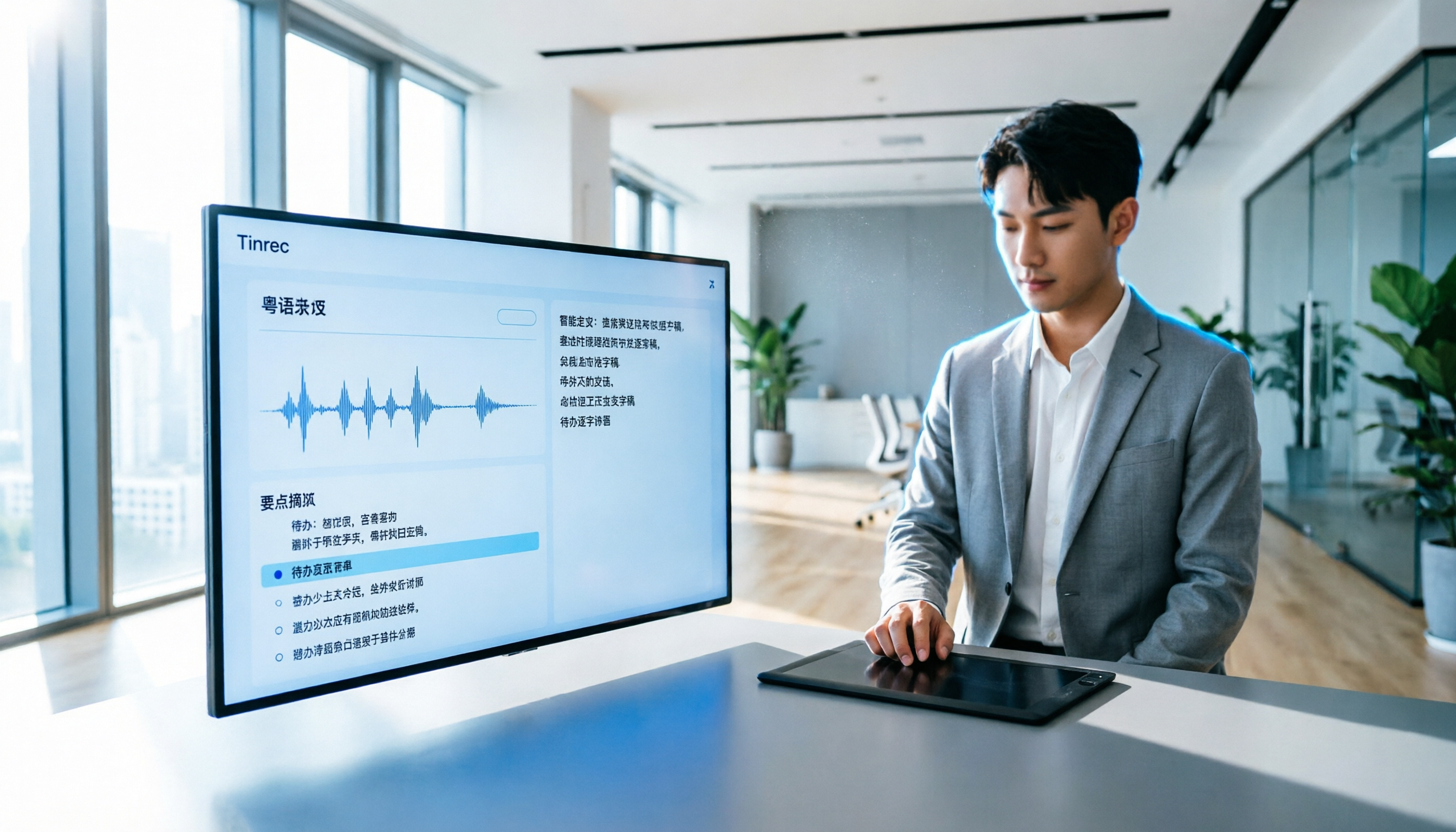
How to Transcribe Cantonese Audio to Text in 2026? 5 Steps to Easily Convert Cantonese with Tinrec
A must-read for Hong Kong professionals! Use the AI audio-to-text tool Tinrec to quickly convert Cantonese meetings and class recordings into text, with automatic summaries and to-do lists, so you can say goodbye to overtime transcription. Check out the complete 5-step tutorial.

2026 Hands-On Comparison of 2 Recording-to-Text Tools: Tinrec vs Plaud Note — Which One Nails Cantonese Accuracy?
Hong Kong professionals face daily meetings and need reliable recording-to-text tools. This hands-on test compares two popular options: software-based Tinrec vs hardware-based Plaud Note, evaluating Cantonese recognition, cross-platform support, AI features, and cost to help you choose the time-saving solution.
2026 Test: 5 Speech-to-Text Tools for Minority Languages – Which Has the Most Complete Multilingual Support?
When organizing meeting, interview, or study recordings that include minority languages, standard speech-to-text tools often fall short. This article tests 5 mainstream tools, comparing language coverage, transcription quality, and post-processing capabilities to help you find the best solution for handling minority languages.

Tinrec vs Otter.ai in 2026: 5-Dimension Comparison for Call Recording Transcription – Which One Should Chinese Users Choose?
Looking for the best tool to transcribe phone call recordings? This article compares Tinrec and Otter.ai across 5 key dimensions: input sources, transcription accuracy, Chinese support, post-processing features, and pricing. We also walk through a complete workflow using Tinrec to turn a meeting recording into a transcript and meeting minutes, helping you decide which tool fits your needs.