

Turn recordings into transcripts and summaries in minutes
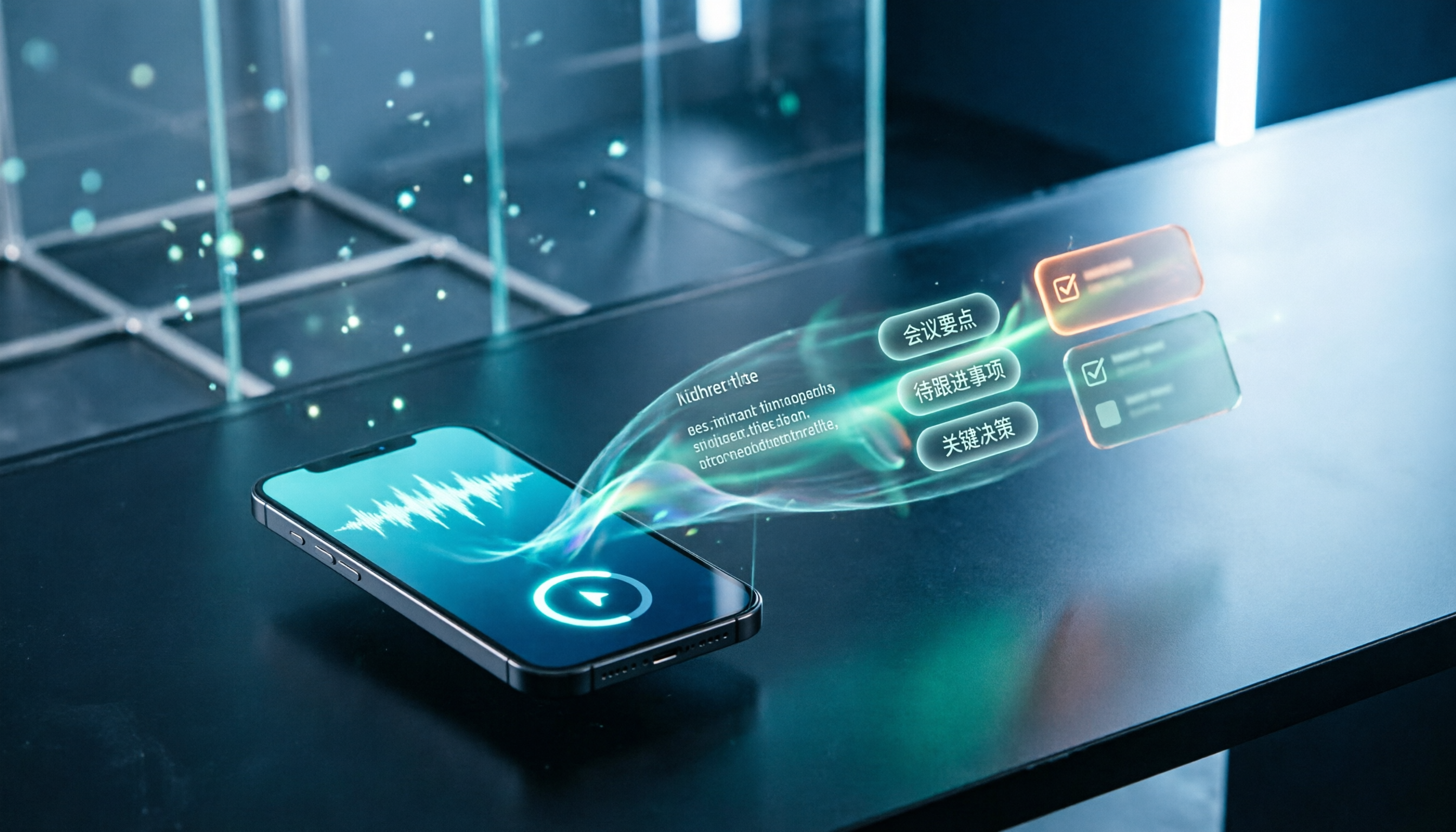
Upload audio or video for multilingual transcription, AI notes, and action items
Last month I had to organize recordings from six user interviews.
The files alone would take an afternoon, but the real bottleneck wasn't time—it was the process: put on headphones, play, pause, rewind five seconds, type that sentence again.
After two interviews I stopped. The remaining audio files sat in a folder for two weeks.
Then I broke the problem down again. I realized the issue wasn't "typing too slowly"—it was that I kept treating recordings as something to copy down, rather than as data to be organized.
Once I shifted my thinking, the tool choices became completely different.
What you need isn't faster typing—it's a workflow that turns recordings into data
Let me start with three scenarios I've actually encountered.
The first is interviews. A researcher records a one-hour conversation, then needs to find the part where "the interviewee mentioned pricing concerns." If you only have the audio, you have to listen from the beginning; if you have a transcript, you can search directly.
The second is online meetings. After the meeting, everyone goes back to their work. Two days later someone asks "what was the scope we decided on?" and nobody remembers.
The third is courses and lectures. The recording is on your phone. You know it contains valuable content, but every time you think about re-listening, you give up.
What these three scenarios have in common: the recording itself is never the goal—whether you can use it afterward is.
So the real question isn't "which tool transcribes faster," but "which tool lets me turn content into something searchable, citable, and shareable with the least effort after recording."
In this article, I want to break down that workflow for you.
Before choosing audio-to-text software, understand these 4 key points
Key point 1: Are you dealing with "files" or "the meeting itself"
This is where many people get it wrong from the start.
Some tools excel at "upload an MP3 and get text"; others excel at "record and transcribe during the meeting, with a transcript ready when it ends." These two have completely different technical approaches and usage rhythms.
If you have a batch of already-recorded audio files, you need file import capability and quota rules. If you have meetings every day, you need real-time recording and a way to record that doesn't disrupt the meeting.
For example, Tinrec's desktop version captures the computer's system audio, so you don't need to send a separate bot into the meeting room. This makes a big difference in practice, because having an extra "recorder" member in a meeting often changes how participants speak.
Key point 2: What else do you need after the transcript
The transcript is the starting point, not the end.
In my experience, the real time sink is "extracting key points from the transcript, writing meeting notes, and listing action items." If the tool only gives you a big block of text, you still have to read through it yourself.
So when choosing a tool, I look at three things: does it have summaries and chapters, can it automatically extract action items, and can I ask follow-up questions about the content.
The last one is the differentiator. When you finish recording a meeting and can directly ask "who mentioned the budget cap" instead of using Ctrl+F to search for keywords, your way of working changes.
Key point 3: The real experience with Chinese and mixed Chinese-English
Meetings in Taiwan are rarely pure Chinese. Most of the time, Chinese sentences are mixed with product names, technical terms, and English abbreviations.
This kind of content tests the transcription engine in a completely different way than a clean English speech.
When testing, I don't just look at the accuracy rates the vendors claim—I run my own real recordings, especially segments with Chinese-English switching, to see if sentence breaks get messed up or if technical terms get forcibly translated into Chinese.
There are no shortcuts here: testing with your own recordings is more accurate than any review.
Key point 4: Should data stay with individuals or become a team asset
This is the most commonly overlooked point, but it determines whether you'll regret it three months later.
If meeting data is stored in individual accounts, it disappears when a member leaves. If data is stored in a team space, new members can look up past meetings, and project context stays connected.
For team scenarios, what matters isn't "can multiple people share one account," but "are there roles, seats, usage, and activity logs." These seem administrative, but once a team exceeds three people, they become everyday issues.
Tinrec: The one I currently put at the center of my workflow
One-sentence positioning: This is an AI meeting notes and collaboration tool for individuals and teams, spanning web, desktop, and mobile.
I put it as the first stop in my workflow, not because it has the most features, but because it fills the gaps between "recording" and "usable data" most completely.
The first scenario is online meetings. I use the desktop version to directly record the meeting audio playing on my computer—Zoom, Google Meet, Teams, Webex all work—without inviting a bot into the meeting room. When the meeting ends, the transcript is already there, along with generated summaries and chapters.
The second scenario is follow-up questions. This is my most-used feature. After recording, I directly ask it "what were the three main obstacles mentioned in this interview," and it answers based on the content instead of throwing a bunch of keywords at me. I can keep asking follow-up questions on the same data, which is much faster than digging through the transcript again.
Stop organizing recordings by hand
Upload audio or video and automatically get a transcript, summary, and action items
The third scenario is delivery. The organized content can be exported to Notion, Google Docs, OneNote, Dropbox—places I already use—or further processed with the Agent to generate reports, tables, or meeting notes. The output isn't limited to transcripts, which is practical for people who need to deliver work.
The fourth scenario is teams. The team version isn't "multiple people sharing one account"—it's an independent team space: you can create multiple spaces, invite members via link, set owners and admins, assign and revoke seats. Meeting data belongs to the team, and when a member leaves, resources can be handed over to others. There are also usage analytics, team hotwords, audit logs, and an audio recycle bin.
The official pricing and benefits are as follows: the first eligible team trial is 7 days, 1 free seat, 300 minutes of team shared import quota; team monthly is USD 29.80 per paid seat per month, annual is USD 199 per paid seat per year (about USD 16.58 per month), with each paid seat providing 2,000 minutes of team shared import quota per month. Real-time recording under an active team plan and active seat currently does not deduct minutes; file and web imports consume the team shared quota. Actual prices and promotions are subject to the official purchase page.
I should also be honest about limitations. The free version is for trial purposes; heavy users will need to pay. File imports consume shared minutes, so it's not suitable as a batch processing tool for "dropping dozens of files at once." Transcription quality is still affected by the recording environment—when multiple people speak at once, there's background noise, or there are many technical terms, you still need to check against the original.
Who is it for? People who need Chinese meeting notes, want to ask follow-up questions and organize directly after meetings, and want to turn meetings into team data.
(Screenshot here: Tinrec meeting details page, transcript on the left, AI summary and action items on the right, arrow pointing to the AI follow-up input box in the lower right)
Besides Tinrec, what other options are there?
Notta is the closest competitor to Tinrec, with multi-platform transcription, file import, translation, and team plans. The official free version offers 120 minutes per month with a 3-minute limit per item; Pro annual is about USD 8.17 per month with 1,800 minutes per month. It's suitable for people who mainly do file transcription and subtitle translation. But if you want "no meeting bot, directly record the meeting audio playing on your computer," Notta takes the bot and import route, and team seat and usage governance isn't its focus.
TurboScribe is the tool I think of when handling long files: free 3 files per day, 30 minutes per file; Unlimited annual is USD 120; paid version supports up to 10 hours or 5 GB per file and up to 50 files at once. When you have a batch of files to convert to text or subtitles, it's very cost-effective. But it's pure transcription: no real-time recording of meetings, no AI Q&A around the content, and it won't turn meetings into a team knowledge base.
Otter.ai is a veteran choice for English business meetings: free 300 minutes per month; Pro annual is about USD 8.49 per user per month with 1,200 minutes of in-app recording and 10 file imports per month. For all-English meetings, it's very mature. But Chinese and mixed Chinese-English aren't its strong suit, and it excels at meeting automation and integrations, which is a different approach from Tinrec's "bot-free recording + post-meeting Agent generating reports and tables."
Pitfall guide: The 4 most common mistakes when choosing these tools
Pitfall 1: Mistaking "dictation input" for "audio-to-text." Word's dictation and Google Docs' voice input are essentially input methods—they can only listen to you speak in real time and can't read an MP3 you've already recorded. Many people buy a tool only to realize they needed transcription, not dictation.
Pitfall 2: Only looking at monthly free minutes. What matters is the "per-item limit" and "whether file imports share the quota." Some plans give you a few hundred minutes per month but limit each file to three minutes—that's meaningless for a two-hour meeting.
Pitfall 3: Thinking the transcript is the end. The transcript is just raw material. If the tool only gives you text, you still have to read it, write notes, and list action items yourself. When choosing a tool, check whether "summary, chapters, action items, follow-up questions" are included.
Pitfall 4: The team shares one account. It seems cost-saving in the short term, but long term you'll face three problems: unclear data ownership, inability to track who used how much quota, and no handover mechanism when members leave. For team scenarios, look at spaces, roles, seats, and activity logs—not the number of accounts.
Pitfall 5: Ignoring the legality of recording. Recording and transcription involve local regulations. For important meetings, it's advisable to inform participants and obtain consent first. This isn't something a tool can handle for you, but it's a prerequisite for using these tools.
Conclusion: Which one should you choose?
Back to my own answer: my main tool now is Tinrec, because most of my meetings are in Chinese, I need to ask follow-up questions directly after meetings, and I want to keep data in a team space.
Breaking it down by scenario makes it clearer:
- Chinese meetings, mixed Chinese-English, need post-meeting follow-up and organization → Tinrec
- Need team-shared meeting data, manage member seats and usage → Tinrec Team
- A bunch of already-recorded files to batch convert to text or subtitles → TurboScribe
- All-English meetings, need mature meeting automation → Otter.ai
- Mainly multilingual file transcription and translation → Notta
Finally, here's a starter checklist you can follow:
- Pick one of your own most realistic recordings, about ten minutes long, containing mixed Chinese-English.
- Run a transcription with the free quota. Don't look at official numbers—just check whether your own segments are correctly segmented.
- Check whether the transcript can be searched by keyword and jump to the corresponding timestamp.
- Try the "summary and action items" feature once, and see how much its key points differ from yours.
- Try asking a question about the meeting, such as "who is responsible for what next," and observe whether the answer is based on the content.
- Only then look at quota and pricing. Multiply by the hours you actually record per week to see which plan makes sense.
Tools will keep changing. Once the workflow is established, changing tools is just changing one part of it. Test step by step, and you'll gradually master this method.
References
- Online speech-to-text AI, free MP3 or audio file to text transcript - MyEdit
- 7 free audio-to-text Word tools recommended in 2026: accurately generate meeting transcripts and action items - Tinrec Blog
- Audio to text: convert recordings to transcripts online | Canva
- Online AI speech, video, audio file auto-to-text - free trial - cSubtitle
- Audio-to-text methods taught to you!
Turn every recording into actionable outcomes
Get 60 free transcription minutes when you sign in. No credit card required.
Related Reading
You might also like

2026 Audio-to-Text App Comparison: Which One Turns Meetings into Usable Data?
There are plenty of audio-to-text apps, but most people get stuck not on transcription but on what comes after. This article starts with common pitfalls, explains the four key points to consider when choosing, and compares Tinrec, Notta, TurboScribe, and Granola on meeting recording, Chinese transcription, post-meeting organization, and team collaboration, with a guide to avoiding pitfalls and selection advice.

Tinrec vs Word Built-in Transcription in 2026: 5-Dimension Comparison — Which Should You Choose for Audio-to-Word Transcription?
When converting audio recordings to text and exporting to Word, should you use Microsoft 365's built-in Word transcription or a dedicated AI meeting tool? This article compares Tinrec and Word built-in transcription across 5 dimensions: audio import, document export, post-meeting organization, Chinese recognition, and quota pricing. It also covers suitable scenarios for cSubtitle and Notta to help you decide which approach saves more time.

2026 Comparison of 2 Phone Recording-to-Text Tools: Tinrec vs PLAUD Note — Which Is Better for Mobile Users?
The most common misconception about phone recording-to-text is thinking you need to buy a voice recorder first. This article compares Tinrec and PLAUD Note across five dimensions: ease of use, online meetings, Chinese transcription, post-meeting organization, and team collaboration, with pricing and free quota details to help you decide which approach fits your recording habits.
How to Record LINE Calls in 2026: 5-Step Guide
LINE doesn't have a built-in call recording feature, and screen recording often captures only your own voice. This guide covers the actual steps for iPhone (iOS 26 Native Capture) and Android in 2026, common failure reasons, and legal reminders. It also explains how to use Tinrec to turn recordings into transcripts, summaries, and action items.

LINE Voice Messages Expired in 2026? 5 Steps to Rescue and Back Up
Can't hear LINE voice messages or missing call recordings? This guide covers three different LINE recording retention rules, 5 rescue and backup steps, the real limits of Keep Notes, and how to turn recovered audio into transcripts and action items—so one-time voice messages become long-term usable data.

3 LINE Recording No Sound Alternatives Tested for 2026: Which One Turns Conversations into Searchable Text?
Open a LINE voice message and the progress bar moves but there's no sound? Most people get the first step wrong. This guide first helps you distinguish between "can't hear playback" and "can't record the other person's voice," walks you through a three-minute troubleshooting check, then compares three alternatives—Tinrec, Plaud, and Notta—to see which one can actually save that audio and turn it into searchable, queryable data.

4 LINE Call Recording Methods Tested for 2026: How to Turn Recordings into Usable Meeting Notes
LINE doesn't have a built-in call recording feature, but the real challenge isn't recording—it's what to do with the audio file sitting on your phone afterward. This article starts with common misconceptions and compares four approaches: iPhone integrated calls, Android screen recording, external recording devices, and computer-based recording. It then explains how to use Tinrec to turn call recordings into searchable, queryable meeting materials you can share with your team.

Best Way to Record LINE Calls? 4 Methods Tested in 2026, and Why Tinrec Makes Organizing Effortless
LINE does not have a built-in call recording feature. This article covers the 4 most common ways to record LINE calls in 2026 and compares iPhone's built-in screen recording with Tinrec (秒聽錄音) on audio capture, transcription, post-meeting organization, multilingual support, and team collaboration—so you can decide which method to use and how to turn recordings into searchable, queryable meeting data.

4 Voice-to-Text Tools Tested in 2026: How to Transcribe LINE Voice Messages for Free
Listening to LINE voice messages is inconvenient, and meeting recordings pile up—common struggles for office workers. This guide covers three common LINE voice scenarios, free methods and their limits, and compares Tinrec, Notta, TurboScribe, and Granola to help you decide which actually saves time.