

Turn recordings into transcripts and summaries in minutes
Upload audio or video for multilingual transcription, AI notes, and action items
Many people start by opening the pricing page and comparing minutes when choosing an audio-to-text app. That's the most common and most error-prone way to decide.
Minutes only determine how many audio files you can throw in, not what you end up with. What really eats up work hours is the part after transcription: how do you turn dozens of pages of transcript into meeting minutes? Who is responsible for last week's decisions, and when are they due?
A more reasonable order is to reverse it—first figure out what you want to do after transcription, then look back at which app's follow-up workflow can support your work.
The meeting ends, and that's when the work begins
"Two-hour meeting, another two hours of organizing afterward"—this is the daily reality for many professionals.
What's more troublesome is that data is scattered everywhere: MP3s on voice recorders, Zoom cloud recordings, M4A files from colleagues, and a bunch of unorganized old interviews.
If you've ever listened to a 40-minute recording from the beginning just to confirm "who said they were going to change the spec last time," this article is for you.
Choose the right tool, and these fragments become searchable, queryable data; choose the wrong tool, and you've just replaced "typing" with "uploading"—work hours aren't really saved.
Before choosing an audio-to-text app, understand these 4 key points
First, is the input source broad enough? The era of only recording on a phone is over. Common needs now mix online meetings, in-person interviews, and existing audio files. If your tool can only upload files, you'll have to find another way to record every online meeting—the workflow is broken.
Second, can you use it directly after transcription? Most tools give you a transcript, but a transcript itself is not the result—it's raw material. Whether someone helps you split chapters, extract to-dos, and generate summaries determines whether you get "a transcript" or "usable data."
Third, performance with Chinese and mixed Chinese-English. Meetings in Taiwan are rarely pure Chinese—product names, technical terms, and English abbreviations fly around. This is the most error-prone part and the hardest to compare by specs; we recommend trying it with your own recordings.
Fourth, how quotas and data ownership are calculated. For personal use, check if the monthly quota is enough; for team use, check whether meeting data disappears when a member leaves. Few people ask this before buying, but almost every team encounters it.
Tinrec—after testing, we think it's the most comprehensive choice
Tinrec is an AI meeting notes and collaboration tool for individuals and teams, supporting iOS, Android, desktop, and web. It wraps the entire process from "recording" to "usable data," not just audio-to-text.
No need to invite a bot to online meetings. This is its most practical point. The desktop version directly captures the computer's system audio, handling Zoom, Google Meet, Microsoft Teams, Webex, and similar meetings without inviting an extra meeting bot as a participant—the participant list stays clean. Note that this is not the same as "automatically joining all calendar meetings"—you still need to actively open Tinrec to start recording, and it's not an official integration with these platforms.
Post-transcription organization is its main strength. For a 40-minute project meeting, you'll have a transcript plus automatically generated summaries, chapters, and to-dos. Long meetings are split into browsable sections, so you don't have to scroll from the beginning to see who's responsible for what or which decision is stuck with whom. Even better is AI Q&A—after recording, you can directly ask "what was the conclusion about the budget in this meeting?" and it answers based on the content, not a list of keyword search results.
Chinese, mixed Chinese-English, and cross-language meetings. Tinrec covers Chinese, Traditional Chinese, and multilingual scenarios, supports real-time translation during recording, and can switch between original, translation, or bilingual view. The team version also has "team hotwords" where you can add your company's product codes and proper nouns to reduce recurring recognition errors.
Output and extensions. Results can be exported to common file formats and brought into Notion, Google Docs, OneNote, Dropbox for further use; you can also use Agent post-processing to generate reports, tables, or documents from meeting content—suitable for those who need to submit weekly reports or meeting minutes after meetings.
The team version solves the "data ownership" problem. The team version is not multiple people sharing a personal account but an independent team space: you can create multiple teams, invite members via link, set owners/admins/regular members, and assign or revoke seats. Meeting audio, folders, and to-dos are centrally stored; new members can see historical data when they join, and data isn't taken away when members leave—it needs to be handed over to other active members. Admins can also view team usage trends, member rankings, and details, find and export important operation logs, and recover accidentally deleted audio from a 30-day recycle bin.
Stop organizing recordings by hand
Upload audio or video and automatically get a transcript, summary, and action items
Pricing and quotas, listed honestly. The personal version has a free version, weekly card, Pro monthly, and Pro annual—choose based on usage frequency; actual quotas and prices are subject to the official website. The team version offers a 7-day trial for first-time eligible teams, including 1 free seat and 300 minutes of team shared import quota; monthly USD 29.80 per paid seat per month, annual USD 199 per paid seat per year (about USD 16.58/month), with each paid seat providing 2,000 minutes of team shared import quota per month. Under an active team plan and active seats, real-time recording currently does not deduct minutes; file and web imports use the team shared quota.
Limitations to note. First, we won't tell you it has a fixed 98% or 99% accuracy rate—actual performance depends on recording quality, background noise, accents, people talking over each other, and technical terms; for important content, we still recommend listening back to the timestamp. Second, the team version currently shares at the team level, not fine-grained file-level permissions; members without seats can view, play, and read but cannot upload, edit, or export. Third, the recycle bin retains for 30 days, and to-dos are not covered by the recycle bin.
Who is it for? People who frequently have online meetings, need Chinese transcripts and post-meeting minutes, want to use AI to query key points directly after recording, and care about meeting data staying with the team rather than on personal hard drives.
Besides Tinrec, what other options are there?
Notta. A mature tool for multilingual transcription and team plans; free version 120 minutes per month with a 3-minute limit per session, Pro annual about USD 8.17/month with 1,800 minutes per month, Business annual about USD 16.67 per seat per month. Suitable for those focused on file transcription and translation. However, it follows an upload and meeting-bot approach; Tinrec's desktop version directly captures system audio without a bot joining the meeting—a significant difference for teams that care about a clean participant list.
TurboScribe. A cost-effective file transcription tool; free version 3 files per day with 30 minutes per file, Unlimited annual USD 120 (about USD 10/month), paid version up to 10 hours or 5 GB per file and 50 files per upload. If you have hundreds of hours of historical audio to batch process, it's indeed a good deal. But it's essentially "file in, text out"—no real-time meeting recording, and no post-meeting to-dos, AI queries, or team space like Tinrec.
Granola. Also takes a bot-free approach to meeting notes, transcribing in real time via desktop system audio and microphone; Basic is free, Business is USD 14 per user per month. Its feature is layering AI on top of your handwritten notes. Note that it doesn't support uploading existing pre-recorded audio files and doesn't save meeting audio—if you need to listen back to the original audio for verification or want to organize old recordings together, Tinrec retains downloadable audio and supports file import, which better fits the need for "data you can look back on."
Pitfall guide: the 4 most common mistakes when choosing an audio-to-text tool
Pitfall 1: Comparing only by minutes. Cheap minutes don't equal time saved. If the transcript has no summary, no sections, no to-dos, you save transcription time but lose organization time. First calculate how much time you spend each week on "organizing" rather than "transcribing."
Pitfall 2: Using advertised accuracy as a purchasing basis. Numbers measured in a quiet studio are different from real meetings with air conditioning, keyboard sounds, and people interrupting. We recommend trying a segment of your own meeting recording, especially the parts with mixed Chinese-English and proper nouns.
Pitfall 3: Ignoring how online meetings are recorded. Meeting bots appear on the participant list, and some clients or external partners care. If you often meet externally, whether you can directly capture system audio on the desktop is more important than you might think.
Pitfall 4: Mistaking "team sharing" for "file permissions." Many tools claim team features, but in reality everyone sees all data and you can only manage who can change settings by role—no fine-grained file-level permissions. Before purchasing, be sure to ask: roles, seats, and member relationships are three different things; members without seats usually can only read, not edit.
Finally, one often overlooked point: recording and transcription involve personal data and local regulations; for external meetings, we recommend obtaining participants' consent first—this is not something a tool can solve for you.
Conclusion: Which one should you choose?
In one sentence: if you want "meetings that can be used directly after recording," Tinrec currently has the most complete workflow.
Recommendations by use case:
- Frequently use Zoom/Meet/Teams and don't want a bot in the meeting → Tinrec, desktop version directly captures system audio.
- Need Chinese, mixed Chinese-English transcripts and meeting minutes → Tinrec, summaries, chapters, and to-dos generated at once.
- Want to ask AI directly after recording "what was the conclusion, who is responsible for what" → Tinrec, supports queries around meeting content.
- Meeting data should stay with the team and not be taken away when members leave → Tinrec team version, with seats, usage, audit, and recycle bin.
- Have a large number of historical audio files for batch transcription, budget first → TurboScribe is still a cost-effective choice.
- Only meet in English and only need meeting notes → Granola or Otter.ai and other tools with mature English support are worth considering.
If budget is limited, we recommend starting with Tinrec's free version, running your most difficult recording (the kind with noise and mixed Chinese-English) once to see if the transcript and summary can be used directly. If the workflow fits, then consider the weekly card or Pro; if the team wants to use it together, then evaluate the number of team version seats. Try before you pay—more practical than looking at spec sheets.
References
- Online speech-to-text AI, free MP3 or audio file to text transcript - MyEdit
- Audio file to text free online tool, supports MP3, M4A, WAV
- Transcribe - Audio File to Text on the App Store
- Online AI speech, video, audio file auto text - free trial - cSubtitle
- Speech real-time conversion text APP recommendation 1. iPhone/iPad "Notes" APP supports real-time conversion to text, free, supports Chinese and English
Turn every recording into actionable outcomes
Get 60 free transcription minutes when you sign in. No credit card required.
Related Reading
You might also like

4 LINE Call Recording Methods Tested for 2026: Which One Actually Captures the Other Person's Voice on iPhone and Android?
LINE has no built-in call recording feature, and iPhone screen recording often captures only your own voice. This article tests four LINE call recording methods, covering system limitations, common failure reasons, and legal reminders, and explains how to use Tinrec to turn recordings into transcripts, summaries, and action items so the call content can be reused.

5 Best Online Audio-to-Text Tools in 2026: Free vs. Paid vs. Team Plans Compared
A practical comparison of 5 online audio transcription tools, covering free tiers, meeting capture methods, post-meeting AI processing, and team collaboration. Tinrec is the primary hands-on test subject, helping you decide which tool fits your meeting style and budget.
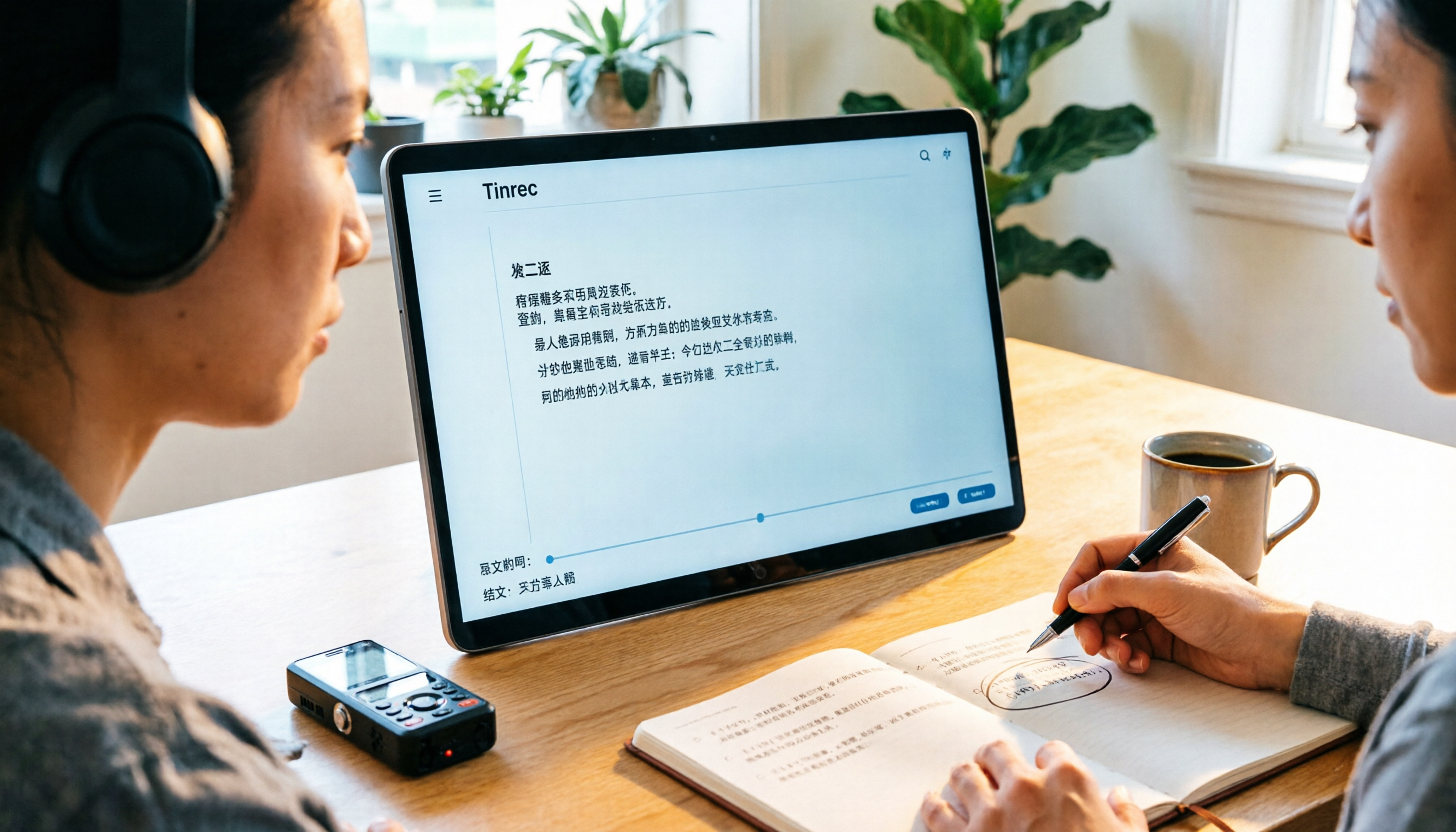
3 Audio-to-Text Tools Tested: Which Is Best for Chinese Meeting Transcripts in 2026?
How can you transcribe audio efficiently? Based on real meetings and interviews, this guide covers 5 key factors for choosing a tool, compares Tinrec, Otter.ai, Notta, and TurboScribe on input sources, Chinese handling, post-meeting organization, and pricing, and includes a full walkthrough plus 3 common pitfalls to help you find the most time-saving solution.

4 LINE Call Recording Methods Tested for 2026: How to Turn Recordings into Transcripts
LINE doesn't have a built-in call recording feature, but there are workable methods on both iPhone and Android. This article compares four LINE call recording methods in practice, including iOS 26's native capture, Android's built-in call recording, screen recording, and speakerphone with computer recording. It also covers the legal risks of recording and how to use Tinrec to turn audio files into searchable transcripts, summaries, and action items.
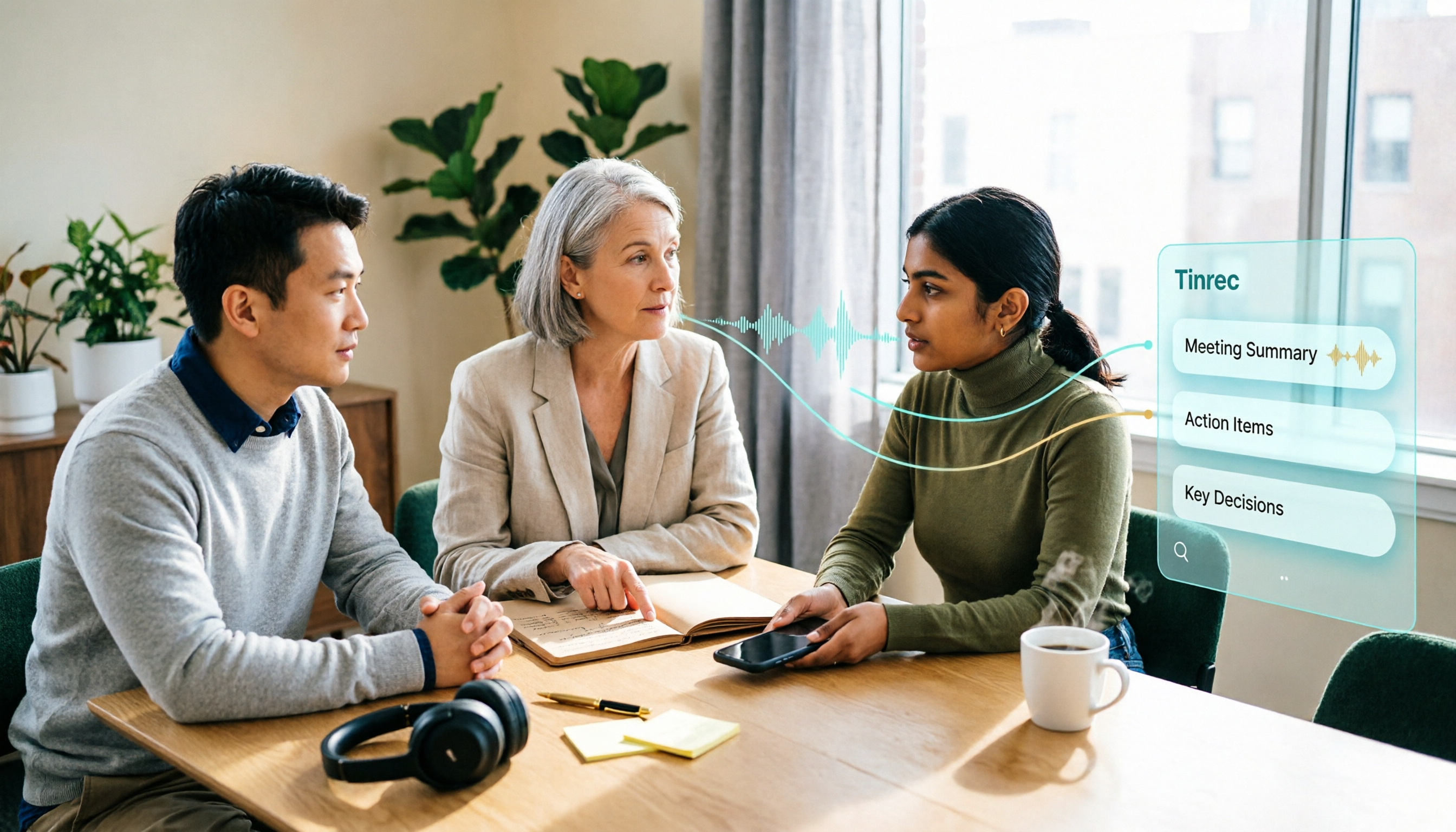
LINE vs Tinrec 2026: 5-Dimension Comparison — Why LINE Can't Record Calls and How to Solve It
LINE has no official call recording feature—not because you're missing a setting, but due to privacy policy, VoIP protocol, and system permission restrictions. This article explains the real reasons LINE can't record, compares Android screen recording, iPhone built-in options, external recording devices, and Tinrec, and shows how to turn recordings into searchable, queryable, deliverable meeting data.

Tinrec vs Word Built-in Transcription in 2026: 5-Dimension Comparison — Which Should You Choose for Audio-to-Word Transcription?
When converting audio recordings to text and exporting to Word, should you use Microsoft 365's built-in Word transcription or a dedicated AI meeting tool? This article compares Tinrec and Word built-in transcription across 5 dimensions: audio import, document export, post-meeting organization, Chinese recognition, and quota pricing. It also covers suitable scenarios for cSubtitle and Notta to help you decide which approach saves more time.

2026 Comparison of 2 Phone Recording-to-Text Tools: Tinrec vs PLAUD Note — Which Is Better for Mobile Users?
The most common misconception about phone recording-to-text is thinking you need to buy a voice recorder first. This article compares Tinrec and PLAUD Note across five dimensions: ease of use, online meetings, Chinese transcription, post-meeting organization, and team collaboration, with pricing and free quota details to help you decide which approach fits your recording habits.
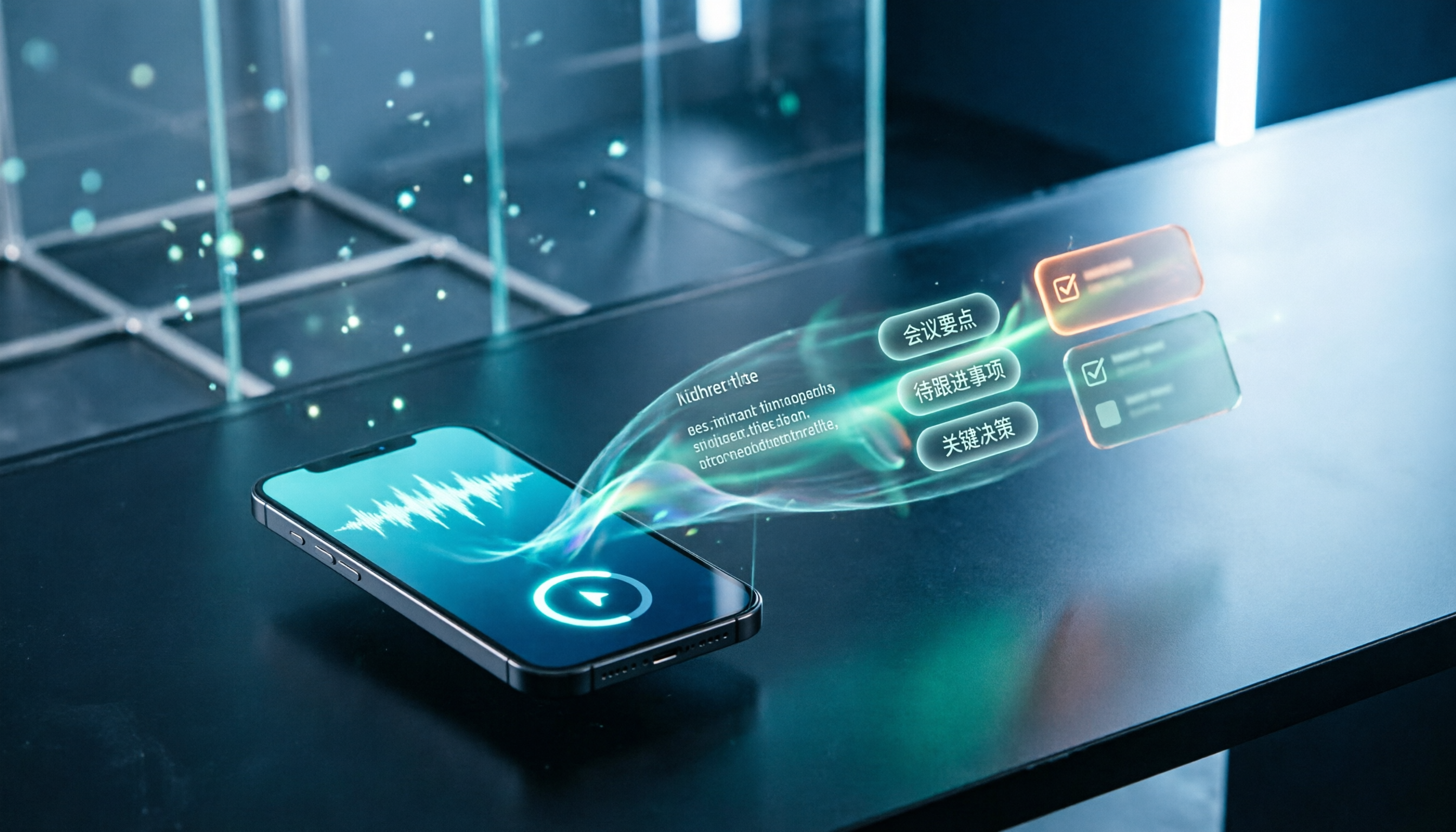
How to Record LINE Calls in 2026: 5-Step Guide
LINE doesn't have a built-in call recording feature, and screen recording often captures only your own voice. This guide covers the actual steps for iPhone (iOS 26 Native Capture) and Android in 2026, common failure reasons, and legal reminders. It also explains how to use Tinrec to turn recordings into transcripts, summaries, and action items.

LINE Voice Messages Expired in 2026? 5 Steps to Rescue and Back Up
Can't hear LINE voice messages or missing call recordings? This guide covers three different LINE recording retention rules, 5 rescue and backup steps, the real limits of Keep Notes, and how to turn recovered audio into transcripts and action items—so one-time voice messages become long-term usable data.