

Turn recordings into transcripts and summaries in minutes
Upload audio or video for multilingual transcription, AI notes, and action items
2026 Comparison of 2 Phone Recording-to-Text Tools: Tinrec vs PLAUD Note — Which Is Better for Mobile Users?
When many people think of "recording-to-text," their first reaction is: should I buy a voice recorder?
That thought is reasonable, but it's also the trap I've seen the most people fall into. They buy the device, get home, and only then realize the real hassle isn't recording — it's how to turn that one-hour file into text they can read, search, and hand off to colleagues.
Another common mistake is installing five or six apps on your phone, trying a little of each, and ending up with recordings scattered everywhere — and when you need to find one, you can't find any of them.
A more sensible approach is to first clarify where your recordings come from: in-person interviews, online meetings, or an audio file a friend sent you? Then pick a tool that can handle all of these, rather than buying hardware first.
Below I compare two solutions that often get compared side by side: Tinrec and PLAUD Note.
Tinrec vs PLAUD Note | Quick Overview
Tinrec is an AI meeting notes and collaboration tool for individuals and teams, available on mobile, web, and desktop. Its focus isn't just transcription but also post-transcription summaries, action items, AI Q&A, and team knowledge retention.
PLAUD Note is AI recording hardware — you're buying a physical recording device plus app-side organization features.
| Item | Tinrec | PLAUD Note |
|---|---|---|
| Form | Pure software, multi-platform | Requires purchasing a physical recording device |
| Hardware cost | None | NotePin USD 159, Note Pro USD 189 (US official site prices) |
| Main input sources | Live phone recording, online meetings, audio and video files | Primarily hardware recording |
| Post-meeting processing | Summaries, chapters, action items, AI Q&A, translation, Agent post-processing | Summaries, templates, Q&A |
| Team capabilities | Team spaces, roles, seats, usage, audit logs | More focused on team membership and device management |
Next, I'll compare across five dimensions: ease of use, online meetings, Chinese transcription, post-meeting organization, and team collaboration.
Dimension 1 | Ease of Use: Do You Need to Spend Money on Hardware First?
PLAUD Note's logic is straightforward: you need a device before you can record. For people who are often on the go and need to press a button quickly, this design makes sense.
But if 90% of your recordings come from the phone and computer you already have, that hardware expense is extra.
Tinrec is pure software. You can record directly on mobile and import existing audio files; the desktop version handles online meetings; the web version works too.
The free version provides a basic quota to try it out. Once you've built a habit, you can consider a weekly pass, Pro monthly plan, or annual plan based on your usage frequency.
→ This dimension: For people who don't want to carry an extra device for one feature, Tinrec is clearly more convenient.
Dimension 2 | Online Meetings: Does It Capture Zoom, Meet, and Teams?
PLAUD Note's strength is physical recording — face-to-face interviews and phone calls are within its scope. For online meetings, it relies on hardware to pick up speaker audio, and effectiveness depends on speaker volume and the environment.
Tinrec's desktop version directly captures your computer's system audio, so it can handle meetings on Zoom, Google Meet, Microsoft Teams, and Webex without inviting an extra meeting bot to join.
For situations where you "don't want a bot appearing on the participant list," this is practical.
Note that Tinrec is not a bot that automatically joins all calendar meetings — you need to open the desktop app yourself to start recording.
→ This dimension: For people with a high proportion of online meetings, Tinrec's approach is cleaner.
Dimension 3 | Chinese Transcription, Live Translation, and Bilingual View
PLAUD's transcription and summaries are provided through the app and membership plans. It works for Chinese scenarios, with output leaning toward summaries and templates.
Tinrec focuses on Chinese, mixed Chinese-English, and multilingual meetings. During recording, you can switch between original text, translation, or bilingual view; the team version also lets you maintain a glossary, feeding in product names and proper nouns to improve recognition stability.
Actual accuracy is affected by recording quality, background noise, accents, multiple people speaking at once, and technical terminology — this is true for any tool, and I also recommend not treating any tool as 100% accurate.
→ This dimension: For meetings in Traditional Chinese and mixed Chinese-English, Tinrec's setup is more aligned with Taiwan usage scenarios.
Stop organizing recordings by hand
Upload audio or video and automatically get a transcript, summary, and action items
Dimension 4 | After Transcription: Beyond the Transcript
PLAUD offers summaries, templates, and Q&A — enough for people who "just want the key points after recording."
Tinrec extends the workflow further: beyond the transcript, there are AI summaries, chapters, key points, action items, and mind maps. You can ask follow-up questions about a single meeting or search across meetings, then use the Agent to generate reports, tables, and documents, and finally export to Notion, Google Docs, OneNote, Dropbox, and other tools for further processing.
The difference is: one gives you a block of text, the other gives you material you can act on.
→ This dimension: For people who want to continue working with transcription results, Tinrec provides a more complete package.
Dimension 5 | Team Collaboration: Where Does the Data End Up?
For individual use, the difference isn't huge; it shows up when multiple people collaborate.
Tinrec's team version is a separate team space, not multiple people sharing a personal account. Meeting data belongs to the team; you can create multiple spaces, invite members via link, set owners, admins, and regular members, and assign or revoke seats.
It's important to distinguish roles and seats: roles determine who can manage the team, seats determine who can record, upload, edit, and export. Members who are active but have no seat can still view, play, and read team data, but cannot perform resource-usage operations.
Admins can also view team usage trends, member rankings, and details, query and export audit logs; accidentally deleted audio files can be recovered from a 30-day recycle bin.
PLAUD's team capabilities lean more toward membership and device management.
Pricing is listed honestly: the first eligible team trial is 7 days, 1 free seat, 300 minutes of team shared import quota. Team monthly is USD 29.80 per paid seat per month; annual is USD 199 per paid seat per year, equivalent to about USD 16.58 per month; each paid seat provides 2,000 minutes of team shared import quota per month. Under an active plan and active seat, live recording currently does not deduct minutes.
→ This dimension: For teams where colleagues need to view together and hand off work, Tinrec's design is much more complete.
What Are the Unique Advantages of Each?
Tinrec's unique advantages
- No bot for online meetings. The desktop version captures system audio, so no extra bot needs to join the meeting room.
- From transcript to deliverables. Summaries, chapters, action items, AI Q&A, translation, and Agent post-processing are all in one workflow.
- Team knowledge retention. Team spaces, roles, seats, usage analytics, audit logs, and recycle bin; when members leave, data is handed over to other members and doesn't leave with the individual.
- No hardware purchase needed. Works on mobile, web, and desktop; handles both in-person and online recording sources.
PLAUD Note's unique advantages
- Portable hardware recording. No need to pull out your phone — just press a button to record; battery life and portability for long recordings are its value.
- Phone calls and on-site audio capture. For situations requiring a standalone device, hardware still has its place.
Conclusion: Which Should You Choose?
• If most of your recordings come from your phone and online meetings → Tinrec (no extra device to carry)
• If you want to get summaries, action items, and queryable meeting data right after recording → Tinrec
• If meeting data needs to be shared with colleagues, handed off, and usage tracked → Tinrec team version
• If you're often outdoors and it's inconvenient to take out your phone, needing a standalone device for quick recording → hardware like PLAUD Note has its value
In one sentence: For most office workers switching between phone and computer, Tinrec is the more complete choice. If budget is limited, start with the free version and run your own recordings through it to see if the output works for you before deciding whether to pay.
Finally, a reminder: before recording, please be aware of local regulations and obtain consent from participants when necessary.
FAQ
Q1: Can I transcribe recording files on my phone directly?
Yes. Tinrec's mobile app supports live recording and can also process existing audio and video files; if it's an online meeting on your computer, recording with the desktop version will be smoother.
Q2: Does Tinrec require a meeting bot to join the meeting?
No. The desktop version directly captures computer system audio, so no extra bot appears on the participant list. However, you need to open the program yourself to start recording — it's not a tool that automatically joins all calendar meetings.
Q3: Is the free version enough, or should I pay right away?
We recommend starting with the free version and running your own recordings through it to confirm that transcript and summary quality meet your needs. For short-term intensive use, consider a weekly pass; for steady weekly needs, consider the Pro monthly plan; for long-term data retention, consider the annual plan.
Q4: Can transcription accuracy be guaranteed?
We don't recommend promising a fixed number. Accuracy is affected by recording quality, noise, accents, overlapping speech, and technical terminology. The team version allows maintaining a glossary to improve recognition of technical terms; for important content, we still recommend cross-checking against the recording and timestamps.
Q5: Can team members without a seat see the data?
They can view, play, and read team data, but cannot upload, edit, import, or export. The team version currently focuses on team-level sharing and does not support file-level granular permissions.
Q6: Can deleted team audio files be recovered?
After audio files enter the team recycle bin, they can be restored before permanent deletion begins; the recycle bin retention period is currently 30 days. Note that action items are not covered by the recycle bin.
References
- Online AI speech, video, and audio file automatic transcription - free trial - cSubtitle
- Audio file to text methods taught to you!
- "Transcribe - Audio File to Text" on the App Store
- Free iPhone audio-to-text app "Aiko" — no shortcut needed recording-to-transcript tutorial - Mr. Mad
- OTT video summarization made easy! Audio file to text + iPhone audio file to transcript, works on laptop and phone~ - Tinrec Blog
Turn every recording into actionable outcomes
Get 60 free transcription minutes when you sign in. No credit card required.
Related Reading
You might also like

4 LINE Call Recording Methods Tested for 2026: Which One Actually Captures the Other Person's Voice on iPhone and Android?
LINE has no built-in call recording feature, and iPhone screen recording often captures only your own voice. This article tests four LINE call recording methods, covering system limitations, common failure reasons, and legal reminders, and explains how to use Tinrec to turn recordings into transcripts, summaries, and action items so the call content can be reused.

5 Best Online Audio-to-Text Tools in 2026: Free vs. Paid vs. Team Plans Compared
A practical comparison of 5 online audio transcription tools, covering free tiers, meeting capture methods, post-meeting AI processing, and team collaboration. Tinrec is the primary hands-on test subject, helping you decide which tool fits your meeting style and budget.
3 Audio-to-Text Tools Tested: Which Is Best for Chinese Meeting Transcripts in 2026?
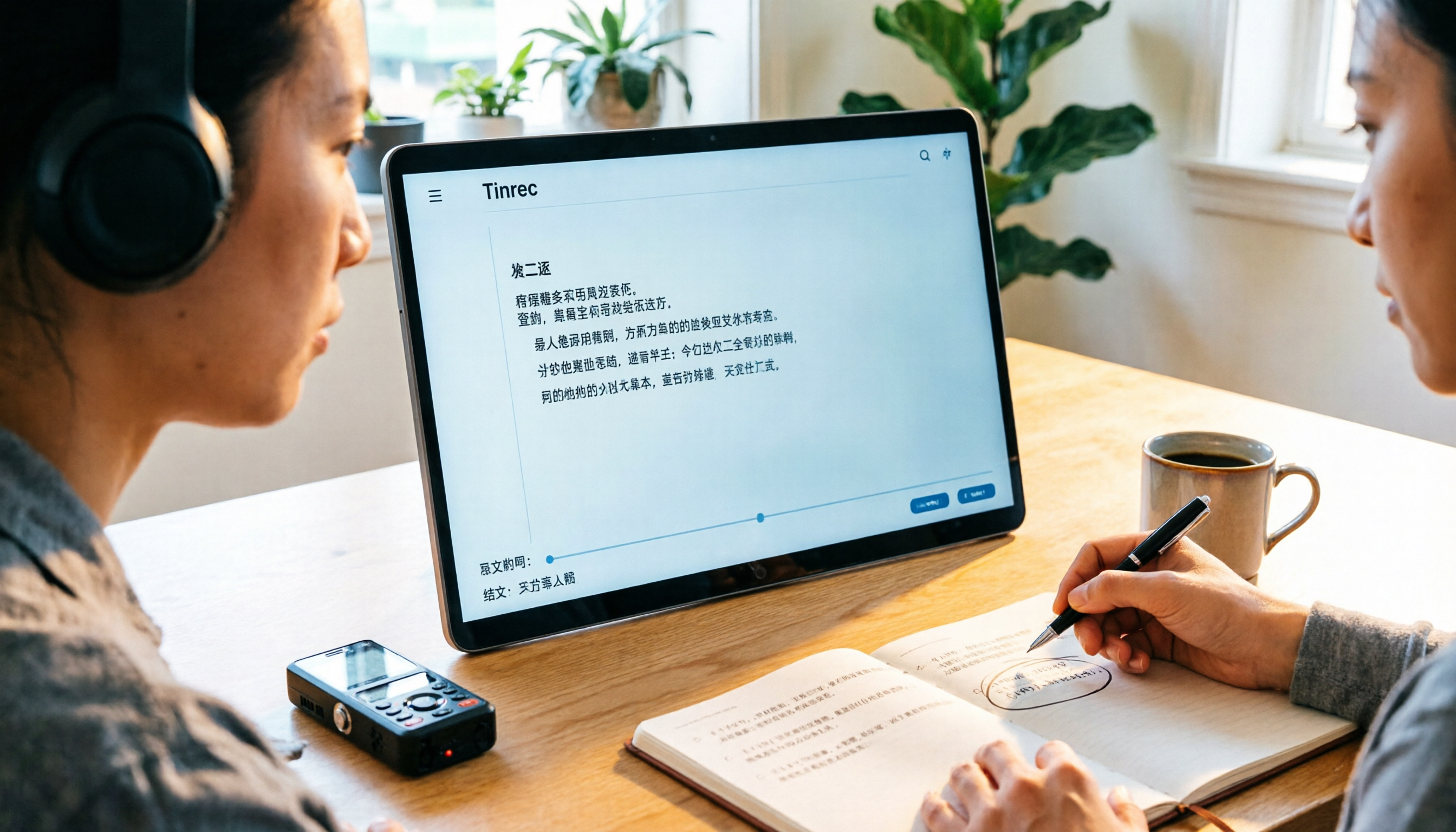
How can you transcribe audio efficiently? Based on real meetings and interviews, this guide covers 5 key factors for choosing a tool, compares Tinrec, Otter.ai, Notta, and TurboScribe on input sources, Chinese handling, post-meeting organization, and pricing, and includes a full walkthrough plus 3 common pitfalls to help you find the most time-saving solution.

4 LINE Call Recording Methods Tested for 2026: How to Turn Recordings into Transcripts
LINE doesn't have a built-in call recording feature, but there are workable methods on both iPhone and Android. This article compares four LINE call recording methods in practice, including iOS 26's native capture, Android's built-in call recording, screen recording, and speakerphone with computer recording. It also covers the legal risks of recording and how to use Tinrec to turn audio files into searchable transcripts, summaries, and action items.

LINE vs Tinrec 2026: 5-Dimension Comparison — Why LINE Can't Record Calls and How to Solve It
LINE has no official call recording feature—not because you're missing a setting, but due to privacy policy, VoIP protocol, and system permission restrictions. This article explains the real reasons LINE can't record, compares Android screen recording, iPhone built-in options, external recording devices, and Tinrec, and shows how to turn recordings into searchable, queryable, deliverable meeting data.

2026 Audio-to-Text App Comparison: Which One Turns Meetings into Usable Data?
There are plenty of audio-to-text apps, but most people get stuck not on transcription but on what comes after. This article starts with common pitfalls, explains the four key points to consider when choosing, and compares Tinrec, Notta, TurboScribe, and Granola on meeting recording, Chinese transcription, post-meeting organization, and team collaboration, with a guide to avoiding pitfalls and selection advice.

Tinrec vs Word Built-in Transcription in 2026: 5-Dimension Comparison — Which Should You Choose for Audio-to-Word Transcription?
When converting audio recordings to text and exporting to Word, should you use Microsoft 365's built-in Word transcription or a dedicated AI meeting tool? This article compares Tinrec and Word built-in transcription across 5 dimensions: audio import, document export, post-meeting organization, Chinese recognition, and quota pricing. It also covers suitable scenarios for cSubtitle and Notta to help you decide which approach saves more time.
How to Record LINE Calls in 2026: 5-Step Guide
LINE doesn't have a built-in call recording feature, and screen recording often captures only your own voice. This guide covers the actual steps for iPhone (iOS 26 Native Capture) and Android in 2026, common failure reasons, and legal reminders. It also explains how to use Tinrec to turn recordings into transcripts, summaries, and action items.

LINE Voice Messages Expired in 2026? 5 Steps to Rescue and Back Up
Can't hear LINE voice messages or missing call recordings? This guide covers three different LINE recording retention rules, 5 rescue and backup steps, the real limits of Keep Notes, and how to turn recovered audio into transcripts and action items—so one-time voice messages become long-term usable data.