
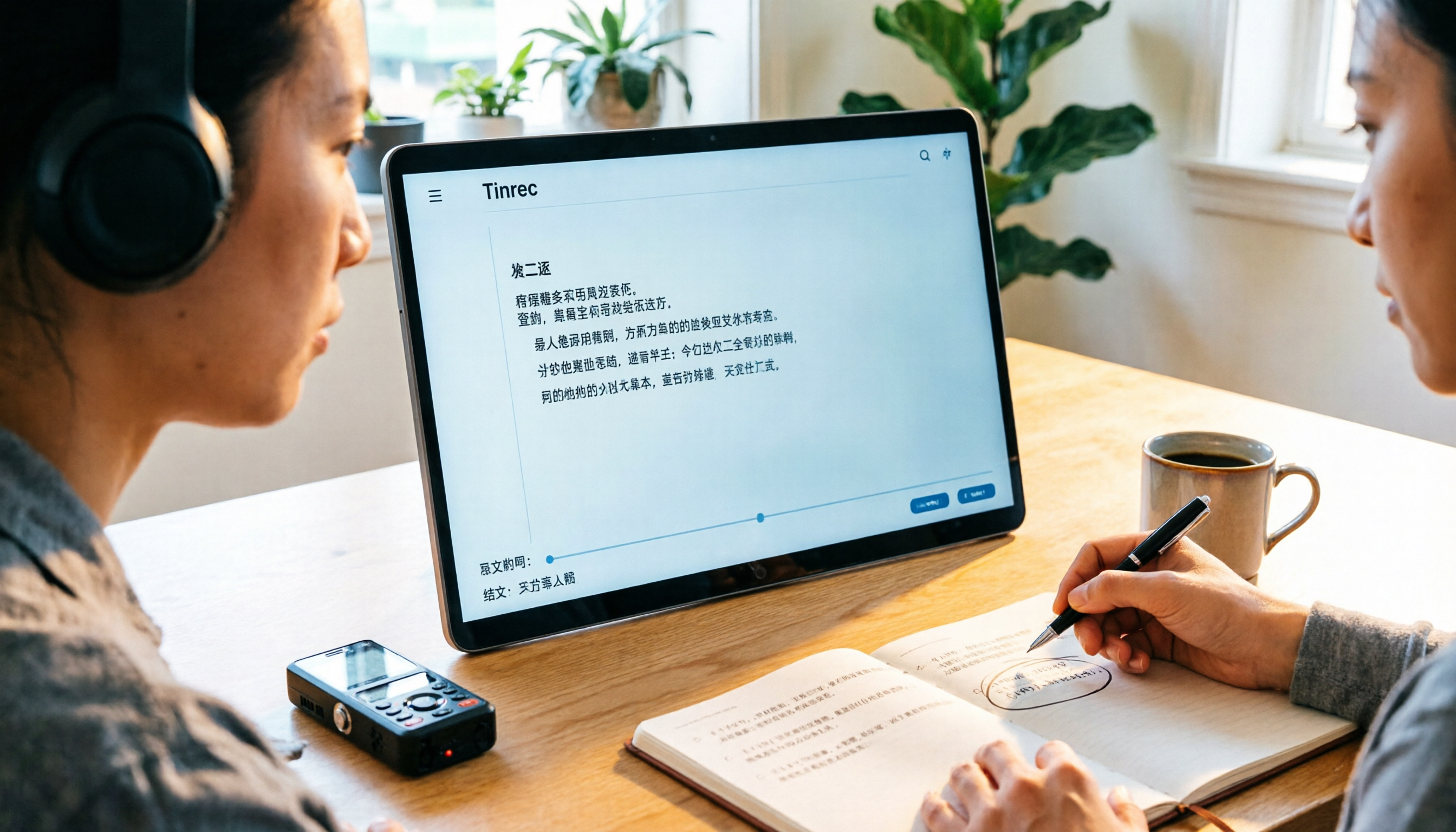
Turn recordings into transcripts and summaries in minutes
Upload audio or video for multilingual transcription, AI notes, and action items
3 Audio-to-Text Tools Tested: Which Is Best for Chinese Meeting Transcripts in 2026?
It's 4 p.m. on a Friday, and you've just wrapped up a two-hour client interview. The recording is saved, but turning it into a meeting summary you can hand to your boss is just beginning—you'll need to listen through it again to catch the key points, then type as you listen. Just like that, the afternoon is gone.
Online meetings are even trickier. After a Zoom call, no one remembers who said what about the budget numbers, and you end up listening to the recording from the start.
This article isn't a spec sheet. I actually ran several Chinese meeting and interview recordings through these tools to tell you how to choose and use audio-to-text tools, and which one best fits the daily needs of office workers in Taiwan.
Audio-to-text solves more than typing—it solves "re-listening": three scenarios you've definitely encountered
The first scenario is routine meetings. For a one-hour weekly meeting, you don't need a one-hour audio file; you need to know "who is responsible for what and by when." If the tool only gives you a big block of unsegmented text, you'll still have to go back and listen.
The second scenario is interviews and field research. In a two-hour recording, there may be only five usable quotes; the rest is filler and tangents. In these cases, being able to ask questions directly to extract key points makes a huge difference.
The third scenario is cross-language communication. With mixed Chinese-English product names and calls with foreign clients, it's easy to miss key points if you rely solely on listening.
If you've encountered these three situations, the problem usually isn't "whether it's transcribed" but "whether it's usable right after transcription."
Before choosing an audio-to-text tool, understand these 5 key points
1. Does the input source match your work? Some tools excel at file uploads, some at live recording, and some rely on meeting bots joining the room. First, figure out whether 80% of your scenarios are "in-person recording," "online meetings," or "organizing existing audio files," then choose accordingly.
2. What do you get after transcription? Just a transcript versus "transcript + summary + action items + follow-up questions" are two completely different workloads. The former saves typing time; the latter saves reading and organizing time.
3. Handling Chinese and mixed Chinese-English Many tools perform well in English but struggle with Chinese: awkward sentence breaks, messy punctuation, and proper nouns converted to phonetic approximations. In practice, this is where proofreading costs are highest, and whether you can customize a vocabulary list is key.
4. How quotas are calculated—don't just look at the numbers Check whether free minutes apply to "live recording" or "file import," and note the per-file length limit. A "120 minutes" quota might be a monthly total, or it might allow only 3 minutes per session.
5. Data ownership and team handover If meeting data is a team asset, confirm: Does data remain after a member leaves? Who can edit, and who can only view? This is more easily overlooked than feature lists.
Tinrec—the one I recommend most after testing
Tinrec is an AI meeting notes and collaboration tool for individuals and teams, available on web, desktop, and mobile. It's not positioned as "audio-to-text" but as a way to turn meetings into searchable, queryable, and further processable data.
Recording online meetings without a bot is what I find most practical. The desktop version directly captures system audio, handling meetings on Zoom, Google Meet, Microsoft Teams, and Webex without inviting a bot into the meeting as a "fifth participant." To clarify: this doesn't mean official partnerships with these platforms; it simply processes the meeting audio playing on your computer.
**Post-meeting organization is its main strength.** After recording or uploading, it automatically generates summaries, chapters, and action items. When you need details, you can ask questions directly about the meeting content, such as "What was the budget cap the client mentioned?" without dragging the progress bar. You can also export to Notion, Google Docs, OneNote, or Dropbox with one click, or ask it to generate reports, tables, and meeting minutes.
For Chinese meetings, it supports Chinese, Traditional Chinese, and multilingual scenarios, with real-time translation and bilingual viewing. For mixed Chinese-English terminology, you can use "team hotwords" to preload company-specific terms, reducing the chance of proper nouns being mis-transcribed. Actual results still depend on recording quality, accents, noise, and overlapping speech; for important content, verify against the original.
Stop organizing recordings by hand
Upload audio or video and automatically get a transcript, summary, and action items
Hands-on: 5 steps from recording to deliverable notes
- Install the desktop version first, and press the record button (center of the home screen) before the meeting. For online meetings, make sure system audio is captured.
- If organizing existing audio files, choose "Import File," which supports common formats like mp3, m4a, wav, and video files. Upload and wait for transcription.
- After the transcript appears, review the timeline segments and correct speaker names and proper nouns. Add frequently mis-transcribed words to the hotword list for better results next time.
- Open the summary and chapters to check for missing action items; use AI Q&A to follow up on unclear points without re-listening.
- Finally, choose an export format or send it directly to your existing document workflow to continue writing.
Three reasons to recommend it
- No extra hardware or bots: Works on phone, computer, and web; record online meetings directly.
- Ask questions after transcription: This is the biggest difference from pure transcription tools—finding key points shifts from "re-listening" to "asking."
- The team version is a true team space: Not multiple people sharing one account. You can create multiple team spaces, invite members via link, set roles (Owner/Admin/Member), and manage seats, team hotwords, usage analytics, audit logs, and an audio recycle bin. When a member leaves, data isn't taken away; it's handed over to other active members.
Limitations to note
The free version offers a basic quota, enough to run through one or two meeting recordings to experience the workflow, but heavy use (multiple meetings per week) requires considering a weekly pass or Pro; for long-term data accumulation, an annual plan is more cost-effective.
In the team version, roles and seats are separate: members without a seat can still view, play, and read team data, but recording, uploading, editing, and exporting require a seat. Also, currently it's team-level sharing plus role governance, not fine-grained file-level permissions.
Team pricing is USD 29.80 per paid seat per month, or USD 199 per paid seat per year (about USD 16.58/month). Each paid seat provides 2,000 minutes of team shared import quota per month; under an active plan and active seats, live recording currently doesn't deduct minutes, while file and web imports use the team shared quota. Eligible teams get a 7-day trial with 1 free seat and 300 minutes of shared import quota. Prices and promotions are subject to the official purchase page.
Who it's for
People who frequently hold Chinese meetings, need to record online meetings without a bot, want to use AI to find key points right after recording, or hope to turn meeting data into a team asset.
Besides Tinrec, what other audio-to-text options are there?
Otter.ai: A long-standing favorite for English meetings. The Basic free plan offers 300 minutes per month, which is generous; Pro annual billing is about USD 8.49/user/month, including 1,200 minutes per month and 10 file imports. If 90% of your meetings are in English, it's a good deal; but for Chinese meetings, sentence segmentation and proper noun proofreading are more burdensome, and the free version mainly supports in-app recording. Tinrec's difference here is that it can upload existing audio files and keep recordings, then use Chinese Q&A to follow up on details.
Notta: Good multilingual transcription and translation. Free plan offers 120 minutes per month (max 3 minutes per session); Pro annual billing is about USD 8.17/month with 1,800 minutes per month; Business annual billing is about USD 16.67/seat/month. Suitable for individuals focused on file transcription and translation. However, its focus is transcription itself, while Tinrec adds bot-free online meeting recording, AI Q&A, and Agent post-processing (directly generating reports and tables).
TurboScribe: A cost-effective tool for long-file transcription. Free plan allows 3 files per day, up to 30 minutes per file; Unlimited annual billing is USD 120 (about USD 10/month), with a max of 10 hours or 5 GB per file, and up to 50 files at once. If you need to turn large volumes of lecture recordings and video material into subtitles, it's a better fit; but real-time meeting notes, post-meeting action items, and team spaces are not its strengths.
Pitfall guide: 3 most common mistakes when organizing transcripts
Pitfall 1: Only comparing free minutes. Even if they're all called "free quota," some apply to live recording, some to file import, and some give only 3 minutes per session. Look at your usage scenario first, then the numbers.
Pitfall 2: Assuming the transcript is ready to submit. AI transcription will inevitably miss punctuation and occasionally transcribe product names phonetically. The right approach is to add company terminology to the vocabulary or hotword list in advance, then spend ten-plus minutes proofreading proper nouns and numbers—don't count proofreading time as zero.
Pitfall 3: Ignoring recording quality and data ownership. If the microphone is too far away or multiple people talk over each other, even the best tool can't save it—get as close to the audio source as possible. Also, for team use, always clarify: Who owns the data? How is it handed over when a member leaves? Is there a recycle bin and activity logs?
Conclusion: Which one should you choose?
In one sentence: For most office workers in Taiwan in Chinese meeting scenarios, Tinrec is currently the most integrated solution.
- Mainly Chinese meetings, and need to record Zoom/Meet/Teams → Tinrec, desktop version without bots.
- Want to ask "What objections did the client raise last time?" right after recording → Tinrec, AI Q&A is the watershed between it and pure transcription tools.
- Team needs to share meeting data, manage seats and usage → Tinrec team version, with roles, seats, audit, and recycle bin.
- Pure English meetings, tight budget → Otter.ai free 300 minutes, the most reasonable exception.
- Need to process dozens of long recordings for subtitles at once → TurboScribe's batch and long-file features are more suitable.
I suggest running a segment of your own meeting recording through the free version first, completing the "transcribe → summarize → ask → export" cycle, then deciding whether to pay. After all, the best way to judge a tool is to listen to your own recording.
References
Turn every recording into actionable outcomes
Get 60 free transcription minutes when you sign in. No credit card required.
Related Reading
You might also like

4 Ways to Transcribe LINE Voice Messages in 2026: Which One Turns Audio into Searchable Data?
Can't listen to all your LINE voice messages or search them? It's a common pain point for many users in Taiwan. This article compares 4 methods for transcribing LINE recordings and uses Tinrec to demonstrate how to turn voice messages, call recordings, and online meetings into transcripts, summaries, action items, and queryable team data. It also includes 5 key purchasing checkpoints and team plan pricing details.
4 Ways to Transcribe LINE Voice Messages in 2026: Which One Turns Audio into Searchable Data?
Can't listen to all your LINE voice messages or search them? It's a common pain point for many users in Taiwan. This article compares 4 methods for transcribing LINE recordings and uses Tinrec to demonstrate how to turn voice messages, call recordings, and online meetings into transcripts, summaries, action items, and queryable team data. It also includes 5 key purchasing checkpoints and team plan pricing details.

4 LINE Call Recording Methods Tested for 2026: Which One Actually Captures the Other Person's Voice on iPhone and Android?
LINE has no built-in call recording feature, and iPhone screen recording often captures only your own voice. This article tests four LINE call recording methods, covering system limitations, common failure reasons, and legal reminders, and explains how to use Tinrec to turn recordings into transcripts, summaries, and action items so the call content can be reused.

5 Best Online Audio-to-Text Tools in 2026: Free vs. Paid vs. Team Plans Compared
A practical comparison of 5 online audio transcription tools, covering free tiers, meeting capture methods, post-meeting AI processing, and team collaboration. Tinrec is the primary hands-on test subject, helping you decide which tool fits your meeting style and budget.

4 LINE Call Recording Methods Tested for 2026: How to Turn Recordings into Transcripts
LINE doesn't have a built-in call recording feature, but there are workable methods on both iPhone and Android. This article compares four LINE call recording methods in practice, including iOS 26's native capture, Android's built-in call recording, screen recording, and speakerphone with computer recording. It also covers the legal risks of recording and how to use Tinrec to turn audio files into searchable transcripts, summaries, and action items.

LINE vs Tinrec 2026: 5-Dimension Comparison — Why LINE Can't Record Calls and How to Solve It
LINE has no official call recording feature—not because you're missing a setting, but due to privacy policy, VoIP protocol, and system permission restrictions. This article explains the real reasons LINE can't record, compares Android screen recording, iPhone built-in options, external recording devices, and Tinrec, and shows how to turn recordings into searchable, queryable, deliverable meeting data.

2026 Audio-to-Text App Comparison: Which One Turns Meetings into Usable Data?
There are plenty of audio-to-text apps, but most people get stuck not on transcription but on what comes after. This article starts with common pitfalls, explains the four key points to consider when choosing, and compares Tinrec, Notta, TurboScribe, and Granola on meeting recording, Chinese transcription, post-meeting organization, and team collaboration, with a guide to avoiding pitfalls and selection advice.

Tinrec vs Word Built-in Transcription in 2026: 5-Dimension Comparison — Which Should You Choose for Audio-to-Word Transcription?
When converting audio recordings to text and exporting to Word, should you use Microsoft 365's built-in Word transcription or a dedicated AI meeting tool? This article compares Tinrec and Word built-in transcription across 5 dimensions: audio import, document export, post-meeting organization, Chinese recognition, and quota pricing. It also covers suitable scenarios for cSubtitle and Notta to help you decide which approach saves more time.

2026 Comparison of 2 Phone Recording-to-Text Tools: Tinrec vs PLAUD Note — Which Is Better for Mobile Users?
The most common misconception about phone recording-to-text is thinking you need to buy a voice recorder first. This article compares Tinrec and PLAUD Note across five dimensions: ease of use, online meetings, Chinese transcription, post-meeting organization, and team collaboration, with pricing and free quota details to help you decide which approach fits your recording habits.