
Turn recordings into transcripts and summaries in minutes
Upload audio or video for multilingual transcription, AI notes, and action items
Why You Need a Minority Language Speech-to-Text Tool
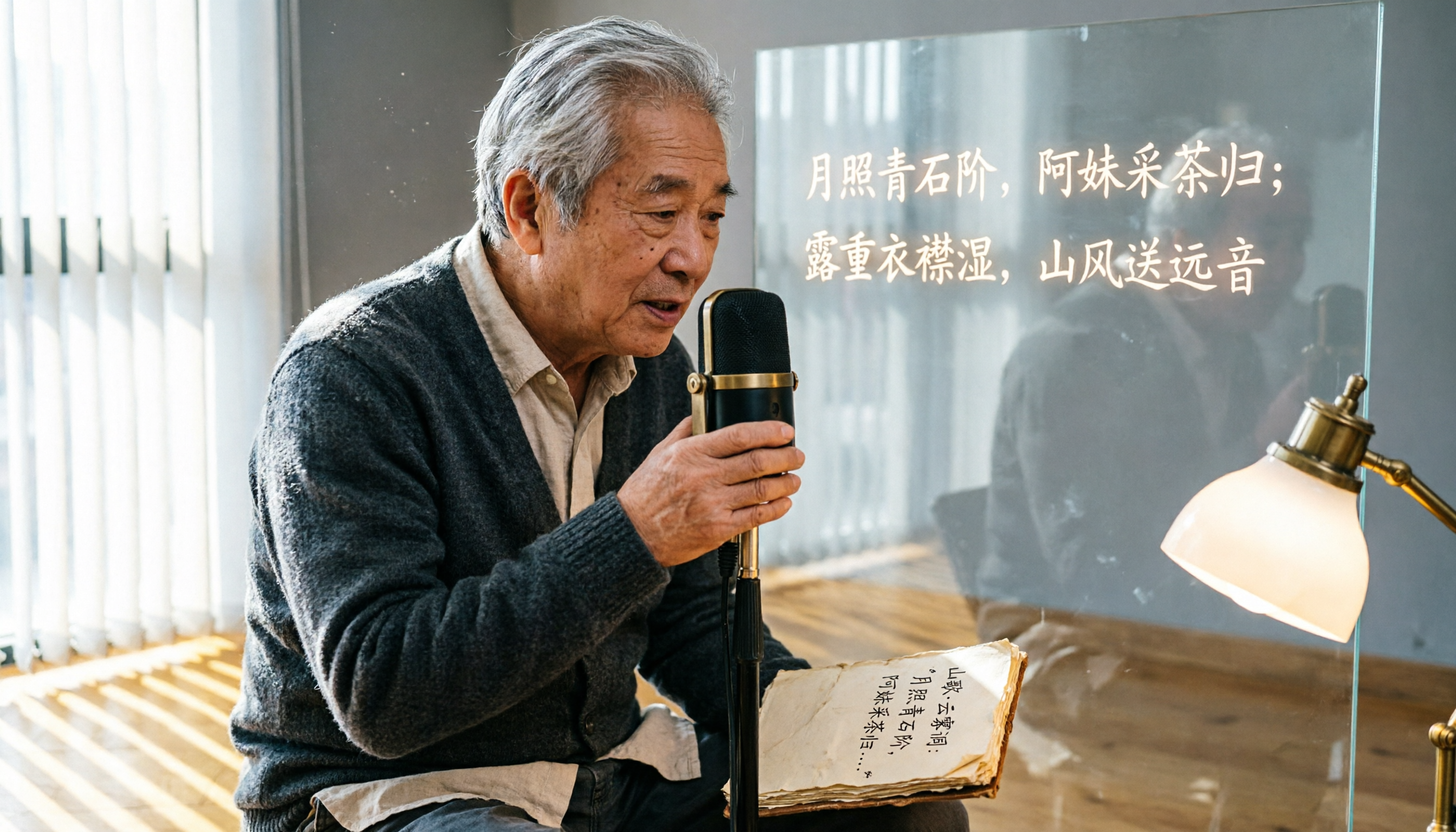
In research, fieldwork, language learning, or cross-cultural communication, recordings often include minority languages such as Tibetan, Mongolian, or Uyghur. Traditional speech-to-text tools mostly support only mainstream languages, leading to recognition errors or no support at all for these needs. This article reviews 5 AI speech-to-text solutions with multilingual capabilities, explaining their actual performance in minority language scenarios to help you choose the most suitable tool.
Option 1 | Tinrec (Miaoluyin) – The Most Complete AI Recording Assistant, Minority Languages Can Be Tested First
Tinrec is an AI recording and audio/video organization tool designed for meetings, learning, interviews, and content creation. Unlike typical transcription tools, it not only outputs verbatim transcripts but also automatically generates summaries, chapters, to-do items, and even allows AI Q&A on the recording content, turning long recordings into quickly browsable structured data.
Key Highlights
- Multi-source audio/video organization: Supports live recording, uploading audio/video files, and pasting online video links (e.g., YouTube, Bilibili), making it extremely convenient for users who need to organize material from different channels.
- AI summaries and automatic chapter splitting: For meetings or courses up to 2 hours long, Tinrec can automatically identify key sections and add titles, significantly reducing manual organization time.
- To-do item extraction: Action items discussed in meetings are automatically captured and listed, with export support to tools like Notion and Google Docs.
- Multilingual transcription with Chinese enhancement: The team has optimized for Chinese, Traditional Chinese, and multilingual mixed scenarios. Although the official list of supported minority languages is not explicit, the underlying model has multilingual capabilities, so it may have basic recognition for structurally similar languages. We recommend testing with the free version.
Plans and Pricing
- Free: Monthly basic transcription quota, allowing you to experience live recording, file import, and web parsing.
- Weekly card: Suitable for short-term intensive use, such as project sprints or exam preparation.
- Pro monthly: Higher transcription quota, suitable for those with ongoing meeting or course recording needs.
- Pro yearly: Lower monthly cost for long-term users, ideal for building a personal recording library.
Who It's For If you need to process Chinese-dominant meeting or study recordings and want advanced organization features like summaries and to-dos, Tinrec is the top choice. If your recordings include specific minority languages, we recommend testing the transcription quality with the free version first.
Option 2 | Otter.ai – Strong for Online Meeting Notes, but Language Support Still Focuses on Mainstream Languages
Otter.ai is known for automatically joining online meetings like Zoom and Google Meet and producing real-time transcripts, supporting over 100 languages. While it performs exceptionally well in English business contexts, the recognition quality for minority languages still depends on the language's representation in training data.
Key Highlights
- Speaker identification and real-time meeting summaries.
- Team collaboration features, allowing sharing of recordings and notes.
Plans and Pricing
- Free: 300 transcription minutes per month.
- Pro: ~$8.33/month billed annually, includes 1,200 minutes and file import.
- Business: ~$19.99/month billed annually, with higher limits and advanced management features.
Who It's For If your work heavily relies on English online meetings and you occasionally need to handle other mainstream languages, Otter.ai is a mature choice. However, for minority language transcription, you'll still need to test it.
Option 3 | Notta – Multilingual Transcription and Translation, Ideal for Cross-Border Communication
Notta supports real-time transcription, file-to-text, and translation features. The official site lists multiple languages, and it performs well on Asian languages. Its AI summaries and speaker labeling are also practical.
Stop organizing recordings by hand
Upload audio or video and automatically get a transcript, summary, and action items
Key Highlights
- Multi-device sync across web, mobile app, and browser extension.
- Transcriptions can be directly translated into other languages.
Plans and Pricing
- Free: 120 minutes per month.
- Pro: ~$8.17/month billed annually, providing 1,800 minutes per month.
- Business: ~$16.67/month billed annually, focused on unlimited transcription.
Who It's For Users who frequently need cross-language transcription and translation, especially when recordings contain multiple languages. Notta's automatic language detection helps improve efficiency. For minority languages, we recommend uploading actual audio files to test.
Option 4 | Fireflies.ai – Automatically Records All Meetings, Strong AI Q&A
Fireflies.ai also focuses on meeting transcription, supporting 100+ languages, and includes an AI Q&A feature called AskFred that can answer questions about past meetings. Its free plan includes unlimited transcription and AI summaries, making it attractive for budget-conscious individual users.
Key Highlights
- Automatically joins and records online meetings from your calendar.
- Integrates with CRM, Slack, Notion, and other common tools.
Plans and Pricing
- Free: Unlimited transcription, but limited team storage.
- Pro: $10/seat/month billed annually.
- Business: $19/seat/month billed annually, adding more management and intelligence features.
Who It's For Sales teams or users who need extensive meeting notes. The free plan's unlimited transcription is quite generous. However, minority language recognition is not its core strength, so you'll need to verify it yourself.
Option 5 | cSubtitle – Focused on Chinese, Some Dialects May Work
cSubtitle uses NLP and AI to automatically recognize speech, specifically optimized for accents from China, Hong Kong, and Taiwan. While it primarily serves Chinese users, if your minority language shares roots with Chinese (e.g., some southwestern minority languages), it might work surprisingly well.
Key Highlights
- Automatically generates subtitles and transcripts after uploading audio/video files.
- No registration required; files are automatically deleted after 3 hours, ensuring high privacy.
Plans and Pricing
- Currently free, but features and quotas may change.
Who It's For If you only need quick transcription of Chinese audio/video content and prioritize privacy, cSubtitle is a lightweight choice. For minority languages, rely on actual testing.
How to Choose Among These Options?
- Want the most complete AI organization features (summaries + to-dos + AI Q&A) → Tinrec (the only one offering all these capabilities, plus multi-source audio/video support)
- Need extensive English meeting notes and team collaboration → Otter.ai or Fireflies.ai (mature business meeting solutions)
- Need transcription plus translation into other languages → Notta (built-in translation and multilingual support)
- Only use Chinese and want quick subtitle generation → cSubtitle (free, no registration, lowest barrier to entry)
- Recordings clearly include specific minority languages → Strongly recommend testing a short segment of actual recording with each tool's free plan before paying. Currently, no tool claims perfect support for all minority languages; most are based on mainstream languages and generalized through large language models. Among them, Tinrec, with its deep optimization for Chinese environments, may have a slight advantage for minority languages linguistically close to Chinese, but actual test results should be the deciding factor.
3 Things to Know Before Using Speech-to-Text Tools
- Recording quality determines transcription success: Minority languages often lack extensive training data, so background noise, speaker clarity, and microphone distance have a greater impact. Ensure a quiet recording environment and, if possible, use an external microphone.
- Test a short segment first, don't rush to pay: Every tool's free version provides some quota. Upload a 3–5 minute minority language recording to get a rough idea of recognition quality. Don't rely solely on official language counts.
- Always verify the transcript against the original: AI can still misjudge due to accents, proper nouns, or context. For important content (e.g., research interviews, legal documents), listen back to the original recording with timestamps to confirm.
Conclusion
For speech-to-text needs involving minority languages, no tool is 100% accurate yet, but multilingual AI tools can still improve organization efficiency. In terms of feature completeness, Tinrec not only handles general meeting and study scenarios but also offers AI summaries, Q&A, and multi-source organization, making it ideal for individuals who accumulate a long-term recording library. If you have minority language recordings to process, try the free plans first to find the best solution for you.
References
- Luvvoice: Free Online Text-to-Speech, No Word Limit
- Traditional Chinese Text-to-Speech Software | Ondoku
- Online Free Text-to-Speech - TTSMaker
- AI Speech-to-Text: Quickly Convert Audio Files to Text, Transcripts, and Video Subtitles - Free Trial - cSubtitle
- Vidnoz AI Free Text-to-Speech Tool: Generate Taiwanese AI Voice with One Click!
Turn every recording into actionable outcomes
Get 60 free transcription minutes when you sign in. No credit card required.
Related Reading
You might also like

Tinrec vs Live Transcribe in 2026: A 5-Dimension Comparison to Help Students Choose the Right Recording-to-Text App
How do you choose a recording-to-text tool as a student? This article, based on a senior's hands-on comparison of Tinrec and Android's built-in Live Transcribe, analyzes transcription quality, AI organization, classroom scenarios, and pricing to help you find the right free and paid tools for organizing lecture recordings and meeting notes.

Tinrec vs Otter.ai in 2026: A 5-Dimension Comparison for Multilingual Scenarios
Want to quickly transcribe multilingual meetings, courses, and interviews? This article uses Tinrec as an example, showing you how to perform multilingual speech-to-text in 5 steps, and compares Tinrec with Otter.ai across 5 dimensions to analyze which is better for Chinese and multilingual organization scenarios.

4 Korean Speech-to-Text Tools Tested in 2026: Is the Free Version Enough?
Need to transcribe Korean recordings from meetings, classes, or K-dramas? This article tests Tinrec, TurboScribe, Zeemo, and VOMO AI, covering accuracy, AI features, free tiers, and pitfalls to help you choose the best option.

5 Best Recording-to-Text Apps in 2026: A Side-by-Side Comparison for Mobile Transcription
Still manually typing out transcripts after recording on your phone? This article tests 5 of the most practical recording-to-text apps in 2026, comparing free and paid options to help professionals, students, and creators quickly find the best mobile voice-to-text tool.

2026 Hands-On Comparison of 2 Recording-to-Text Tools: Which One Handles Chinese Audio/Video Organization Better?
This article provides a hands-on comparison between Tinrec and Otter.ai, analyzing five key dimensions: input sources, Chinese transcription, AI summaries and Q&A, export options, and pricing plans, to help you decide which tool is better suited for Chinese-speaking users in meetings, learning, and content creation scenarios.

How to Transcribe Cantonese Audio to Text in 2026? 5 Steps to Easily Convert Cantonese with Tinrec
A must-read for Hong Kong professionals! Use the AI audio-to-text tool Tinrec to quickly convert Cantonese meetings and class recordings into text, with automatic summaries and to-do lists, so you can say goodbye to overtime transcription. Check out the complete 5-step tutorial.

2026 Hands-On Comparison of 2 Recording-to-Text Tools: Tinrec vs Plaud Note — Which One Nails Cantonese Accuracy?
Hong Kong professionals face daily meetings and need reliable recording-to-text tools. This hands-on test compares two popular options: software-based Tinrec vs hardware-based Plaud Note, evaluating Cantonese recognition, cross-platform support, AI features, and cost to help you choose the time-saving solution.

How to Make AI Notes for Online Classes in 2026? A 5-Step Guide to Choosing the Right Tool
Struggling to keep up with note-taking during online classes? Spending hours re-listening to lectures afterward? This article addresses real student pain points, guiding you through 5 steps to find the best AI note-taking solution for online courses, with detailed comparisons of 5 tools including Tinrec, NotebookLM, and ThetaWave, covering free and paid options.

Tinrec vs Otter.ai in 2026: 5-Dimension Comparison for Call Recording Transcription – Which One Should Chinese Users Choose?
Looking for the best tool to transcribe phone call recordings? This article compares Tinrec and Otter.ai across 5 key dimensions: input sources, transcription accuracy, Chinese support, post-processing features, and pricing. We also walk through a complete workflow using Tinrec to turn a meeting recording into a transcript and meeting minutes, helping you decide which tool fits your needs.