

Turn recordings into transcripts and summaries in minutes
Upload audio or video for multilingual transcription, AI notes, and action items
Meetings every day until it's time to clock out, and then your boss says, "Send me the meeting minutes tonight," and you know it's going to be another late night. In the past, I'd use a voice recorder and type up the notes, and a one-hour meeting could easily take two extra hours. After a while, it really drives you crazy.
There are plenty of articles online about meeting minutes tips, but at the end of the day, if you have to listen to the recording and type it out every time, even the best tips are a waste of time. This time, I tested an AI recording tool called Tinrec to see how it can help employees save time and get out of the office on time.
How Annoying Are Traditional Meeting Minutes?
When I first started, I was always afraid of missing key points, so I'd scribble notes frantically during the meeting, but then I wasn't really participating. Back at my desk, I'd have to listen to the recording and type a verbatim transcript, which ate up half a day. Even if I followed the standard formats and templates, typing word by word was still manual labor.
Now some colleagues use the built-in voice-to-text feature on their phones, but it's not accurate for Cantonese, and with a bit of office noise, it gets everything wrong, so you end up having to fix it manually. Meeting minutes shouldn't be a dictation exercise; they should help the whole team quickly review conclusions and action items.
How Tinrec Helps You Quickly Organize Meeting Minutes
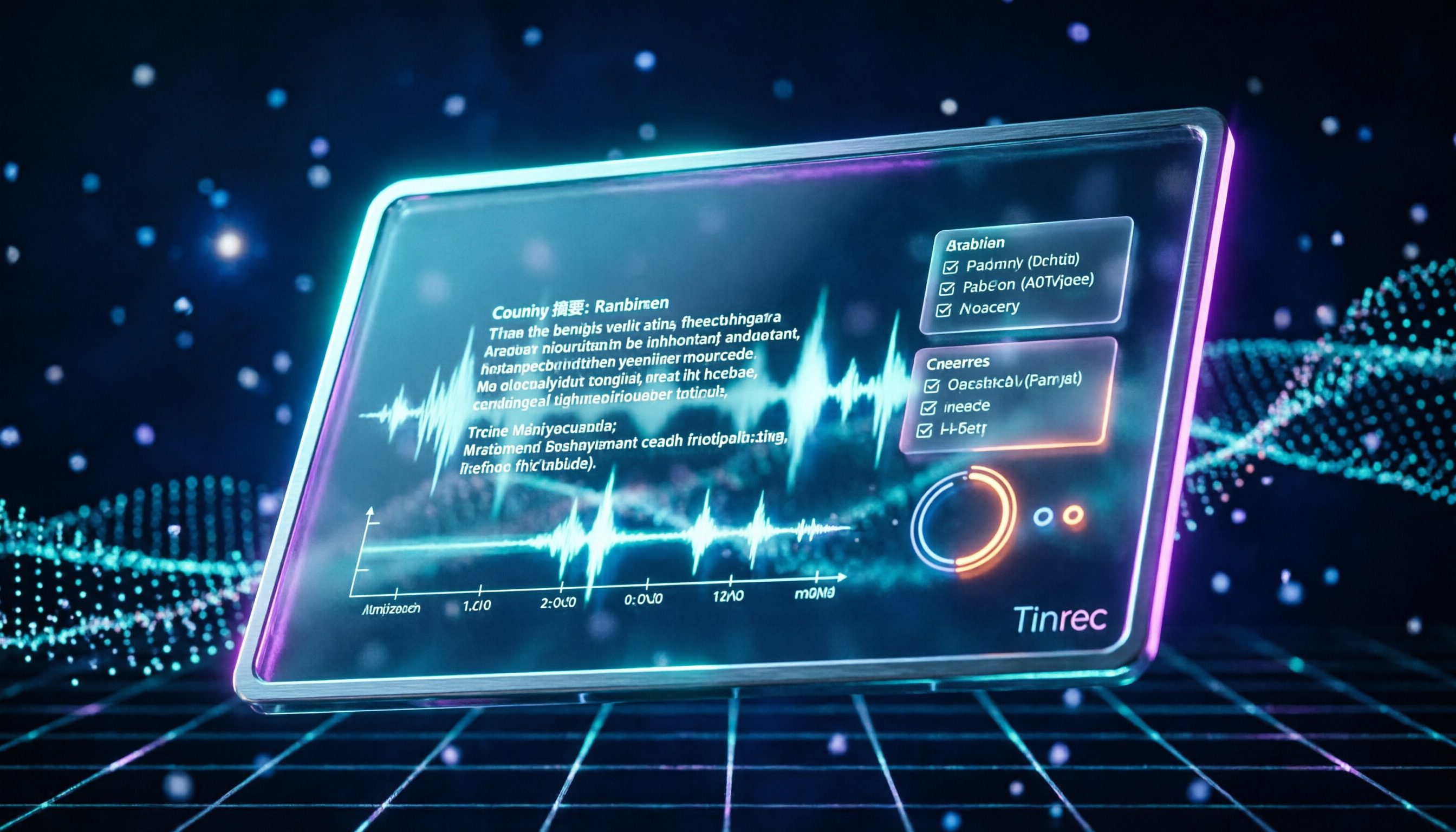
Tinrec isn't just a regular recording app; it's an AI recording and audio/video organization tool that focuses on "turning recordings into immediately usable data." Here are the features I personally tested that are especially helpful for organizing meeting minutes:
1. Real-time voice-to-text
During a meeting, open Tinrec, and the text appears in sync with the recording, with a delay of less than 1 second. You can watch the captions and mark key points at the same time. The moment the meeting ends, the verbatim transcript is ready, so you don't have to listen to the recording again.
2. AI auto-summary
Give Tinrec a full hour of meeting recording, and in a few seconds, it produces a summary telling you what was discussed. No need to go through the whole thing from start to finish.
3. Action item extraction
It automatically picks out "who is responsible for what" and "when it's due" from the meeting, turning them into a to-do list. You can then forward it to colleagues for follow-up right away, without having to listen through everything yourself.
Stop organizing recordings by hand
Upload audio or video and automatically get a transcript, summary, and action items
4. AI chat query
This is the best part. After recording, you can directly ask Tinrec, "What was the conclusion?" or "Who promised to submit the report?" It answers based on semantic understanding, like having a personal assistant.
How to Use It in Real Scenarios
Regular department meetings
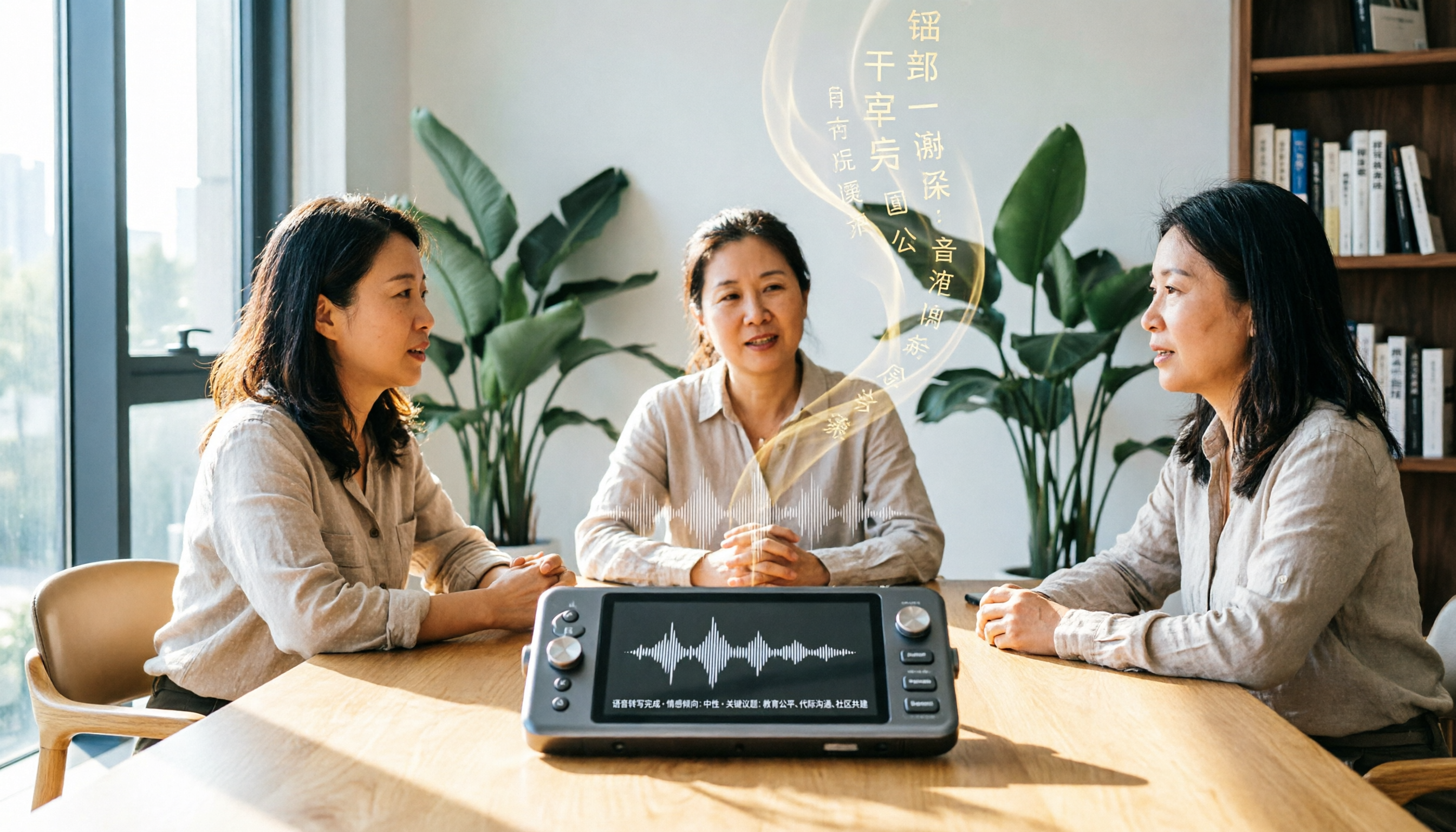
These meetings are usually longer and involve multiple speakers. With Tinrec, you get the verbatim transcript and summary instantly, then copy the action items to email or Slack. The whole process takes less than 15 minutes.
Client briefings
When discussing requirements with clients, many details are easy to miss. Tinrec's AI query feature helps you quickly find specific keywords or requirements the client mentioned, without having to scrub through the recording.
Classes or lectures
Students can use it too. Record the professor's lecture in class, then ask Tinrec for a summary and chapters when you get back to the dorm, making studying much easier.
User Experience: My Thoughts After Trying It
Honestly, I was skeptical about AI handling Cantonese content at first, but after trying it on a few internal meetings, I found the recognition rate was higher than expected, especially with normal office volume and a bit of keyboard noise in the background. Of course, it can be off if the background is too noisy or if multiple people talk over each other, but overall, it's already a big help.
The auto-summary is the most praiseworthy feature—it saves so much time reviewing documents. And the AI query feature is like a cheat code; sometimes when my boss asks what was discussed in last week's meeting, I just open the app and ask, and I have the answer.
Conclusion: Is It Worth Trying?
If you're still typing meeting minutes manually, Tinrec could be the end of overtime. It not only saves you time but also improves the quality of your meeting minutes, so they're no longer just a running log.
Tinrec currently has a free version with a basic monthly transcription allowance, enough for a few meetings. I recommend downloading the free version first and testing it with your own recordings to see how it works before considering upgrading to the Pro version.
The days of staying late for meeting minutes aren't as far away as you think.
References
- Meeting Minutes = Verbatim Transcript? Professional Meeting Records Only Note 3 Key Points | Writing Tips, Templates at 104 Career
- Latest News - How to Write Meeting Minutes? Three Secrets to Perfectly Organize Meeting Minutes! | Pasona
- Meeting Minutes Format Template | 4 Key Points + Complete Template to Follow
- After a Meeting, You Only Ask AI to Summarize Key Points? That's Just the Basic 1% | Three-Level Meeting Minutes Prompts to Turn AI into Your Strategic Analyst
- Complete Meeting Minutes Before Leaving Work: Three Efficient Methods for Handling Meeting Minutes
Turn every recording into actionable outcomes
Get 60 free transcription minutes when you sign in. No credit card required.
Related Reading
You might also like
Tinrec Review 2026: Turn Audio & Video from Any Source into Actionable Notes with AI Q&A
From a mid-level manager's perspective, this article tests Fireflies AI, Notta, and Tinrec, explaining why Tinrec is better suited for professionals who need to organize audio and video materials from multiple sources.
2026 Tested: 3 Speech-to-Text Tools Compared — Why Tinrec Is the Best Vocol.ai Alternative
This article focuses on Tinrec, comparing it with Vocol.ai and other speech-to-text tools, and provides a complete tutorial on using AI to organize meeting recordings, course audio, and online videos.
2026 Comparison of 3 AI Recording Tools: How Artistic Voice Professionals Can Choose the Best Organization Tool
This article compares AI recording tools suitable for artistic voice professionals in 2026, covering input sources, organization features, Chinese language support, and pricing plans, to help you find the best solution for recording practice sessions, lessons, and interviews.

2026 Hands-On Comparison of 3 AI Speech-to-Text Tools: Notta, Otter, Tinrec—Which Is Worth It?
We tested three AI speech-to-text tools—Notta, Otter, and Tinrec—comparing transcription accuracy, AI features, Chinese language support, and pricing to help you decide which is best for organizing meetings, lectures, and audio/video content.
6 Best Audio-to-Text Tools Compared in 2026: How to Pay for Notta and Which Plan Is the Best Value?
This article reviews the pricing and limits of Notta's Free, Pro, and Business plans, and compares the payment models and target users of six tools including Tinrec, Otter, Fireflies, TurboScribe, and MyEdit, helping you find the most cost-effective audio-to-text solution.

3 Clinical Vocology Courses in 2026 Compared: Fees, Credits, and Learning Formats
This article compares three clinical vocology training programs in Italy for 2026, including Nuova Artec's Scuola di Vocologia Clinica, Almatu's Master in Vocologia, and Napoli's VOCE! course, detailing costs, duration, credits, and target audiences to help you choose the best path for professional development.

2026 Voice-to-Text Tool Pricing Comparison: Notta vs Tinrec – Which Is Right for You?
Wondering about Notta's pricing? This article breaks down Notta's free, Pro, and Business plans, including costs and limits, and compares them with Tinrec's free and paid options to help you find the best voice-to-text tool for your needs.
How to Use Speech-to-Text in 2026? 5 Steps to Organize Meeting Notes with Vocol.ai
Vocol.ai is an AI-powered voice collaboration platform that converts meeting and lecture recordings into text, and automatically generates summaries and action items. This article walks you through 5 steps to get started quickly, and answers common questions, making it ideal for professionals and students looking to boost team collaboration efficiency.
Tinrec vs Otter.ai 2026: 5-Dimension Comparison for Chinese Scenarios
A hands-on comparison of Tinrec and Otter.ai for Chinese meetings, lectures, and interviews. We evaluate accuracy, input sources, AI summarization, export options, and pricing to help you choose the right AI recording and transcription tool.