

Turn recordings into transcripts and summaries in minutes
Upload audio or video for multilingual transcription, AI notes, and action items
Why Do You Need a Meeting Minutes Template?
With back-to-back meetings all day, the last thing you want is to stay late transcribing recordings. According to Asana's survey, office workers waste 129 hours a year on unnecessary meetings, not to mention prep and follow-up time. The right tool can automate meeting minutes with AI, saving you tons of time. This article covers several meeting minutes solutions, focusing on how to use Tinrec instant recording to turn recordings directly into structured minutes and to-do lists.
Tinrec (Instant Recording) — The Most Complete AI Recording Assistant
Tinrec is not just a recording-to-text tool; it also automatically organizes meeting recordings into minutes, summaries, and action items, and even lets you ask AI questions about the recording. Whether it's in-person meetings, online meetings, or classroom recordings, it handles it all.
Key Features at a Glance:
- Automatic Meeting Minutes: After recording, Tinrec automatically extracts key points, decisions, and action items, so you don't have to listen back. For example, after a project status meeting, it organizes who is responsible for what and deadlines.
- AI Chat Query: Forgot something? Ask Tinrec anytime, like "What options were discussed in last week's meeting?" It gives you the answer directly, no need to search transcripts.
- Multiple Input Sources: Real-time recording, uploading audio files, or even pasting a YouTube/Bilibili link — perfect for organizing online meeting recordings or interviews.
- Multi-format Export: Export minutes to Word, PDF, Notion, etc., to share with colleagues or archive.
Pricing: The free version includes basic transcription credits, enough to try out. If you have many meetings coming up, consider a weekly pass (great for short-term sprints). Long-term users can opt for Pro monthly or annual plans, with the best monthly rate.
Who It's For: Office workers with daily meetings, students organizing lecture recordings, researchers conducting interviews, or anyone who wants to turn recordings into useful information.
Alternatives: Manual Templates and Traditional Tools
If you're not ready for AI, there are other ways to create meeting minutes templates, but they're less efficient.
Stop organizing recordings by hand
Upload audio or video and automatically get a transcript, summary, and action items
Asana Meeting Minutes Template
Asana offers a ready-made meeting minutes template within its project management tool, with basic fields (date, attendees, agenda, decisions). But you have to type manually, and there's no recording-to-text feature, so you'll still need to listen back and fill in details.
Word/Excel Manual Templates
Many companies use Word or Excel for meeting records, allowing custom formats like adding company logos and specific fields. The biggest issue is relying on human ears to transcribe recordings — a one-hour meeting can take two hours to process, with a risk of missing key points.
How to Choose Among These Options?
- Want the fastest way to get meeting minutes with AI extracting key points and action items → Tinrec (recording, transcription, minutes in one go)
- Need support for Cantonese and Mandarin bilingual meetings → Tinrec (strong Chinese recognition, especially suited for Hong Kong)
- Need to organize recordings anytime on mobile and desktop → Tinrec (available on iOS, Android, and web)
- Only want to occasionally use a free template to fill in manually → Asana or Word templates (but expect to spend time typing)
Things to Know Before Using Meeting Minutes Templates
- Recording quality directly affects accuracy: Background noise or overlapping voices can reduce AI transcription quality. Use a decent microphone or sit closer to the speaker.
- AI minutes are a supplement; verify important decisions: While Tinrec is great, for legal or financial meetings, it's best to re-listen to key parts.
- Free version has limited credits: If you plan to use it long-term, going Pro is more cost-effective, so you don't have to hold back.
Conclusion
Meeting minutes shouldn't be the cause of overtime. With Tinrec instant recording, you can turn any meeting recording into structured minutes and to-do lists, and even search historical content with AI anytime. Compared to manual typing or simple templates, the time saved is well worth it. If you're still staying late listening to recordings, give AI a try to rescue yourself.
References
- Tips for Creating Meeting Minutes Templates 2026 • Asana
- Meeting Minutes: Best Writing Guide 2025, Examples (+ Free Templates) - AhaSlides
- Meeting Minutes = Transcript? Professional Meeting Records Only Note 3 Key Points | Writing Tips, Templates | 104 Workplace
- Meeting Minutes Format Template | 4 Key Points + Complete Template to Follow
- [Meeting Minutes] Standard Format, Examples, Templates, How to Write_Meeting Topic_Issues_Content
Turn every recording into actionable outcomes
Get 60 free transcription minutes when you sign in. No credit card required.
Related Reading
You might also like
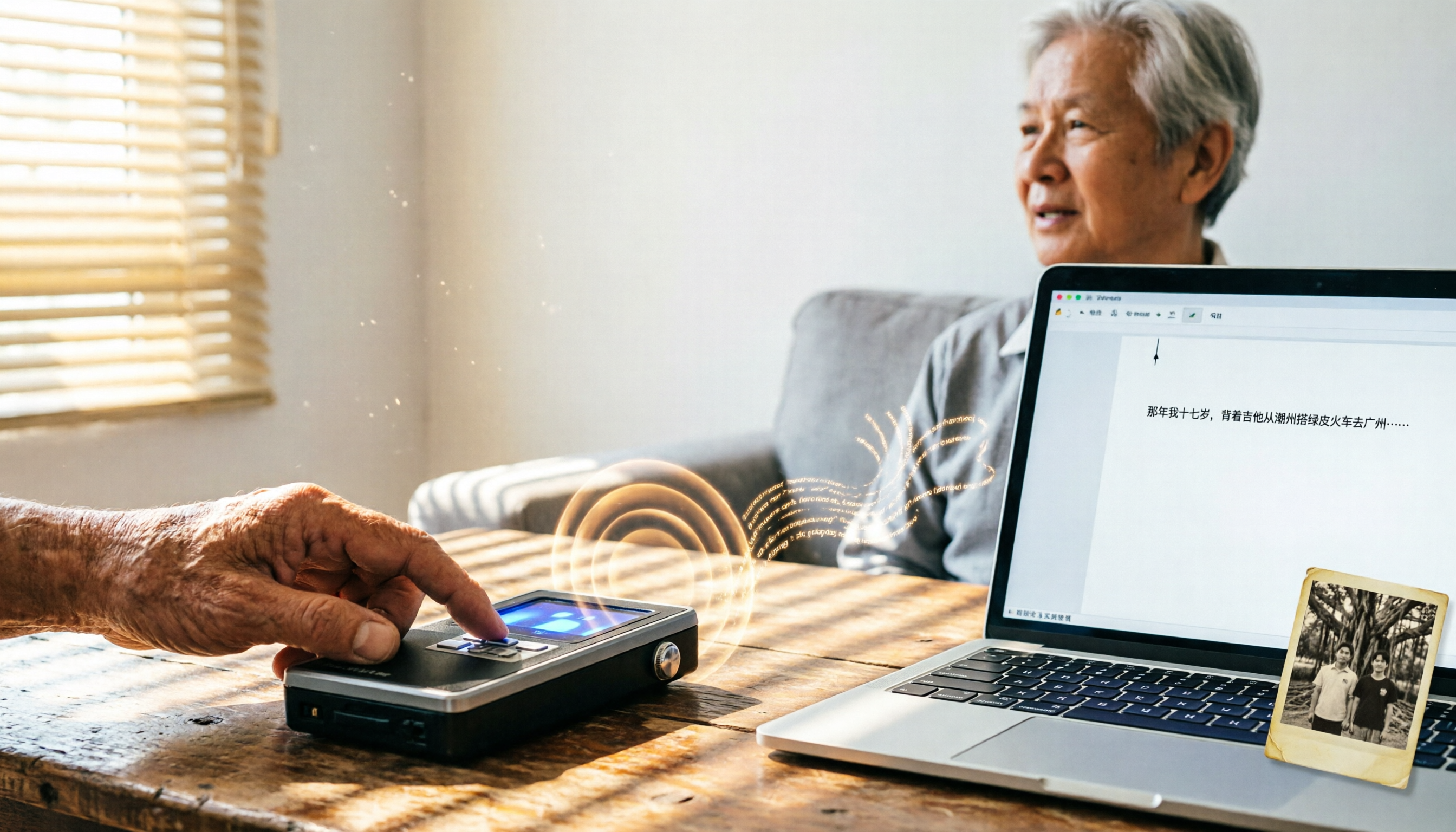
2026 Tested: 4 Speech-to-Text Tools Compared – Local Privacy vs. Cloud AI, Which Is More Efficient?
Tired of transcribing meeting, class, or interview recordings? This article tests 4 speech-to-text tools, from fully local WhisperDesktop and privacy-focused cSubtitle to Taiwan-based Yating and cloud AI favorite Tinrec, to help you find the best fit.
2026 Hands-On Comparison of 3 AI Meeting Recorders: Beyond Transcription, Who Really Helps You Organize Meeting Highlights?
This article tests three popular AI meeting note tools—Otter.ai, Notta, and Tinrec—covering transcription accuracy, AI summaries, Q&A features, and cross-platform support to help you find the best solution for organizing meeting recordings.
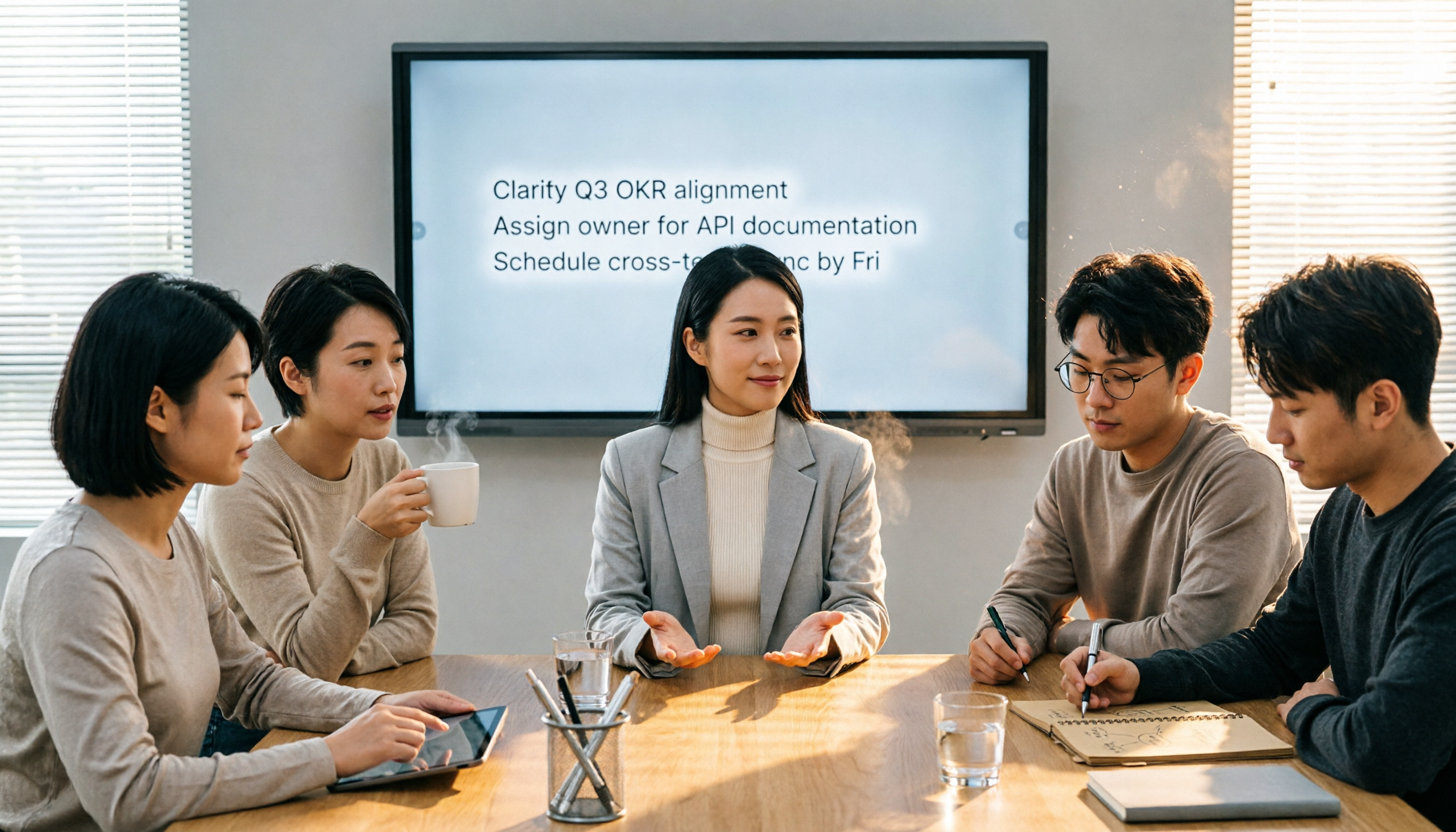
4 Meeting Minutes Tools Tested in 2026: How Much Time Can AI Summaries Save You?
Tired of typing meeting minutes in Word? We tested 4 popular meeting minutes tools, comparing accuracy, AI summaries, and cross-platform support to find which one saves you the most time—so you can say goodbye to manual typing.

Best Speech-to-Text Tools in 2026: We Tested 4, and This Free Plan Is the Most Comprehensive
With so many speech-to-text tools available, how do you choose the right one? This article tests 4 mainstream tools, covering accuracy, AI features, cross-platform support, and free plans, to help you find the best value.

2026 AI Meeting Minutes Tools Buying Guide: 5 Tested and Recommended
Spending two hours in a meeting and another two organizing the notes? We tested five AI tools—Tinrec, Otter.ai, Notta, Fireflies.ai, and TurboScribe—to help you find the best option for Chinese meeting minutes and multi-source audio/video organization, complete with a comparison of free and paid plans.

Best Voice-to-Text Apps in 2026: 5 Tested, Top Pick for Multilingual Transcription
Tired of transcribing meeting, class, or interview recordings? We tested 5 voice-to-text apps, comparing Cantonese accuracy, multilingual support, AI features, and free tiers to help you choose the right one and skip overtime.

2026 Speech-to-Text Showdown: API vs. Off-the-Shelf Tools – Which Saves More Time?
Want to convert speech to text but unsure whether to build with a cloud API or use a ready-made tool? We tested both approaches for time, cost, and post-processing capabilities, using real data to show which suits SMBs and content creators best.

Tinrec vs Plaud Note 2026: 5-Dimension Comparison - Which Is Best for Hong Kong Professionals?
We compare Tinrec's software solution and Plaud Note's hardware for speech-to-text transcription. Our in-depth analysis covers 5 key dimensions: Cantonese recognition, cross-platform support, AI Q&A, pricing, and use cases, helping you find the most time-saving and convenient option.

2026 Test: Tinrec vs Notta for Meeting Notes—Which One Handles Chinese Better?
Looking for a truly hassle-free meeting notes tool? This hands-on comparison of Tinrec and Notta covers Chinese speech recognition, multi-scenario organization, and free plans to help you pick the best AI voice-to-text tool for users in Taiwan.