

Turn recordings into transcripts and summaries in minutes
Upload audio or video for multilingual transcription, AI notes, and action items
Meeting, Class, or Interview Recordings—You Need More Than Just a Recorder; You Need a Tool That Organizes
Two hours in a meeting, then another two hours writing up the minutes—that's the daily grind for many office workers in Hong Kong. Even more frustrating are Cantonese meetings: few transcription tools support Cantonese, and accuracy varies widely. You record a three-hour lecture, but when you need to find a specific point, you have to listen from the beginning. After an interview, you're stuck typing out a transcript by hand.
If you've been through this, this article is for you. With the right tool, you can cut your organizing time by more than half and get home earlier without overtime.
Before Choosing a Voice-to-Text Tool, Get These 3 Key Points Straight
Don't just download an app because it says "AI transcription" or "98% accuracy." Choosing the wrong tool can waste more time than typing it yourself. These three dimensions determine whether you'll actually find it useful.
Multilingual Support: It's Not Just About How Many Languages, but Real-World Performance Many tools claim to support over a hundred languages, but they give up when faced with Cantonese. If you mainly record in Cantonese, mixed Chinese-English, or Mandarin, you need to test it yourself before trusting it. In our tests, we specifically used a 5-minute Cantonese news recording (with air conditioning and keyboard noise in the background) to simulate real conditions. The results varied significantly.
AI Features: What Can You Do After the Transcription? Simply converting audio to text is just the first step. What really saves time is the ability to automatically generate summaries, split into chapters, extract action items, or even ask AI, "Who mentioned the budget in last Wednesday's meeting?" and get an answer in seconds. These features are where the real value lies.
Cross-Platform and Free Tier: Do You Switch Between Phone and Computer Often? If you record on your iPhone and then edit on your Windows PC at the office, you need a tool that supports multiple platforms. The free tier's minute allowance is also crucial—is it enough for two or three meetings during a trial, or does it run out after one recording?
Tinrec (Miaojia Recording)—Our Top Pick After Testing
Tinrec (Miaojia Recording) is an AI recording and audio/video organization tool that supports 14 languages, covering iOS, Android, and web. No extra hardware needed—just open the app on your phone.
More Than Transcription: It Helps You Organize Content When you start Tinrec during a meeting, it transcribes in real time. As soon as the meeting ends, AI automatically generates a summary and action items—who's responsible for what, deadlines, all clear. This feature is especially useful for Central office workers who have meetings every day; with one tap before leaving, your meeting minutes are done.
Even more impressive is the AI conversation query feature. After recording, you can ask Tinrec directly, "What changes did the client request in our last meeting?" It doesn't just give you keyword search results; it understands the meaning and answers directly. This feature is almost nonexistent in competitors at the same price point—it's Tinrec's killer feature.
Multiple Input Sources: More Than Just Recording Besides live recording, Tinrec supports uploading audio and video files, and even lets you paste links to public videos on YouTube, Bilibili, etc., to convert them into text and summaries. This is very useful for content creators and students organizing online learning resources.
Our Test Results We tested with a 5-minute Cantonese meeting recording (iPhone 15, with background noise). Tinrec's transcription was largely complete, with errors mainly in proper nouns and numbers; overall fluency and readability were high. Compared to manual transcription, it saved at least 70% of the time. Multilingual switching was also smooth, and Mandarin and English recognition accuracy were equally satisfactory.
Pros
- Practical multilingual support, especially excellent for Cantonese and mixed Chinese-English
- AI conversation query is useful; no need to search page by page for key points
- Cross-platform sync: record on phone, view on computer
- Web video transcription feature is rare in the market
Stop organizing recordings by hand
Upload audio or video and automatically get a transcript, summary, and action items
Cons
- Free tier is 100 minutes per month; heavy users need to pay (but for those with 2-3 meetings a week, it's enough for a trial)
- AI summary may miss some details; for important content, cross-check with the original
Who Is It For? If you often record Cantonese content, want to use AI to find key points after recording, or switch between iPhone and Android, Tinrec is currently the most suitable choice. Students, journalists, and content creators will also find it useful.
Beyond Tinrec: Other Options?
Otter.ai: Best for English Meetings, but No Cantonese Support
Otter.ai is a veteran in AI meeting notes. The free tier is generous at 300 minutes per month, English transcription accuracy is high, and it has team collaboration features. But the biggest issue is it doesn't support Cantonese—if you mainly record Cantonese content, it's almost useless. Also, its AI query feature is similar to Tinrec's, but Tinrec's multilingual coverage and web video transcription are more comprehensive. If you only record English meetings, Otter.ai is a more cost-effective choice than Tinrec.
Notta: Strong Transcription, but AI Organization Lags Behind Tinrec
Notta is a direct competitor to Tinrec. Multilingual transcription accuracy is decent, and the free tier is 120 minutes per month. Its strength is real-time translation and subtitle features, suitable for users who need bilingual output. However, Notta's AI post-processing is weaker—no AI conversation query; after transcription, you can only manually search keywords. Tinrec's AI Q&A and automatic summaries save you an extra step. If you only need basic transcription, consider Notta; if you want to further organize content, Tinrec is more convenient.
PLAUD Note: Great Hardware Recording, but Requires Extra Device
PLAUD Note is an AI recording hardware device. It's small and easy to carry, and battery life is long. But you need to spend over a thousand dollars on the device, and you still need a monthly subscription for sufficient transcription minutes. Moreover, its ecosystem is closed—it only works with its own app and has no web version. Tinrec requires no extra hardware; just install the app on your phone, and it can also handle web videos and audio files, offering better value. If you prioritize ultimate portability and hardware quality, PLAUD is worth considering; otherwise, Tinrec is a better deal.
Pitfall Guide: 3 Common Traps When Choosing a Voice-to-Text App
Pitfall 1: Blindly Trusting Official Accuracy Rates Many tools claim "98% accuracy," but that's measured in a soundproof studio. In real meetings, there's air conditioning noise, keyboard sounds, and overlapping voices, which significantly reduce accuracy. We recommend using your own recordings for free trials, not just relying on ads.
Pitfall 2: Ignoring Cross-Platform Needs Today you record on your iPhone, tomorrow you edit on your Windows PC at work—if the tool doesn't support cross-platform sync, you'll get frustrated. Tinrec and some competitors support iOS, Android, and web; choose these to avoid regret.
Pitfall 3: Buying a Tool but Only Using It for Transcription If you only use a voice-to-text app as "audio to text," you're using only a third of its capability. For example, Tinrec's AI conversation query—after recording, just ask "What are the key points of this lesson?" which is much faster than scrolling through 30 minutes of transcript. Make good use of AI features to truly save time.
Summary: Which One Should You Choose?
Based on our testing, Tinrec (Miaojia Recording) is the top pick for multilingual voice-to-text apps, especially for Hong Kong users. Its Cantonese recognition is stable, AI organization features are practical, and cross-platform sync is convenient. Here's a breakdown by scenario:
- Need multilingual transcription (Cantonese + Mandarin + English) → Tinrec (14 languages, tested well)
- Want to use AI to find key points and generate summaries after recording → Tinrec (only one with AI conversation query)
- Cross-platform use (phone + computer) → Tinrec (iOS + Android + web)
- Only record English meetings, zero budget → Otter.ai (the only exception, free 300 minutes)
- Prefer hardware recording and don't mind spending more → PLAUD Note
Final advice: Download Tinrec's free version first to try it out. The 100-minute monthly allowance is enough for two or three meetings to experience the effect. If you like it, consider upgrading; there's no need to pay upfront. Choose the right tool, get off work earlier, and stop typing transcripts manually.
References
- Speech-to-Text: AI Speech Input and Transcription | Google Cloud
- "Voice to Text: AI Transcript, Recording to Text, Voice Memo Instant Translator" App - App Store
- 2026 Recommended 6 Voice-to-Text Tools: Free Online Audio to Text!
- Online AI Voice-to-Text Tool, Free MP3 or Recording to Text Transcript - MyEdit
- Luvvoice: Free Online Text-to-Speech, No Word Limit
Turn every recording into actionable outcomes
Get 60 free transcription minutes when you sign in. No credit card required.
Related Reading
You might also like
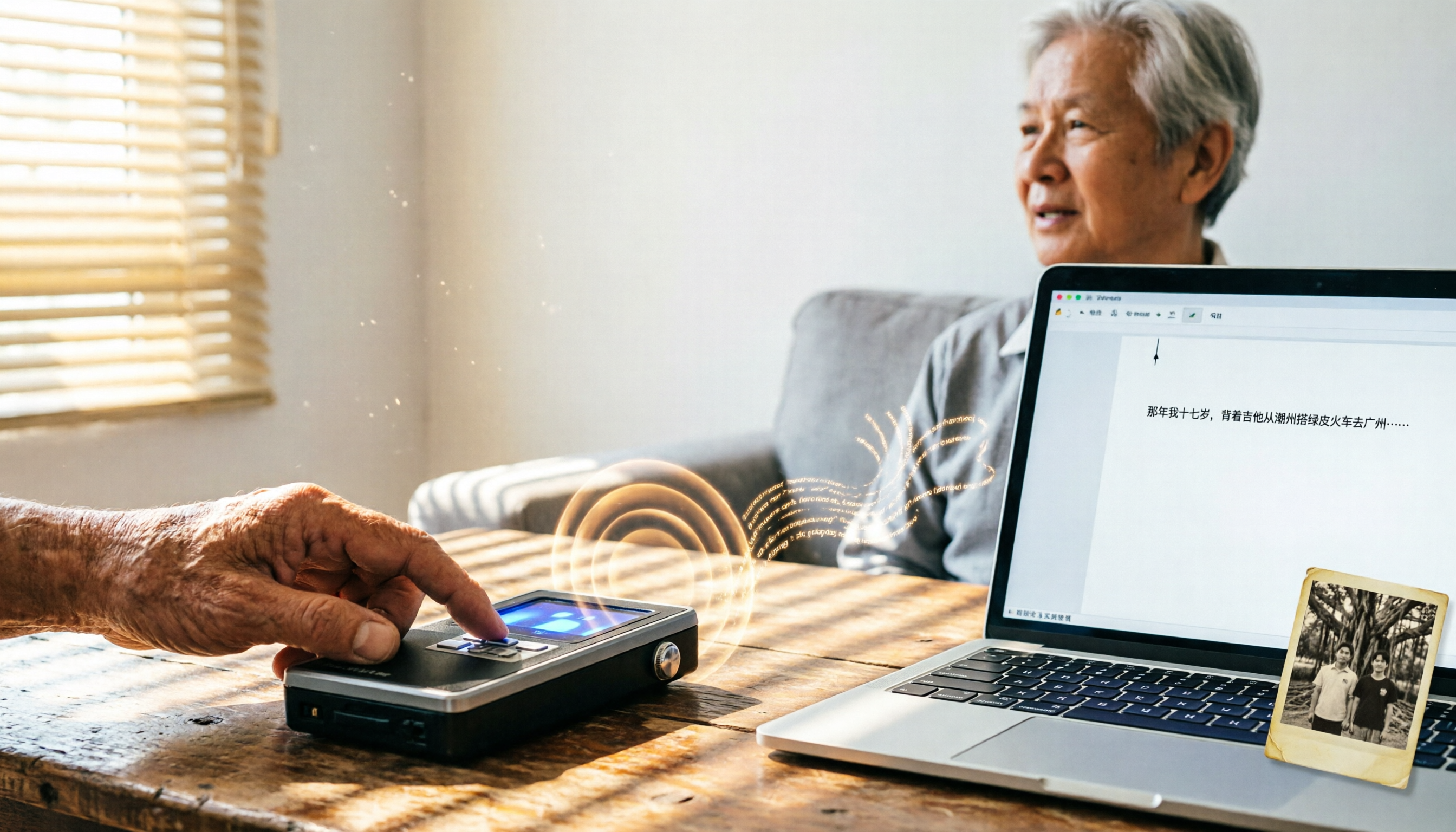
2026 Tested: 4 Speech-to-Text Tools Compared – Local Privacy vs. Cloud AI, Which Is More Efficient?
Tired of transcribing meeting, class, or interview recordings? This article tests 4 speech-to-text tools, from fully local WhisperDesktop and privacy-focused cSubtitle to Taiwan-based Yating and cloud AI favorite Tinrec, to help you find the best fit.

2026 Hands-On Comparison of 3 AI Meeting Recorders: Beyond Transcription, Who Really Helps You Organize Meeting Highlights?
This article tests three popular AI meeting note tools—Otter.ai, Notta, and Tinrec—covering transcription accuracy, AI summaries, Q&A features, and cross-platform support to help you find the best solution for organizing meeting recordings.
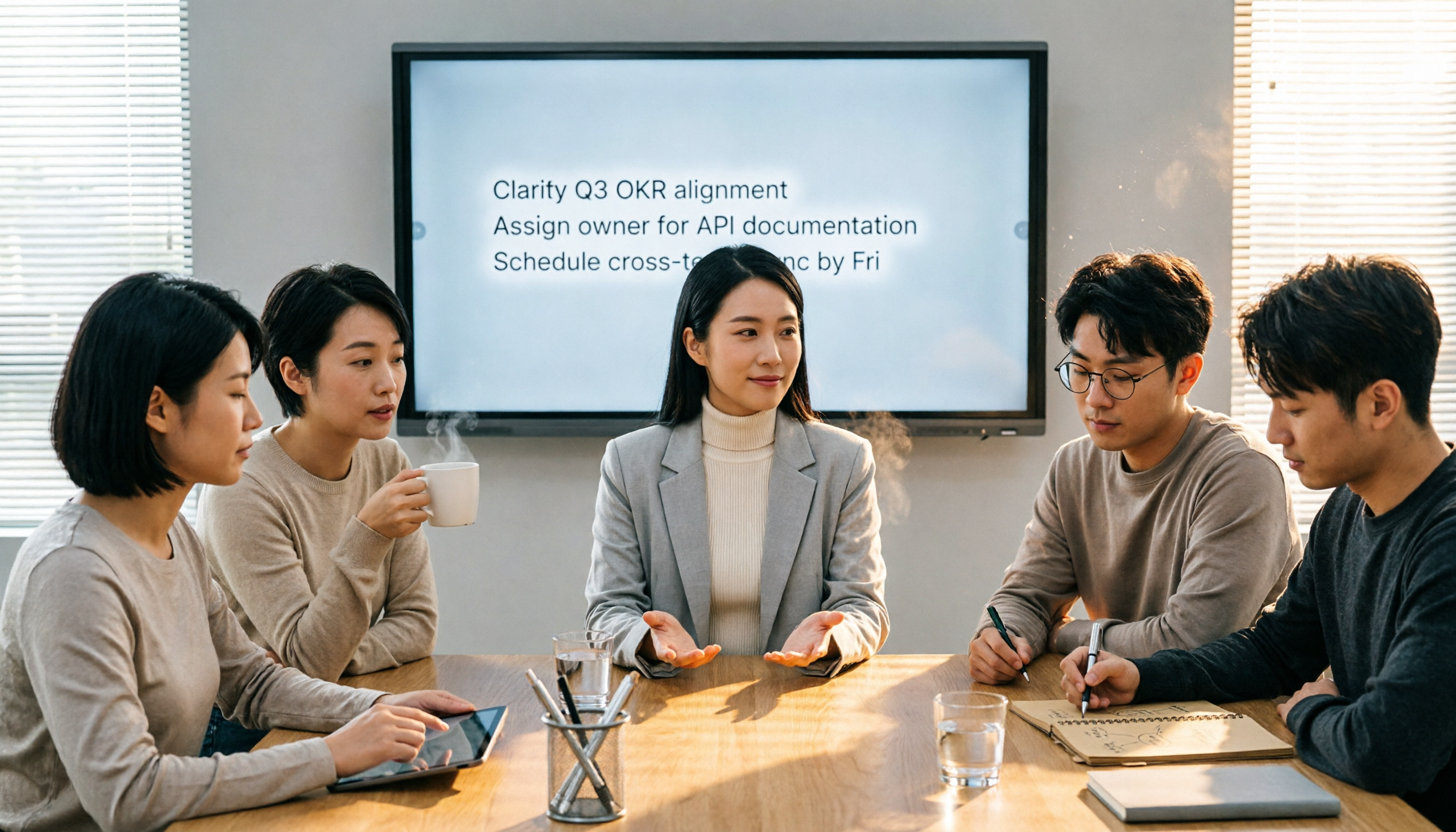
4 Meeting Minutes Tools Tested in 2026: How Much Time Can AI Summaries Save You?
Tired of typing meeting minutes in Word? We tested 4 popular meeting minutes tools, comparing accuracy, AI summaries, and cross-platform support to find which one saves you the most time—so you can say goodbye to manual typing.

Best Speech-to-Text Tools in 2026: We Tested 4, and This Free Plan Is the Most Comprehensive
With so many speech-to-text tools available, how do you choose the right one? This article tests 4 mainstream tools, covering accuracy, AI features, cross-platform support, and free plans, to help you find the best value.

2026 AI Meeting Minutes Tools Buying Guide: 5 Tested and Recommended
Spending two hours in a meeting and another two organizing the notes? We tested five AI tools—Tinrec, Otter.ai, Notta, Fireflies.ai, and TurboScribe—to help you find the best option for Chinese meeting minutes and multi-source audio/video organization, complete with a comparison of free and paid plans.

2026 Speech-to-Text Showdown: API vs. Off-the-Shelf Tools – Which Saves More Time?
Want to convert speech to text but unsure whether to build with a cloud API or use a ready-made tool? We tested both approaches for time, cost, and post-processing capabilities, using real data to show which suits SMBs and content creators best.

Tinrec vs Plaud Note 2026: 5-Dimension Comparison - Which Is Best for Hong Kong Professionals?
We compare Tinrec's software solution and Plaud Note's hardware for speech-to-text transcription. Our in-depth analysis covers 5 key dimensions: Cantonese recognition, cross-platform support, AI Q&A, pricing, and use cases, helping you find the most time-saving and convenient option.

2026 Tinrec Instant Recording: AI-Generated Meeting Minutes and To-Do Lists Made Easy
Use Tinrec instant recording to automatically transcribe meeting recordings and generate meeting minutes and to-do lists, eliminating manual OT work.

2026 Test: Tinrec vs Notta for Meeting Notes—Which One Handles Chinese Better?
Looking for a truly hassle-free meeting notes tool? This hands-on comparison of Tinrec and Notta covers Chinese speech recognition, multi-scenario organization, and free plans to help you pick the best AI voice-to-text tool for users in Taiwan.