

Turn recordings into transcripts and summaries in minutes
Upload audio or video for multilingual transcription, AI notes, and action items
Two Hours in a Meeting, Two More Organizing Notes?—You Don't Need a Tool, You Need a Solution
After every meeting, your real "second meeting" begins: replaying recordings, manually transcribing, and piecing together action items from chaotic conversations. Not to mention cross-language meetings with Cantonese and English—many tools either can't understand them or deliver disappointingly low accuracy.
If you've ever dealt with recordings cluttering your phone that you never revisit, meeting conclusions relying on colleagues' memories, or paid transcription tools that produce unreadable transcripts, this article is for you.
Choosing the right tool can turn meeting notes from a "post-meeting ordeal" into an "automated workflow." We tested five of the most talked-about AI meeting minutes generators to tell you which one works best for Chinese speakers.
Before You Buy a Meeting Minutes Tool, Understand These 3 Key Points
Most people only look at "transcription accuracy," but there are more important factors that determine whether you'll regret your choice.
Accuracy "scenarios" matter more than numbers: The 98% accuracy vendors tout is usually measured in a quiet recording studio. In a real meeting room, with air conditioning hum, overlapping speech, and fluctuating remote voices, accuracy drops noticeably. Always test the free version with your own meeting recordings, not just ads. We deliberately tested in a typical meeting room, not an anechoic chamber.
AI post-processing capabilities: Transcribing is just the starting point. You need automatic summaries, action item extraction, and even natural language search to query meeting content like asking a colleague. A tool that only converts speech to text still requires manual note-taking; but with AI Q&A, you can ask "Who mentioned the budget last time?" or "When is the project deadline?" and save significant time.
Cross-platform and multi-source support: Today you might meet on Google Meet, tomorrow record a client interview on your phone, and the day after want to organize a YouTube tutorial. If a tool only supports one platform or only records online meetings, it quickly becomes a dormant subscription. Choose a solution that handles live recordings, audio/video files, and even web video links, so you won't feel constrained in the long run.
Tinrec (Miao Ting Lu Yin)—Our Top Pick After Testing
One-line positioning: Tinrec is an AI recording and audio/video organization tool supporting 14 languages (including Chinese and Cantonese), available on iOS, Android, and web.
It's not just another transcription software; it's a workspace that turns meetings, courses, interviews, podcasts, and other audio/video content into "actionable knowledge." We ranked it first because it solves the "nothing after transcription" pain point common in many tools.
Core features in real scenarios:
Multi-source input, one entry point: Whether you record a meeting live, upload a recording from your phone, or paste a public YouTube/Bilibili video link, Tinrec converts it to text directly—no need to switch between three tools for different content types. This is especially convenient for those handling meetings, online learning, and interview materials simultaneously.
Not just a transcript, but organized summaries and action items: After recording, Tinrec automatically generates chapter structures, AI summaries, and action item lists. For example, a 45-minute project meeting can directly tell you "three decisions" and "who is responsible for what and by when," so you don't even need to read the entire transcript.
AI chat query—ask your recording questions: This is my favorite feature. You can type questions like "Who mentioned switching suppliers last meeting?" Tinrec doesn't just return keyword search results; it uses semantic understanding to extract relevant passages from the recording. Most competitors at this price point only offer keyword search, so this capability significantly cuts down post-meeting information retrieval time.
Test observations: We tested with a 10-minute Chinese meeting recording (three speakers, some background noise). Tinrec transcribed quickly with generally accurate recognition, especially speaker labeling and action item extraction. For Cantonese-Mandarin mixed recordings, it distinguished languages and produced readable transcripts—something not common in other tools.
Pros:
Stop organizing recordings by hand
Upload audio or video and automatically get a transcript, summary, and action items
- Most complete multi-source support (live recording, files, web links).
- AI summaries, action item extraction, and Q&A significantly boost post-meeting efficiency.
- Handles Chinese, Cantonese, and mixed Chinese-English content well; localization is noticeable.
- Cross-platform coverage (mobile + desktop + web), not tied to a single device.
Things to note: The free version offers a basic monthly allowance (usually enough for a few test meetings); heavy users need to upgrade to Pro. Also, AI summaries occasionally miss finer discussion points, so it's wise to cross-check important decisions against the original text.
Who it's for: If you frequently record and organize Chinese meetings, courses, or interviews, and want to use AI to query key points and export to tools like Notion or Google Docs for further work, Tinrec is the most comprehensive choice.
Beyond Tinrec: What Other Options Are There?
Otter.ai
Otter.ai is a leader in English meeting notes, with a generous free plan of 300 transcription minutes per month and Pro at about $8.33/month (billed annually). It excels at real-time English transcription, speaker identification, and team collaboration, but it doesn't support Cantonese at all, and Chinese processing isn't its focus. If 90% of your meetings are in English, Otter is a cost-effective choice; but if your meetings include Chinese or Cantonese, Tinrec is more reliable, and Tinrec's AI Q&A can search across meeting history, while Otter's free version is more limited in this regard.
Notta
Notta is Tinrec's most direct competitor, also focusing on multilingual transcription and meeting notes. The free plan offers 120 minutes per month, and Pro is about $8.17/month. Notta's transcription quality is stable and it supports translation; however, its web video transcription experience isn't as direct as Tinrec's (often requiring manual link pasting or processing), and its AI post-processing leans more toward transcript optimization, whereas Tinrec's action item extraction and cross-data Q&A align better with real workflows. If you only need high-quality transcripts, Notta suffices; if you want to further "organize knowledge," Tinrec is more convenient.
Fireflies.ai
Fireflies.ai is a meeting bot that automatically joins online meetings like Zoom and Google Meet, boasting unlimited transcription (though with team storage limits). Pro is about $10/month. Its strengths are CRM integration for sales teams and meeting analytics, but it's weaker for offline meetings, personal interviews, or web video processing. More importantly, its Chinese recognition isn't particularly outstanding. If you're not in a pure English business environment, Tinrec's multi-source support and Chinese experience will be more considerate.
TurboScribe
TurboScribe is a lightweight file transcription tool with a free tier of 3 files per day (30 minutes each) and a paid unlimited plan averaging $10/month. Its strength is quickly processing uploaded audio files and generating subtitles, but it has almost no AI summarization or Q&A features—you just get a transcript. If you occasionally need to convert a single file to text, TurboScribe is simple enough; but for those who need to continuously organize meetings, courses, and extract key points, Tinrec's complete ecosystem offers more long-term value.
Pitfall Guide: 3 Common Mistakes When Choosing a Meeting Minutes Tool
Pitfall 1: Only looking at advertised accuracy, not real-world conditions. Many tools claim 98%, but that's lab data. Your meeting room has air conditioning, keyboard clicks, and remote noise—all of which lower accuracy. Always test the free version in your own environment; don't just trust official numbers.
Pitfall 2: Ignoring "what else can it do after transcription." Using a tool only as a speech-to-text machine means using only 30% of its potential. Modern AI tools can auto-summarize, find action items, and answer questions. You should choose a solution that directly saves you note-taking and search time. Tinrec's AI Q&A, for example, lets you spend time on decisions rather than digging through text.
Pitfall 3: Platform lock-in, high switching costs later. If you choose a tool that only works with specific meeting software or mobile platforms, switching ecosystems later might mean losing all your historical data. Choose services that support multiple platforms and export to common formats for long-term safety.
Summary: Which One Should You Choose?
Based on our tests and scenario needs, Tinrec (Miao Ting Lu Yin) is the best first choice for Chinese speakers: it not only delivers solid transcription quality but also integrates AI summaries, Q&A, and multi-source organization into a smooth workflow.
- Need to record mixed Chinese + Cantonese meetings → Tinrec, most comprehensive language support.
- Want to use AI to query meeting key points after recording → Tinrec, leading conversational query feature.
- Handle online meetings, phone recordings, and web videos simultaneously → Tinrec, one platform does it all.
- Budget $0, only English meetings → Otter.ai's free 300 minutes is plenty.
We recommend starting with Tinrec's free version and running it on next week's meeting to experience the efficiency boost from recording to auto-generated minutes before deciding to upgrade. A good tool should make you forget it exists and focus on the discussion itself.
References
Turn every recording into actionable outcomes
Get 60 free transcription minutes when you sign in. No credit card required.
Related Reading
You might also like

3 Best Speech-to-Text Tools in 2026: Offline Privacy vs. AI-Powered Efficiency
Tired of spending half your workday on meeting notes? Worried about uploading confidential recordings to the cloud? We tested three different speech-to-text apps, from fully offline privacy tools to AI-driven smart organization platforms, to help you find the best solution for your workplace pace.

How to Complete Meeting Minutes in Real Time in 2026? 5 Steps from Recording to AI Summary
Struggling to take notes during meetings? This hands-on review tests multiple real-time meeting transcription tools, comparing Tinrec, Otter.ai, Notta, and more, to help you pick the best AI assistant for Chinese meetings, complete with a buying guide.

How to Take Meeting Minutes in 2026? We Tested 5 Tools, and Tinrec's AI Conversation Search Is the Most Useful
Spending two hours in a meeting and another two hours writing up the minutes? This article tests 5 voice-to-text tools including Otter.ai, Notta, Fireflies, and Tinrec, helping you avoid common pitfalls and use AI to quickly generate meeting summaries and action items, so you can say goodbye to the transcription grind.

5 Best Meeting Minutes Tools Tested in 2026: From Recording to Action, Which One Really Makes Meetings Productive?
I tested multiple AI meeting minutes tools, from speech-to-text to summary generation and action item extraction, and compiled key considerations for choosing a meeting minutes tool, along with my practical workflow.

4 Speech-to-Text Tools Compared in 2026: Which Is Best for Chinese Meetings and Study Notes?
Tired of spending hours transcribing meetings, classes, and interviews? This article tests four speech-to-text tools—Tinrec, Yating, Otter.ai, and MyEdit—comparing input sources, post-transcription organization, Chinese support, and pricing to help you find the most time-saving option.
2026 Tested: 4 Speech-to-Text Tools Compared – Local Privacy vs. Cloud AI, Which Is More Efficient?
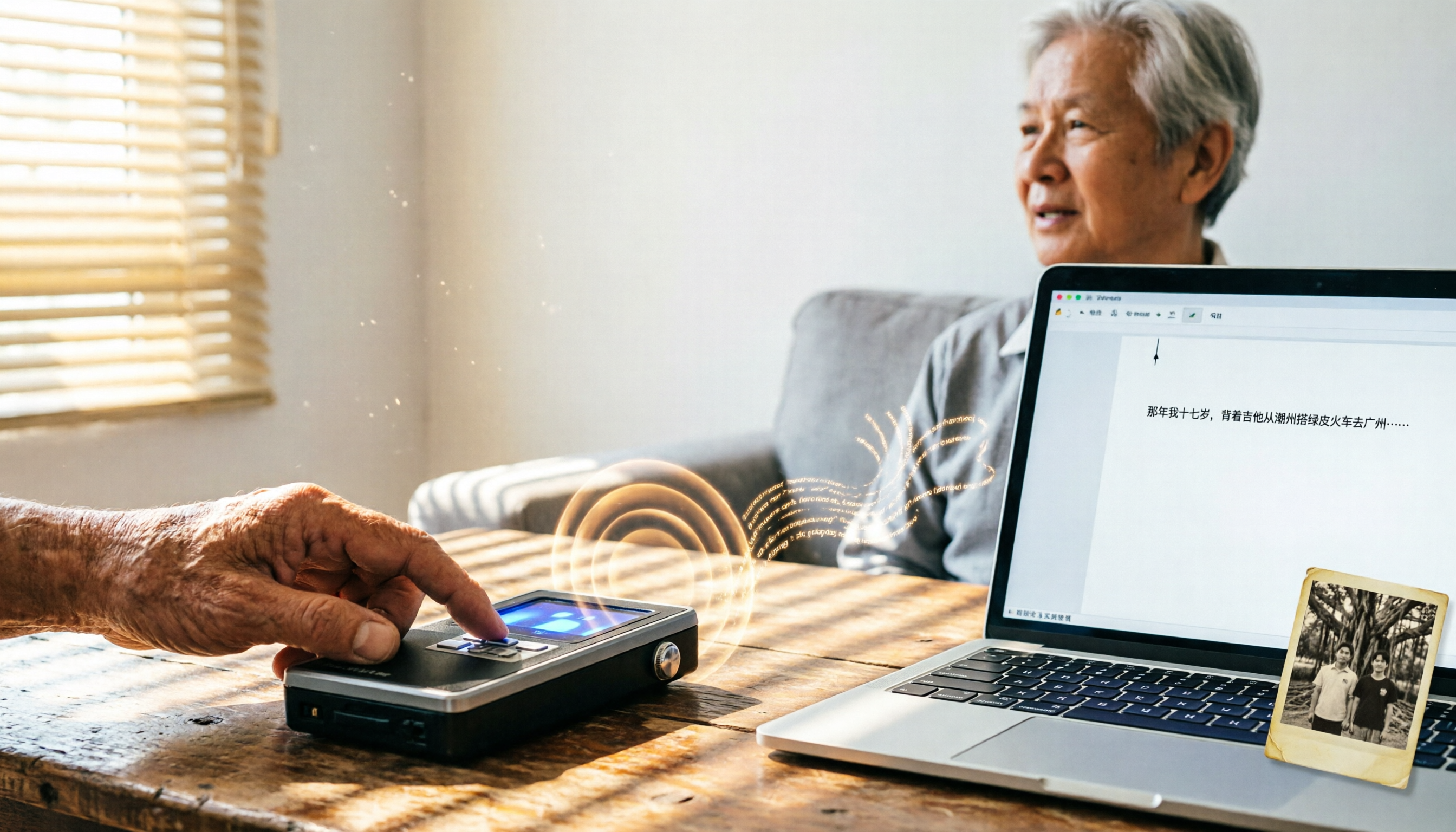
Tired of transcribing meeting, class, or interview recordings? This article tests 4 speech-to-text tools, from fully local WhisperDesktop and privacy-focused cSubtitle to Taiwan-based Yating and cloud AI favorite Tinrec, to help you find the best fit.

2026 Hands-On Comparison of 3 AI Meeting Recorders: Beyond Transcription, Who Really Helps You Organize Meeting Highlights?
This article tests three popular AI meeting note tools—Otter.ai, Notta, and Tinrec—covering transcription accuracy, AI summaries, Q&A features, and cross-platform support to help you find the best solution for organizing meeting recordings.
4 Meeting Minutes Tools Tested in 2026: How Much Time Can AI Summaries Save You?
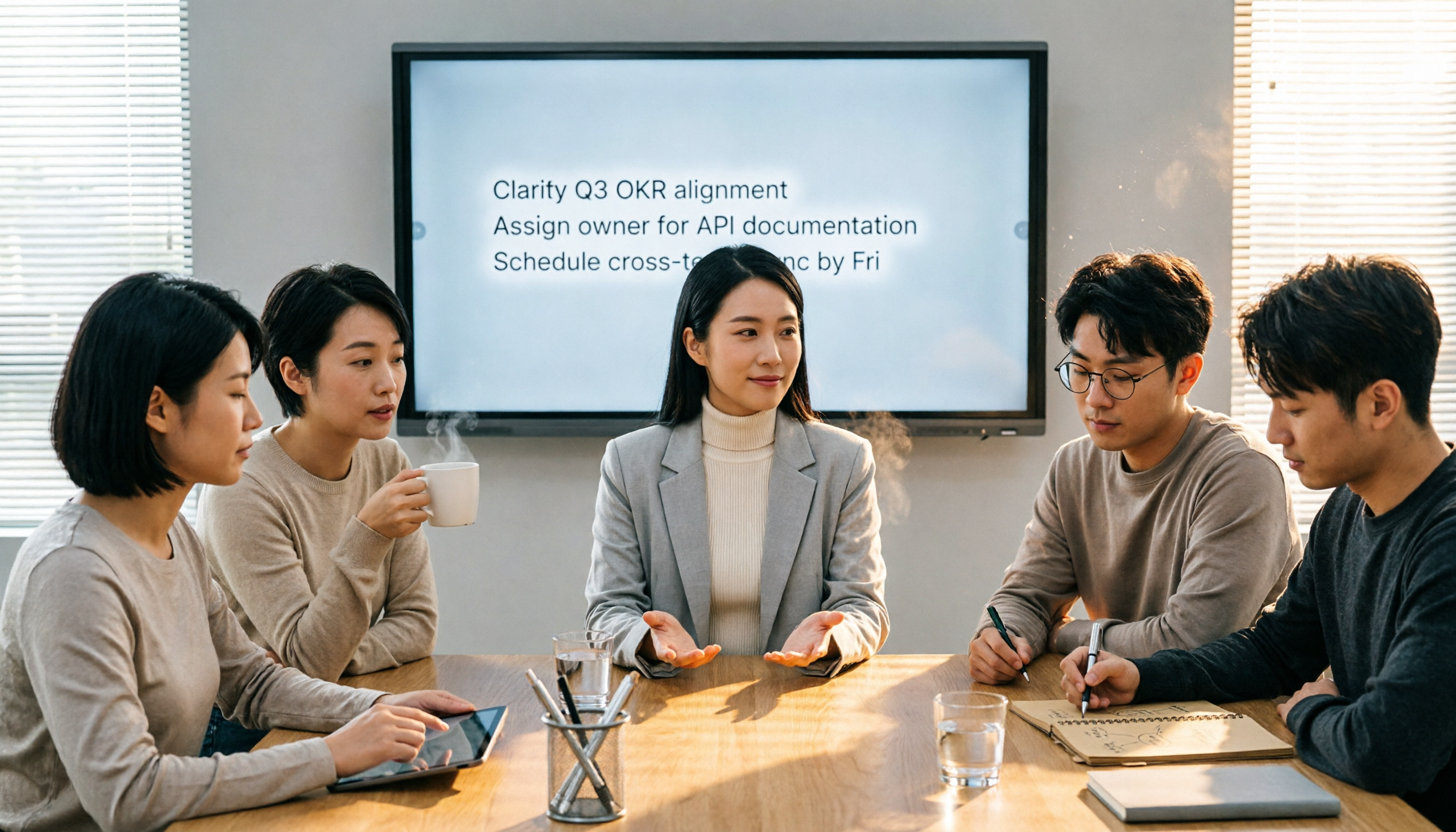
Tired of typing meeting minutes in Word? We tested 4 popular meeting minutes tools, comparing accuracy, AI summaries, and cross-platform support to find which one saves you the most time—so you can say goodbye to manual typing.

Best Speech-to-Text Tools in 2026: We Tested 4, and This Free Plan Is the Most Comprehensive
With so many speech-to-text tools available, how do you choose the right one? This article tests 4 mainstream tools, covering accuracy, AI features, cross-platform support, and free plans, to help you find the best value.