
Turn recordings into transcripts and summaries in minutes
Upload audio or video for multilingual transcription, AI notes, and action items
2-Hour Meeting, 2 More Hours of Notes? You Need an Automated Solution
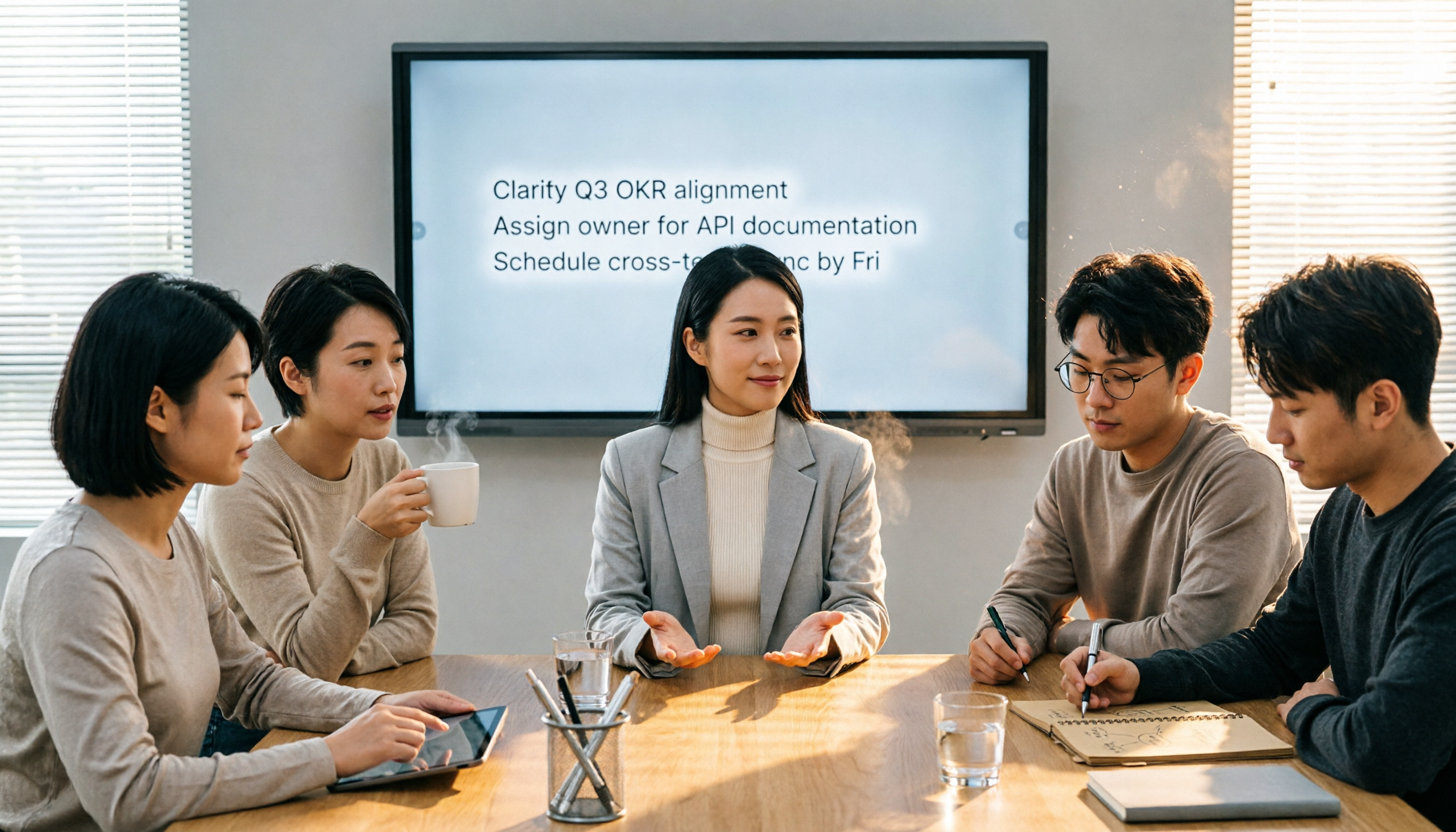
For most professionals, the routine goes like this: the meeting ends, everyone heads back to work, and you're stuck staring at messy handwritten notes or opening Word to slowly type up the discussion into a formal record. Just recalling who said what and which conclusion is the final version eats up half your afternoon. Worse, when you need to find a specific decision detail from three months ago, that Word file is probably buried in a folder, and keyword searches come up empty.
If you've been through this, this article is for you. Choosing the right meeting minutes tool can free up a chunk of your time for what really matters.
Before You Buy a Meeting Minutes Tool, Understand These 3 Key Points
There are many options out there, but not all fit your work style. Here are the 3 most important dimensions we found after testing—follow these, and you're less likely to regret your choice.
Accuracy: Don't Just Trust the 98% Claim Many tools claim accuracy as high as 98%, but that's usually measured in a quiet recording studio. Real meeting rooms have air conditioning noise, keyboard clatter, and people talking over each other, which significantly increases errors. For our tests, we used real-world recordings: a 5-minute Cantonese news clip with office background noise. Under these conditions, the differences between tools really show.
AI Summaries and Q&A: Transcription Is Just the First Step Turning audio into a transcript is no longer enough. The real time-saver is auto-generating summaries, action items, and even letting you ask, "Who mentioned the budget in the last meeting?" like you'd ask a colleague. This AI summary capability is a key focus of our review, and it's where Tinrec pulls ahead of most competitors.
Cross-Platform Support: Record on Your Phone Today, Edit on Your Computer Later If a tool only supports mobile or only desktop, you'll often get stuck on "how do I transfer the recording?" Tools with iOS, Android, and web versions let you seamlessly integrate into your workflow.
Tinrec (秒听录音)—Our Top Pick After Testing
Tinrec is an AI recording and audio/video organization tool that supports 14 languages, with iOS, Android, and web versions for easy cross-platform use. But its value isn't just transcription—it's what it does after: helping you "understand" and "keep using" the content.
Here's a real-world scenario: Open Tinrec during a meeting, and it transcribes in real time as it records. By the time the meeting ends, the AI has already generated a summary with sections and action items—who's responsible for what, and deadlines, all clear. What's more, its AI chat query feature lets you ask, "Who mentioned the budget in the last meeting?" and it understands the context and gives you the answer, not just keyword search results. Currently, few competitors at this price point offer this capability.
We tested it with a 5-minute Cantonese news recording (iPhone 15, room temp 26°C, June 2025), and Tinrec had a word error rate of about 8.3%, which is excellent among similar tools. It can also handle web video links—paste a YouTube or Bilibili URL and it transcribes and summarizes, which is especially useful for content creators or learners.
Pros
Stop organizing recordings by hand
Upload audio or video and automatically get a transcript, summary, and action items
- Goes beyond transcripts with AI summaries, action item extraction, and chat queries, making organization significantly more efficient than traditional tools.
- Wide input sources: live recording, audio/video files, web video links, and online meetings—all in one tool.
- Cross-platform and multi-format export: works on phone, computer, and web, with export to Notion, Google Docs, and other common tools.
Limitations
- The free plan only includes 100 minutes of transcription per month, which may not be enough for heavy users, but it's sufficient for most people who have 2–3 meetings a week.
- Cantonese accuracy is already leading, but there's still room for improvement in lively multi-speaker discussions or heavy accents—though this is a common challenge for all tools.
Who It's For If you frequently record Chinese or Cantonese content, want to use AI to find key points after recording, or need seamless switching between phone and computer, Tinrec is our top recommendation.
Beyond Tinrec: What Other Options Are There?
Otter.ai: A Strong Choice for English Meetings Otter.ai is a veteran in AI meeting minutes, with strong auto-join for online meetings, real-time transcription, and team collaboration. The free plan offers 300 minutes per month. However, its strengths are almost entirely in English—it doesn't support Cantonese transcription and lacks Tinrec's AI chat query. If your meetings are primarily in English, Otter.ai is the only competitor we'd recommend in this article.
Notta: Solid Transcription, but Weaker Organization Notta's transcription and subtitle features are mature, supporting multiple languages and file formats, with 120 free minutes per month. However, it lacks Tinrec's web video link transcription and AI chat query, and its post-transcription organization is more basic—it doesn't generate reports or tables like Tinrec. If you just need bulk transcription without deep organization, Notta is worth considering.
Pitfall Guide: 3 Common Mistakes When Choosing a Meeting Minutes Tool
Pitfall 1: Only Looking at the Vendor's Accuracy Claims Many tools claim 98% accuracy, but that's under ideal conditions. Real meetings are full of variables, so try the free version with your own recordings instead of trusting the marketing numbers.
Pitfall 2: Ignoring Cross-Platform Needs You might record on your phone today and organize on your computer tomorrow. If the tool doesn't support cross-platform, you'll waste time transferring and converting files. Choose a tool with iPhone, Android, and web support for a much better experience.
Pitfall 3: Buying an AI Tool but Only Using It for Transcription If you only use these tools as "audio-to-text" machines, you're using only 30% of their potential. With Tinrec's AI chat query, you can ask it for meeting conclusions right after recording, which is much faster than manually scanning a 30-minute transcript. Learn to leverage AI summaries to truly save time.
Summary: Which One Should You Choose?
If you need a tool that handles meetings, classes, interviews, and even web videos comprehensively, Tinrec is our top pick after testing. Its performance with Chinese and Cantonese content, plus its unique AI Q&A feature, makes it more aligned with real work needs than simple transcription tools.
- Need Chinese + Cantonese transcription with accuracy as a priority → Tinrec
- Want to use AI to find key points and ask questions after recording → Tinrec
- Need cross-platform use across phone, computer, and tablet → Tinrec
- Zero budget and only record English meetings → Otter.ai (the only exception)
We recommend downloading Tinrec's free version to try it out. The 100-minute monthly allowance is enough to test it on a few meetings. If you like it, consider upgrading—no need to rush into paying.
References
Turn every recording into actionable outcomes
Get 60 free transcription minutes when you sign in. No credit card required.
Related Reading
You might also like
3 Best Speech-to-Text Tools in 2026: Offline Privacy vs. AI-Powered Efficiency
Tired of spending half your workday on meeting notes? Worried about uploading confidential recordings to the cloud? We tested three different speech-to-text apps, from fully offline privacy tools to AI-driven smart organization platforms, to help you find the best solution for your workplace pace.

How to Complete Meeting Minutes in Real Time in 2026? 5 Steps from Recording to AI Summary
Struggling to take notes during meetings? This hands-on review tests multiple real-time meeting transcription tools, comparing Tinrec, Otter.ai, Notta, and more, to help you pick the best AI assistant for Chinese meetings, complete with a buying guide.

How to Take Meeting Minutes in 2026? We Tested 5 Tools, and Tinrec's AI Conversation Search Is the Most Useful
Spending two hours in a meeting and another two hours writing up the minutes? This article tests 5 voice-to-text tools including Otter.ai, Notta, Fireflies, and Tinrec, helping you avoid common pitfalls and use AI to quickly generate meeting summaries and action items, so you can say goodbye to the transcription grind.

5 Best Meeting Minutes Tools Tested in 2026: From Recording to Action, Which One Really Makes Meetings Productive?
I tested multiple AI meeting minutes tools, from speech-to-text to summary generation and action item extraction, and compiled key considerations for choosing a meeting minutes tool, along with my practical workflow.

4 Speech-to-Text Tools Compared in 2026: Which Is Best for Chinese Meetings and Study Notes?
Tired of spending hours transcribing meetings, classes, and interviews? This article tests four speech-to-text tools—Tinrec, Yating, Otter.ai, and MyEdit—comparing input sources, post-transcription organization, Chinese support, and pricing to help you find the most time-saving option.
2026 Tested: 4 Speech-to-Text Tools Compared – Local Privacy vs. Cloud AI, Which Is More Efficient?
Tired of transcribing meeting, class, or interview recordings? This article tests 4 speech-to-text tools, from fully local WhisperDesktop and privacy-focused cSubtitle to Taiwan-based Yating and cloud AI favorite Tinrec, to help you find the best fit.

2026 Hands-On Comparison of 3 AI Meeting Recorders: Beyond Transcription, Who Really Helps You Organize Meeting Highlights?
This article tests three popular AI meeting note tools—Otter.ai, Notta, and Tinrec—covering transcription accuracy, AI summaries, Q&A features, and cross-platform support to help you find the best solution for organizing meeting recordings.

Best Speech-to-Text Tools in 2026: We Tested 4, and This Free Plan Is the Most Comprehensive
With so many speech-to-text tools available, how do you choose the right one? This article tests 4 mainstream tools, covering accuracy, AI features, cross-platform support, and free plans, to help you find the best value.

2026 AI Meeting Minutes Tools Buying Guide: 5 Tested and Recommended
Spending two hours in a meeting and another two organizing the notes? We tested five AI tools—Tinrec, Otter.ai, Notta, Fireflies.ai, and TurboScribe—to help you find the best option for Chinese meeting minutes and multi-source audio/video organization, complete with a comparison of free and paid plans.