

Turn recordings into transcripts and summaries in minutes
Upload audio or video for multilingual transcription, AI notes, and action items
Two Hours in a Meeting, Two More Hours Organizing Notes—You Don't Need a Tool, You Need a Solution
After every meeting, the biggest headache isn't the meeting itself—it's the hour or two of recording you have to organize afterward.
If the meeting includes Mandarin, Taiwanese, or even English, transcription tools often fail to understand or translate accurately, leaving you to re-listen and retype everything. Not to mention manually marking key points and action items—just wondering "Who said that?" can eat up a huge chunk of time.
If you've faced these issues, this article is for you. We tested three of the most talked-about AI meeting note tools, from transcription quality and AI summarization to post-meeting organization features, to help you find a choice that truly saves you time.
Before Choosing Meeting Notes Software, Understand These 4 Key Points
With so many tools on the market, instead of comparing feature lists right away, think first: What kind of product can truly solve your problem? Here are four selection criteria we've distilled from our testing, each directly impacting your future user experience.
Transcription Accuracy: Don't Just Look at Vendor Claims
Many tools tout "98% accuracy," but that's usually measured in a quiet recording studio. Real meeting rooms have air conditioning noise, keyboard clicks, multiple people speaking at once, and even network lag from remote participants—these are where transcription quality differences truly show. For this test, we deliberately used real meeting recordings with slight background noise and different speakers to simulate your everyday scenarios.
AI Summarization and Q&A: Transcription Is Just the First Step
Once you have the transcript, you still need to spend time reading and marking key points. If the tool can automatically generate summaries, list action items, or even let you ask questions in natural language (e.g., "What was the conclusion about the budget last week?"), that's the key to truly saving you organization effort. We placed special emphasis on this dimension because it determines whether the tool is "typing for you" or "helping you understand content."
Input Source Diversity: Not Just Meeting Recordings
Many tools focus only on online meetings, but your work scenarios may be more complex: in-person meeting recordings, classroom recordings on your phone, reference videos on YouTube, or even archived interviews. If a tool can handle all these different audio and video sources, you won't need to switch between multiple apps for different tasks.
Pricing and Free Tier: What's Enough Is What Matters
Free plans usually have transcription time limits, and heavy meeting users might burn through them in a week. But if you only need to organize meeting notes occasionally, choosing a plan where "free is enough" is more practical. Also, check whether paid plans require annual contracts or offer short-term options (like weekly passes) to handle temporary high-volume needs.
Tinrec (秒听录音)—Our Top Pick After Testing
In one sentence, Tinrec (秒听录音) is an AI organization tool that turns recordings and video content into "actionable knowledge." It goes beyond transcription, covering meetings, classes, interviews, online videos, and more. It supports iOS, Android, and web versions, with no barriers to cross-platform use.
Not Just Recording, You Can Directly Ask for Key Points
Our favorite feature is its AI conversational query. During a meeting, it transcribes in real time, and by the end, the system has already auto-generated summaries and to-do lists. But the real gem is this: you can directly type questions like "Who mentioned the Q3 budget?" Tinrec searches semantically through the recording and gives you the answer directly, like having an assistant review the entire meeting for you. Currently, few competing products offer this level of functionality.
Particularly Smooth Organization Experience for Chinese Content
Tinrec handles Chinese content with great nuance. We tested it with a meeting recording that included Mandarin, some Taiwanese, and English terms. It not only transcribed correctly but also captured colloquial phrases like "踹共" and "作伙." The AI summary also automatically filters out repetitive discussions, leaving only conclusions and action items, reading like a human-organized meeting note.
Stop organizing recordings by hand
Upload audio or video and automatically get a transcript, summary, and action items
Who Is It For? Those Who Need to Handle Multiple Audio Types at Once
If you often deal with not just meeting recordings but also online courses, interview recordings, YouTube videos, or even want to "ask questions" of past meeting archives, Tinrec is currently the most complete solution. The free version offers a certain monthly base allowance, enough to experience all core features; heavy users can consider the Pro plan, which offers more flexibility than buying hardware or annual subscription tools.
Beyond Tinrec, What Other Options Are There?
If you're already used to a specific brand or have simpler needs, the following two tools are worth a look. However, they fall short of Tinrec in several key features.
Otter.ai: Best for English Meetings, but Not Suitable for Chinese Scenarios
Otter.ai is a favorite among many foreign teams. It automatically joins online meetings and provides stable real-time transcription for English content. The free version offers a generous 300 minutes per month. But if you often have Chinese meetings, it can't recognize the language at all, let alone generate summaries. Moreover, it lacks the free-form Q&A feature that Tinrec has—after recording, you can only manually search for keywords.
Notta: Fast Transcription, Lacks Depth in Post-Meeting Organization
Notta does a decent job with basic voice-to-text, and its Pro plan with 1,800 minutes per month is attractive for heavy transcription needs. It also supports multiple languages. However, its output is mainly transcripts; although it has AI summaries, they tend to be bullet-point lists and lack a conversational query mechanism. If you need to quickly extract a specific decision or number from a recording, you'll still have to sift through it yourself.
Pitfall Guide: 3 Common Mistakes When Choosing Meeting Notes Software
Buying a tool isn't hard; buying one that doesn't fit you is. The following three common misconceptions come from our own and our readers' painful experiences.
Pitfall 1: Only Looking at Official Accuracy Rates, Ignoring Real-World Variables
Many tools claim 98% on their websites, but that's lab data. Real meetings have various interferences, and different tools vary greatly in noise resistance and multi-speaker recognition. We strongly recommend testing the free version with your own real recordings, not just deciding based on ads.
Pitfall 2: Overlooking AI Post-Processing Features, Using the Tool Only as a Typewriter
If you buy a transcription tool but only use it for transcripts, you're using only a third of its features. Tools like Tinrec that can auto-summarize, extract action items, and even query content via Q&A are what truly save your brainpower. Asking "What was the conclusion?" right after a meeting is ten times faster than reading through the transcript from the start.
Pitfall 3: Lack of Cross-Platform Flexibility, Trapping Yourself
If you record on your phone today and organize on your computer tomorrow, a tool that only works on one platform will constantly interrupt your workflow. Choose a service with full mobile, desktop, and web versions so your recordings truly follow you.
Summary: Which One Should You Choose?
Based on our comprehensive testing, Tinrec (秒听录音) is currently the tool we believe best handles diverse meeting and audio organization needs. Not only is its transcription quality stable, but more importantly, its AI Q&A and summarization features turn recordings directly into "usable data," not just files piling up in folders.
Here's a quick guide based on different use cases:
- Frequent Chinese or mixed-language meetings, need quick summaries and action items → Tinrec (nuanced Chinese understanding, AI Q&A saves the most effort)
- Beyond meetings, also need to organize courses, interviews, online videos → Tinrec (the only option that supports multiple sources simultaneously)
- Company only has all-English meetings and needs team collaboration → Otter.ai (stable English transcription, complete collaboration features)
- Large-volume long-file transcription, only need transcripts → Notta (generous minutes, fast transcription speed)
We recommend downloading Tinrec's free version to try it out—no credit card required, and the monthly allowance is enough to experience several complete meeting workflows. If you find it truly saves time, then consider upgrading; after all, a tool only has value if it truly integrates into your workflow.
References
- "Notta - Ultra-Accurate Transcript, Voice to Text, Meeting Recording, AI Summary Notes" App - App Store
- Meeting Notes AI Tool|Real-Time Recording, Summary Organization! 3 Small Tools to Help You Focus on Meetings
- Meeting Ink - 2026 AI Meeting Notes Tool Test|8 Voice-to-Text and Summary Speed Comparison | Meeting Ink - AI Meeting Notes Assistant Auto-Transcribe and Summarize
- How to Choose Online Meeting Software? 5 Tools' Features, Prices, and Use Cases at a Glance! - 棋崚ALEN
- How to Use AI for Meeting Minutes? How to Organize Meeting Transcripts?|AI Voice-to-Text Tutorial|104 Career Advancement
Turn every recording into actionable outcomes
Get 60 free transcription minutes when you sign in. No credit card required.
Related Reading
You might also like
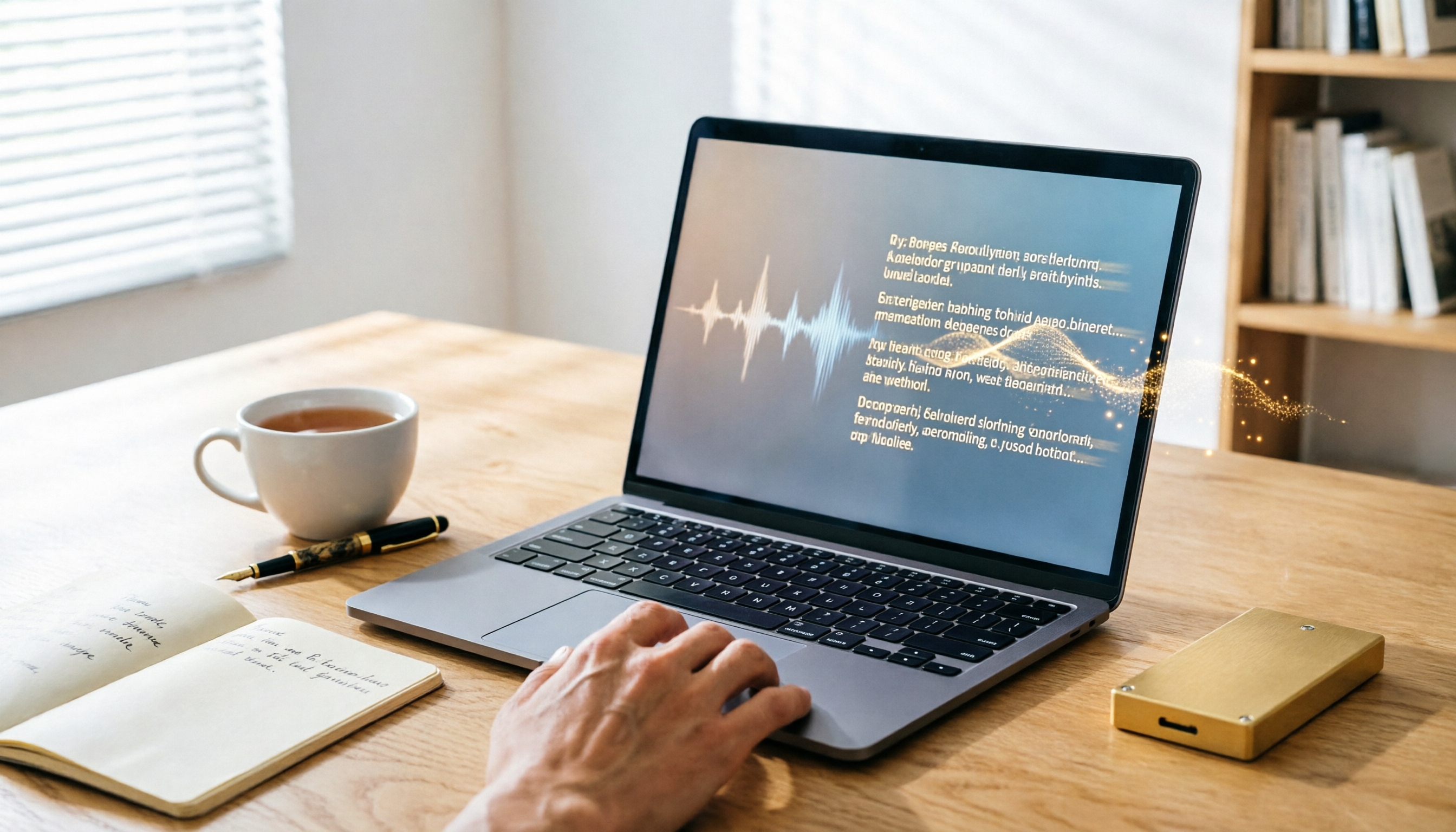
3 Best Speech-to-Text Tools in 2026: Offline Privacy vs. AI-Powered Efficiency
Tired of spending half your workday on meeting notes? Worried about uploading confidential recordings to the cloud? We tested three different speech-to-text apps, from fully offline privacy tools to AI-driven smart organization platforms, to help you find the best solution for your workplace pace.

How to Complete Meeting Minutes in Real Time in 2026? 5 Steps from Recording to AI Summary
Struggling to take notes during meetings? This hands-on review tests multiple real-time meeting transcription tools, comparing Tinrec, Otter.ai, Notta, and more, to help you pick the best AI assistant for Chinese meetings, complete with a buying guide.

How to Take Meeting Minutes in 2026? We Tested 5 Tools, and Tinrec's AI Conversation Search Is the Most Useful
Spending two hours in a meeting and another two hours writing up the minutes? This article tests 5 voice-to-text tools including Otter.ai, Notta, Fireflies, and Tinrec, helping you avoid common pitfalls and use AI to quickly generate meeting summaries and action items, so you can say goodbye to the transcription grind.

5 Best Meeting Minutes Tools Tested in 2026: From Recording to Action, Which One Really Makes Meetings Productive?
I tested multiple AI meeting minutes tools, from speech-to-text to summary generation and action item extraction, and compiled key considerations for choosing a meeting minutes tool, along with my practical workflow.

4 Speech-to-Text Tools Compared in 2026: Which Is Best for Chinese Meetings and Study Notes?
Tired of spending hours transcribing meetings, classes, and interviews? This article tests four speech-to-text tools—Tinrec, Yating, Otter.ai, and MyEdit—comparing input sources, post-transcription organization, Chinese support, and pricing to help you find the most time-saving option.
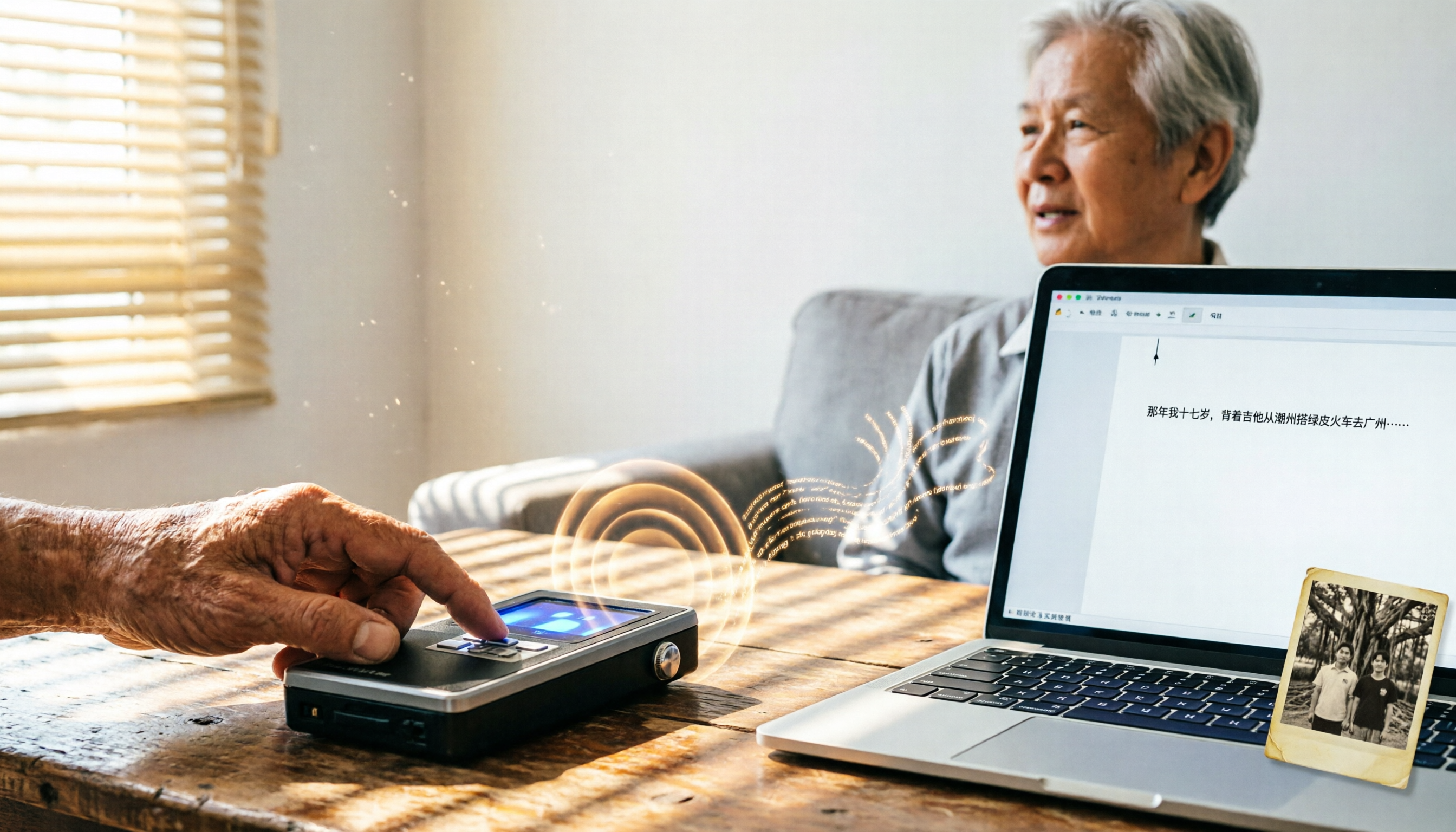
2026 Tested: 4 Speech-to-Text Tools Compared – Local Privacy vs. Cloud AI, Which Is More Efficient?
Tired of transcribing meeting, class, or interview recordings? This article tests 4 speech-to-text tools, from fully local WhisperDesktop and privacy-focused cSubtitle to Taiwan-based Yating and cloud AI favorite Tinrec, to help you find the best fit.

4 Meeting Minutes Tools Tested in 2026: How Much Time Can AI Summaries Save You?
Tired of typing meeting minutes in Word? We tested 4 popular meeting minutes tools, comparing accuracy, AI summaries, and cross-platform support to find which one saves you the most time—so you can say goodbye to manual typing.

Best Speech-to-Text Tools in 2026: We Tested 4, and This Free Plan Is the Most Comprehensive
With so many speech-to-text tools available, how do you choose the right one? This article tests 4 mainstream tools, covering accuracy, AI features, cross-platform support, and free plans, to help you find the best value.

2026 AI Meeting Minutes Tools Buying Guide: 5 Tested and Recommended
Spending two hours in a meeting and another two organizing the notes? We tested five AI tools—Tinrec, Otter.ai, Notta, Fireflies.ai, and TurboScribe—to help you find the best option for Chinese meeting minutes and multi-source audio/video organization, complete with a comparison of free and paid plans.