

Turn recordings into transcripts and summaries in minutes
Upload audio or video for multilingual transcription, AI notes, and action items
Two hours in a meeting, another two hours to write up the notes—this is the daily reality for many office workers.
What makes it worse is that in multi-person online meetings with mixed Chinese-English discussions, manual typing simply can't keep up; after the meeting, you have to re-listen to the recording, highlight key points, and assign action items, which often eats up an entire afternoon.
If you're tired of this cycle, this article is written for you.
Before Choosing an Online Meeting Notes Tool, Understand These 5 Key Points
1. Accuracy Isn't About Marketing Numbers—It's About Real-World Testing
Many tools tout "98% accuracy," but that's measured in a quiet recording studio with a single speaker. In your meeting environment, with keyboard clicks, air conditioning noise, and people talking over each other, accuracy will drop. When choosing a tool, it's best to test it with your actual meeting recordings to see the real performance.
2. Transcription Isn't the End—Post-Meeting Organization Is Key
If you just get a raw transcript and have to read through it all to find the key points, that's exhausting. Good tools now automatically generate summaries, chapters, and action items, and even let you ask conversational questions like "What was the meeting conclusion?" Tinrec excels in this area, which we'll detail later.
3. Cross-Platform Support Matters More Than You Think
You might record on your iPhone and then organize on your computer. If a tool is limited to a single device or platform, it becomes a bottleneck. Support for mobile, web, and even online meeting platforms like Google Meet makes things much easier.
4. Is the Free Tier Enough for You?
Most tools offer a free version, but the limits vary widely. Light users can start with free, but if you have three or four meetings a week, you'll need to evaluate the cost and benefits of paid plans.
5. Depth of Chinese Language Support
Many international tools are designed primarily for English, and their transcription quality drops noticeably when handling Taiwanese accents, mixed Chinese-English, or Taiwanese Hokkien. If your meetings are mainly in Chinese, choosing a tool that has invested in the Chinese market is safer.
Tinrec (Miao Ting Lu Yin)—Our Top Pick After Hands-On Testing
One-Line Positioning: Tinrec is an AI tool that goes beyond meetings, comprehensively organizing various audio and video materials, especially suited for Chinese online meeting notes and knowledge management.
Core Features in Action
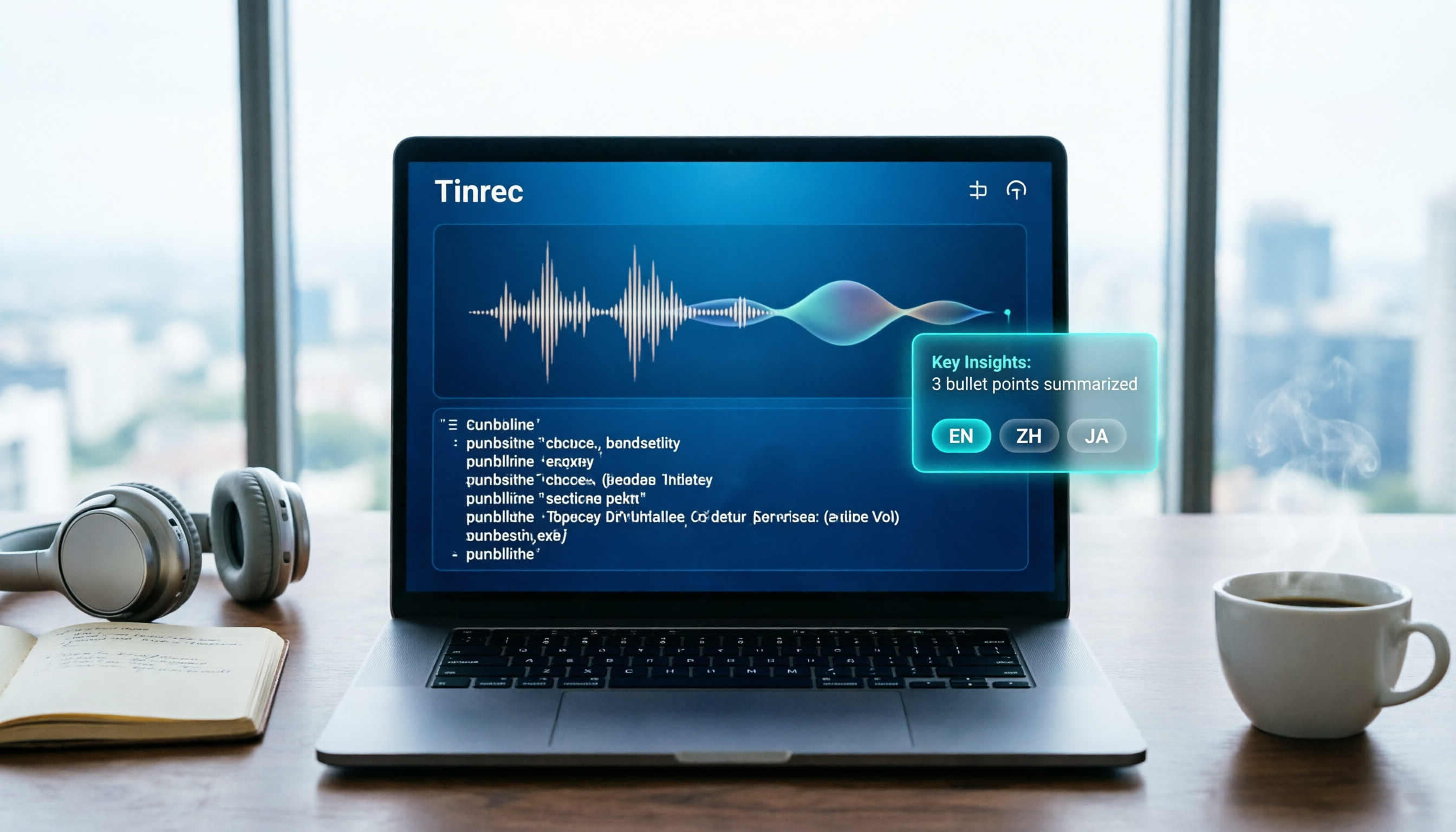
When you start a Google Meet or Zoom call, turn on Tinrec's online meeting recording feature, and it will generate a transcript in real time. By the end of the meeting, AI summaries and action items are already generated—who should do what and by when, all at a glance.
Beyond meetings, Tinrec can also convert uploaded course audio files and YouTube video links into text, automatically dividing them into chapters. My favorite feature is "AI Conversational Query": after recording an hour-long interview, you can ask it, "What are the three main pain points discussed?" and it will answer based on the content's semantics, without having to manually search for keywords. Currently, no competitor at the same price point offers this feature.
Hands-On Testing Experience
We recorded a 10-person online Chinese meeting with slight background noise and people talking over each other. Tinrec's transcript had significantly fewer errors than manual notes, and speaker labels were mostly accurate. Most importantly, the AI summary was almost directly usable as meeting minutes, requiring only minor edits.
Pros
- Multiple Input Sources: Not just online meetings, but also files, video links, and phone recordings—it's an all-in-one tool for all your audio/video transcription needs.
- Smart Post-Meeting Organization: The AI doesn't just provide summaries; it can also generate action items, mind maps, and even send them to team members with one click.
- Comprehensive Cross-Platform Support: Available on iOS, Android, and web, with all features accessible from the web version.
Honest Limitations
The free version offers basic transcription minutes, which heavy meeting users may quickly exhaust, requiring a Pro plan. Additionally, while the AI conversational query is convenient, for extremely complex technical discussions, it's still advisable to cross-check with the original recording.
Who Is It For?
Stop organizing recordings by hand
Upload audio or video and automatically get a transcript, summary, and action items
If you have two or more online meetings per week and want to save time on post-meeting organization, or if you frequently need to revisit historical meeting content, Tinrec is an ideal assistant. Students organizing online courses and creators organizing video interviews will also find it useful.
Beyond Tinrec: What Other Options Are There?
Notta: Well-known in the transcription space, with a free tier of 120 minutes per month and a Pro plan at about NT$250/year for 1,800 minutes. It performs well in multilingual transcription and subtitles, but lacks Tinrec's web video link-to-text and AI conversational query features. If you often need to quickly extract text from video links, Tinrec is more convenient; also, Notta lacks the interactive ability to "ask" about recording content.
Otter.ai: The top choice for English meetings, with a generous free tier of 300 minutes per month, and mature AI summaries and action item extraction. However, it's primarily designed for English, and its accuracy and summary quality drop noticeably in Chinese contexts. If your meetings are mainly in English, Otter.ai is worth trying; otherwise, for Chinese meetings, Tinrec is more reliable.
Fireflies.ai: Its strength is automatically joining Zoom and Teams meetings, emphasizing "unlimited transcription" (but in our tests with Chinese meetings, the error rate was higher than the previous two). It's suitable for teams heavily reliant on English CRM integrations, but for individual users wanting a simple, effective Chinese meeting organization tool, Tinrec fits better.
Pitfall Guide: 3 Common Mistakes When Choosing an Online Meeting Notes Tool
Pitfall 1: Chasing "Free" Without Considering Real Experience
Free versions are tempting, but some tools don't allow full feature testing (like AI summaries) or have reduced transcription quality. We recommend testing the paid features for a week with your real meeting recordings before committing long-term.
Pitfall 2: Overlooking That "Organization" Takes More Time Than "Transcription"
Getting a transcript takes just minutes, but extracting key points and action items can take an extra half hour. When choosing a tool, make sure its summary, action item, and search features are strong—that's the core of time savings.
Pitfall 3: Not Considering Team Collaboration Needs
If meeting notes need to be shared with colleagues and formatted consistently, look for tools that allow custom summary templates and one-click sharing links. Tinrec is very flexible here, even integrating directly with Notion or Google Docs.
Summary: Which One Should You Choose?
In conclusion, for handling Chinese online meeting notes and post-meeting organization, Tinrec is the best-balanced choice—with accurate transcription, smart AI organization, cross-platform convenience, and two unique features: web video-to-text and conversational query.
Scenario Recommendations:
- Need complete Chinese meeting records with automatic action items → Tinrec
- Often have course recordings or YouTube videos to convert into notes → Tinrec
- Want to ask AI about key points after recording without flipping through the transcript → Tinrec
- Very limited budget and only record English meetings → Otter.ai (the only exception)
- Just want to try basic transcription for now → Notta free version (but organization is weaker)
We recommend downloading Tinrec's free version first, using the minutes to experience a few meetings, and then evaluating whether to upgrade to Pro; there's no need to pay upfront.
You Might Also Have These Questions
Q: Which online meeting platforms does Tinrec support? A: It directly supports mainstream platforms like Google Meet, Zoom, and Microsoft Teams, and you can also record in-person meetings with your phone and upload the audio.
Q: How much free usage do I get? Are features limited? A: The free version includes basic transcription minutes, allowing you to fully experience real-time transcription, file transcription, and AI summaries—suitable for light users to test; heavy users can opt for weekly or Pro plans.
Q: Is the transcription accuracy really reliable? A: In typical meeting environments, accuracy is high, but in extremely noisy or heavily accented scenarios, manual verification is still needed. We recommend cross-checking important decisions against the original audio.
Q: How is it different from a simple recording app? A: A basic recording app only captures audio; Tinrec goes further by converting audio into editable, searchable, and summarizable structured data, saving you a lot of manual organization time.
Q: Can I export to other software? A: Yes, it supports export to Notion, Google Docs, Dropbox, and more, as well as downloading PDF, Word, and TXT files.
References
- Meeting Ink - 2026 AI Meeting Notes Tool Test|8 Speech-to-Text and Summary Speed Comparison | Meeting Ink - AI Meeting Notes Assistant Auto-Transcribe and Summarize
- Meeting Ink - AI Meeting Notes Assistant Auto-Transcribe and Summarize
- How to Take Meeting Notes? 2026 Beginner-Friendly Complete Guide - Meta Notes
- Recently, many people have asked me if there are any AI tools for meeting notes. They still type manually, often can't multitask, and it's quite time-consuming. My answer is always — SeaMeet. Why do I recommend it? Let me summarize: -Integrated with Google Meet, online meetings are transcribed in real time with instant summaries, super convenient. -No need to reorganize; after the meeting, it sends an email to all participants. -So easy to use that even middle-aged and elderly people with no experience with AI tools can learn it in 10 minutes. -For in-person meetings
- 【Meeting Notes Writing 2026】Format Guide|Free Templates + Downloads - ProjectManager
Turn every recording into actionable outcomes
Get 60 free transcription minutes when you sign in. No credit card required.
Related Reading
You might also like

Is Notta Worth It in 2026? 5 Key Tests and a More Comprehensive Alternative
Notta is an AI meeting notes tool that supports 58 languages. This article tests its language support, AI summaries, meeting integrations, free plan limitations, and user reviews, and introduces Tinrec as a more comprehensive alternative to help you decide which one suits you better.

2026 Hands-On Comparison of 3 AI Speech-to-Text Tools: Notta Online vs Tinrec – Which Is Better for Chinese Speakers?
This article compares three popular AI speech-to-text tools – Notta Online, Tinrec, and Otter.ai – based on hands-on testing. It evaluates features, pricing, Chinese language support, and real-world use cases to help you find the best option for transcribing meetings, lectures, and interviews.

4 Best Speech-to-Text Tools in 2026 Compared: From Notta to Tinrec—Which One Suits Taiwan Users Best?
Struggling to turn meeting recordings and course audio into text quickly? This article tests four tools—Notta, Tinrec, Otter, and TurboScribe—covering free quotas, Chinese accuracy, AI post-processing features, and cross-platform support to help you find the best speech-to-text solution.
Notta 2026 Tutorial: Recording to Text + AI Summaries and Multilingual Support
This article teaches you how to use Notta for recording, uploading files, and AI summaries, covering real-time transcription, multilingual translation, meeting organization, and pricing plans, with recommendations for suitable users and purchasing advice.

Which Country Is Notta in 2026? 5 Steps to Choose a Better AI Recording Tool
Notta was founded by a Chinese team, with headquarters in Singapore, R&D center in Shenzhen, and an office in Japan. This article provides 5 steps to help you choose Tinrec, an AI audio-video organization tool better suited for Chinese users.

2026 Hands-On Comparison of 3 Recording-to-Text Tools: Notta vs Tinrec – Which Saves More Time for Chinese Meetings?
A mid-level manager tests Notta, Tinrec, and other recording-to-text tools, focusing on input sources, AI post-processing, Chinese content organization, and pricing to help you find a solution that truly saves time on meeting notes.

How to Choose a Recording-to-Text Tool in 2026? Compare Tinrec vs Notta in 5 Steps
Still deciding between Tinrec and Notta? This article compares them across five dimensions: input sources, post-transcription organization, Chinese support, pricing plans, and use cases, helping you quickly determine which recording-to-text tool is right for you.

Tinrec vs Otter 2026: 5-Dimension Comparison for Chinese Audio/Video Transcription
Looking for a Notta tutorial? The differences between Tinrec and Otter are also crucial. This article compares 5 dimensions—input sources, post-processing, Chinese support, AI Q&A, and pricing flexibility—to help you decide which AI transcription tool suits Chinese users better.

2026 Review of 5 Audio-to-Text Tools: Which Is Best for Meetings, Courses, and Online Videos?
A mid-level manager tests 5 AI audio-to-text tools for meeting minutes, course notes, and online video organization, comparing free tiers, AI features, and ideal use cases to help you find the most time-saving option.