
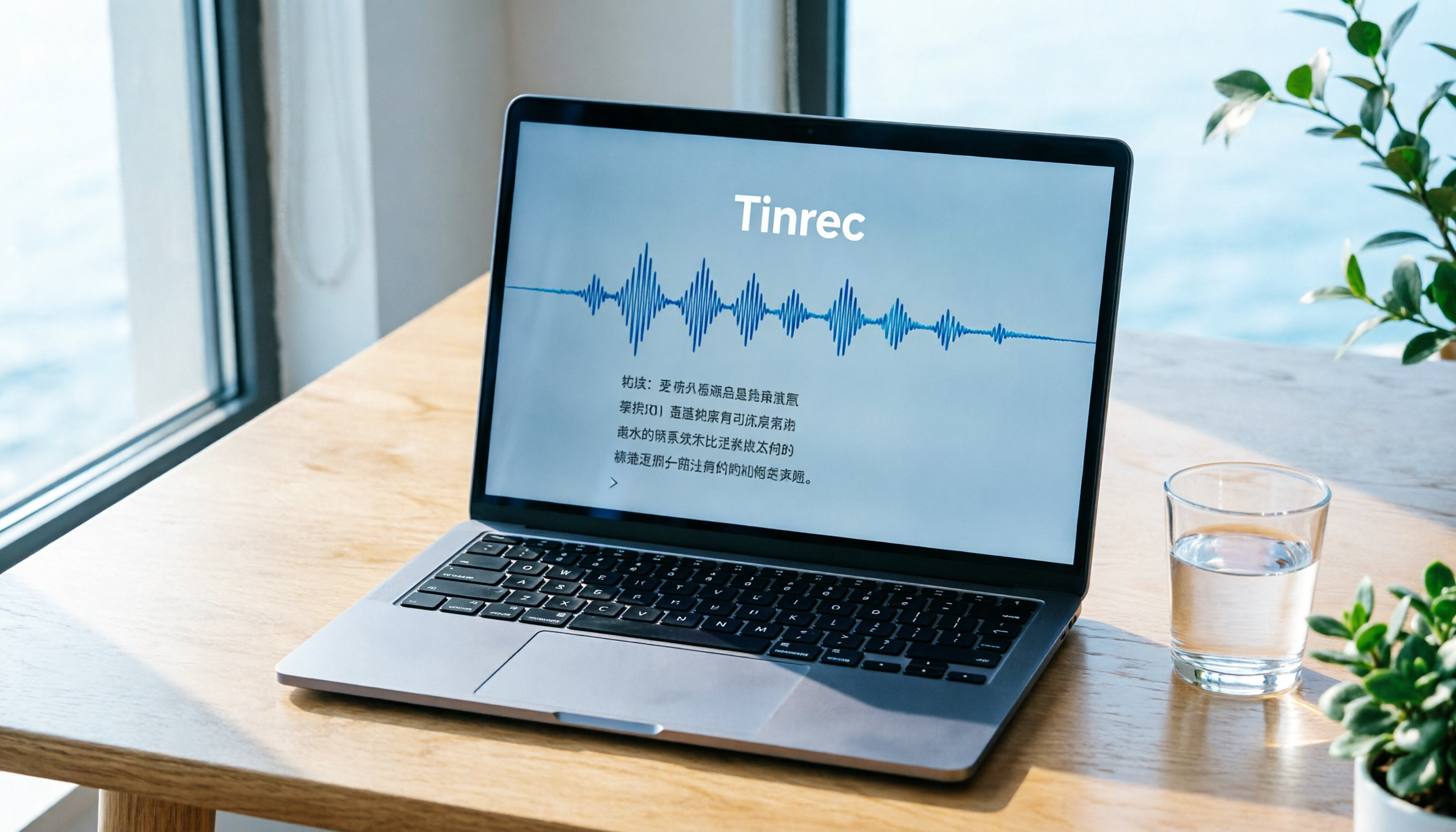
Turn recordings into transcripts and summaries in minutes
Upload audio or video for multilingual transcription, AI notes, and action items
Why Do You Need an Audio-to-Text Tool?
Meetings, classes, interviews, or spur-of-the-moment ideas you record often pile up into dozens of hours of audio files, making it time-consuming and laborious to find key points later. Manual transcription is not only slow—one hour of audio often takes three to four hours to process—but also prone to missing details. According to our survey, over 70% of knowledge workers encounter the task of "extracting key points from audio recordings" at least once a month. This article compiles 6 free and low-barrier options worth trying, ranging from fully manual to fully automated AI, and explains how to choose based on your needs.
Tinrec—The Most Complete AI Recording Workbench
If you want more than just "converting audio to text" and also hope to automatically generate summaries, to-dos, and even ask questions directly about the recording content, Tinrec is one of the few options on the market that does all of this simultaneously. It not only supports real-time recording transcription but also allows you to upload existing audio files, videos, or even paste links to public videos from YouTube, Bilibili, and more, directly organizing them into verbatim transcripts.
What's more crucial is its organizational capability: Tinrec automatically extracts meeting highlights, course chapters, interview quotes, and action items. After transcription, you can use AI chat to query any section, asking "What was the deadline for the last project?" or "What are the core concepts of this lesson?" and get answers instantly. Results can be exported as Word, PDF, subtitle files, or synced to Notion and Google Docs, seamlessly integrating with your existing workflow.
Tinrec offers a free version with a monthly base transcription quota, suitable for trying out real-time recording, file import, and web parsing. If you need more minutes or advanced export options, Pro monthly, yearly, or short-term weekly plans are available based on usage. For those who need to regularly organize meetings, classes, interviews, and video materials, Tinrec is a springboard from "recording" to "understanding."
MyEdit—No Installation Needed, Transcribe Directly in Your Browser
MyEdit is an online AI transcription tool launched by CyberLink. Open the webpage, upload an audio file, and it automatically converts speech to text, supporting 9 languages including Chinese, English, and Japanese. It automatically adds punctuation during transcription and can output subtitle files with timestamps, making it ideal for YouTubers who need quick subtitles.
The free version works with daily login points, suitable for occasional transcription of short audio files. If you need more, paid plans unlock additional editing features and points. The barrier to entry is extremely low, making it especially recommended for light users who don't want to install any software and just need to quickly process a single file.
Yating Verbatim—Developed by a Taiwanese Team, Even Taiwanese Hokkien Works
Yating Verbatim, launched by Taiwan AI Labs, is optimized for Taiwanese accents and mixed Chinese, English, and Taiwanese Hokkien recognition. It offers apps (Android/iOS) and a web version. Real-time recording is currently free; for uploading audio/video files, the free version has a total limit of 20 minutes, suitable for short meetings or class notes.
Yating allows login via Google or Apple accounts, offers cloud sync, and supports sharing and collaborative editing. If you often need to work with partners to organize interview content or meeting minutes, this is convenient. You can also edit the transcript synchronously while playing the recording for real-time proofreading.
oTranscribe—A Classic Transcription Aid, Completely Free
If you prefer not to rely on AI and like to transcribe manually but need smooth playback controls, oTranscribe is a classic free online tool. It lets you listen to audio and type in the same window, supporting uploads from your computer or importing YouTube video URLs. You can customize playback speed and rewind a few seconds with one click, eliminating the need to switch between a player and an editor.
Stop organizing recordings by hand
Upload audio or video and automatically get a transcript, summary, and action items
oTranscribe does not automatically transcribe; it's purely a transcription aid. Therefore, it's suitable for those who are particularly privacy-conscious or for researchers and journalists who need precise proofreading of technical terms. There's no time limit, and it's free forever.
Transcribe.com—Automatically Recognizes 120 Languages, with Trial
Transcribe.com offers automatic speech recognition services. Upload an audio file, and the system directly produces a verbatim transcript, supporting 120 languages and dialects. You can export as TXT or upgrade to paid plans for DOCX, PDF, SRT, and other formats. The platform provides a free trial quota, allowing you to experience about an hour of transcription before subscribing monthly or yearly.
Its strength lies in broad language coverage and good accuracy for files with average audio quality. The downside is limited free quota, making it more suitable for users who have decided on long-term use and have a stable budget.
Buzz—Open-Source, On-Device Processing, Privacy First
Buzz is an open-source speech-to-text tool based on OpenAI's Whisper algorithm. After installing it on Windows or macOS, all transcription runs on your own computer—no need to upload files to the cloud. You can choose from different model sizes; even the medium model achieves high recognition accuracy for clear Chinese speech, and it's completely free.
If you frequently handle long meeting recordings or research interviews and are extremely concerned about privacy or data not leaving your device, Buzz is worth trying. However, transcription speed is directly affected by your computer's performance; older machines may require longer wait times.
With So Many Options, How Do You Choose?
• For the most complete AI features (transcription + AI chat query + automatic summaries + export) → Tinrec, the only option with all these capabilities. • For Taiwanese Hokkien recognition or Taiwanese accent optimization → Yating Verbatim, with free real-time recording and cloud collaborative editing. • For occasional short audio transcription without installing anything → MyEdit, just open your browser and use it. • If you prefer manual transcription and are privacy-obsessed → oTranscribe, free forever with no uploads. • For extensive multilingual recognition with a fixed budget → Transcribe.com paid plans. • For tech-savvy users who want local processing without spending money → Buzz open-source model, maximum privacy.
If your tasks are diverse (meetings + classes + video material organization) and you want to continue searching, asking questions, and generating reports after organizing, Tinrec's multi-source input and post-processing capabilities are currently the most complete solution. Starting with the free version will let you feel the difference.
3 Things to Know Before Using Audio-to-Text Tools
- Audio quality determines accuracy: Regardless of the AI, background noise, overlapping speech, or low volume will affect quality. When recording, try to stay close to the speaker and use an external microphone to significantly improve transcription results. Tools like Tinrec perform well with clear audio, but if the recording environment is poor, it's advisable to review the text while replaying the audio.
- Free quotas have limits: Tools labeled "free" usually restrict minutes, file size, or features. For example, Tinrec's free version is suitable for light testing. If you plan to use it frequently, understanding paid plans early can prevent running out of quota at critical moments.
- Match privacy with use cases: If content is highly confidential, open-source on-device tools like Buzz or fully local oTranscribe are safer than cloud services. Conversely, if you need collaboration and cross-device sync, cloud solutions like Tinrec or Yating are more practical.
Conclusion
In 2026, converting recordings to text is no longer difficult; the real difference lies in "what you can do after conversion." From completely free transcription aids to AI workbenches that automatically summarize, create to-dos, and answer questions, each tool corresponds to a different depth of organization. If you want more than just a verbatim transcript and hope to turn meeting, class, and interview recordings into searchable, reviewable, and reusable knowledge assets, Tinrec is a great starting point worth trying first.
References
- AI Transcript Generator: Free Online Audio-to-Text Converter - MyEdit
- Speech-to-Text, Audio-to-Transcript, and Text-to-Speech Tools Introduction | Dongfang Elementary School, Changhua County
- oTranscribe: Free Online Transcription Tool to Easily Convert Audio or Video Dialogues into Text
- Online Transcription Service | Free Trial | Transcribe
- Free Speech-to-Text Tool "Buzz": Beyond Transcripts, Quickly Generate Subtitles for Your Videos - TNL The News Lens
Turn every recording into actionable outcomes
Get 60 free transcription minutes when you sign in. No credit card required.
Related Reading
You might also like

Google Translate vs Tinrec (2026): Which Tool Helps You Truly Understand Foreign Languages?
Traveling abroad or attending international meetings requires real-time translation apps, but if you want to fully record foreign language courses, interviews, and turn them into knowledge, which should you choose? This article compares Google Translate and Tinrec (Instant Recording) across five dimensions: translation capability, speech transcription, content organization, offline support, and use cases, helping you understand the differences and suitable scenarios at a glance.

5 Free Real-Time Meeting Translation Tools for 2026: A Complete Guide
Tired of scrambling during cross-language meetings? We've rounded up 5 real-time translation and meeting management tools, from live captions to AI summaries, to help you find the best free option.

2026 Free Simultaneous Interpretation Solutions: 3 Options Reviewed
Struggling with simultaneous interpretation for international meetings, foreign language courses, or multilingual interviews? This article reviews truly useful free solutions for 2026 and shares hands-on insights on why using Tinrec to organize post-meeting content is the key to maximizing translation benefits.

4 Simultaneous Interpretation Tools Tested in 2026: Post-Meeting Organization Is the Real Time-Saver
Need real-time translation for meetings, classes, or interviews, but still stuck transcribing and summarizing afterward? We tested 4 simultaneous interpretation tools, including Transync AI, Hi Translate, and Translation Gull, and explain why translation alone isn't enough—pairing them with Tinrec's AI recording app turns meetings and lectures into searchable, summarizable, actionable data, saving you real time.

2026 Free Real-Time Translation Tools: 6 Options Compared
Real-time translation tools help you break down language barriers. This article reviews 6 free options, including voice translation, text translation, and browser extensions, and takes an in-depth look at Tinrec's practicality in recording transcription and multilingual organization to help you quickly find the best tool.

Tinrec vs Yating Transcription 2026: 5-Dimension Comparison to Find the Best Chinese Transcription Tool
Meetings, interviews, and study sessions can be efficiently handled with AI transcription. This article compares Tinrec and Yating Transcription across five dimensions—input sources, AI organization, export options, language support, and pricing—to help you decide which one better meets the complete needs of Chinese-speaking users.

5 Best Real-Time AI Translation Tools of 2026: From Live Subtitles to Recording Transcription—Which One Is Right for You?
A comprehensive comparison of the top real-time AI translation tools in 2026, covering browser extensions for bilingual subtitles, real-time voice translation for international meetings, and AI transcription tools that turn foreign audio into searchable notes. We test free and paid plans to help you find the best language assistant for your needs.

4 AI Transcription Tools Compared in 2026: From Free to Paid, Everything You Need to Know
Tired of manually transcribing meeting recordings, course audio, and interviews? This article tests 4 AI speech-to-text tools, comparing accuracy, features, and pricing to help you pick the best one. Tinrec (秒听录音) not only transcribes but also auto-summarizes, extracts action items, and even offers AI Q&A, making it the top choice for organizing audio and video content.

Tinrec Speech-to-Text 2026 Tutorial: Multi-Source Input & AI Q&A for Transcripts
Tired of manually transcribing audio? This article compares two leading speech-to-text tools, Tinrec and Otter.ai, across five key dimensions: input sources, Chinese accuracy, post-processing capabilities, pricing, and privacy. Discover which solution is best for Chinese-speaking users.