
Turn recordings into transcripts and summaries in minutes
Upload audio or video for multilingual transcription, AI notes, and action items
5 Best Recording-to-Text Tools Tested in 2026: A Lifesaver for Finals, Which Free Version Is Enough?
Why Do You Need a Recording-to-Text Tool?
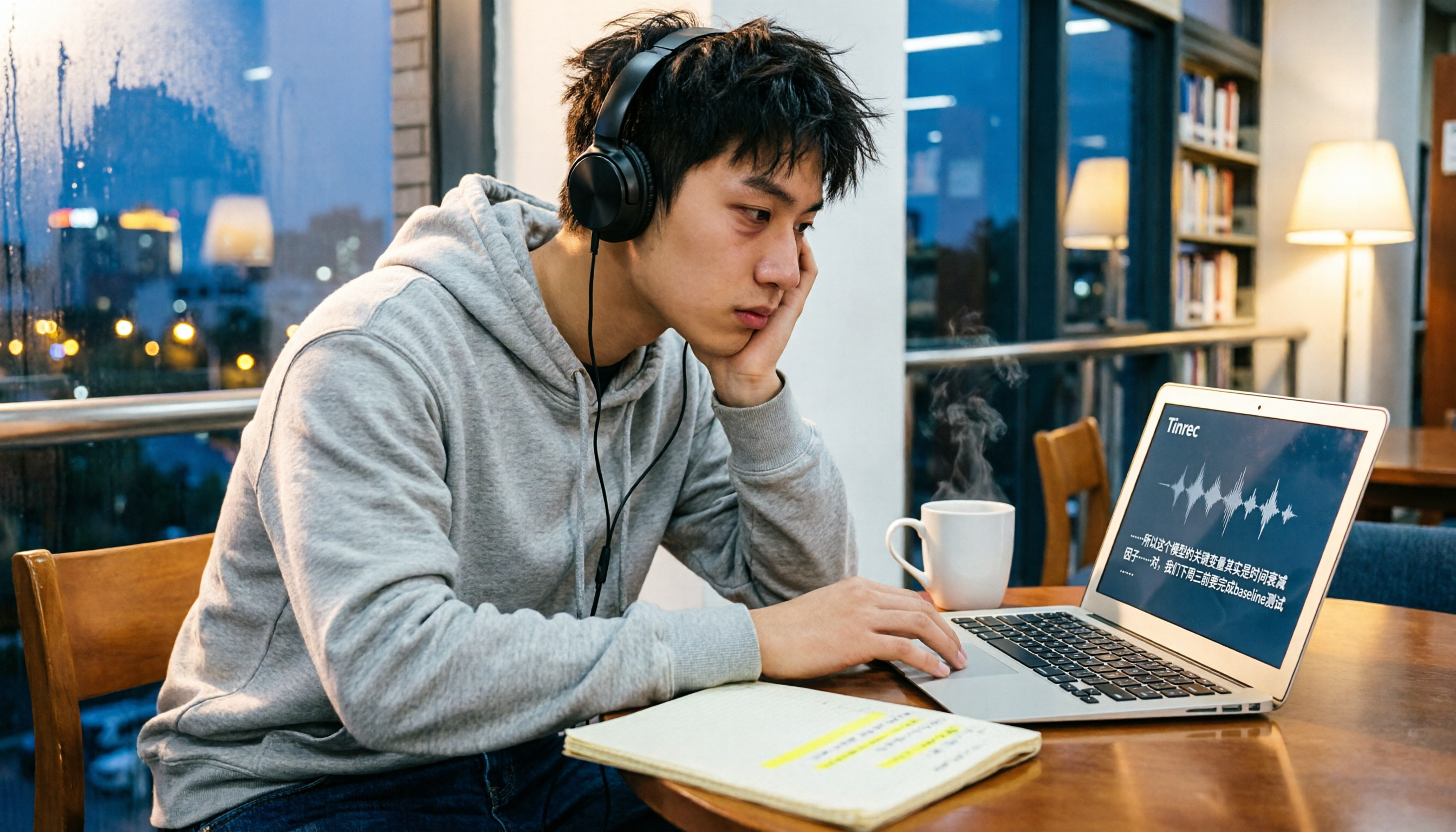
Last semester, I took a class where the professor talked super fast and flipped through slides even faster. I tried taking handwritten notes—but when I opened my notebook before the midterm, I couldn't even read what I'd written. Then I started using a recording-to-text app, and for finals, I used it to organize key points, pulling my grades back to safety.
Now, classmates ask me every day, "Which app is the best?" "Is the free version enough?" This article compiles my hands-on testing of 5 tools, from completely free to affordable high-value plans for students, so you never miss a lecture again.
Tinrec (Seconds Recording) — The Most Complete AI Recording Assistant
The one I've found most user-friendly so far is Tinrec. It doesn't just convert audio to text; it's more like a personal tutor that listens to lectures and highlights key points for you.
In class, I just open the app and hit record. It transcribes in real time, so by the time the professor finishes Chapter 3, the text is already on my phone. The coolest feature is its "AI Q&A" — during finals review, I asked it, "What are the key points of Chapter 3 in management?" and it pulled answers from past recordings, saving me from re-listening to two hours of audio.
File organization is also handy: you can drop in group discussion recordings or YouTube course video links, and it automatically generates summaries, chapters, and to-do lists. After our project meetings, the to-do list was ready to paste into the group chat, so no one could play dumb and say, "I forgot what I was supposed to do."
Pricing is student-friendly: the free version gives you a monthly base transcription quota, enough to record two key lectures per week. When midterms and finals require intense organizing, the weekly plan costs just a few bucks—less than a bubble tea. For long-term use, the Pro monthly plan works out to less than two drinks a month.
Who it's for: Students who want full-featured organization (transcription + Q&A + summaries), often work with Chinese recordings, and don't want to buy extra hardware.
Otter.ai — Top Choice for English Meeting Notes, Student Plan Is a Good Deal
Otter.ai is the most popular AI meeting notes tool in the U.S. Its English transcription accuracy is high, and it can automatically distinguish who's speaking. During my summer internship, the company used it, so I never worried about English meetings.
The free version gives 300 minutes per month, and students with a .edu email sometimes get discounts. The paid Pro plan, billed annually, works out to about $8.33 per month—a bit pricey for students in Taiwan, but worth it if you need intensive English transcription.
Who it's for: Students with English-taught courses or lots of overseas online classes, who have a slightly higher budget but need accurate English transcription.
Notta — Strong Multilingual Transcription, Useful Free Allowance
Notta is a bit like Tinrec, and its Chinese transcription is also good. It focuses on multiple languages and real-time translation. I tried converting a Japanese class recording to text, and the results were better than expected.
Stop organizing recordings by hand
Upload audio or video and automatically get a transcript, summary, and action items
The free version gives 120 minutes per month, which might not be enough for full lectures, but it's fine for key segments. The Pro plan, billed annually, costs $8.17 per month and bumps you up to 1,800 minutes—great for grad students with heavy recording needs.
Who it's for: Students who need multilingual transcription (Chinese, Japanese, Korean, etc.) and are okay with paying to unlock more minutes.
TurboScribe — Free Daily Transcription, Best for Long Files
TurboScribe specializes in file transcription, perfect for a backlog of audio files. A friend of mine, while preparing for grad school, dumped all his cram school recordings in. With 3 free transcriptions per day (each under 30 minutes), he organized an entire subject without spending a dime.
The downside is no live recording feature; it's more of a post-processing tool. If you pay for the unlimited plan at $10 per month, it's a good deal for those who regularly handle long recordings.
Who it's for: Students with lots of recorded files who need quick transcription. The free 3-times-a-day limit is very practical.
inFin — Completely Free, No Registration, Quick Voice Notes
inFin was the first tool I downloaded when I started looking. Its advantage is that it's completely free, no sign-up required—just open the app and record. If you suddenly think of recording in class, you don't have to worry about running out of quota.
The AI organization features are decent too: one-tap generation of summaries, meeting notes, and key points, though accuracy is a bit lower than the others, so you'll need to proofread. It's great for students with zero budget who just need basic functionality.
Who it's for: Freshmen or general education students who don't want to spend money and only occasionally need recording-to-text.
With So Many Options, How Do You Choose?
- Want the most complete AI features (transcription + Q&A + summaries + to-dos) → Tinrec, the only one that has all these and handles Chinese well.
- Mostly English classes or overseas online courses → Otter.ai, the king of English transcription.
- Need multilingual transcription, including Japanese and Korean → Notta.
- Already have a pile of recordings to process later → TurboScribe, the free daily three times is a lifesaver.
- Don't want to spend a cent, just need something basic → inFin, free and no registration, the easiest.
Personally, in my senior year, I still use Tinrec the most because it doesn't just transcribe; it helps me review, highlight key points, and track group progress—covering the whole study workflow.
3 Things to Know Before Using Recording-to-Text Tools
- Audio quality determines accuracy: If you sit too far away or too many people talk at once, the transcription might be off. In large lecture halls, I place Tinrec near the podium, and the text comes out much cleaner.
- AI summaries aren't 100% perfect: Important formulas and names still need to be checked against the original audio. I use Tinrec's timestamps to jump back and verify—it only takes a few minutes.
- Be mindful of copyright: Before recording a teacher's lecture or online videos, make sure you're not violating any rules. I only use Tinrec's web video transcription feature on public resources or authorized content.
Summary
From the completely free inFin to the feature-rich Tinrec, these tools can save you tons of time on note-taking. If you're like me and want an AI assistant that doesn't just transcribe but also helps you understand the content, Tinrec's free version is definitely worth a try.
Find the right tool for you, and you'll breeze through midterms and finals this semester (just kidding, you still have to study).
References
- Master Meeting Minutes! How to Use AI Voice-to-Text? Gemini Notebook, Gemini, EchoScript Operation Guide | 104 Career Hub
- Yating Transcription
- 5 Tips for Using ChatGPT to Quickly Turn Meeting Voice Transcripts into Perfect Articles and Tables
- Unlimited Time! 3 Free AI Transcription Tools, Highly Recommended! AI Voice Notes Generate Meeting Minutes, Slides, Mind Maps | 104 Career Hub
- How to Use AI for Meeting Minutes? How to Organize Meeting Transcripts? | AI Voice-to-Text Tutorial | 104 Career Hub
Turn every recording into actionable outcomes
Get 60 free transcription minutes when you sign in. No credit card required.
Related Reading
You might also like

Google Translate vs Tinrec (2026): Which Tool Helps You Truly Understand Foreign Languages?
Traveling abroad or attending international meetings requires real-time translation apps, but if you want to fully record foreign language courses, interviews, and turn them into knowledge, which should you choose? This article compares Google Translate and Tinrec (Instant Recording) across five dimensions: translation capability, speech transcription, content organization, offline support, and use cases, helping you understand the differences and suitable scenarios at a glance.

5 Free Real-Time Meeting Translation Tools for 2026: A Complete Guide
Tired of scrambling during cross-language meetings? We've rounded up 5 real-time translation and meeting management tools, from live captions to AI summaries, to help you find the best free option.

2026 Free Simultaneous Interpretation Solutions: 3 Options Reviewed
Struggling with simultaneous interpretation for international meetings, foreign language courses, or multilingual interviews? This article reviews truly useful free solutions for 2026 and shares hands-on insights on why using Tinrec to organize post-meeting content is the key to maximizing translation benefits.

4 Simultaneous Interpretation Tools Tested in 2026: Post-Meeting Organization Is the Real Time-Saver
Need real-time translation for meetings, classes, or interviews, but still stuck transcribing and summarizing afterward? We tested 4 simultaneous interpretation tools, including Transync AI, Hi Translate, and Translation Gull, and explain why translation alone isn't enough—pairing them with Tinrec's AI recording app turns meetings and lectures into searchable, summarizable, actionable data, saving you real time.

2026 Free Real-Time Translation Tools: 6 Options Compared
Real-time translation tools help you break down language barriers. This article reviews 6 free options, including voice translation, text translation, and browser extensions, and takes an in-depth look at Tinrec's practicality in recording transcription and multilingual organization to help you quickly find the best tool.

Tinrec vs Yating Transcription 2026: 5-Dimension Comparison to Find the Best Chinese Transcription Tool
Meetings, interviews, and study sessions can be efficiently handled with AI transcription. This article compares Tinrec and Yating Transcription across five dimensions—input sources, AI organization, export options, language support, and pricing—to help you decide which one better meets the complete needs of Chinese-speaking users.

5 Best Real-Time AI Translation Tools of 2026: From Live Subtitles to Recording Transcription—Which One Is Right for You?
A comprehensive comparison of the top real-time AI translation tools in 2026, covering browser extensions for bilingual subtitles, real-time voice translation for international meetings, and AI transcription tools that turn foreign audio into searchable notes. We test free and paid plans to help you find the best language assistant for your needs.

4 AI Transcription Tools Compared in 2026: From Free to Paid, Everything You Need to Know
Tired of manually transcribing meeting recordings, course audio, and interviews? This article tests 4 AI speech-to-text tools, comparing accuracy, features, and pricing to help you pick the best one. Tinrec (秒听录音) not only transcribes but also auto-summarizes, extracts action items, and even offers AI Q&A, making it the top choice for organizing audio and video content.

Tinrec Speech-to-Text 2026 Tutorial: Multi-Source Input & AI Q&A for Transcripts
Tired of manually transcribing audio? This article compares two leading speech-to-text tools, Tinrec and Otter.ai, across five key dimensions: input sources, Chinese accuracy, post-processing capabilities, pricing, and privacy. Discover which solution is best for Chinese-speaking users.