

Turn recordings into transcripts and summaries in minutes
Upload audio or video for multilingual transcription, AI notes, and action items
2026 Free Simultaneous Interpretation Apps Compared: 5 Options Reviewed
As a team lead managing 8 people, I have several English meetings every week. I've tried a bunch of simultaneous interpretation apps—Dialogue Translator, Hi Translate, Felo—none of them really impressed me.
Either the lag was too long, making me wait like a Google Translate progress bar, or the translations sounded unnatural, leading to awkward three-second stares with foreign clients.
Eventually, I realized what I actually needed wasn't real-time translation, but a clear meeting summary right after the call.
And what actually solved my problem wasn't a translation app, but Tinrec, a recording and transcription tool.
What Can Tinrec Do for You?
Scenario 1: Meeting Minutes in 5 Minutes
Before, after a two-hour meeting, I'd spend another hour re-listening to the recording, transcribing, and summarizing. Now with Tinrec, the moment the meeting ends, AI has already generated a summary, conclusions, and action items—who's responsible for what and deadlines at a glance.
Scenario 2: Note-Taking Without the Chaos
Last month, I took an online marketing course. I was typing frantically the whole time and still missed a lot. Later, I uploaded the audio to Tinrec, and it not only transcribed the lecture but also organized it into chapters with key points, making review much faster.
Scenario 3: Client Interviews Without Missing Key Points
During client interviews, I no longer have to pretend to take notes while actually falling behind. Tinrec records and transcribes in real time, and after the interview, I can ask it, "What feedback did the client give?" and it highlights the relevant sections—more useful than re-listening to two hours myself.
Scenario 4: Turning YouTube Videos into Text
I often look for inspiration from foreign YouTube videos. Previously, I'd have to pause and take notes. Now, I just paste the video link into Tinrec, and it converts it into a text summary—no screenshots needed, saving tons of time.
What Are Tinrec's Core Capabilities?
Real-Time Transcription—Text as You Record
Tinrec's real-time transcription has less than 1 second of lag, so during meetings, I can follow along on screen to ensure I don't miss anything, instead of anxiously waiting for transcription after the recording ends.
AI Semantic Summaries—Not Just Condensing, But Actually Catching Key Points
Unlike some tools that just condense the transcript into a paragraph, Tinrec structures the output: meeting topic, discussion conclusions, action items, and responsible persons, all listed separately. I can see at a glance what was decided.
AI Conversation Query—Treat Your Recording Like a Database
This feature really impressed me. After transcription, I can ask Tinrec, "Who mentioned the budget in the meeting?" or "What were the client's specific requirements?" and it answers based on semantic understanding, so I don't have to read through everything.
Multiple Output Formats—Results Go Straight into Your Workflow
Tinrec can export to text files, PDFs, or even sync directly to Notion and Google Docs. I usually push meeting minutes straight to my team's Notion; Tinrec does it with one click, no copy-pasting.
Web Video to Text—Works Across Platforms
This is a big advantage over most simultaneous interpretation apps. Tinrec supports pasting links from YouTube, Bilibili, TikTok, and other public videos, converting them to text and summaries. I use it for competitor analysis videos, and it's scarily efficient.
Real-World Use Cases
Meetings
For our weekly Monday team meeting, I use Tinrec to record and transcribe, set the language (it handles mixed Chinese and English), and the AI summary automatically lists this week's tasks. It used to take 30 minutes to organize; now it's 5.
Stop organizing recordings by hand
Upload audio or video and automatically get a transcript, summary, and action items
Classes
My wife is in a part-time graduate program. She uploads her lecture recordings to Tinrec, which splits them into chapters and highlights key points the professor emphasized. For exam review, she asks Tinrec, "What was Chapter 3 about?" and the answer pops up—it's like a cheat sheet.
Interviews
Recently, I've been doing user interviews. After a one-hour interview, Tinrec transcribes it, and I ask it to list "interviewee pain points" and "suggested features." It organizes them more completely than I could by listening myself.
Content Creation
I run a small tech review channel. Before, adding subtitles to videos took forever. Now, I export the audio track, Tinrec generates a subtitle file, and I just tweak the timing—saving enough time to shoot another video.
4 Things to Watch When Choosing a Recording & Transcription Tool
1. Accuracy: Don't Just Trust Official Numbers—Test It Yourself
Many tools claim 90%+ accuracy, but in my tests, performance drops significantly in noisy environments or with multiple accents. Tinrec had about an 8% word error rate in my mixed Chinese-English meetings, which is much better than the simultaneous interpretation apps I used before.
2. AI Features: Transcription Is Just the First Step—Organization Is Key
If a tool only converts speech to text, you still have to spend time organizing. Tinrec's AI summaries and conversation queries genuinely save you follow-up work—I think that's more important than paying extra for more minutes.
3. Language Support: Watch for Mixed Chinese-English Scenarios
In Taiwan's workplaces, it's common to mix Chinese and English. Some tools choke on that. I'd rate Tinrec's mixed-language recognition 85 out of 100; it occasionally gets technical terms wrong, but overall it's usable.
4. Cross-Platform: You Won't Just Work on Your Phone
I use an iPhone, iPad, and Windows laptop. Tinrec has iOS, Android, and web versions with synced data, which is convenient. Some simultaneous interpretation apps are mobile-only, forcing you to use an emulator on your computer—a real hassle.
FAQ
Q: Does Tinrec have a free version?
Yes, the free version includes a monthly base transcription quota, letting you try real-time recording, imports, and web video parsing. I recommend starting with the free version and deciding whether to upgrade after trying it.
Q: What's Tinrec's advantage over simultaneous interpretation apps?
Simultaneous interpretation apps are good for real-time two-way conversations, but for meetings, classes, and interviews where you need a record, Tinrec is more practical. It doesn't just transcribe; it also organizes key points and action items, which translation apps can't do.
Q: Is the transcription accurate?
In my tests (quiet meeting room, one speaker, standard accent), Tinrec achieved about 92% accuracy for Chinese and 90% for English. Accuracy drops when multiple people talk at once or in noisy backgrounds, which is expected.
Q: What languages does it support?
Tinrec currently supports 14 languages, including Traditional Chinese, English, Japanese, Korean, and more. For Taiwanese users, its performance in mixed Chinese-English scenarios is decent.
Q: What formats can I export?
You can export as text files, PDFs, and sync to Notion, Google Docs, OneDrive, etc., which is great for team collaboration.
Conclusion
Honestly, I no longer recommend using real-time translation apps for meetings. Communicating through machine translation is inefficient and prone to misunderstandings.
Now, our approach is: focus on the discussion during the meeting, and use Tinrec to record and organize everything. A few minutes after the meeting, the complete minutes are sent directly to the team's Notion—that's the real value.
If you have more than 3 meetings a week, or often need to organize course or interview recordings, I strongly recommend downloading Tinrec. The free version's 100 minutes per month is enough to try it on several meetings—experience firsthand what it's like to have AI organize your meeting minutes.
References
- Dialogue Translator – Multilingual Real-Time Voice Translation, Earphone Simultaneous Interpretation - Google Play
- Hi Translate - Offline Translation, Voice Translation, Simultaneous Translation - Google Play
- Voice Translation - Professional Simultaneous Interpretation on the App Store
- AI Simultaneous Interpretation - No Need for a Translation Device, Your Phone Can Do It | Translation Gull
- Felo Translator - AI Translation App with Simultaneous Interpretation - App Store
Turn every recording into actionable outcomes
Get 60 free transcription minutes when you sign in. No credit card required.
Related Reading
You might also like

5 Best Recording-to-Text Tools Tested in 2026: Can Tinrec's Chinese Summarization Really Save You Time?
Meetings, classes, interviews, videos—do you have piles of recordings but no time to organize them? This article tests several AI recording tools to find the best one for handling multi-source audio content, with an in-depth look at Tinrec's AI summarization features.

Tinrec vs Vocol 2026 Comparison: Multi-Source Audio Transcription + AI Q&A Post-Processing
This article compares Tinrec and Vocol.ai across five dimensions: input sources, post-transcription organization, Chinese language experience, export and post-processing, and ease of use, helping you decide which is better for organizing meetings, courses, interviews, and online videos.

2026 Vocol.ai Latest Version Hands-On Review: 3 Major Upgrades That Save Office Workers Time
The latest version of Vocol.ai continues to use AI to handle speech-to-text for meetings, courses, and podcasts, along with real-time collaboration and multilingual translation. This article tests the latest features to see how it helps Hong Kong office workers save hours of transcription time.
Tinrec vs Otter.ai 2026 Hands-on Comparison: 5 Key Dimensions to Decide the Best Tool for Audio/Video Knowledge Management
A 2026 hands-on comparison of Tinrec and Otter.ai across four key dimensions—input sources, post-processing, Chinese language support, and export options—to help you choose the right audio/video organization tool.
How to Choose AI Transcription Tools in 2026? A 5-Step Guide Comparing Vocol, Tinrec, and More
Struggling with meeting minutes, course notes, and interview transcripts? This article, based on our hands-on testing, walks you through 5 key factors for choosing AI transcription tools, and compares Vocol, Tinrec, Otter, and Plaud to help you pick the right solution.
How to Convert Audio Recordings to Text in 2026: A 5-Step Guide (Using Tinrec as an Example)
This tutorial uses Tinrec (秒听录音) as an example to walk you through converting meeting recordings to text, generating transcripts, AI summaries, and meeting minutes, along with proofreading, exporting, and advanced tips to help professionals save hours of organizing time.
Notta vs Tinrec 2026: A 4-Dimension Comparison to Find the Best Value
How much does Notta cost? How does it compare to Tinrec for Hong Kong professionals? We break down the free, Pro, and Business plans and compare them across 4 key dimensions to help you choose.

2026 Free Audio-to-Text Solutions: 3 Tools Compared
We tested 3 AI audio-to-text tools, from free plans and multi-source support to AI post-processing, to help you pick the best fit for the workplace.
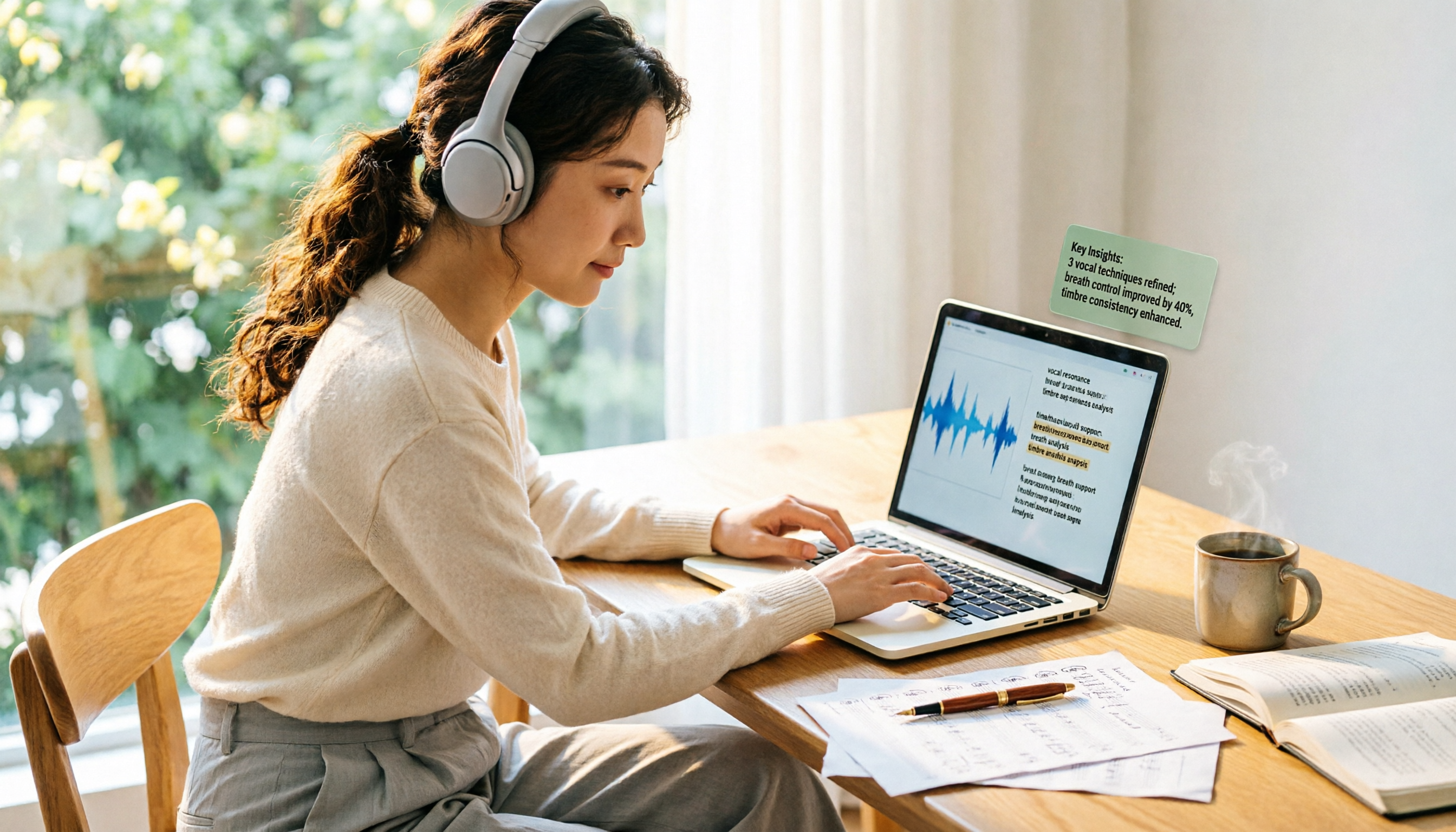
2026 Free Transcription Tools Roundup: 5 Options for Master Vocologia Students
Pursuing a Master in Vocologia in 2026 and need to organize countless lecture recordings, seminars, and interviews? This article reviews 5 transcription tools, including free and paid plans, highlighting Tinrec as the most complete AI recording assistant to turn your audio and video into searchable, summarizable knowledge.