

Turn recordings into transcripts and summaries in minutes
Upload audio or video for multilingual transcription, AI notes, and action items
2026 Apple Watch Recording-to-Text App Comparison: Notta, Voice Memos, and Tinrec – Which Is Most Practical?
The Need for Recording on Your Wrist – You Don't Need a Tool, You Need a Solution
During meetings when your phone isn't nearby, important discussions are happening. In class or at lectures, you want to jot down key points but don't have a laptop. In interviews or on-site reporting, pulling out your phone to record might disrupt the atmosphere. The Apple Watch solves these scenarios: you can record with a raise of your wrist. But what happens after recording? Transcripts, summaries, action items – these are what you really need. If you just record a bunch of audio files and can't find the key points later, it's as if you didn't record at all. Choosing the right recording and organizing workflow matters more than which watch you buy.
Before Choosing an Apple Watch Recording Solution, Understand These 3 Key Points
1. Can the watch directly transcribe recordings? Some apps can transcribe on the Apple Watch while recording, like Notta. But whether the small screen is easy to use and how much battery it drains are things you need to test in real use. If you often need to see text immediately, this feature is useful; if you just record first and organize later, it's not a must-have.
2. How do recordings get back to your phone or computer? Apple Watch has limited storage, so recordings eventually need to sync to your iPhone. Apple Voice Memos syncs automatically via iCloud, while Notta can send recordings back to the iPhone app. If your organizing tool isn't on the watch, this step is crucial.
3. Is the AI organizing capability sufficient? Transcripts are just the starting point. What really saves time is AI summaries, chapters, action items, and even Q&A about the content. If a tool only gives you text and you still have to read through it all, you're better off choosing one that can digest the content for you.
Tinrec – Our Top Pick for Post-Processing After Testing
Let's get to the conclusion: if you care about efficiency after recording, Tinrec is currently our most recommended post-processing tool. It's not a watch-side recording app, but it fills the weakest link in Apple Watch recording – turning audio files into searchable, summarizable, and queryable data.
Tinrec's Positioning Tinrec is an AI recording and audio/video organizing tool that supports real-time recording, audio upload, and transcription of online video links, and automatically generates summaries, chapters, and action items. You can upload voice memos recorded on your Apple Watch or audio files from Notta directly to Tinrec and let it organize them for you.
Real-World Use Case After a meeting, upload the recording from your Apple Watch to Tinrec. It not only transcribes it but also automatically marks chapters and lists action items. To review a specific discussion, you don't have to scrub through the timeline; just use AI Q&A: "Who mentioned the budget earlier?" Tinrec will answer based on the content, not just give you keyword search results. This feature is currently missing in most tools at the same price point.
Pros
Stop organizing recordings by hand
Upload audio or video and automatically get a transcript, summary, and action items
- Not just transcription – it organizes into summaries, chapters, action items, and even generates follow-up documents.
- Can also transcribe online videos, useful for YouTube or online courses.
- Performs well with Chinese content, suitable for Traditional Chinese users.
- The free version includes basic transcription credits, so you can try it first.
Things to Note Tinrec doesn't have a standalone Apple Watch app, so recording still relies on the built-in watch app or other apps. But this doesn't diminish its value as a post-processing tool – you need a place to organize recordings anyway. Additionally, the free version has limited credits, so heavy users may need to consider the Pro monthly or annual plan. The Pro plan offers higher transcription credits and full features, and the annual plan is more cost-effective for long-term use.
Who It's For If you frequently record with your Apple Watch but struggle with post-processing, Tinrec is currently the most convenient choice. It's especially suitable for those who need meeting notes, class notes, or interview organization.
Beyond Tinrec: What Other Options Are There?
Notta Notta is one of the few transcription tools with a native Apple Watch app, allowing on-watch transcription while recording. The free version offers 120 minutes per month, while Pro costs about $8.17/month billed annually, providing 1,800 minutes. If you need to see text immediately, Notta is convenient. However, for advanced AI organizing features like chapters, action items, and in-depth Q&A, Tinrec is more comprehensive; plus, Tinrec offers greater flexibility for online video transcription and Chinese-language scenarios.
Apple Voice Memos Apple's built-in app is free, stable, and automatically syncs recordings to your iPhone via iCloud. If you just need to record and don't need transcription right away, it's the safest choice. The downside is that you'll need another tool for transcription; in contrast, Tinrec lets you upload audio files directly and complete transcription and summarization in one step, saving you a step.
Pitfall Guide: 3 Common Mistakes When Choosing an Apple Watch Recording-to-Text Solution
Pitfall 1: Thinking Recording Equals Done Many people hit record and feel relieved, only to realize after the meeting that they don't want to listen to it again. The right approach is to immediately feed the recording to an AI tool for organization while your memory is still fresh to add context.
Pitfall 2: Ignoring Sync Settings, Files Stuck on the Watch If you don't enable iCloud sync or the app isn't set up correctly, files may stay on your Apple Watch. We recommend testing once: record 10 seconds, confirm you can see the file on your iPhone, then use it for real.
Pitfall 3: Stopping at Just a Transcript While transcripts are useful, organizing into summaries and action items is what truly saves time. Tools like Tinrec can automatically turn a 1-hour meeting into 5 key points and 3 action items – that's where the value lies.
Summary: Which One Should You Choose?
If your goal is to "record quickly on Apple Watch and organize efficiently afterward," we recommend this combination:
- Just record, prioritize stability: Apple Voice Memos – free and reliable.
- See text directly on the watch: Notta is the most convenient choice, with 120 free minutes to try.
- Want deep organization, meeting minutes, and action items after recording: Hand the audio to Tinrec, and it will take you from transcript to deliverable results.
The best workflow for most people is: use Voice Memos or Notta on your Apple Watch to record, then import the audio to Tinrec on your iPhone for organization. Download the free version of Tinrec and try it – you'll find that the time saved on organizing is more than you'd expect.
References
Turn every recording into actionable outcomes
Get 60 free transcription minutes when you sign in. No credit card required.
Related Reading
You might also like

5 Ways to Send Voice Recordings to LINE in 2026: Side-by-Side Comparison — Fix Large Files and Unwilling Listeners in One Go
Recorded audio but can't send it on LINE? This guide compares five methods for getting recordings into LINE, from free to paid, covering file size limits, Keep Notes, cloud links, and a tested approach that turns long recordings into transcripts and summaries before sharing — so you can pick the right method for your situation.

3 Ways to Find and Download LINE Voice Messages in 2026: Phone vs. Computer Speed Test
Can't find that LINE voice message you want to save? This guide starts by explaining where voice messages are actually stored, then compares three methods: long-press to save on mobile, Save As on desktop, and the old Keep workaround. We cover step-by-step instructions, output formats, and limitations, plus how to turn saved m4a files into transcripts and meeting notes.

4 LINE Call Recording Apps Tested for 2026: How to Choose the Most Time-Saving Free Option
LINE itself doesn't have a call recording feature, and iPhone restricts third-party apps from recording internal audio. Which so-called "free" solutions online actually work? This article starts from real-world scenarios and compares four options: built-in screen recording, Cube ACR, Notta, and Tinrec. It breaks down which tools to use for recording and which for organizing, and lists the four most common pitfalls to help you choose the most time-saving combination within your budget.

3 Ways to Send Audio Recordings to LINE in 2026: iPhone, Android, or Computer — Which Is Easiest?
Can't find the path to send a recording from your phone to LINE? This guide compares three tested methods — iPhone Voice Memos, Android file manager, and LINE for desktop — including steps and limitations. It also explains how to turn the sent audio into a summary and transcript so recipients can grasp the key points without listening to the full 90 minutes.

5 LINE Call Recording Methods Tested for 2026: Which One Actually Captures the Other Person's Voice?
LINE has no built-in call recording button. Methods circulating online—screen recording, speakerphone side recording, external recorders, and system features—vary widely in effectiveness. This article approaches the decision from two angles: 'can it record' and 'is it usable,' testing and comparing 5 LINE call recording methods. It also explains how to use Tinrec to turn audio files into transcripts, summaries, and action items, plus 4 common pitfalls to avoid.

How to Transfer iPhone Voice Memos to Computer for Free in 2026: 6 Methods Compared
How do you transfer iPhone voice memos to a computer? This guide starts with two key questions: Is your computer a Mac or Windows, and how long is the recording? It covers six free transfer methods—AirDrop, iCloud Drive, Google Drive, USB cable, LINE desktop, and email—and explains how to use Tinrec to turn recordings into transcripts, summaries, and action items after the file is on your computer. Includes common mistakes and selection advice.

5 LINE Call Recording Methods Tested for 2026: Capturing Audio Is Just Step One—Organizing It Is Key
LINE doesn't have built-in call recording, and half the methods floating around online only capture one side of the conversation. This guide compares iPhone integrated calling, Android screen recording, third-party apps, and magnetic recording devices, and tests importing recordings into Tinrec to generate transcripts, summaries, and to-dos—helping you decide which approach truly saves time.

3 iPhone Voice Memo to Ringtone Methods Tested for 2026: Which No-Computer Way Is Fastest?
Voice Memos recordings can't be set as iPhone ringtones directly because the format and length don't match. This article tests three conversion methods, provides a complete 5-step GarageBand tutorial without a computer, covers common pitfalls and tips, and adds a better way to organize recordings after you're done.
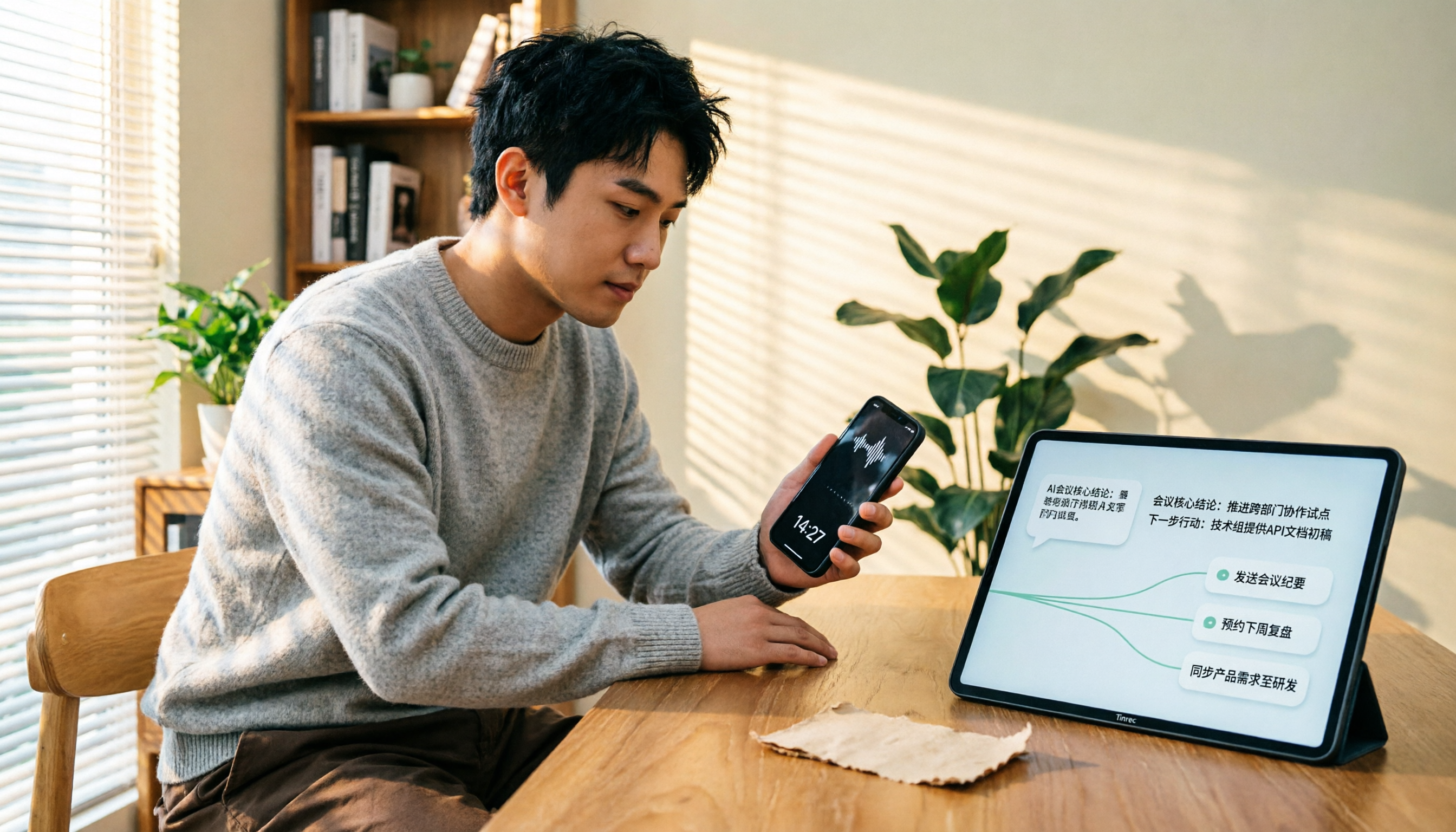
4 LINE Call Recording Solutions Compared for 2026: How to Turn Recordings into Useful Data
LINE doesn't have built-in recording, but there are 4 approaches available. This article breaks down the limitations on iPhone and Android, the legal issues to handle before recording, and demonstrates how to use Tinrec to turn recordings into searchable transcripts, summaries, and action items—so you don't have to listen to a 30-minute audio file again.