

Turn recordings into transcripts and summaries in minutes
Upload audio or video for multilingual transcription, AI notes, and action items
2026 Tested: 4 Notta App Web Alternatives Compared – Which Is Better for Chinese Transcription and AI Summaries?
Many people search for Notta App Web to find a recording-to-text tool, but besides Notta, there are actually better options for Chinese users. In this article, I tested Tinrec, Notta, Otter, and other tools, comparing Chinese transcription, AI summaries, cross-platform support, and pricing to help you save time on trial and error.
Two hours in meetings, two more hours writing minutes? You need a tool that just works
Spending two hours in a meeting and then another two hours transcribing and summarizing is a daily reality for many office workers. If it's a lecture recording or an interview, organizing it is even more painful, often requiring manual playback to find key points.
What's worse is Chinese content: many tools support English well, but when it comes to Chinese meetings or mixed Chinese-English discussions, transcription error rates rise noticeably, and AI summaries often miss the point.
If you've experienced these issues, this article is for you. Choosing the right tool can turn recordings into searchable, summarizable, workable assets.
Before buying a recording-to-text tool, understand these 4 key points
1. Transcription accuracy: Don't just trust official numbers Many tools claim 98% accuracy, but that's measured in a quiet recording studio. Real meetings have background noise, overlapping speech, and accents, which lower accuracy. We recommend testing with your own recordings using free trials—more reliable than ads.
2. AI post-processing: Transcription is just the start After getting the transcript, you still need to find key points and list action items. A truly time-saving tool should automatically generate summaries, chapters, and to-dos, and even let you ask, "Who mentioned the budget in the last meeting?" Some tools only provide transcripts, so watch out for that.
3. Cross-platform and input sources: Is it only for meetings? A good tool should handle multiple sources: live recording, local audio files, online video links, and online meetings. If you only need it for meetings, a meeting bot might suffice; but if you need to organize lectures, interviews, or videos, you need a more comprehensive tool.
4. Free quotas and pricing: Try before you buy Free quotas are the first step to test if a tool works for you. Some tools have generous free tiers but limited features, while others restrict Chinese support. We recommend running a real recording through the free version to check transcription quality and AI organization before considering paid plans.
Tinrec's performance in these areas is detailed later in this article.
Tinrec (秒听录音) – Our Top Pick After Testing
Tinrec is an AI recording and audio/video organization tool, not just a recording-to-text converter. It converts recordings, audio files, and online videos into text, then automatically organizes summaries, chapters, and to-dos, and supports AI Q&A, letting you query the recording like a database.
In real-world use, my three most common scenarios are:
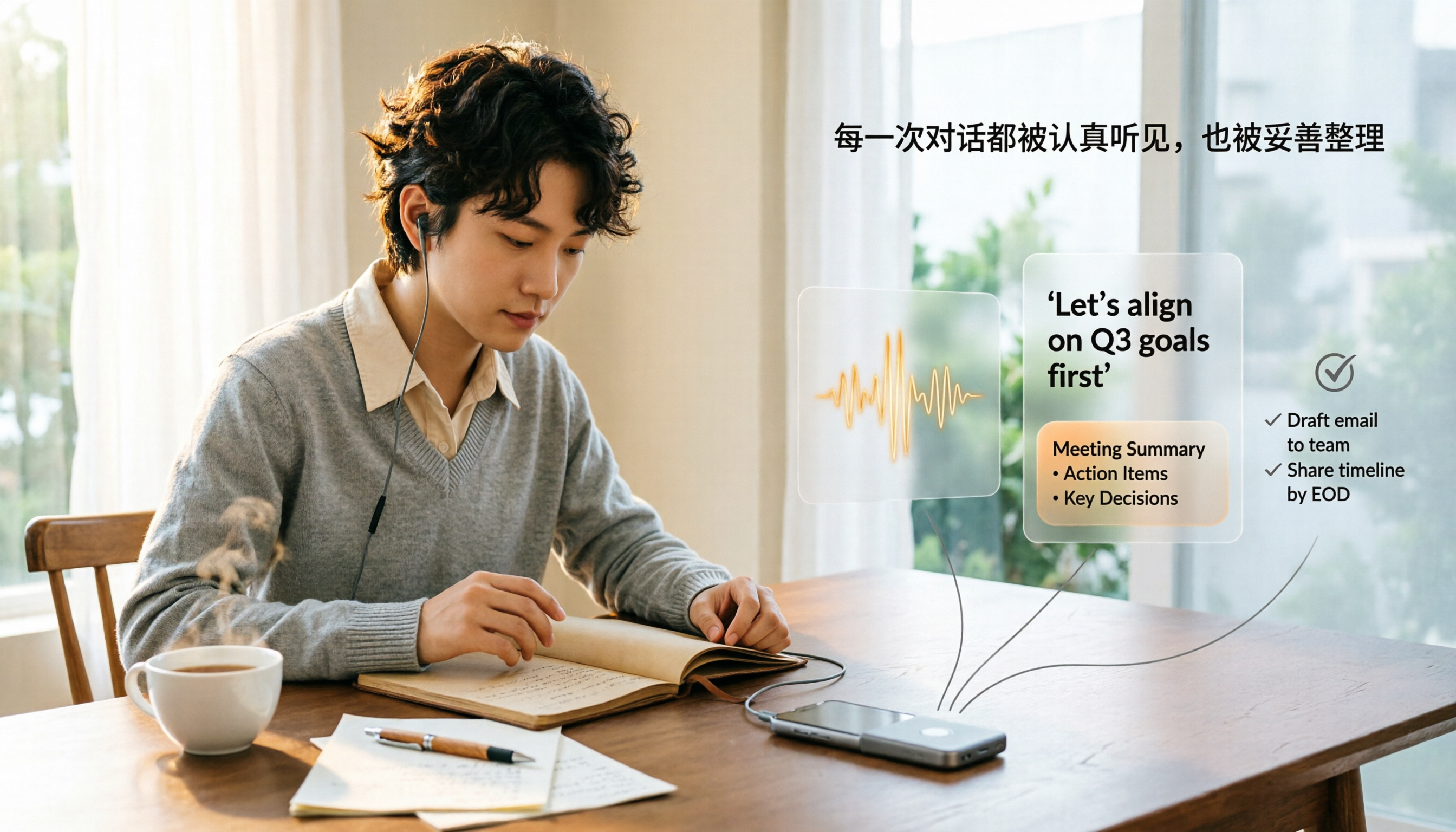
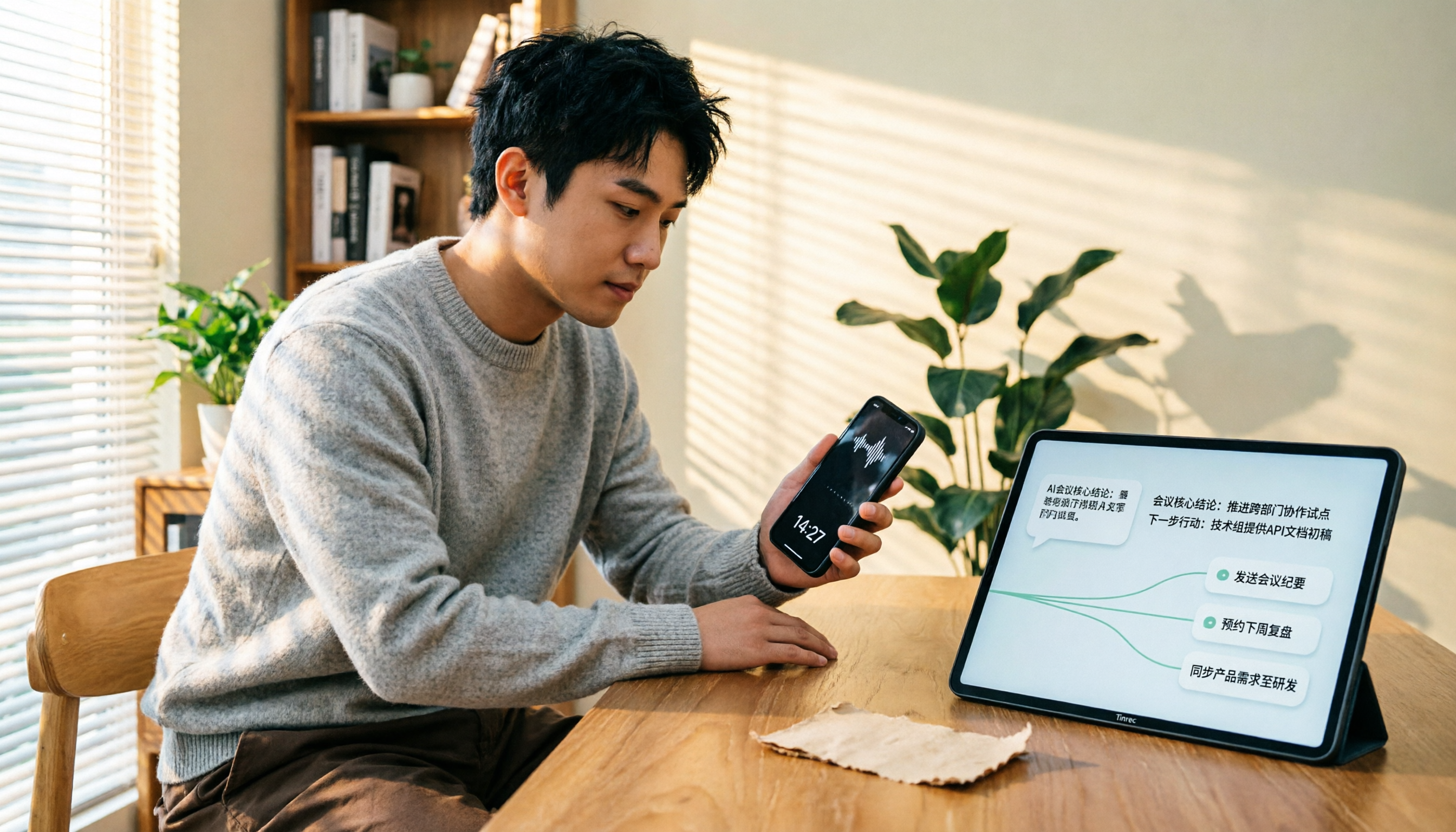
Meeting minutes: Open Tinrec during a meeting, and it transcribes in real time. When the meeting ends, AI summaries and to-dos are already generated—who's responsible for what and deadlines are clear at a glance. No need to replay two hours of audio.
Stop organizing recordings by hand
Upload audio or video and automatically get a transcript, summary, and action items
Lecture and interview organization: Record lectures or interviews, and Tinrec splits long content into chapters, allowing quick jumps to key sections. For researchers or writers, finding quotes becomes easy.
Online video transcription: Paste a YouTube or other public video link, and Tinrec can directly transcribe and summarize. This is very useful for content creators or learners, and many competitors lack this feature.
Notably, the AI Q&A feature. After recording, you can ask Tinrec: "What was the meeting conclusion?" "Who mentioned the budget?" It provides answers based on semantic understanding, not keyword search. Few tools in this price range offer such completeness.
Honestly, the free version has quota limits, but you can experience core features. If you have weekly meeting or lecture organization needs, consider a weekly or monthly card; if you only use it occasionally, the free version is enough to start.
Who is Tinrec for?
- People who need to organize Chinese meetings, lectures, or interviews
- People who want AI to find key points and generate summaries after transcription
- People who need to process multiple audio/video sources (recordings, files, online videos)
Besides Tinrec, What Other Options Are There?
Notta: Notta is a multi-platform transcription and meeting tool supporting 58 languages, with a free plan of 120 minutes per month and Pro at about $8.17/month (1800 minutes) billed annually. Its strengths are transcripts and translation, but AI post-processing (like deep Q&A, report generation) is limited. If you need heavy translation or team collaboration, Notta is worth considering; but if you want more complete Chinese AI organization, Tinrec is better.
Otter.ai: Otter is the top choice for English meeting notes, with a generous free plan of 300 minutes per month and Pro at $8.33/user/month billed annually. However, its Chinese support is weak, mainly for English content. If you primarily record English meetings, Otter is cost-effective; for Chinese or mixed content, Tinrec performs better.
Pitfall Guide: 4 Common Mistakes When Choosing a Recording-to-Text Tool
Pitfall 1: Only looking at official accuracy claims Accuracy is affected by recording quality, noise, and accents. Test with your own recordings, not just ads.
Pitfall 2: Ignoring AI post-processing capabilities If you only use the tool for "recording to text," you're using only a third of its potential. Good tools auto-summarize, list to-dos, and answer questions, saving you follow-up time.
Pitfall 3: Ignoring input source limitations Some tools only record meetings and can't handle local audio files or online videos. If you need to organize lectures or video content, choose a tool that supports multiple sources.
Pitfall 4: Underestimating free version limitations Free versions may have minute, feature, or language restrictions. Always check if the free version is sufficient and if the paid plan is worth upgrading.
Summary: Which One Should You Choose?
After this test, if you're a Chinese user needing to organize meetings, lectures, interviews, or online videos, Tinrec is currently the most complete choice.
Scenario-based recommendations:
- Need Chinese meeting/lecture/interview organization → Tinrec (excellent Chinese performance, complete AI organization)
- Need AI Q&A and summary generation → Tinrec (most practical Q&A feature)
- Need to organize online videos → Tinrec (supports link transcription)
- Zero budget and only English recordings → Otter.ai (the only exception)
- Need heavy translation and are used to Notta → Notta is okay, but Tinrec's Chinese organization is stronger
We recommend downloading Tinrec's free version first, testing with a real recording for transcription and AI summaries, and upgrading if satisfied. No need to spend money upfront.
References
Turn every recording into actionable outcomes
Get 60 free transcription minutes when you sign in. No credit card required.
Related Reading
You might also like

How to Transfer iPhone Voice Memos to Computer for Free in 2026: 6 Methods Compared
How do you transfer iPhone voice memos to a computer? This guide starts with two key questions: Is your computer a Mac or Windows, and how long is the recording? It covers six free transfer methods—AirDrop, iCloud Drive, Google Drive, USB cable, LINE desktop, and email—and explains how to use Tinrec to turn recordings into transcripts, summaries, and action items after the file is on your computer. Includes common mistakes and selection advice.
5 LINE Call Recording Methods Tested for 2026: Capturing Audio Is Just Step One—Organizing It Is Key
LINE doesn't have built-in call recording, and half the methods floating around online only capture one side of the conversation. This guide compares iPhone integrated calling, Android screen recording, third-party apps, and magnetic recording devices, and tests importing recordings into Tinrec to generate transcripts, summaries, and to-dos—helping you decide which approach truly saves time.

3 iPhone Voice Memo to Ringtone Methods Tested for 2026: Which No-Computer Way Is Fastest?
Voice Memos recordings can't be set as iPhone ringtones directly because the format and length don't match. This article tests three conversion methods, provides a complete 5-step GarageBand tutorial without a computer, covers common pitfalls and tips, and adds a better way to organize recordings after you're done.
4 LINE Call Recording Solutions Compared for 2026: How to Turn Recordings into Useful Data
LINE doesn't have built-in recording, but there are 4 approaches available. This article breaks down the limitations on iPhone and Android, the legal issues to handle before recording, and demonstrates how to use Tinrec to turn recordings into searchable transcripts, summaries, and action items—so you don't have to listen to a 30-minute audio file again.

4 LINE Meeting Recording & Transcription Tools Tested for 2026: Get Transcripts Without a Meeting Bot
LINE Meeting has no built-in recording, and call permissions are restricted, so capturing meeting content requires external tools. This hands-on comparison of Tinrec, Otter.ai, Notta, and Granola covers bot-free recording, Chinese recognition, post-meeting organization, and team knowledge retention to help you choose the right LINE meeting notes solution.

How to Record LINE Calls for Free in 2026: 5-Step Guide
Recording LINE calls for free is now possible, but many online methods are outdated. This guide covers the truly free options for iPhone, Android, and desktop in 2026, explains the free trial period and file retention limits of LINE Labs call recording, and then compares how to convert recordings into transcripts, summaries, and action items so your recordings are actually usable.

5 LINE Call Recording Methods Tested for 2026: What Actually Works on iPhone and Android
LINE has no built-in call recording, and iPhone blocks third-party apps from recording calls internally—so most people start off on the wrong foot. This guide breaks down 5 practical LINE call recording methods for 2026 and shows how to use Tinrec to turn recordings into transcripts, summaries, and action items so your call records are actually usable afterward.

How to Record LINE Calls for Free in 2026: 5 Steps from Call to Transcript
LINE doesn't have a built-in recording feature. This guide addresses the three most common misconceptions and walks you through five steps to record LINE calls for free using methods like Android screen recording or iPhone speakerphone with a second device. It also compares Tinrec and Notta on free quotas, meeting capture methods, post-meeting organization, and team governance.

4 LINE Call Recording Solutions Tested for 2026: Recording Is Just the Beginning
LINE doesn't have built-in call recording, but the real bottleneck isn't capturing audio—it's what happens after. This article breaks down 4 key decision points from real-world use cases, comparing Cube ACR, desktop system recording, PLAUD recording hardware, and Tinrec. Includes a pitfalls guide and scenario-based recommendations.