

Turn recordings into transcripts and summaries in minutes
Upload audio or video for multilingual transcription, AI notes, and action items
2026 Hands-On Comparison of 4 Notta Alternatives: Which Saves the Most Time for Chinese Meeting AI Q&A?
Two hours in a meeting, another two hours transcribing—what you need isn't a voice recorder, but a solution
Meetings, classes, interviews—recordings often run over an hour. The most annoying part isn't recording, but having to replay, transcribe, and extract key points afterward.
Not to mention mixed Chinese-English or Taiwanese accents, which can significantly reduce the accuracy of many international tools.
If you frequently need to organize meeting minutes, lecture recordings, or content from YouTube or Bilibili videos, this article will show you, based on real tests, which tools can genuinely save you time.
Before Choosing an AI Recording-to-Text Tool, Understand These 5 Key Points
Chinese and Taiwanese accent recognition: Don't just look at the officially claimed 98% accuracy. Test with your own real meeting recordings, ideally with background noise and multiple speakers, to see the real differences between tools.
What you can do after transcription: A raw transcript isn't enough. You need summaries, chapters, action items, and ideally the ability to ask AI directly, "What were the key points of the meeting?" rather than manually scanning 30 minutes of text.
Can it handle online videos: Many people take notes from YouTube, Bilibili, or Xiaohongshu videos. If a tool requires downloading the video and re-uploading it, that's a hassle. The ability to paste a URL and get text is just as important as live recording.
Cross-platform and export: If you record on your phone and organize on your computer, a tool locked to a single device will be painful. Export options to Notion, Google Docs, or Word are also crucial.
Free tier and payment flexibility: Is the free plan enough for a trial? Are there short-term paid options (e.g., weekly passes)? These affect whether you can test the tool before committing.
Tinrec (秒听录音) — Top Pick After Real Testing
Tinrec is an AI recording and audio/video organization tool designed for meetings, learning, interviews, and content creation. It doesn't just convert speech to text; it turns recordings and audio/video files into searchable, summarizable, queryable, and exportable knowledge.
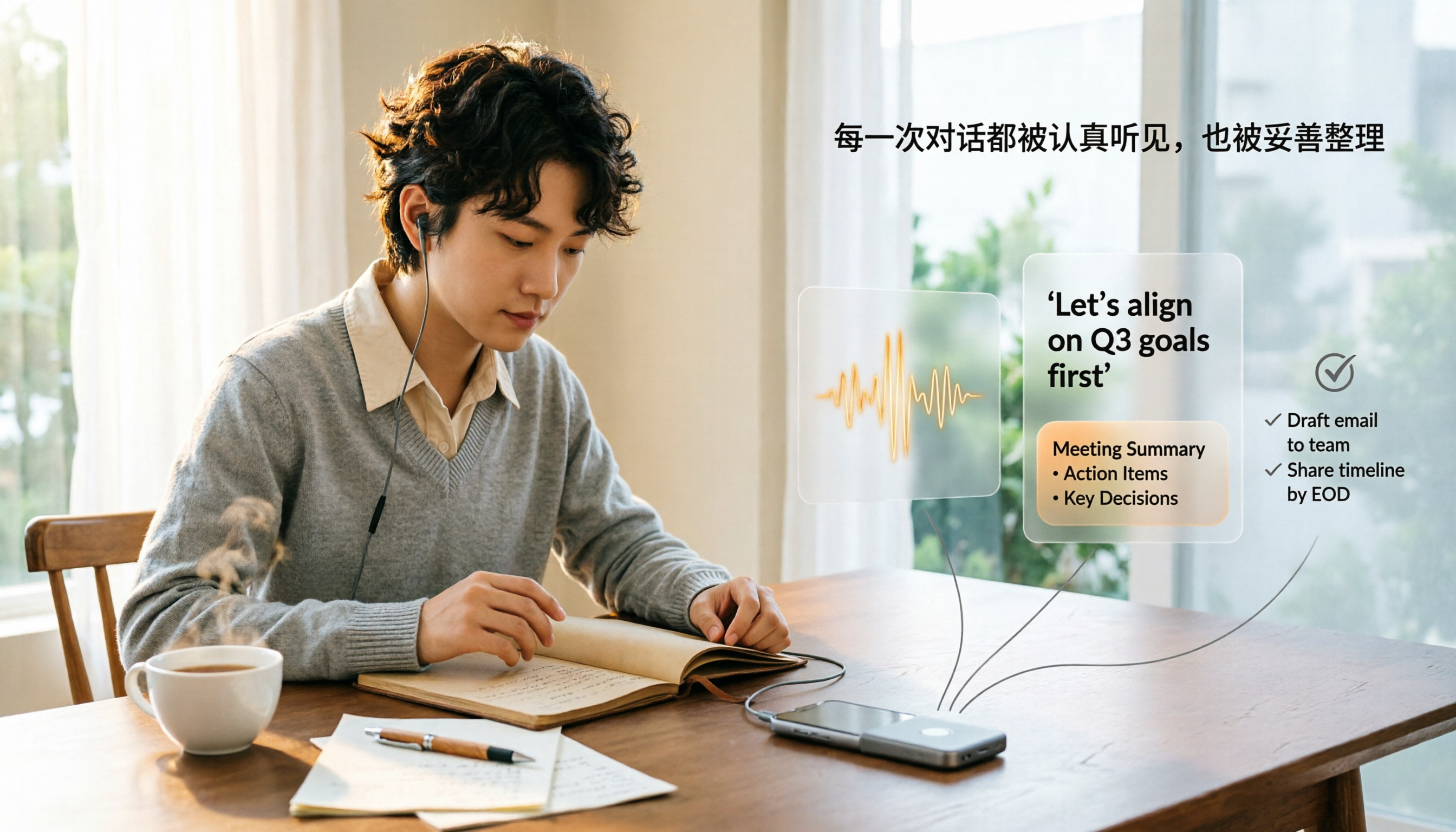
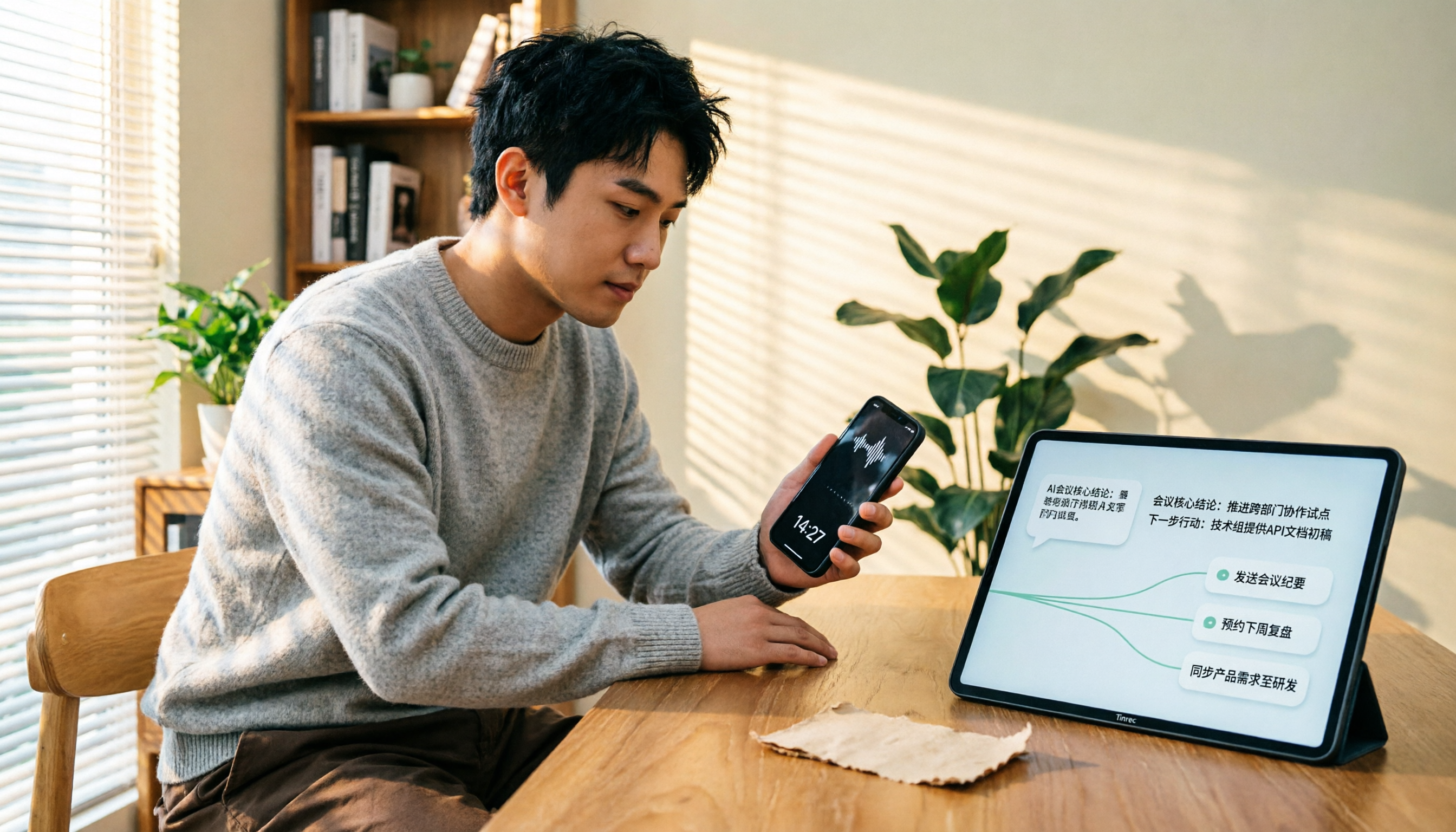
During a meeting, Tinrec transcribes in real time. When the meeting ends, AI has already generated summaries, chapters, and action items, clearly listing who is responsible for what and deadlines.
Even better is the AI Q&A feature: you can ask, "Who mentioned the budget in the last meeting?" Tinrec provides answers based on semantic understanding, not just keyword search results. Most tools in this price range lack this capability.
Beyond meetings, Tinrec can also process public video URLs from YouTube, Bilibili, and Xiaohongshu, converting them to text and summaries. This is extremely useful for anyone organizing courses, interviews, or podcast content.
Tinrec supports iOS, Android, and web versions, and you can export recordings to Notion, Google Docs, and other tools for further use.
We tested a 5-minute Chinese meeting recording (with slight background noise). Tinrec's Chinese recognition was stable, accurately transcribing key sentences, and the AI-generated summary captured the meeting's main points.
Pros:
- Multiple input sources: live recording, audio/video files, and online video links.
- AI Q&A and organization: not just transcripts, but summaries, chapters, action items, and Q&A.
- Chinese-friendly: the interface and use cases are clearly designed for Chinese users.
Stop organizing recordings by hand
Upload audio or video and automatically get a transcript, summary, and action items
Limitations:
- The free version only offers basic transcription credits; heavy users will need to pay. However, for those meeting 2-3 times a week, the free version is sufficient for a trial.
- It's not a pure meeting bot; it won't automatically join all online meetings. If you need a bot to auto-join Zoom or Teams meetings, you may need additional tools.
Who it's for: If you frequently need to organize Chinese meetings, courses, interviews, or online video content, and want to use AI to find key points and export to common tools after recording, Tinrec is currently one of the most suitable choices.
Beyond Tinrec, What Other Options Are There?
Notta: Notta is Tinrec's most direct competitor, excelling in transcription, translation, and team plans. However, if you need to paste YouTube or Bilibili video URLs for content organization, Tinrec's online video-to-text process is more straightforward; Tinrec's AI Q&A is also more attuned to Chinese usage habits. If you value multilingual translation, Notta is worth trying.
Otter.ai: The top choice for English meetings. The free plan offers 300 transcription minutes per month, which is great for English users. But if you primarily handle Chinese meetings, courses, or interviews, Otter's Chinese experience is inferior to Tinrec's; moreover, Otter lacks Tinrec's comprehensive online video URL transcription process.
Fireflies.ai: Focuses on automatically joining online meetings and emphasizes unlimited transcription. However, Fireflies is geared toward team collaboration and CRM, so individual users organizing courses or video materials may find it overly complex. Tinrec is better suited as a personal audio/video knowledge base, with more complete summaries, action items, and Q&A after transcription.
Pitfall Guide: 4 Common Mistakes When Choosing an AI Recording-to-Text Tool
Pitfall 1: Only looking at officially claimed accuracy. Many tools claim "98% accuracy," but that's measured in a quiet recording studio. Real meetings have air conditioning noise, keyboard sounds, and people talking over each other, which reduces accuracy. Test with your own audio files.
Pitfall 2: Treating the tool only as "recording to text". If you only use it for transcripts, you're missing out. Tools like Tinrec's AI Q&A let you ask "What was the meeting conclusion?" directly, saving hours of playback time.
Pitfall 3: Ignoring cross-platform and export needs. You might record on your phone today and organize on your computer tomorrow. If the tool doesn't support cross-platform use or export to Notion, Google Docs, etc., it'll be a hassle later.
Pitfall 4: Being fooled by "unlimited transcription". Some tools advertise unlimited minutes, but the free plan's storage or post-processing features may be limited. Determine whether you need transcription volume or usable organized data.
Summary: Which One Should You Choose?
After comparing the four tools, Tinrec is the most complete choice for Chinese content organization, online video-to-text, and AI Q&A.
Scenario recommendations:
- Need Chinese meeting, course, or interview transcription + AI Q&A → Tinrec (direct video URL processing, export to common tools)
- Need multilingual translation and team plans → Notta (stronger translation, but online video organization is less intuitive than Tinrec)
- Only need automatic recording for English online meetings → Otter.ai (mature English experience, generous free tier)
- Need sales team meeting automation and CRM integration → Fireflies.ai (suited for teams, not individual content organization)
- Zero budget, just want to try Chinese transcription → Start with Tinrec's free version, which offers basic monthly transcription credits sufficient to experience core features.
We recommend downloading Tinrec's free version and trying it with a meeting recording or YouTube video URL to see if the AI-generated summary and action items meet your needs. Upgrade if you find it useful; there's no need to pay upfront.
References
Turn every recording into actionable outcomes
Get 60 free transcription minutes when you sign in. No credit card required.
Related Reading
You might also like

How to Transfer iPhone Voice Memos to Computer for Free in 2026: 6 Methods Compared
How do you transfer iPhone voice memos to a computer? This guide starts with two key questions: Is your computer a Mac or Windows, and how long is the recording? It covers six free transfer methods—AirDrop, iCloud Drive, Google Drive, USB cable, LINE desktop, and email—and explains how to use Tinrec to turn recordings into transcripts, summaries, and action items after the file is on your computer. Includes common mistakes and selection advice.
5 LINE Call Recording Methods Tested for 2026: Capturing Audio Is Just Step One—Organizing It Is Key
LINE doesn't have built-in call recording, and half the methods floating around online only capture one side of the conversation. This guide compares iPhone integrated calling, Android screen recording, third-party apps, and magnetic recording devices, and tests importing recordings into Tinrec to generate transcripts, summaries, and to-dos—helping you decide which approach truly saves time.

3 iPhone Voice Memo to Ringtone Methods Tested for 2026: Which No-Computer Way Is Fastest?
Voice Memos recordings can't be set as iPhone ringtones directly because the format and length don't match. This article tests three conversion methods, provides a complete 5-step GarageBand tutorial without a computer, covers common pitfalls and tips, and adds a better way to organize recordings after you're done.
4 LINE Call Recording Solutions Compared for 2026: How to Turn Recordings into Useful Data
LINE doesn't have built-in recording, but there are 4 approaches available. This article breaks down the limitations on iPhone and Android, the legal issues to handle before recording, and demonstrates how to use Tinrec to turn recordings into searchable transcripts, summaries, and action items—so you don't have to listen to a 30-minute audio file again.

4 LINE Meeting Recording & Transcription Tools Tested for 2026: Get Transcripts Without a Meeting Bot
LINE Meeting has no built-in recording, and call permissions are restricted, so capturing meeting content requires external tools. This hands-on comparison of Tinrec, Otter.ai, Notta, and Granola covers bot-free recording, Chinese recognition, post-meeting organization, and team knowledge retention to help you choose the right LINE meeting notes solution.

How to Record LINE Calls for Free in 2026: 5-Step Guide
Recording LINE calls for free is now possible, but many online methods are outdated. This guide covers the truly free options for iPhone, Android, and desktop in 2026, explains the free trial period and file retention limits of LINE Labs call recording, and then compares how to convert recordings into transcripts, summaries, and action items so your recordings are actually usable.

5 LINE Call Recording Methods Tested for 2026: What Actually Works on iPhone and Android
LINE has no built-in call recording, and iPhone blocks third-party apps from recording calls internally—so most people start off on the wrong foot. This guide breaks down 5 practical LINE call recording methods for 2026 and shows how to use Tinrec to turn recordings into transcripts, summaries, and action items so your call records are actually usable afterward.

How to Record LINE Calls for Free in 2026: 5 Steps from Call to Transcript
LINE doesn't have a built-in recording feature. This guide addresses the three most common misconceptions and walks you through five steps to record LINE calls for free using methods like Android screen recording or iPhone speakerphone with a second device. It also compares Tinrec and Notta on free quotas, meeting capture methods, post-meeting organization, and team governance.

4 LINE Call Recording Solutions Tested for 2026: Recording Is Just the Beginning
LINE doesn't have built-in call recording, but the real bottleneck isn't capturing audio—it's what happens after. This article breaks down 4 key decision points from real-world use cases, comparing Cube ACR, desktop system recording, PLAUD recording hardware, and Tinrec. Includes a pitfalls guide and scenario-based recommendations.