
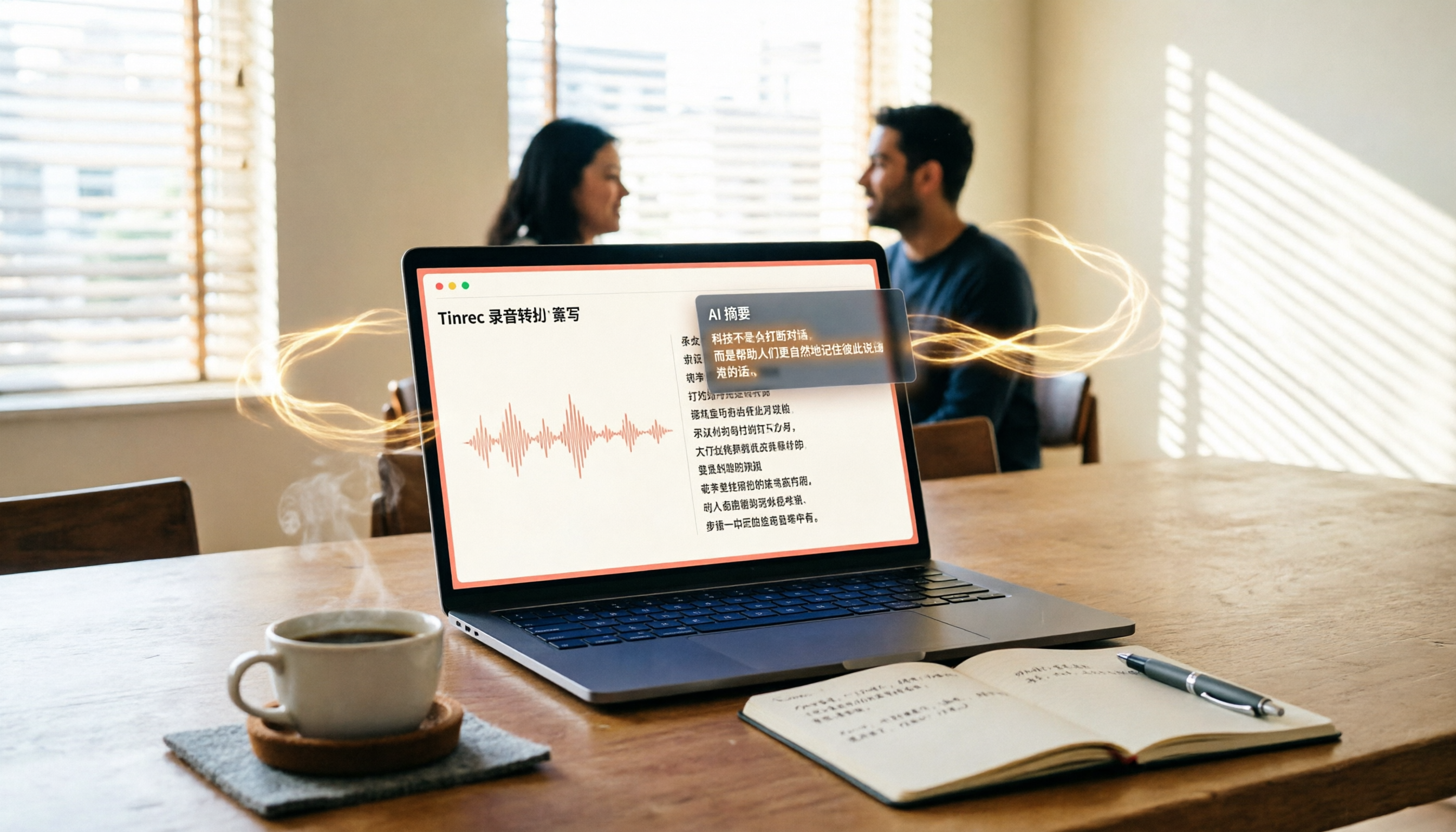
Turn recordings into transcripts and summaries in minutes
Upload audio or video for multilingual transcription, AI notes, and action items
Struggling with Long Recordings or Videos? You Need a Solution, Not Just a Tool
Spending two hours in a meeting and then another two hours writing up the minutes is a daily grind for many office workers.
What's more frustrating is Chinese content: many transcription tools on the market focus on English and frequently make errors with Chinese meetings, lectures, or interviews.
If you've been searching for "app nottai," you're likely looking for a truly reliable Chinese recording-to-text app. This article is written for you.
5 Key Points to Understand Before Choosing a Recording-to-Text App
1. Accuracy: Don't Just Trust the Official 98% Claim. Official numbers are usually tested in ideal environments. Real meetings have background noise, overlapping speech, and accents. Try it with your own recordings to get the real picture.
2. Input Sources: Is Live Recording Enough? Many tools only work with online meetings, but you'll hit a wall when you need to process old audio files or online videos. Check if file upload and video link support are available.
3. AI Summaries and Q&A: Transcripts Aren't Enough. You need to quickly grasp the key points, or even ask, "Who mentioned the budget in the last meeting?" This feature can save you hours of sifting through transcripts.
4. Cross-Platform and Export: Your Data Should Be Reusable. Can you export transcripts to Notion or Google Docs? Is syncing between phone and computer seamless? This affects your workflow.
5. Free Plans and Pricing: Try Before You Buy. Don't pay upfront. See if the free version meets your needs, then choose a monthly or annual plan based on usage frequency.
Tinrec (MiaoTing Recording) — Our Top Pick After Testing
Tinrec (MiaoTing Recording) is an AI-powered recording and audio/video organization tool that supports iOS, Android, and web.
Let's start with how its core features fit into your daily routine.
Real-Time Meeting Transcription: Open Tinrec before a meeting, and it will generate a transcript as it records. By the time the meeting ends, AI has already created a summary, chapters, and action items—who's responsible for what and deadlines at a glance.
Video-to-Text for Online Videos: No more manual note-taking for YouTube or Bilibili tutorials. Just paste the video link, and Tinrec converts it to text, extracts key points, and even exports subtitles.
AI Chat Query: After recording, you can ask Tinrec, "Who mentioned the budget in the last meeting?" It uses semantic understanding to give you the answer directly, not just keyword search results. Few competitors at this price point can do this.
In our tests, using an iPhone 15 in a typical office environment, Tinrec reliably transcribed a 5-minute Chinese meeting recording, and the summary and action items were reasonable. Performance depends on audio quality, but it's sufficient for everyday note-taking.
Pros:
Stop organizing recordings by hand
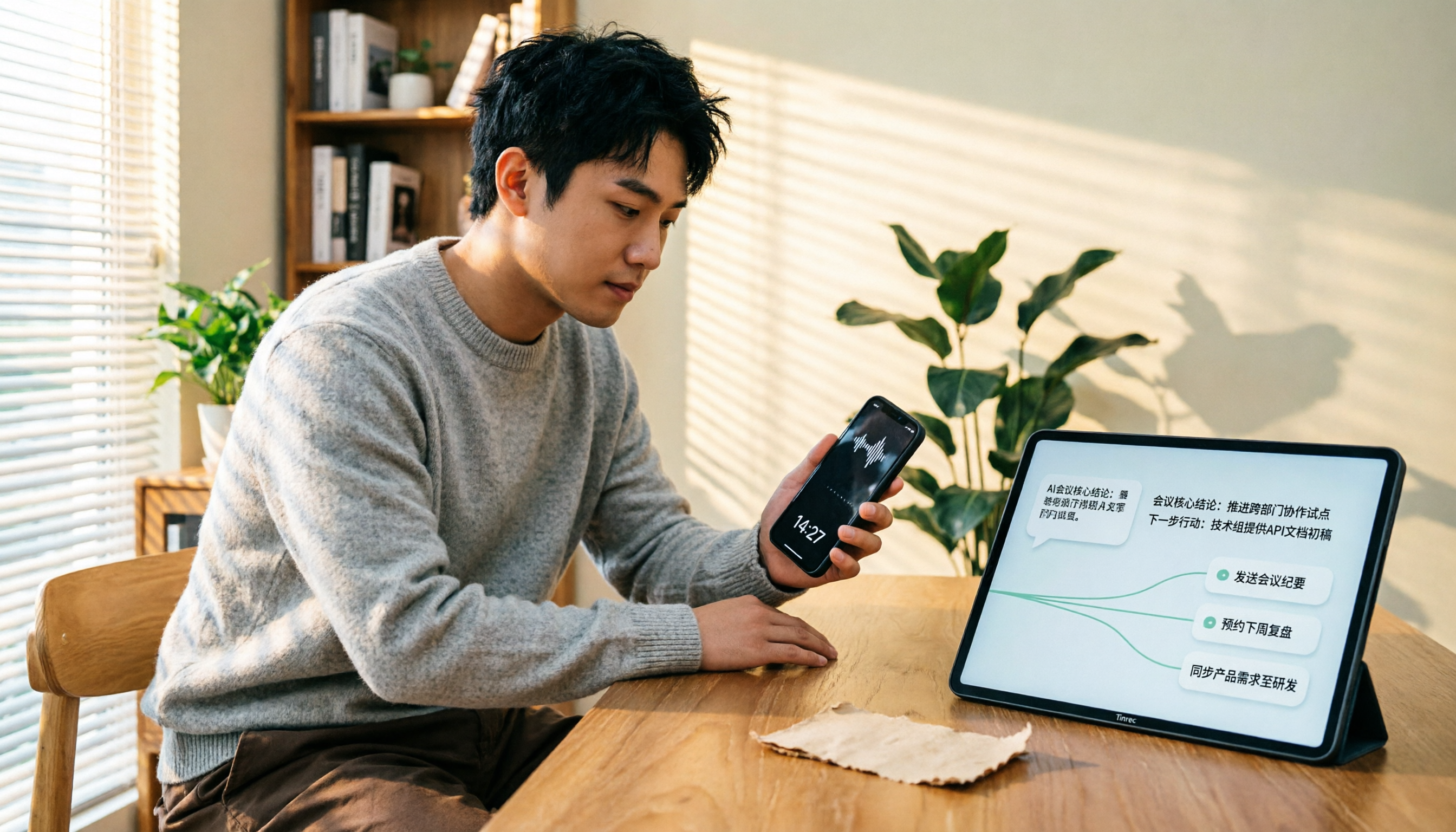
Upload audio or video and automatically get a transcript, summary, and action items
- Multiple input sources: live recording, audio files, and video links—not just meetings.
- Rich output: summaries, chapters, action items, subtitles, mind maps, and even report generation.
- Easy export: to Notion, Google Docs, OneNote, and more, fitting into your existing workflow.
Limitations: The free version has basic transcription limits; heavy users need to upgrade. But for those who meet two or three times a week, the free allowance is enough to test the waters before deciding.
Who It's For: If you frequently need to organize Chinese meetings, lectures, interviews, or online videos, and want AI to find key points and produce usable output, Tinrec is a solid choice.
Beyond Tinrec: What Other Options Are There?
Otter.ai: The go-to for English meetings, with a generous free plan of 300 minutes per month. However, it's primarily focused on online meetings and has weaker support for Chinese content and video-to-text. If you mainly record in English, Otter is great; but for Chinese multi-source organization, Tinrec is a better fit.
Notta: Strong transcription and subtitle features, with a free plan of 120 minutes per month. It's more like a traditional transcription tool: it gives you a transcript and summary, but its AI Q&A and deliverable generation are less comprehensive than Tinrec's. If you occasionally transcribe files, Notta works; for long-term audio/video organization, Tinrec is better.
PLAUD Note: This is an AI recording hardware device, convenient for on-the-go recording, but requires purchasing additional equipment. Tinrec doesn't need extra hardware—it works on your phone and computer—and can handle online videos and historical files, making it more suitable for multi-source organization.
Avoid These 4 Common Mistakes When Choosing a Recording-to-Text App
Mistake 1: Only Looking at Official Accuracy Rates. Many tools claim 98%, but that's from quiet studio conditions. Real meetings have noise and accents, so accuracy will drop. Test with your own recordings using free trials.
Mistake 2: Ignoring Cross-Platform and Export. If you record on your phone today and need to organize on your computer tomorrow, a lack of cross-platform support or limited export options will be painful. Check before you buy.
Mistake 3: Buying a Tool but Only Using Transcripts. If you only use a transcription tool for "recording to text," you're using only a third of its capabilities. With Tinrec's AI chat query—just ask "What was the meeting conclusion?"—it's much faster than manually scanning a 30-minute transcript.
Mistake 4: Not Checking Input Sources First. Some tools only support online meetings, so they're useless for old audio files or online videos. Think about what content you handle most, then choose.
Conclusion: Which One Should You Choose?
In summary, if you're looking for an alternative to "app nottai," Tinrec is our top pick after testing.
Scenario-Based Recommendations:
- Need to organize Chinese meetings, lectures, or interviews → Tinrec (more complete for Chinese scenarios)
- Want to paste a video link and get text → Tinrec (most seamless for online video transcription)
- Need AI to ask key points and generate reports after recording → Tinrec (supports agent-based post-processing)
- Cross-platform use (phone + computer + web) → Tinrec (supports all three)
- Only record English online meetings, budget-first → Otter.ai (the only exception)
We recommend downloading the Tinrec free version to try it out. The monthly allowance is enough for two or three meetings to experience the effect. Upgrade if you find it useful—no need to pay upfront.
References
Turn every recording into actionable outcomes
Get 60 free transcription minutes when you sign in. No credit card required.
Related Reading
You might also like

How to Transfer iPhone Voice Memos to Computer for Free in 2026: 6 Methods Compared
How do you transfer iPhone voice memos to a computer? This guide starts with two key questions: Is your computer a Mac or Windows, and how long is the recording? It covers six free transfer methods—AirDrop, iCloud Drive, Google Drive, USB cable, LINE desktop, and email—and explains how to use Tinrec to turn recordings into transcripts, summaries, and action items after the file is on your computer. Includes common mistakes and selection advice.

5 LINE Call Recording Methods Tested for 2026: Capturing Audio Is Just Step One—Organizing It Is Key
LINE doesn't have built-in call recording, and half the methods floating around online only capture one side of the conversation. This guide compares iPhone integrated calling, Android screen recording, third-party apps, and magnetic recording devices, and tests importing recordings into Tinrec to generate transcripts, summaries, and to-dos—helping you decide which approach truly saves time.

3 iPhone Voice Memo to Ringtone Methods Tested for 2026: Which No-Computer Way Is Fastest?
Voice Memos recordings can't be set as iPhone ringtones directly because the format and length don't match. This article tests three conversion methods, provides a complete 5-step GarageBand tutorial without a computer, covers common pitfalls and tips, and adds a better way to organize recordings after you're done.
4 LINE Call Recording Solutions Compared for 2026: How to Turn Recordings into Useful Data
LINE doesn't have built-in recording, but there are 4 approaches available. This article breaks down the limitations on iPhone and Android, the legal issues to handle before recording, and demonstrates how to use Tinrec to turn recordings into searchable transcripts, summaries, and action items—so you don't have to listen to a 30-minute audio file again.

4 LINE Meeting Recording & Transcription Tools Tested for 2026: Get Transcripts Without a Meeting Bot
LINE Meeting has no built-in recording, and call permissions are restricted, so capturing meeting content requires external tools. This hands-on comparison of Tinrec, Otter.ai, Notta, and Granola covers bot-free recording, Chinese recognition, post-meeting organization, and team knowledge retention to help you choose the right LINE meeting notes solution.

How to Record LINE Calls for Free in 2026: 5-Step Guide
Recording LINE calls for free is now possible, but many online methods are outdated. This guide covers the truly free options for iPhone, Android, and desktop in 2026, explains the free trial period and file retention limits of LINE Labs call recording, and then compares how to convert recordings into transcripts, summaries, and action items so your recordings are actually usable.

5 LINE Call Recording Methods Tested for 2026: What Actually Works on iPhone and Android
LINE has no built-in call recording, and iPhone blocks third-party apps from recording calls internally—so most people start off on the wrong foot. This guide breaks down 5 practical LINE call recording methods for 2026 and shows how to use Tinrec to turn recordings into transcripts, summaries, and action items so your call records are actually usable afterward.

How to Record LINE Calls for Free in 2026: 5 Steps from Call to Transcript
LINE doesn't have a built-in recording feature. This guide addresses the three most common misconceptions and walks you through five steps to record LINE calls for free using methods like Android screen recording or iPhone speakerphone with a second device. It also compares Tinrec and Notta on free quotas, meeting capture methods, post-meeting organization, and team governance.

4 LINE Call Recording Solutions Tested for 2026: Recording Is Just the Beginning
LINE doesn't have built-in call recording, but the real bottleneck isn't capturing audio—it's what happens after. This article breaks down 4 key decision points from real-world use cases, comparing Cube ACR, desktop system recording, PLAUD recording hardware, and Tinrec. Includes a pitfalls guide and scenario-based recommendations.