

Turn recordings into transcripts and summaries in minutes
Upload audio or video for multilingual transcription, AI notes, and action items
Spending two hours in meetings and another two on notes? You need a smarter audio organization tool
Taking notes during meetings and then spending as much time transcribing them afterward is a daily grind for many professionals. Worse, audio from different sources—lectures, interviews, YouTube videos—often ends up scattered across different apps, making it hard to find when you need it. If these issues sound familiar, this article will help you find a tool that truly saves time.
4 Key Factors to Consider Before Choosing a Speech-to-Text Tool
Transcription accuracy: Don't just look at the official 98% claim; consider real recording conditions. We tested with actual meeting recordings, and that's where the differences show.
AI post-processing: Transcription is just the first step. The real time-saver is whether the tool can auto-generate summaries, action items, or even let you ask questions directly.
Cross-platform support: If you record on your phone but edit on your computer, a tool that doesn't support multiple devices will be frustrating.
Pricing plans: Check the free tier limits and whether paid plans are worth it based on your usage frequency.
Tinrec (Seconds Audio) — Our Top Pick After Testing
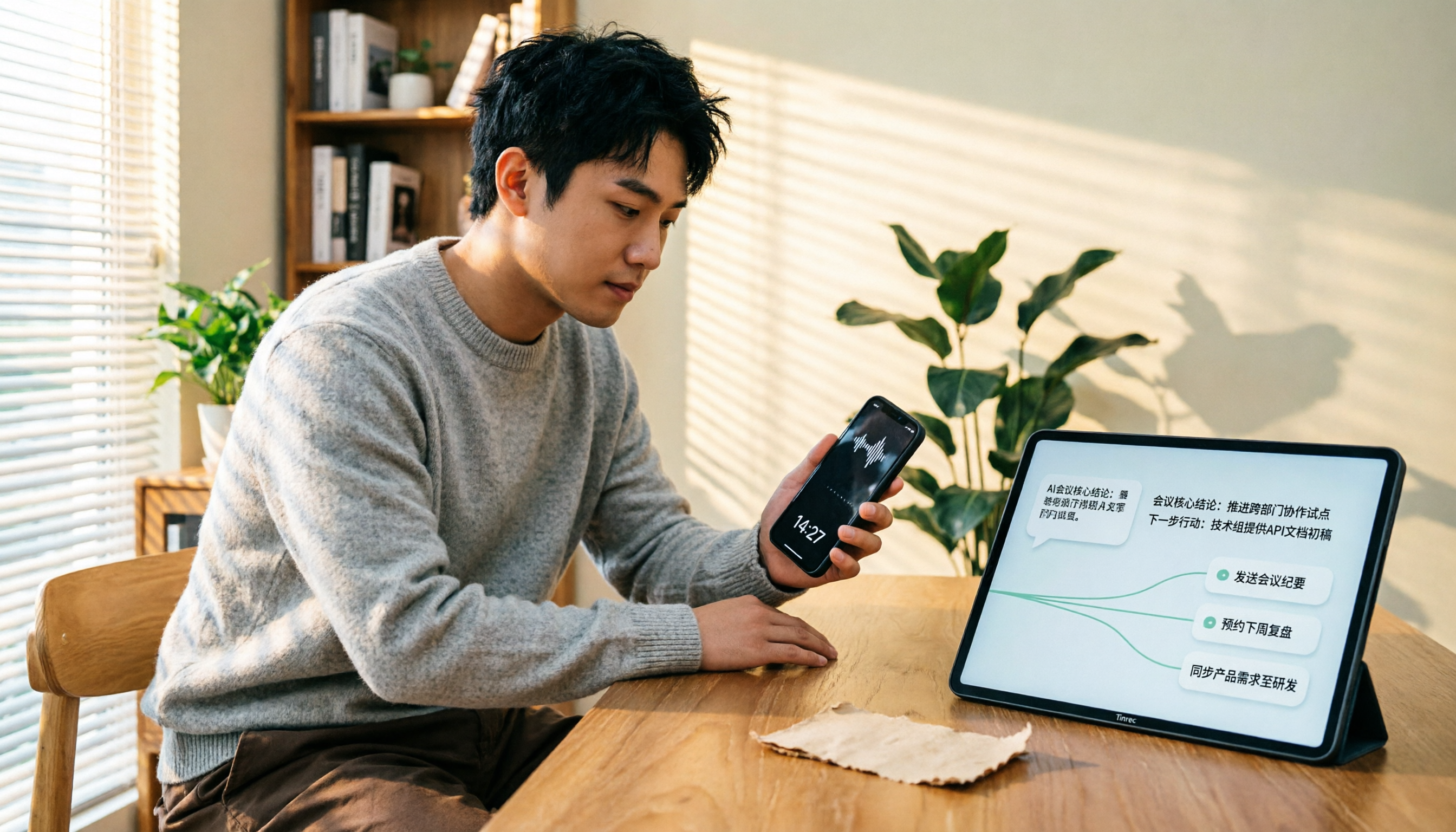
Tinrec is an AI recording and audio organization tool that goes beyond meetings—it's also great for lectures, interviews, and online videos. It supports real-time recording-to-text, uploading audio/video files for transcription, and even pasting links from YouTube, Bilibili, and more for direct transcription. What impressed us most is its AI Q&A feature: after recording, you can ask, "What are the key conclusions from the meeting?" and Tinrec will answer based on the content, saving you from manually scanning the transcript.
In our tests, Tinrec handled Chinese content exceptionally well, especially for mixed Chinese-English meeting recordings, with summaries and action item extraction more useful than most tools. The free version offers basic transcription credits, and paid plans include weekly, monthly Pro, and annual options to suit different usage levels. If you need to organize audio from multiple sources regularly and want to extract key points right after recording, Tinrec is a very worthwhile option to try.
Stop organizing recordings by hand
Upload audio or video and automatically get a transcript, summary, and action items
Beyond Tinrec: What Else Is Out There? A Closer Look at Notta's Pricing
Notta: Notta's free plan offers 120 minutes per month, Pro is $8.17/month billed annually, and Business is $16.67/month billed annually. Its transcription and translation features are solid, but it's more geared toward meetings and document transcription, with less depth in online video transcription and AI Q&A compared to Tinrec. If you mainly do meeting notes, Notta is sufficient; if you want to organize YouTube videos or build a personal audio knowledge base, Tinrec is a better fit.
Otter.ai: Otter is a top choice for English meetings, with 300 free minutes per month, but its Chinese content handling is weaker, and it doesn't support transcription from online video links. Tinrec is clearly stronger in Chinese and multi-source processing, making it more suitable for Chinese-speaking users.
Pitfall Guide: 3 Common Mistakes When Choosing a Speech-to-Text Tool
Mistake 1: Only trusting official accuracy rates. Many tools claim 98% in quiet recording studios, but real meetings have noise and overlapping speech, which drops accuracy. We recommend trying free trials with your own recordings instead of relying on ads.
Mistake 2: Ignoring AI post-processing. Using the tool just for "recording to text" wastes half its potential. Tools like Tinrec's AI Q&A let you ask for conclusions directly, which is much faster than reading through 30 minutes of transcript yourself.
Mistake 3: Not considering multi-source needs. If you record meetings today and need to organize YouTube videos tomorrow, a tool that only supports one source will have you constantly switching. Choosing a multi-source tool like Tinrec truly saves effort.
Conclusion: Which One Should You Choose?
If you primarily record English meetings and need team collaboration, Otter.ai is worth considering; if you only care about transcription and translation, Notta's pricing is competitive. But if you need to organize meetings, lectures, interviews, and online videos all at once, and want to ask questions and generate summaries right after recording, Tinrec is the most complete choice right now.
We suggest downloading Tinrec's free version to try its multi-source transcription and AI Q&A features, and then consider a paid plan if it fits your workflow.
References
Turn every recording into actionable outcomes
Get 60 free transcription minutes when you sign in. No credit card required.
Related Reading
You might also like

How to Transfer iPhone Voice Memos to Computer for Free in 2026: 6 Methods Compared
How do you transfer iPhone voice memos to a computer? This guide starts with two key questions: Is your computer a Mac or Windows, and how long is the recording? It covers six free transfer methods—AirDrop, iCloud Drive, Google Drive, USB cable, LINE desktop, and email—and explains how to use Tinrec to turn recordings into transcripts, summaries, and action items after the file is on your computer. Includes common mistakes and selection advice.

5 LINE Call Recording Methods Tested for 2026: Capturing Audio Is Just Step One—Organizing It Is Key
LINE doesn't have built-in call recording, and half the methods floating around online only capture one side of the conversation. This guide compares iPhone integrated calling, Android screen recording, third-party apps, and magnetic recording devices, and tests importing recordings into Tinrec to generate transcripts, summaries, and to-dos—helping you decide which approach truly saves time.

3 iPhone Voice Memo to Ringtone Methods Tested for 2026: Which No-Computer Way Is Fastest?
Voice Memos recordings can't be set as iPhone ringtones directly because the format and length don't match. This article tests three conversion methods, provides a complete 5-step GarageBand tutorial without a computer, covers common pitfalls and tips, and adds a better way to organize recordings after you're done.
4 LINE Call Recording Solutions Compared for 2026: How to Turn Recordings into Useful Data
LINE doesn't have built-in recording, but there are 4 approaches available. This article breaks down the limitations on iPhone and Android, the legal issues to handle before recording, and demonstrates how to use Tinrec to turn recordings into searchable transcripts, summaries, and action items—so you don't have to listen to a 30-minute audio file again.

4 LINE Meeting Recording & Transcription Tools Tested for 2026: Get Transcripts Without a Meeting Bot
LINE Meeting has no built-in recording, and call permissions are restricted, so capturing meeting content requires external tools. This hands-on comparison of Tinrec, Otter.ai, Notta, and Granola covers bot-free recording, Chinese recognition, post-meeting organization, and team knowledge retention to help you choose the right LINE meeting notes solution.

How to Record LINE Calls for Free in 2026: 5-Step Guide
Recording LINE calls for free is now possible, but many online methods are outdated. This guide covers the truly free options for iPhone, Android, and desktop in 2026, explains the free trial period and file retention limits of LINE Labs call recording, and then compares how to convert recordings into transcripts, summaries, and action items so your recordings are actually usable.

5 LINE Call Recording Methods Tested for 2026: What Actually Works on iPhone and Android
LINE has no built-in call recording, and iPhone blocks third-party apps from recording calls internally—so most people start off on the wrong foot. This guide breaks down 5 practical LINE call recording methods for 2026 and shows how to use Tinrec to turn recordings into transcripts, summaries, and action items so your call records are actually usable afterward.

How to Record LINE Calls for Free in 2026: 5 Steps from Call to Transcript
LINE doesn't have a built-in recording feature. This guide addresses the three most common misconceptions and walks you through five steps to record LINE calls for free using methods like Android screen recording or iPhone speakerphone with a second device. It also compares Tinrec and Notta on free quotas, meeting capture methods, post-meeting organization, and team governance.

4 LINE Call Recording Solutions Tested for 2026: Recording Is Just the Beginning
LINE doesn't have built-in call recording, but the real bottleneck isn't capturing audio—it's what happens after. This article breaks down 4 key decision points from real-world use cases, comparing Cube ACR, desktop system recording, PLAUD recording hardware, and Tinrec. Includes a pitfalls guide and scenario-based recommendations.