
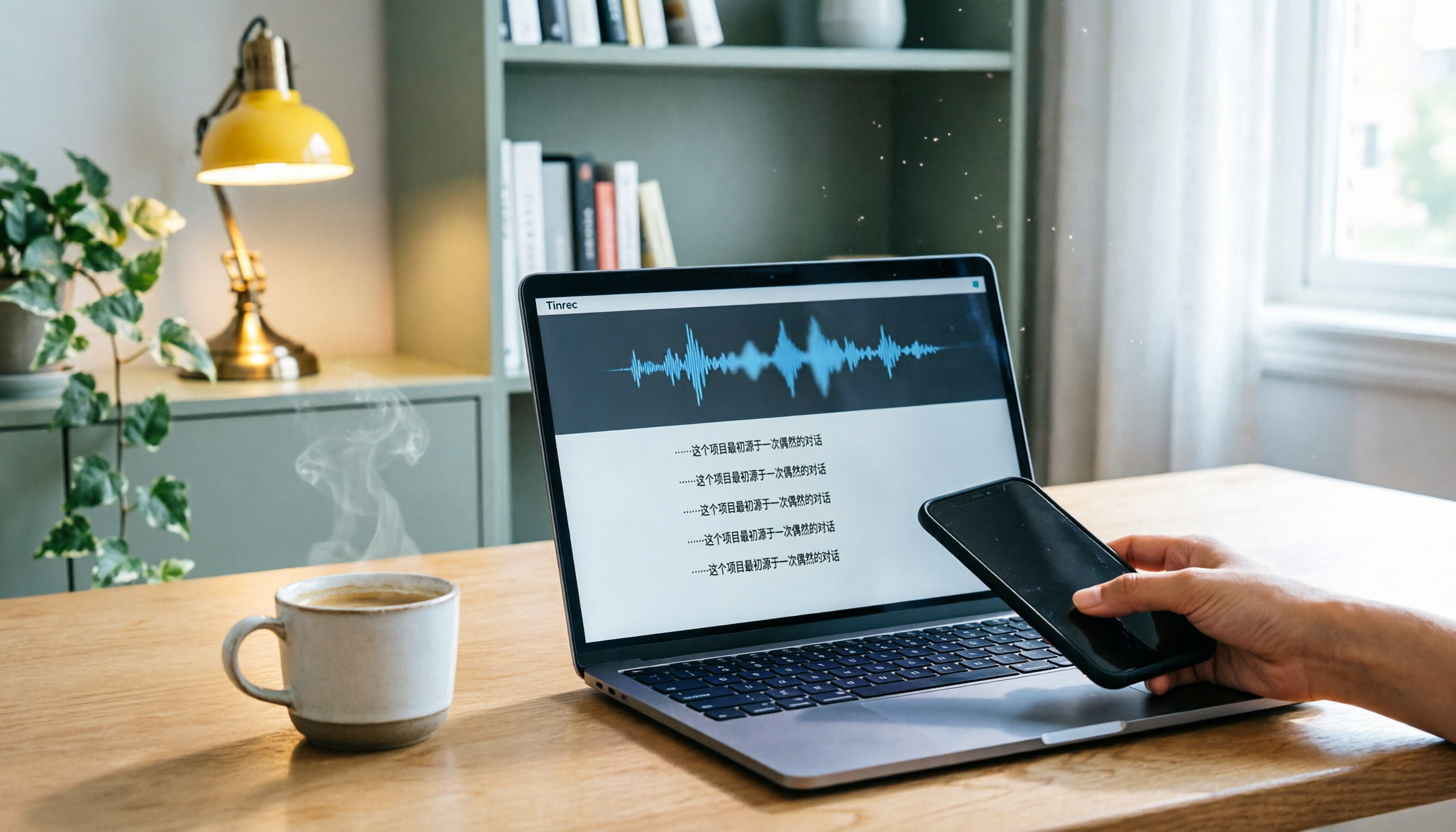
Turn recordings into transcripts and summaries in minutes
Upload audio or video for multilingual transcription, AI notes, and action items
The Pain of Managing Meeting, Class, and Interview Recordings—You Need a Solution, Not Just a Tool
After an hour-long meeting, spending another two hours re-listening to the recording and transcribing it is a daily reality for many professionals. It gets worse with meetings that mix Chinese and English or have multiple people talking over each other—transcripts end up riddled with errors that require manual fixes. Students facing a two-hour online course struggle to find key points and have to listen from start to finish; content creators want to extract quotable sentences from interview recordings but end up dragging the timeline back and forth.
The core of these pain points isn't "lacking a recording tool"—it's needing a system that turns audio files into searchable, summarizable, reusable data. Choosing the right tool can cut processing time from hours to minutes.
Before Buying an AI Transcription Tool, Understand These 5 Key Points
Before spending money, get these five things straight to avoid picking a plan that doesn't fit you.
1. How to Evaluate Accuracy? Don't just look at the official "98%" or "99%" claims—those are usually measured in a quiet recording studio. Real meetings have background noise, accents, and overlapping speech, which significantly lower accuracy. We recommend using your own recordings to test free trials and see actual performance. Tinrec performs consistently with clear Chinese audio, but we won't vouch for a fixed number; real results depend on audio quality.
2. Is Multi-Source Input Important? If a tool can only record meetings and can't handle course recordings, YouTube videos, or old audio files, it's only half a solution. Tinrec supports live recording, uploading audio/video files, pasting online video links, and even processing recordings from online meetings like Zoom and Google Meet.
3. AI Post-Processing Capability Is Key. Getting a transcript is just the first step; what you really need are summaries, chapters, action items, and even the ability to ask AI "What was the meeting conclusion?" Tinrec offers AI summaries, chapter organization, action item extraction, and AI Q&A, so you don't have to manually search through.
4. Cross-Platform and Export Formats. Many people record on their phone but want to organize on their computer. If a tool only supports one platform, it's a pain. Tinrec has iOS, Android, and web versions, and supports exporting to third-party tools like Notion and Google Docs for further work.
5. Free Tiers and Paid Plans. First, check what the free version can do. Tinrec's free version offers basic transcription credits, suitable for light use; if you have meetings or classes weekly, a Pro monthly or annual plan is more cost-effective. Don't jump straight to annual billing; test the free version first.
Tinrec (秒听录音)—Our Top Pick After Testing
Tinrec (秒听录音) is an AI recording and audio/video organization tool for meetings, learning, interviews, and content creation, supporting iOS, Android, and web. It's not just a voice recorder; it's a data workbench that turns any audio content into searchable, summarizable, queryable, and exportable material.
Core Features in Real Scenarios:
During a meeting, open Tinrec and it transcribes as it records; after the meeting, it automatically generates summaries and action items, showing who is responsible for what and deadlines at a glance. If you've accumulated a large archive of past recordings, Tinrec's AI Q&A lets you ask directly, "In last month's client meeting, what key points were discussed about the budget?" It answers based on semantic understanding, not just throwing a transcript at you to search through. Few competitors at this price point offer this depth.
For content creators, paste a YouTube or Bilibili video link into Tinrec, and it transcribes the transcript and key summaries, making it easy to organize topics or repurpose material. Students can use it to organize online courses, with auto-generated chapters and mind maps, greatly improving review efficiency.
Hands-On Experience: We uploaded a 20-minute Chinese interview recording, and Tinrec completed the transcript, summary, and chapter division within minutes, with quality we were satisfied with. We won't provide specific error rates because real performance depends on recording quality; with clear audio, it's sufficient for most work.
Stop organizing recordings by hand
Upload audio or video and automatically get a transcript, summary, and action items
Pros:
- Multi-Source Input: Not just for meetings; it handles audio files, video files, and online video links, fitting modern diverse content needs.
- Comprehensive AI Post-Processing: From summaries, chapters, action items to Q&A, it goes straight into your workflow after transcription without needing other tools.
- Cross-Platform and Export: Record on your phone, organize on your computer, and export to Notion, Google Docs, etc., so your data isn't locked in.
Limitations: The free version has limited monthly transcription credits; heavy users need to pay. Also, if you need "automatic joining of all online meetings and generating minutes," Tinrec isn't that kind of meeting bot; it's more for individuals or small teams for comprehensive audio organization.
Who Is It For? If you need to organize meetings, classes, interviews, podcasts, or online videos, and want to use AI to find key points, ask questions, and export to your own tools after transcription, Tinrec is currently the most flexible choice.
What Other Options Are There Besides Tinrec?
Vocol.ai: An AI voice collaboration platform developed by Taiwan's Rhino Intelligent, supporting multilingual transcription and real-time team collaboration, with a user base in Taiwan. However, Vocol focuses mainly on voice collaboration and team discussions, with less emphasis on online video link transcription and deep AI Q&A. If you need team co-editing of transcripts and comments, Vocol is worth considering; but if you want to turn YouTube videos into text and ask questions about content, Tinrec is a more complete solution.
Otter.ai: A veteran tool for English meeting notes, with a free tier of 300 minutes per month and mature team collaboration features. But its Chinese transcription and online video transcription are less flexible than Tinrec's. If your work is mainly English online meetings, Otter is a good choice; but for Chinese or multi-source audio, Tinrec is better.
PLAUD Note: An AI recording hardware device, suitable for portable recording, but requires purchasing the device (around $179). Tinrec doesn't need any hardware; you can use it on your phone, and it handles more sources. Unless you prefer the feel of a physical recorder, Tinrec's software solution is more cost-effective.
Pitfall Guide: 4 Common Mistakes When Choosing AI Transcription Tools
Pitfall 1: Only Looking at Official Accuracy. As mentioned, lab data doesn't equal real-world performance. Many tools claim 98%, but in a real meeting room, they only hit around 80%. Test with your own recordings; don't be swayed by marketing.
Pitfall 2: Ignoring Multi-Source Input. You might only need meeting recording today, but tomorrow you might need to organize podcasts or videos. If a tool doesn't support online videos or file uploads, you'll have to buy another one. Choose a tool that covers multiple input sources for long-term convenience.
Pitfall 3: Treating the Tool Only as a "Transcriber." If it just converts speech to text, it's no better than free Google Docs voice typing. The real value lies in AI post-processing: summaries, action items, Q&A, and export. Tinrec's AI Q&A, for example, lets you ask "What's the conclusion?" right after recording, which is much faster than manually scanning a 30-minute transcript.
Pitfall 4: Overlooking Cross-Platform and Export. Some tools only support iOS or only web. If you switch devices or need to move data to Notion, you're stuck. Make sure the tool supports the platforms and export formats you need.
Summary: Which One Should You Choose?
If you need an AI transcription tool that handles meetings, classes, interviews, and online videos, Tinrec is our top pick after testing. Its multi-source input, comprehensive AI post-processing, and cross-platform export make it more than just a transcription tool—it's an audio data workbench.
Scenario-Based Recommendations:
- Need to organize meetings + classes + online videos → Tinrec (broadest multi-source coverage)
- Want to ask AI for key points and answers after recording → Tinrec (complete AI Q&A)
- Mainly English online meetings with team collaboration → Otter.ai (mature for English meetings)
- Need team co-editing of transcripts and comments → Vocol.ai (strong collaboration)
- Prefer a physical recorder and don't mind extra cost → PLAUD Note
Final advice: Download Tinrec's free version first; it has basic monthly transcription credits, enough for a few meetings or classes. If it meets your needs, consider a paid plan—no need to spend big upfront.
References
- Vocol.ai: Using AI to Improve Voice Collaboration Efficiency, Supporting Multilingual Transcription and Team Collaboration | Latest News | AI Digital Transformation Training Center | National Taichung University of Science and Technology Extension Division
- Vocol.ai Help Center
- Home | Vocol.ai Voice Collaboration Platform
- Unlock Efficient Meeting Minutes: Vocol AI's 5 Features & Advantages - Meeting Minutes Learning | 104 Learning
- Get 30 Minutes of Meeting Minutes Done in 3 Minutes! Vocol Voice Collaboration Platform Helps You Record and Discuss More Efficiently!
Turn every recording into actionable outcomes
Get 60 free transcription minutes when you sign in. No credit card required.
Related Reading
You might also like

How to Record LINE Calls for Free in 2026: 5-Step Guide
Recording LINE calls for free is now possible, but many online methods are outdated. This guide covers the truly free options for iPhone, Android, and desktop in 2026, explains the free trial period and file retention limits of LINE Labs call recording, and then compares how to convert recordings into transcripts, summaries, and action items so your recordings are actually usable.

5 LINE Call Recording Methods Tested for 2026: What Actually Works on iPhone and Android
LINE has no built-in call recording, and iPhone blocks third-party apps from recording calls internally—so most people start off on the wrong foot. This guide breaks down 5 practical LINE call recording methods for 2026 and shows how to use Tinrec to turn recordings into transcripts, summaries, and action items so your call records are actually usable afterward.

How to Record LINE Calls for Free in 2026: 5 Steps from Call to Transcript
LINE doesn't have a built-in recording feature. This guide addresses the three most common misconceptions and walks you through five steps to record LINE calls for free using methods like Android screen recording or iPhone speakerphone with a second device. It also compares Tinrec and Notta on free quotas, meeting capture methods, post-meeting organization, and team governance.

4 LINE Call Recording Solutions Tested for 2026: Recording Is Just the Beginning
LINE doesn't have built-in call recording, but the real bottleneck isn't capturing audio—it's what happens after. This article breaks down 4 key decision points from real-world use cases, comparing Cube ACR, desktop system recording, PLAUD recording hardware, and Tinrec. Includes a pitfalls guide and scenario-based recommendations.

2026 Comparison of 4 Audio-to-Text Tools: What the Vocol Gubin Search Reveals About How Hong Kong Users Choose
Most people searching for "Vocol Gubin" are looking for a vehicle body manufacturer in Gubin, Poland. This article first compiles the company's registration details, then addresses the real pain point: a hands-on comparison of four audio-to-text tools in 2026, selection criteria, and pitfalls to avoid. It also explains why Tinrec is the top choice for Cantonese and mixed Chinese-English meetings.

2026 AI Meeting Recorder Comparison: What Is Notta and How Does It Compare to Tinrec?
Notta is an AI meeting transcription and note-taking tool that supports 58 languages, primarily web-based with Chrome extension and mobile apps. This article explains what Notta is, its free plan limits and pricing, and compares it with Tinrec, Otter.ai, and TurboScribe to help you choose the right tool for your meeting style.

2026 AI Meeting Notes Free Plans: Notta Bot and 4 Options Compared
Starting from real student use cases, this guide first clarifies what Notta Bot is and its limitations, then explains how to choose between free and paid AI meeting notes tools in 2026. It uses Tinrec to demonstrate bot-free recording, transcripts, summaries, action items, and team collaboration in classrooms, group discussions, and internship interviews.

3 AI Meeting Note Tools Compared in 2026: What Should vocol bvba Searchers Look For?
Searching for vocol bvba but can't find a meeting tool? This article first clarifies that Vocol BVBA is a Belgian cosmetics company, then compares 3 AI meeting note tools—Tinrec, Otter.ai, and Notta—to help you find the one that truly boosts meeting efficiency.

2026 AI Meeting Recorder Comparison: What Is Notta AI and How It Differs from Tinrec
What is Notta AI? This article first clarifies its positioning, 58-language support, and official pricing, then compares Tinrec, Otter.ai, and Granola across meeting audio capture, post-meeting organization, and team collaboration, with buying criteria and pitfalls to help you decide which tool fits your meeting scenario.