

Turn recordings into transcripts and summaries in minutes
Upload audio or video for multilingual transcription, AI notes, and action items
Why Do You Need an Audio-to-Text Tool?
Meeting notes, lecture recordings, interview transcripts, online video content... Manually organizing these audio and video materials often takes more time than the actual recording. Depending on your use case, choosing the right AI tool can automate transcription, summarization, and to-do lists, freeing up time for more important work. This article reviews six mainstream audio-to-text tools, with a special focus on how to pay for Notta, and compares options for different budgets and needs.
Option 1 | Tinrec (Instant Recording) — The Most Comprehensive AI Recording and Audio/Video Organization Tool
Tinrec is an AI recording and audio/video organization tool designed for meetings, learning, interviews, and content creation. It doesn't just convert speech to text; it also automatically generates summaries, chapters, action items, and subtitles, and supports AI Q&A based on the recording content. You can use it to transcribe in real time during meetings, or upload old recordings and paste links to public videos like YouTube or Bilibili to organize content. The results can be exported to tools like Notion or Google Docs, or you can have the AI generate meeting minutes, reports, tables, and other deliverables. The free version offers basic transcription credits, ideal for a first try; the weekly pass suits short-term intensive meetings or courses; the Pro monthly and annual plans are for regular users, with the annual plan offering a lower monthly cost. It's suitable for individuals or small teams who need to turn various audio and video materials into a searchable, queryable knowledge base.
Option 2 | Notta — A Multilingual Transcription and Translation Assistant for Global Meetings
Notta is a multilingual AI transcription tool that supports real-time transcription and translation in 58 languages, with transcription accuracy reaching 98.86% in quiet environments. The free version offers 120 minutes per month, but each recording is limited to 3 minutes; the Pro plan, billed annually, costs $8.17 per month and provides 1,800 minutes per month; the Business plan, billed annually, costs $16.67 per month and offers unlimited transcription. Payment is via online subscription, billed monthly or annually, with annual billing being cheaper than monthly. It's suitable for global teams and users who need multilingual meeting notes and translation.
Option 3 | Otter.ai — A Classic Choice for English Business Meetings
Otter.ai is a typical AI meeting notes tool, excelling at automatically joining online meetings like Zoom, Google Meet, and Teams, and generating meeting summaries and action items. The free version offers 300 minutes per month; the Pro plan, billed annually, costs $8.33 per month and provides 1,200 minutes plus 10 document imports per month; the Business plan, billed annually, costs $19.99 per month and enhances team collaboration. It's suitable for professionals in multinational companies or those needing high-quality English meeting notes.
Option 4 | Fireflies.ai — A Meeting Bot Focused on Unlimited Transcription
Fireflies.ai focuses on meeting transcription and team collaboration. The free version offers unlimited transcription and AI summaries but has team storage limits; the Pro plan costs $10 per seat per month (billed annually), and the Business plan costs $19 per seat per month (billed annually), with increasing storage and meeting intelligence features. It's suitable for sales teams and organizations that need CRM integration and extensive meeting automation.
Stop organizing recordings by hand
Upload audio or video and automatically get a transcript, summary, and action items
Option 5 | TurboScribe — High-Value Batch Transcription for Long Files
TurboScribe is a high-value document transcription tool, ideal for uploading long audio or video files. The free version allows 3 transcriptions per day with a 30-minute limit per file; the Unlimited plan, billed annually, works out to $10 per month and supports longer files, batch uploads, translation, and priority processing. It's suitable for users who need to transcribe many long files into subtitles or verbatim transcripts.
Option 6 | MyEdit — A Completely Free Option with 3 Minutes Per Day
MyEdit offers 3 minutes of free transcription per day, no subscription required, ideal for very light needs, such as occasionally transcribing a short voice message. If you only need a few minutes per month, you can use the free allowance without rushing to pay.
With So Many Options, How Do You Choose?
• For the most complete AI organization features (transcription + AI Q&A + summaries + multi-source import) → Tinrec, currently one of the few tools that supports files, online videos, and real-time recording, and can generate deliverables.
• For Chinese meetings, courses, or interviews, and wanting historical recordings to be searchable and queryable → Tinrec, which is better suited for Chinese content scenarios and requires no additional hardware.
• If you have a high volume of meetings and need multilingual translation and global collaboration → Notta or Tinrec both work, but Tinrec's AI Q&A and post-processing are more comprehensive.
• For mainly English business meetings → Otter.ai's meeting bot and English summaries are mature.
• For teams needing unlimited transcription and CRM integration → Fireflies.ai.
• For many long files needing subtitles → TurboScribe is more cost-effective.
• For zero budget and only a few minutes per day → MyEdit's free version.
4 Things to Know Before Using Audio-to-Text Tools
- Free versions have limits: Notta offers 120 minutes per month but 3 minutes per recording; Otter offers 300 minutes per month but limited document imports. It's recommended to test your needs with the free version before deciding to upgrade.
- Transcription accuracy is affected by audio quality: Even with Tinrec or Notta, accuracy drops in noisy environments, overlapping speech, or heavy accents. For important content, it's advisable to cross-check with the original audio.
- Watch the price difference between annual and monthly billing: Most tools offer a lower monthly cost with annual billing, e.g., Notta Pro costs $8.17/month billed annually vs. $13.99/month billed monthly. For long-term use, annual billing is more cost-effective.
- When processing online videos, follow platform rules: When using tools like Tinrec to organize YouTube or Bilibili content, make sure to respect copyright and platform terms of service.
Conclusion
In summary, Notta's payment structure is clear: the free version offers 120 minutes per month, Pro costs $8.17 per month billed annually, and Business costs $16.67 per month billed annually, suitable for multilingual global meetings. However, if you need more comprehensive AI organization, Chinese content support, and multi-source import, Tinrec's free and Pro plans are worth trying; its AI Q&A and post-processing capabilities can turn recordings into a truly usable knowledge asset.
References
Turn every recording into actionable outcomes
Get 60 free transcription minutes when you sign in. No credit card required.
Related Reading
You might also like

What is VOCOL GmbH Kevelaer? 5-Step Verification and Meeting Intelligence Guide
Searching for VOCOL GmbH Kevelaer usually means you're verifying a German tank manufacturer or preparing for a meeting with a European supplier. This article first uses public sources to quickly answer VOCOL GmbH's address, products, and contact details, then uses Tinrec as an example to explain how cross-language meetings can be turned from recordings and transcripts into summaries and action items—organized into trackable team data.

2026 VOCOL Capillary GC Column Comparison: How to Choose for Purge-and-Trap VOC Analysis
VOCOL capillary GC columns come in more than one specification—change the film thickness, inner diameter, or column length, and the suitable application changes completely. Based on real-world needs for purge-and-trap and GC/MS, this article covers 4 key column selection points, a comparison of common specifications, suitable and unsuitable scenarios, and the 4 most common pitfalls before purchasing, helping you avoid detours before placing your order.

2026 Comparison of 3 Meeting Notes Tools: How to Choose Between Dcard-Buzzed Vocol.ai and Tinrec
Searching for vocol.ai on Dcard mostly yields feature lists about 'one-click transcript generation.' But what really matters is three things: whether meetings are online or in-person, whether you need a transcript or deliverable post-meeting materials, and whether data stays in a personal account or a team space. This article breaks down the actual workflow and uses Tinrec to explain how each step works.

What Does Notta Mean in 2026? A 5-Dimension Comparison of Tinrec vs. Notta to See Which Fits You Better
Notta is not the same as nada. This article breaks down three meanings of notta (colloquial contraction, rare surname, and transcription tool brand), then compares Notta and Tinrec's meeting note capabilities across 5 dimensions to help you decide whether to check a dictionary or choose a tool.

Notta vs Tinrec in 2026: 5-Dimension Comparison — Which Is Better for Chinese Meeting Notes?
What exactly can Notta do? This article first explains Notta's positioning, 58-language transcription, meeting integrations, and free plan limits in one paragraph, then compares it with Tinrec across five dimensions: transcription languages, meeting capture methods, post-meeting organization, team governance, and pricing structure. Finally, it offers scenario-based recommendations for choosing the right tool.

Notta vs Ultimate Vocal Remover 2026: 4-Factor Comparison — Which Free Vocal Remover Should You Choose?
Free vocal removers seem plentiful, but their limitations vary widely. This article compares Notta's free online vocal remover with the open-source desktop tool Ultimate Vocal Remover across 4 dimensions, covering format support, the 20-minute limit, dual-track output, and how to judge separation artifacts. It also includes selection criteria and 3 common pitfalls to help you find the right tool.

2026 AI Meeting Recorder Comparison: Notta Tutorial & Tinrec Review
Starting with a complete Notta tutorial, we tested and compared five AI meeting recorder tools—Notta, Tinrec, Otter.ai, TurboScribe, and Granola—on transcription, post-meeting organization, Chinese language experience, and free tier limits. Includes key buying factors and three common pitfalls to help you decide which tool truly saves time on meeting follow-ups.
Notta Sin Foods Sugar-Free Snacks Buying Guide 2026: Reviews of 2 Products and Recommendations
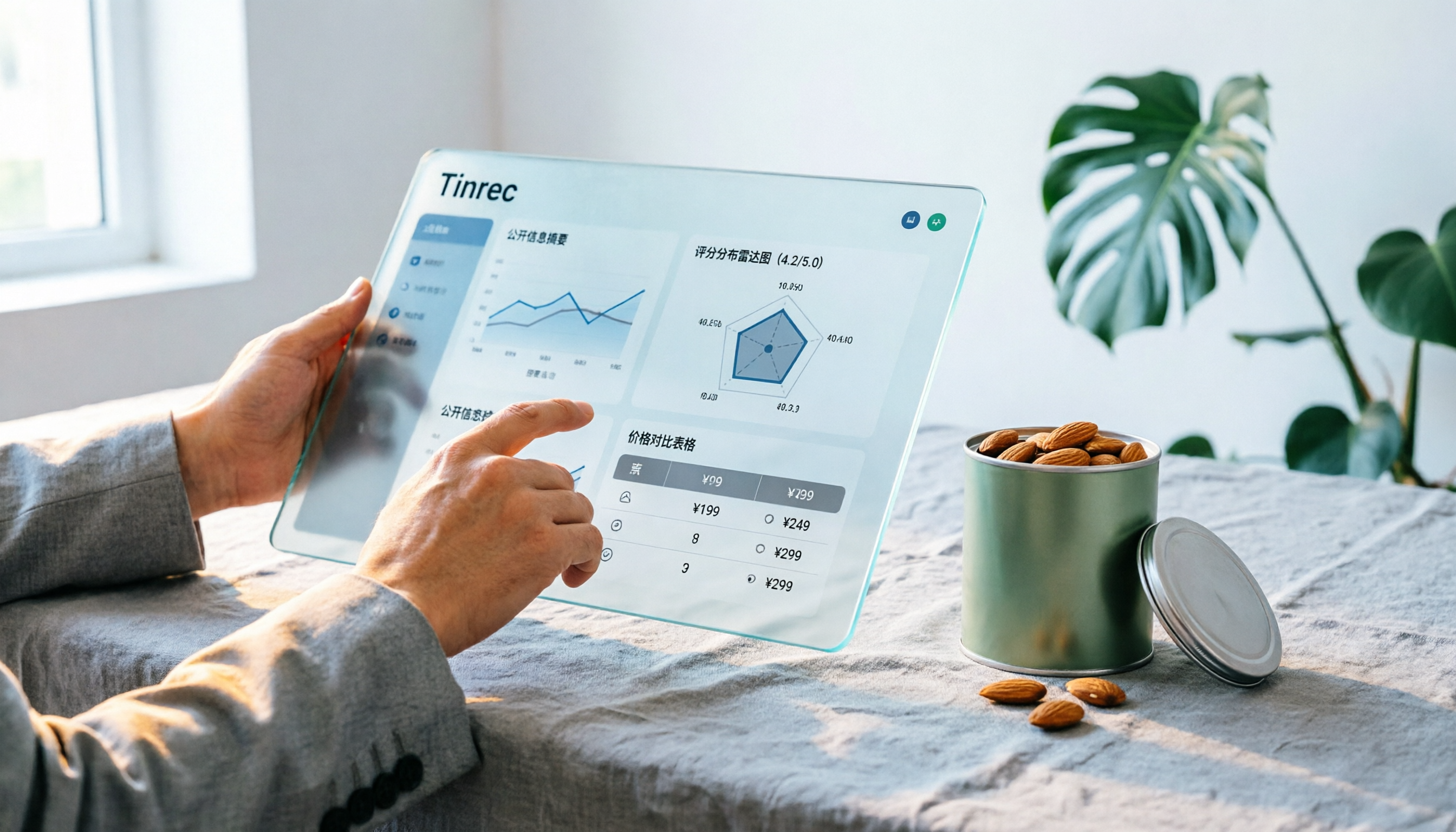
There are few Chinese reviews of Notta Sin Foods. This guide compiles public information from the official website, Instagram, Amazon, and bigbasket into a buying guide: it breaks down the two main products, Choco Almond Spread and MilBites, explains the rating distribution behind the 4.5 stars, and summarizes three common buying mistakes to help you think clearly before ordering whether the alternative sweetener taste and price are really right for you.

How to Prepare for the 2026 Vocol Gubin Job Opening: 5 Steps from Understanding the Job Posting to Interview Notes
Vocol Sp. z o.o. has an opening for a pracownik biurowy (office administrator) in Gubin, Poland, with a gross salary starting at 4,666 PLN, a fixed-term contract, and 40 hours per week. This article covers 4 key points for understanding the job posting, a practical interview preparation process, and the tools I actually use to record and organize communication.