
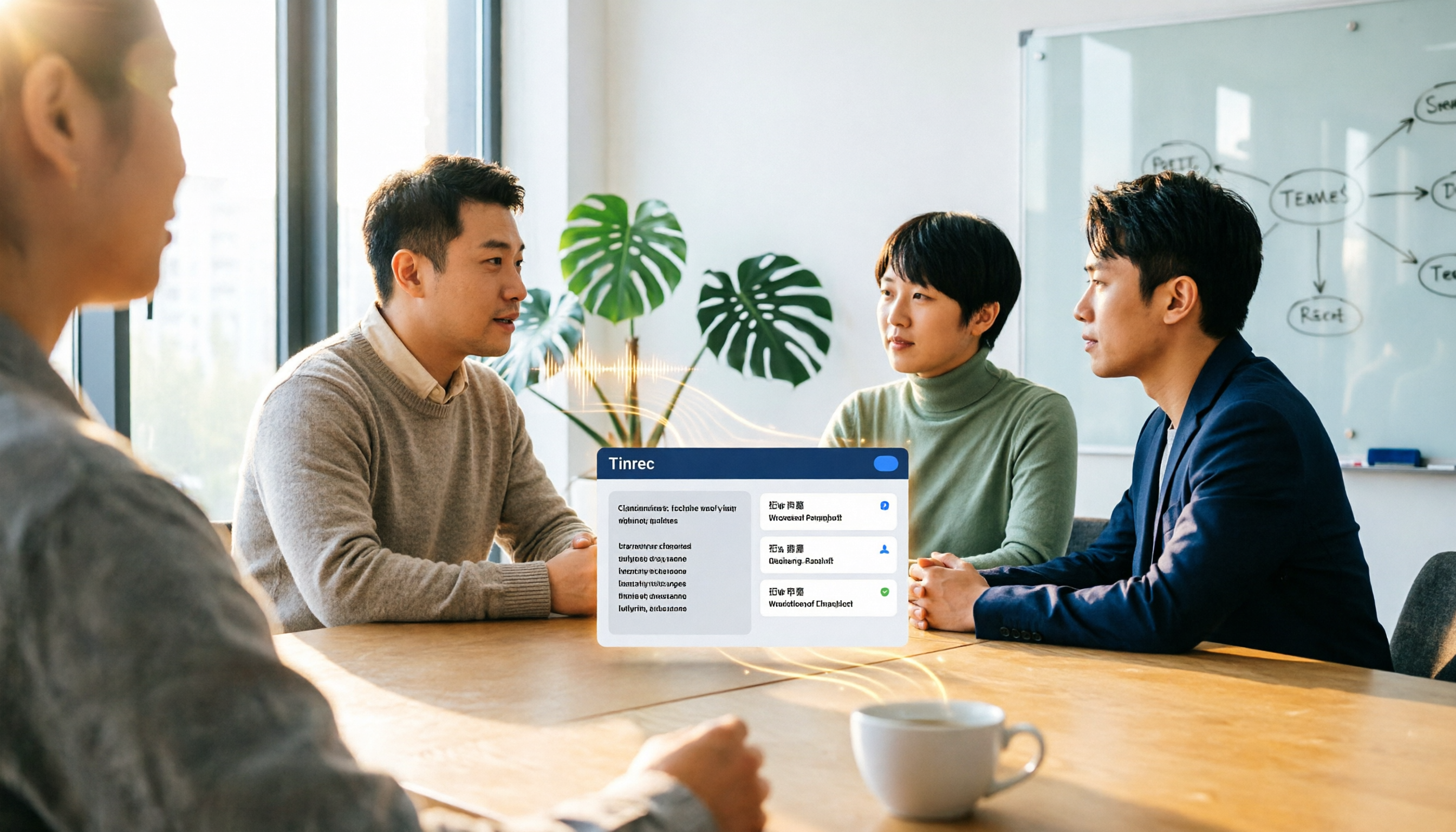
Turn recordings into transcripts and summaries in minutes
Upload audio or video for multilingual transcription, AI notes, and action items
Two Hours in Meetings, Two More Transcribing? You Don't Need a Tool—You Need a Solution
Two hours in a meeting, then two more hours writing up the minutes—that's the daily grind for most professionals.
What's worse is when meetings mix Chinese and English, or when multiple people talk over each other and you can't tell who said what.
If this sounds familiar, this article is for you.
Before Choosing a Speech-to-Text Tool, Understand These 4 Key Points
Accuracy: Don't Just Trust the Official 98% Claim.
Many tools tout high accuracy, but that's measured in a quiet recording studio. Real meetings have air conditioning hum, keyboard clatter, and people talking over each other, which can significantly drop accuracy. We recommend testing with your own recordings using free trials.
AI Post-Processing: What Can You Do After the Text Is Generated?
A transcript is just the first step. If a tool only converts speech to text, you still have to find the key points and compile action items yourself. A good tool should automatically generate summaries, chapters, and to-dos, and even let you ask the AI, "What was the meeting's conclusion?"
Cross-Platform and Team Collaboration: Will Your Data Be Scattered?
Many people record on their phones and then edit on their computers at home. If the tool doesn't support multiple devices or lack team spaces, historical meeting data can easily end up scattered across personal devices or chat logs, making it impossible for the team to search and reuse.
Free Tier: Is It Enough?
Free versions usually have limits, but the key is whether those limits get in the way of your daily work. If you occasionally transcribe a recording, the free tier is fine; if you have meetings every week, you'll need to check if the paid plans are reasonable.
Tinrec—Our Top Pick After Testing
Tinrec is an AI meeting notes and collaboration tool for individuals and teams, supporting live recording, bot-free online meeting transcription, audio/video file import, and real-time translation.
Record Online Meetings Without a Bot.
Tinrec's desktop app captures your computer's system audio directly, so you don't need to add a bot to Zoom, Google Meet, or Teams meetings. Just open the desktop app and start recording; it generates a transcript in real time.
Not Just a Transcript—It Organizes the Key Points for You.
After recording, Tinrec automatically generates summaries, chapters, key points, and action items. For example, after a project meeting, it will list "who is responsible for what and the deadline." Even better, you can ask the AI directly, "Who mentioned the budget in the last meeting?" It uses semantic understanding to answer, not just keyword search results.
Turn Meeting Data into a Team Asset.
Beyond the personal plan, Tinrec's team plan provides a dedicated team space where meeting recordings, transcripts, summaries, and to-dos are stored centrally. New members can access historical data, admins can allocate seats, view usage, and audit logs, and data remains even after members leave.
Test Results and Limitations.
Stop organizing recordings by hand
Upload audio or video and automatically get a transcript, summary, and action items
We tested a 5-minute Chinese meeting recording in a typical office environment (with background chatter). Tinrec's transcript was highly readable, and the summary and action item extraction were accurate, requiring minimal manual correction.
Note that the free tier has limited credits, so heavy users will need to upgrade. Also, for important decisions or figures, we recommend cross-checking with the original recording, as AI tools can still miss details.
Who Is It For?
If you need to record meetings in Chinese or bilingual settings, don't want to use meeting bots, want summaries and action items right after recording, or want to share meeting data with your team, Tinrec is currently the best fit.
Beyond Tinrec: What Other Options Are There?
Good Tape
A speech-to-text tool built by Danish media, based on OpenAI's Whisper technology, supporting over 100 languages and GDPR-compliant, with a usable free tier. Transcription accuracy is indeed good, but it's positioned more as a "transcription tool": no AI Q&A, no action item extraction, no team spaces, and Chinese text lacks automatic punctuation. The free tier is also slow. If you just need to quickly convert recordings to text, Good Tape is worth a try; but if you need post-meeting organization and team collaboration, Tinrec is more complete.
Otter.ai
A mature choice for English business meetings, with a generous free tier of 300 minutes per month, supporting live transcription, speaker identification, and AI Q&A. However, its Chinese experience isn't as tailored to users in Taiwan as Tinrec's, and some features require higher-tier plans. If you mainly record English meetings, Otter is a good option; but if you need Chinese meeting minutes, bot-free desktop recording, and team data management, Tinrec is more suitable.
Pitfall Guide: 3 Common Mistakes When Choosing a Speech-to-Text Tool
Pitfall 1: Only Looking at the Official Accuracy Claims.
Many tools claim 98% accuracy, but real meeting environments can cause significant drops. We recommend testing with your own recordings, not just relying on ads.
Pitfall 2: Ignoring Team Collaboration Needs.
If you're a solo user, a pure transcription tool is fine; but if your team needs to share meeting notes, lacking a team space can be painful. Tinrec's team plan centralizes meeting data, so you don't have to worry about data loss when team members change.
Pitfall 3: Treating the Tool as Just a Recording-to-Text Converter.
Using it only for transcripts means you're using only a third of its capabilities. Tools like Tinrec with AI Q&A, action item extraction, and third-party exports can help you quickly produce meeting reports, much faster than manually going through transcripts.
Summary: Which One Should You Choose?
If you only occasionally need to convert recordings to text, Good Tape's free tier can handle it.
But if you need to "turn meetings into searchable, collaborative, actionable team data," Tinrec is currently the top choice.
Recommendations by Scenario:
- Need Chinese meeting minutes, action items, and AI Q&A → Tinrec
- Don't want to use meeting bots for Zoom/Meet/Teams → Tinrec
- Want to share meeting data with your team, manage members and usage → Tinrec Team Plan
- Only need English transcripts and have zero budget → Otter.ai
- Just need simple speech-to-text and value GDPR → Good Tape
We recommend downloading Tinrec's free version to try it out, record an actual meeting to see the results, and consider upgrading if you find it useful.
References
- Overtaking Yating, journalists in tears: What makes Good Tape so amazing? | CommonWealth Magazine
- - Good Tape
- Good Tape Features, Pros and Cons, Pricing, and Tutorial [2024 Update]
- Good Tape: The Best Tool for Journalists to Convert Recordings to Transcripts | Future Commerce
- Good Tape: Automated Recording-to-Transcript Tool, Supports Chinese and Many Other Languages
Turn every recording into actionable outcomes
Get 60 free transcription minutes when you sign in. No credit card required.
Related Reading
You might also like

4 AI Meeting Assistants Tested for 2026: Which Free Version Is Actually Enough?
The meeting ends, but the real work begins. This hands-on comparison of Tinrec, Otter.ai, Notta, and Granola looks at how meetings are captured, what happens after transcription, whether audio is retained, and how team licensing works. We break down each tool's free tier, limits, and best-fit scenarios so you can decide which one truly saves you post-meeting cleanup time.

2026 AI Meeting Assistant Comparison: Which Type Actually Saves Post-Meeting Time?
AI meeting assistants aren't just about turning speech into text. This article starts from real mid-level manager meeting scenarios, breaks down the differences between meeting bots, built-in platform transcription, and bot-free desktop recording, and uses Tinrec to demonstrate the complete workflow from transcripts and summaries to action items, AI Q&A, and team knowledge retention. It also includes 5 key buying criteria and FAQs.

2026 AI Meeting Assistant Comparison: 4 Tools Tested from Recording to Minutes—Which Saves the Most Time?
How can you use an AI meeting assistant without wasting time? Starting from real meeting scenarios, this article breaks down how AI meeting assistants capture audio, what they produce after the meeting, their Chinese-language performance, and differences in quotas. It also walks through the complete Tinrec workflow—from recording, transcription, and summary action items to AI Q&A and team sharing—while briefly reviewing when Otter.ai, Notta, and Granola are suitable.

2026 AI Meeting Assistant Free Plans Compared: 5 Options at a Glance
Which AI meeting assistant is best? Instead of comparing feature tables, first determine what level you actually need. This article uses Tinrec's five plans—Free, Weekly Pass, Pro Monthly, Pro Annual, and Team—to break down the capabilities to look for, real-world use cases, and purchasing considerations, helping you decide if the free version is enough and when to upgrade.

2026 AI Meeting Assistant Comparison: 5 Tools Tested for Chinese Meetings and Post-Meeting Productivity
Most people choose an AI meeting assistant by looking at free minutes—that's the biggest pitfall. This hands-on comparison of Tinrec, Otter.ai, Fireflies.ai, Notta, and Granola examines how meetings are captured, what you get after transcription, and how team data is managed. Plus 5 buying checkpoints and FAQs to help you find the tool that truly saves time.

2024 AI Meeting Assistant Comparison: Which One Actually Saves Time on Chinese Meeting Notes?
A practical comparison of six popular AI meeting assistants in 2024, covering differences in no-bot recording, Chinese transcription, post-meeting summaries, action item extraction, and team knowledge retention. We also list each tool's free tier and paid pricing to help you decide which one truly saves time on meeting notes.

6 AI Meeting Assistants Tested for 2026: Which Handles Chinese Meetings and Post-Meeting Notes Best?
Meeting just ended, but no one remembers who owns the action items? This article reviews 6 AI meeting assistants in 2026, comparing Chinese transcription, bot-free recording, post-meeting summaries, and team collaboration to help you pick the one that truly saves time.

How to Use an AI Meeting Assistant in 2026: Tinrec in 4 Steps + Automatic Post-Meeting Organization
Many people install an AI meeting assistant but only use the recording feature. The key is whether you complete the four steps: record, transcribe, organize, and reuse. This article uses Tinrec as an example to break down the actual operation steps for three meeting scenarios, and compares the differences between the personal and team versions, including seats, quotas, and pricing, to help you assess your needs before purchasing and choose the right version.

2026 Comparison of 4 Online Sales Meeting Notes Tools: Which One Turns Customer Promises into Action Items?
Starting from the customer promises and action items most often missed in sales meetings, this comparison covers four types of online creation methods. Using Tinrec as an example, it demonstrates pre-meeting preparation, bot-free recording during meetings, post-meeting summaries and action item export, plus team edition governance and a buying FAQ.