
Turn recordings into transcripts and summaries in minutes
Upload audio or video for multilingual transcription, AI notes, and action items
Have you ever been in a LINE meeting for half an hour, only to realize you missed all the key points? LINE doesn't have built-in recording, so you have to rely on manual notes or external tools. But which method ensures you don't miss anything? That's the decision this article helps you make.
Why Are People Looking for Alternatives to LINE Meeting Recording?
LINE meetings are convenient—you can invite people with a link without adding friends, and you can join from both mobile and desktop. But the biggest limitation is that you can't record directly. iOS and Android have strict controls on using the microphone for recording during calls, and LINE doesn't offer an official record button.
Many people try using a second phone to record the audio externally, but that results in poor sound quality and background noise, making transcription a nightmare. If you switch to meeting software that supports recording, you have to re-invite everyone, which is a hassle.
If you're facing similar issues, Tinrec is worth checking out.
Tinrec vs. LINE Built-in Recording: What's the Core Difference?
Recording Capability
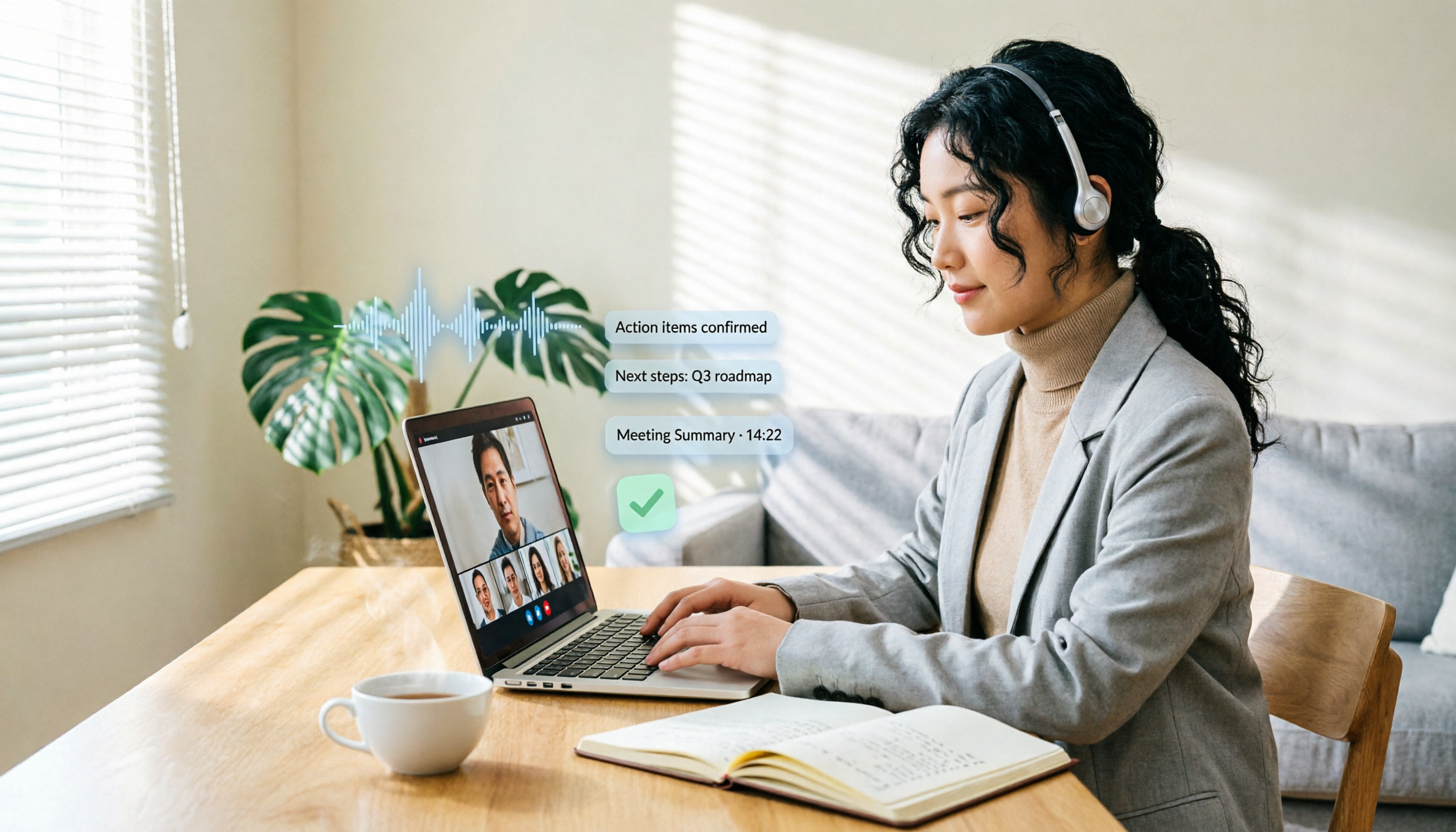
LINE meetings have no recording option at all—you're on your own. Tinrec desktop can capture your computer's system audio directly, no second device needed, and no bot to add to the meeting. Just keep the LINE meeting open on your computer, open Tinrec, hit record, and both sides' voices are captured in full.
Transcription Capability
Manual note-taking often misses details, but Tinrec transcribes as it records with less than 1 second of delay, showing text in real time on your screen. During the meeting, you can check if you've missed anything, and by the time the meeting ends, the transcript is already done.
AI Summarization
LINE can't help you summarize meeting content. Tinrec automatically generates summaries, chapters, and key points after recording, and can even extract action items. For a one-hour meeting, you don't need to spend three hours re-listening; just check the AI summary to know what was discussed and who's responsible for what.
Team Collaboration
LINE meeting notes stay on your personal device, making them hard to share with your team. Tinrec's team plan provides a dedicated team space where meeting data belongs to the team. Members can view past meetings, search content, track action items, and new members can quickly catch up on past discussions.
Tinrec's Core Features at a Glance
Bot-Free Online Meeting Recording: Tinrec desktop captures system audio directly, so no need to invite a bot to the meeting. Works with LINE, Zoom, Google Meet, and more. Open Tinrec, hit record, and both sides' voices are captured.
Real-Time Transcription: Transcribes as it records with less than 1 second of delay. You can watch the text live during the meeting to ensure audio quality, and the transcript is ready when the meeting ends.
AI Summaries and Action Items: After recording, Tinrec automatically organizes summaries, chapters, and key points, and lists action items from the discussion. You can ask Tinrec directly, "What was the meeting's conclusion?" or "Who's responsible for what?" and it will answer based on the content.
Multi-Format Export: Transcripts, summaries, and action items can be exported as documents or taken to tools like Notion, Google Docs, OneNote, etc., so you're not locked into one platform.
Team Space and Management: The team plan lets you create a dedicated space, invite members, allocate seats, and view usage and activity logs. Meeting data doesn't disappear when a member leaves, and admins can manage everything centrally.
Stop organizing recordings by hand
Upload audio or video and automatically get a transcript, summary, and action items
Real-World Use Cases
Online Meetings: Use your computer for a LINE meeting while running Tinrec desktop to record system audio. Transcripts are generated in real time, and summaries and action items are ready after the meeting, saving you time on note-taking.
In-Person Interviews: Open the Tinrec app on your phone to record and transcribe directly. You'll have a text transcript right after the interview, no need to re-listen.
Online Courses: Record online courses or lectures, and Tinrec organizes chapters and key points. When reviewing, just search for keywords to find important sections—much more efficient than listening from start to finish.
Personal Notes: For sudden ideas or key points from phone discussions, record a quick note, and Tinrec transcribes and stores it for future search and follow-up.
What to Look for When Choosing a Transcription Tool
Bot-Free Recording Support: Some tools require adding a bot to the meeting, which can disrupt participants and won't work on platforms like LINE that don't allow bots. Tinrec desktop captures system audio directly, avoiding this issue entirely.
Post-Transcription Processing: Getting just a transcript isn't enough. Tools that automatically generate summaries, action items, and support AI Q&A truly save time. Tinrec excels in this area.
Chinese Recognition Quality: If you often have meetings in Chinese, test the Chinese recognition performance. Tinrec supports Traditional Chinese, mixed Chinese-English, and even Taiwanese Hokkien and Cantonese, making it ideal for users in Taiwan.
Data Ownership and Team Collaboration: For personal use, the free or Pro plan may suffice. But if your team needs to share meeting data and manage members, look for team space and permission controls. Tinrec's team plan centralizes data, and member changes are handled smoothly.
Is the Free Plan Enough?: Tinrec's free plan offers basic credits to try recording, transcription, and summarization. Upgrade only after confirming it meets your needs—no need to pay upfront.
Conclusion: Is Tinrec Worth Trying?
If you're looking for a tool that can record LINE meetings without a second device or a bot, and automatically organize transcripts, summaries, and action items, Tinrec is one of the few options that meets all these criteria. Especially for Chinese meetings, its recognition and organization capabilities are well-suited to Taiwanese usage habits.
We recommend downloading the free version of Tinrec and testing it with your own LINE meetings. The free plan includes basic credits, so you can see if it's worth upgrading.
FAQ
Q: Can Tinrec record LINE meetings? A: Yes. Tinrec desktop captures your computer's system audio directly. As long as you have the LINE meeting open on your computer, open Tinrec and hit record, and both sides' voices will be captured in full—no second device or bot needed.
Q: What features are in the Tinrec free plan? A: The free plan provides basic credits to experience recording, audio transcription, AI summaries, and transcripts. If it meets your needs, you can consider upgrading to Pro or Team.
Q: How accurate is the transcription? A: Actual performance depends on audio quality, background noise, accents, and overlapping speech. We don't guarantee a fixed accuracy rate. However, with clear audio and common meeting scenarios, Tinrec provides high-quality transcription.
Q: What's the difference between Team and Personal plans? A: Personal plans keep data under your personal account. Team plans provide a dedicated team space where data belongs to the team, with added member management, seats, usage analytics, and audit logs.
Q: Are recordings retained? A: Yes, Tinrec supports retaining audio files. The team plan also includes an audio recycle bin, allowing recovery of accidentally deleted files within 30 days.
Q: What should I be aware of when using Tinrec to record? A: Please comply with local laws and obtain consent from participants when required. For important content, we recommend cross-checking the transcript with the audio playback, as AI-generated summaries may still miss details.
References
- Can LINE Meetings Be Recorded? 2026 Guide to Efficient Recording and Transcription Tools - Tinrec Blog
- Online Meeting Software Recommendation: No Installation, Supports 200-Person Video Conferencing | LINE WORKS
- Can LINE Calls Be Recorded? 2026 Complete Guide to LINE Meeting Recording and Transcription (Including iPhone/Android Solutions) - Tinrec Blog
- How to Use LINE Meetings - LINE Support Center
- How to Record LINE Video Calls | Bandicam Guide - Bandicam Blog
Turn every recording into actionable outcomes
Get 60 free transcription minutes when you sign in. No credit card required.
Related Reading
You might also like

2026 AI Meeting Assistant Comparison: Tinrec vs. Notta — Which Is Better for Chinese-Speaking Teams?
There are countless meeting tools, but only three key criteria really matter: how meeting audio gets in, whether the transcribed text is directly usable, and who ultimately holds the data. This article focuses on Tinrec, comparing it with Notta across key dimensions—meeting capture methods, Traditional Chinese experience, post-meeting organization workflow, quota pricing, and team governance—and includes practical use cases and purchasing considerations.

2026 AI Meeting Assistant Review: Bot-Free Recording + Post-Meeting AI Q&A
How to choose an AI meeting assistant in 2026? This review examines five key decision points: meeting bots, transcript quality, post-meeting AI Q&A, team data ownership, and quota calculation. We tested Tinrec, Otter.ai, Notta, and Granola, and compiled four common pitfalls to help you choose the right tool within your budget.

2026 AI Meeting Assistant Comparison: 4 Tools Tested to See Which Really Saves You Time
Online meetings never stop, and post-meeting cleanup is the real nightmare. This article focuses on how meetings are recorded and whether the output can be used directly, testing and comparing four AI meeting assistants: Tinrec, Otter.ai, Notta, and Granola. It outlines 5 key buying criteria and 4 common pitfalls to help you choose the one that truly saves time.

2026 AI Meeting Assistant Comparison: Tinrec vs Granola – Which Is Better for Chinese Meetings?
Most people looking for an AI meeting assistant first check how many free minutes they get, but that's actually the easiest way to make a mistake. This article compares two bot-free AI meeting assistants, Tinrec and Granola, across dimensions including meeting capture, audio retention, post-meeting outputs, Chinese language support, team governance, and pricing, to help you decide which one better fits your meeting scenarios.

2026 AI Meeting Assistant Free Plan Comparison: Tinrec vs Otter.ai – 5 Key Dimensions, Which Is Better for Chinese-Speaking Teams?
The most common pitfalls of free AI meeting assistants are insufficient quotas and getting only transcripts without summaries. This article compares Tinrec and Otter.ai across five dimensions: free quota, meeting recording method, Chinese language experience, post-meeting outputs, and team governance, to help you decide which one better fits your meeting scenarios.

Is There a Free AI Meeting Assistant in 2026? Tinrec Features and Free Tier Explained
AI meeting assistants do have free versions, but how the free quota is calculated and whether it's enough often matters more than whether it's free. Starting from real meeting scenarios, this article breaks down the criteria for choosing a free tier, Tinrec's features and team plan benefits, and compares the free limitations of Notta, Otter.ai, and Granola, ending with recommendations based on usage scenarios.

Best AI Meeting Assistants in 2026: 5 Top Picks Reviewed — This One Excels at Chinese Meetings
AI meeting assistants don't automatically produce perfect meeting notes. This article starts with common pitfalls and reviews 6 different AI meeting assistants and transcription tools, covering bot-free recording, Chinese and mixed Chinese-English transcription, summary and action item extraction, and team knowledge retention. It also includes actual pricing and usage limits for each option, and concludes with scenario-based recommendations to help you choose the right one.

2026 AI Meeting Assistant Comparison: 4 Online Tools Tested — Can You Keep Records Without a Meeting Bot?
An hour-long online meeting followed by another hour of organizing notes is a daily reality for most office workers. This article compares four online AI meeting assistants — Tinrec, Otter.ai, Notta, and Granola — covering how meeting audio is captured, post-meeting outputs, team authorization, and free tiers. It also highlights four common pitfalls when choosing a tool, helping you decide which one fits your meeting style.
![[Guide] Tinrec vs Otter.ai in 2026: Bot-Free Recording + Chinese Meeting Minutes in One Go](https://record-img.tos-accelerate.volces.com/images/2026/10/27/1793108620614256740.png)
[Guide] Tinrec vs Otter.ai in 2026: Bot-Free Recording + Chinese Meeting Minutes in One Go
An AI meeting assistant doesn't automatically improve your meetings just because you install it. This article compares Tinrec and Otter.ai across 5 dimensions—meeting capture method, Chinese and mixed Chinese-English transcription, post-meeting outputs, team data governance, and pricing/quotas—explaining the differences one by one to help you decide which one fits your meeting scenarios.