
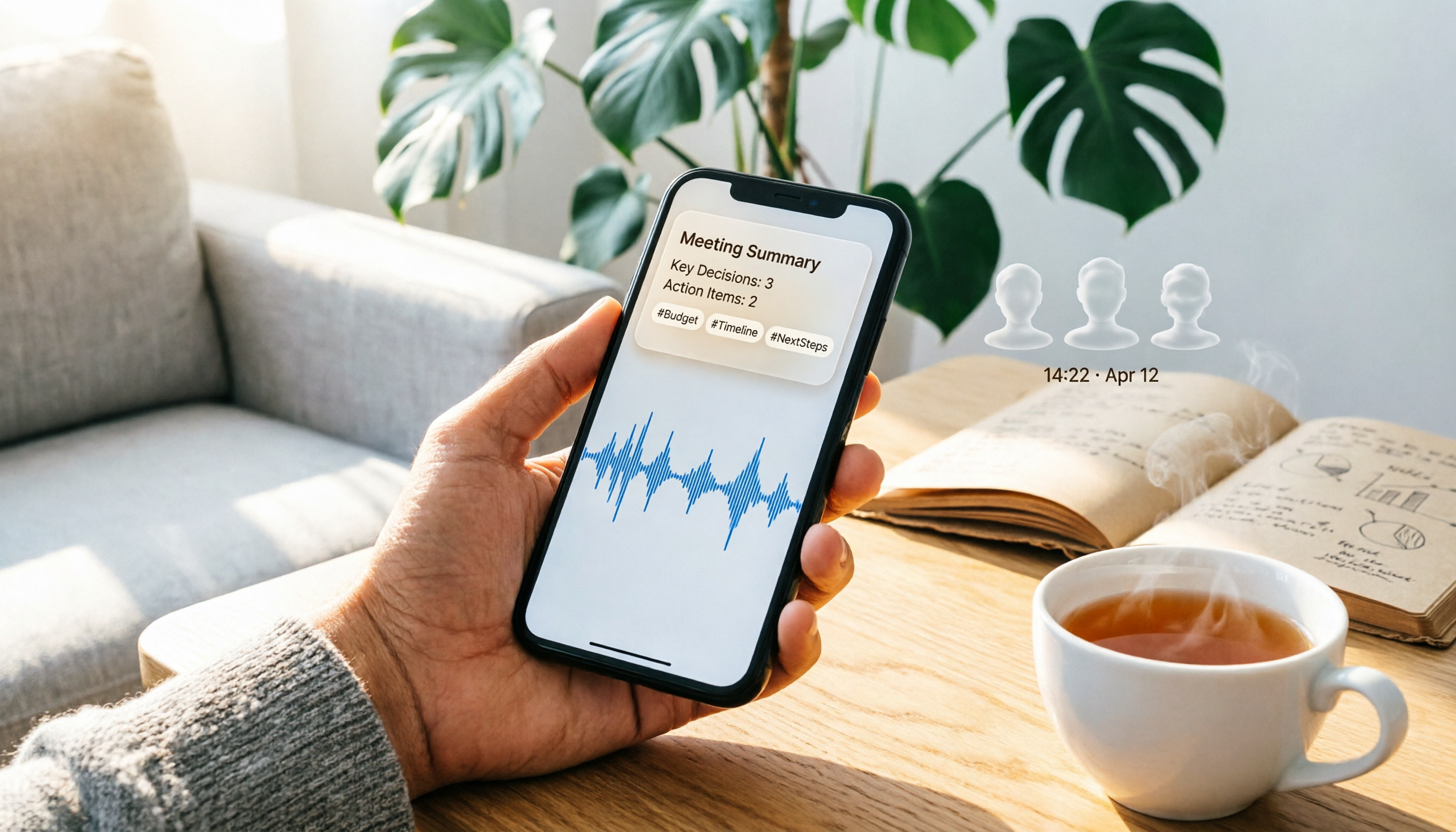
Turn recordings into transcripts and summaries in minutes
Upload audio or video for multilingual transcription, AI notes, and action items
Where Are iPhone Call Recordings Stored? Start by Finding Them in the Notes App
After iOS 18.1, iPhone's built-in call recording is automatically saved to the Notes app when you hang up. The recording is saved as a note named "Call Recording," which includes both the audio file and a transcript. If you use a third-party call recording app, the file may be stored in that app or in Voice Memos, but the built-in feature saves to Notes.
5 Steps to Find Your Recordings:
- Open the Notes app on your iPhone.
- Look for a note named "Call Recording," which typically shows the recording date and the contact.
- Tap it to play the audio and view the transcript.
- You can also go to the Phone app, tap Recents, then tap the info icon next to the call to view the recording.
- If you need to keep it long-term or organize it further, export the recording or upload it directly to Tinrec.
How Tinrec Turns Your iPhone Call Recordings into Searchable Data
Tinrec is an AI meeting notes and collaboration tool that can import the iPhone call recording files you find. After uploading, it automatically generates a transcript, summary, and action items, and you can use AI Q&A to quickly find key points like "What quote did they mention?" or "Which conclusion was reached?"
Core capabilities:
- Audio-to-text: Supports audio files exported from iPhone.
- AI summaries and chapters: Automatically segments long calls.
- Action item extraction: Pulls out next steps from the call.
- AI Q&A: Ask directly what was said in the call.
- Multi-format export: Bring your organized results to common document formats and third-party tools.
Real-World Use Cases: From iPhone Call Recording to Post-Meeting Action
Scenario 1: Client Phone Calls You record a call with a client on your iPhone, find the recording in Notes, and upload it to Tinrec. Tinrec automatically organizes the client's needs, quote confirmations, and next steps.
Scenario 2: Online Interviews or Conversations After uploading the call recording, Tinrec can generate key Q&As and action items, so you don't have to listen to the whole thing again.
Stop organizing recordings by hand
Upload audio or video and automatically get a transcript, summary, and action items
Scenario 3: Team Meeting Recordings Upload iPhone recordings to a team space, and colleagues can search, read, and track action items.
4 Things to Consider When Choosing a Recording Organization Tool
- Does it support your file formats?: Make sure it can import m4a or other formats exported from iPhone. Tinrec supports multiple audio file types.
- Can it organize after transcription?: Just transcribing isn't enough; Tinrec automatically summarizes, chapters, and extracts action items.
- Chinese recognition and mixed-language support: Tinrec offers a better experience for Chinese and mixed Chinese-English meetings, and supports team-specific vocabulary.
- Team permissions and data ownership: The team plan distinguishes roles and seats, and recording data belongs to the team, not tied to an individual account.
Frequently Asked Questions
Q: Are iPhone's built-in call recordings really stored in Notes? A: Yes, call recordings on iOS 18.1 and later are automatically saved to the Notes app, labeled "Call Recording," and include both the audio and transcript.
Q: What if I don't see the recording? A: Check that your iOS is updated to 18.1 or later, and that your region supports call recording. Also, if you delete the recording, the transcript is deleted as well.
Q: Can I upload iPhone call recordings to Tinrec? A: Yes. After sharing or exporting the audio file from Notes, upload it to Tinrec to generate a transcript, summary, action items, and use AI Q&A.
Q: Is there a free version of Tinrec? A: You can use the basic quota to try recording, importing, summarizing, and transcription. For regular use, consider the Pro plan.
Q: What should I consider regarding privacy? A: Always get consent from the other party and comply with local laws. Tinrec's team plan includes governance features like a recycle bin and audit logs, but you should still manage sharing carefully.
Summary
iPhone's built-in call recordings are stored in the Notes app, and you can find them in 5 steps. If you just leave them there, it's a waste. We recommend uploading your recordings to Tinrec to automatically organize them into searchable, summarizable, and trackable data, turning every call into actionable next steps.
References
- Record and transcribe a call on iPhone - Apple Support (Taiwan)
- How to record iPhone calls? 5 methods revealed!
- iOS 18.1 brings new iPhone call recording feature
- iPhone call recording tutorial: Learn to record calls step by step
- Where is the iPhone call recording feature? 8 solutions and why Apple doesn't allow call recording - Mr. Mad
Turn every recording into actionable outcomes
Get 60 free transcription minutes when you sign in. No credit card required.
Related Reading
You might also like

How to Use Smart Meeting Notes in 2026: Bot-Free Recording, Transcription, and AI Summaries with Action Items
Many people think smart meeting notes just means hitting record and waiting for AI to spit out a summary—but the resulting transcript is often something no one wants to read. This article starts with the most common misconceptions, breaks down the four key judgment points that truly matter for meeting notes, and then walks through a complete before-during-after workflow using Tinrec, including copy-paste prompt templates and a pitfalls checklist.

Best AI Meeting Notes Apps 2026: Auto Transcripts + AI Summaries & Action Items
Tired of spending two hours writing up meeting notes? This guide starts with the key question—do you need a recording or usable meeting data?—then breaks down 4 essential factors for choosing an AI meeting notes app, compares Tinrec, Otter.ai, Notta, and Granola, and covers the 3 most common pitfalls so you can pick the right tool the first time.

2026 AI Meeting Assistant Cost Comparison: Free Tiers and Paid Thresholds Dcard Users Ask About Most
Starting from the common Dcard question about free minutes, this article explains how to evaluate AI meeting assistant costs. Using Tinrec as the main test subject, it covers the quotas and pricing for the free, personal, and team plans, and compares bot-free recording, Chinese transcripts, AI summaries, action items, and team collaboration, with 6 cost FAQs.

Tinrec vs Notta 2026: 5-Dimension Comparison for Chinese Meeting Notes
How to choose the latest AI meeting assistant in 2026? This article compares Tinrec and Notta across 5 dimensions: Chinese transcription, meeting capture methods, post-meeting output, team data governance, and pricing quotas. It honestly lists free quotas and paid prices for both, and includes 4 common pitfalls when choosing an AI meeting assistant to help you decide which one fits your meeting scenarios.

2026 AI Meeting Assistant Comparison: No Bots, Best Chinese Transcription?
How to choose the latest AI meeting assistants in 2026? This article examines four key aspects: recording method, audio retention, Chinese recognition, and post-meeting output. It compares Tinrec, Otter.ai, Notta, and PLAUD, and includes pricing, seats, and quotas for personal and team plans to help you avoid the trap of only looking at free minutes.

How to Download an AI Meeting Assistant in 2026: 5 Steps from Installation to Meeting Minutes
Looking for an AI meeting assistant in 2026 but stuck on download, installation, and setup? This guide tackles real pain points and walks you through 5 steps to complete Tinrec download, permission settings, recording transcription, and post-meeting export, plus 5 things to consider when choosing and FAQs.

2025 AI Meeting Assistant Comparison: Tinrec, Otter.ai, Notta, and Granola Reviewed
Many people download AI meeting assistants only to find transcripts hard to use, Chinese recognition unreliable, and team data scattered. This article compares Tinrec, Otter.ai, Notta, and Granola across selection criteria, real workflows, and pitfalls to help you choose a tool that actually produces usable meeting notes.

2026 Smart Meeting Notes Tools Compared: How to Tell If Meeting Minutes Are Actually Useful
Most people evaluate smart meeting notes tools only by transcription accuracy, but the real cost is in how you use the notes after the meeting. This article starts with common misconceptions, breaks down 4 key points for reviewing meeting notes, compares Tinrec, Otter.ai, Notta, and Granola, and highlights 3 pitfalls to help you choose a tool that fits your workflow.

4 Smart Meeting Notes Tools Tested for 2026: From Transcripts to Action Items, Which One Really Saves Time?
Meeting notes aren't just about keeping a transcript. This article starts with the most common pitfalls, breaks down the correct workflow for smart meeting notes and 4 key selection criteria, and compares Tinrec, Otter.ai, Notta, and Granola in terms of recording capture methods, post-meeting organization capabilities, and team collaboration differences, with a guide to avoiding pitfalls and selection advice.