
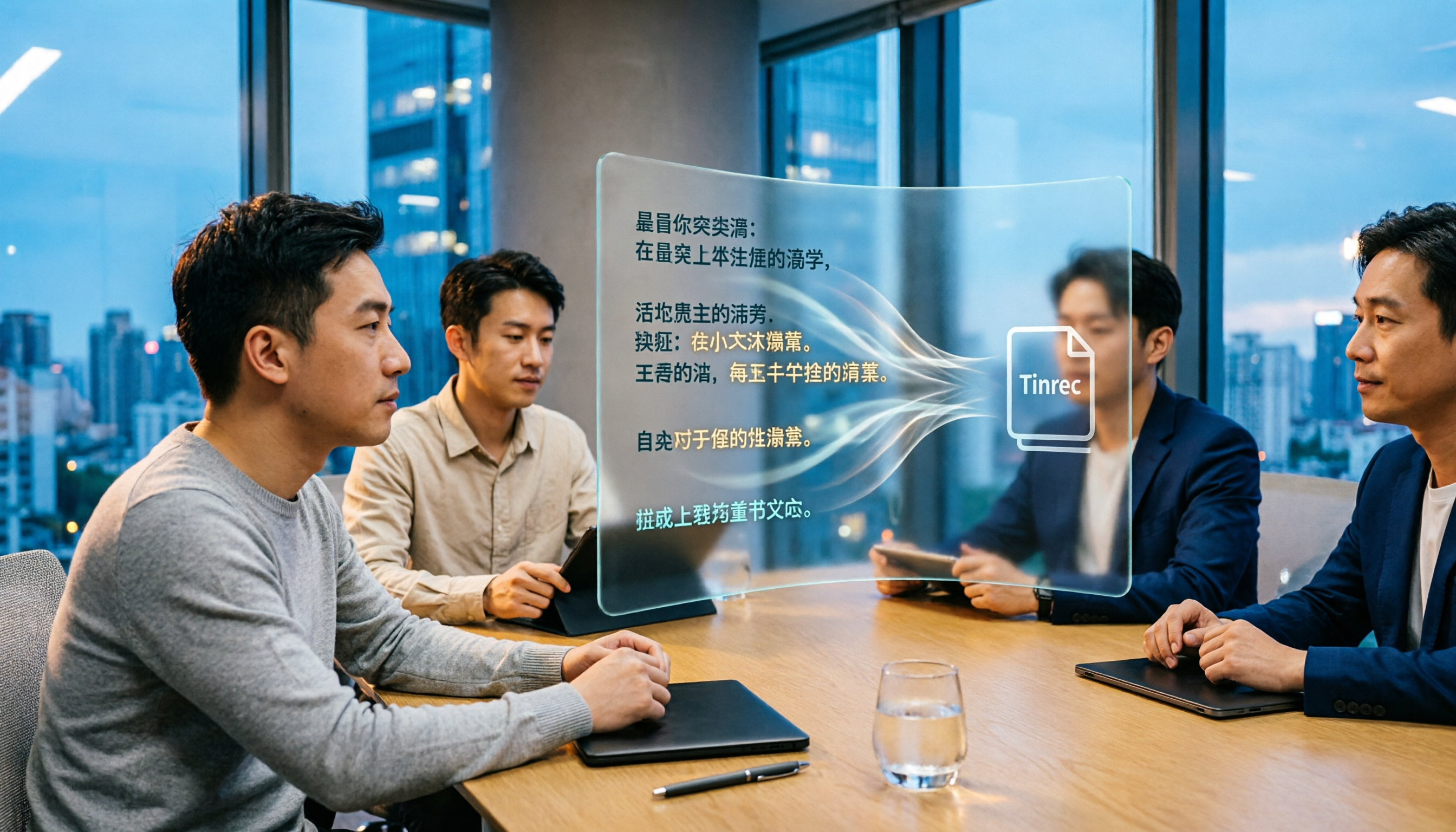
Turn recordings into transcripts and summaries in minutes
Upload audio or video for multilingual transcription, AI notes, and action items
Tinrec vs Otter.ai in 2026: A 5-Dimension Comparison for Chinese Meetings
If you're evaluating Otter.ai as a meeting notes tool but find that verbatim transcripts, bilingual translation, and team knowledge management are critical for your Chinese meetings, you might hesitate: Otter.ai is strong in English business settings, but is it sufficient for Chinese? Is Tinrec a better alternative? This article breaks it down across five dimensions.
Why Are People Looking for Otter.ai Alternatives?
Otter.ai is a mature AI meeting assistant that many use to record English meetings, generate summaries, and action items, with high integration with Zoom, Microsoft Teams, and Google Meet. However, if you frequently hold Chinese meetings, prefer not to add extra bots to meetings, or need more comprehensive Chinese post-processing (e.g., bilingual transcripts, team-specific terminology, post-meeting report generation), you might find Otter.ai lacking in certain areas. If you have similar needs, Tinrec is worth a look.
Tinrec vs Otter.ai: What's Different in Core Experience?
Dimension 1: Chinese Meeting Experience
The biggest fear in Chinese meetings is transcripts full of homophone errors and unrecognized jargon. Tinrec supports Chinese, Traditional Chinese, and mixed Chinese-English content, and includes a team glossary feature—you can pre-set company product names, project codes, and other professional terms to improve recognition. In contrast, Otter.ai excels in English business meetings; its Chinese experience is usable but not as tailored as a native Chinese tool. If you have more than three Chinese meetings a week, Tinrec's cumulative advantages become clear.
Dimension 2: Recording Method
Many assume Otter.ai only works by adding a meeting bot, but it also has desktop capabilities. However, Tinrec's desktop app directly captures system audio, eliminating the need for any bot to join Zoom, Google Meet, Microsoft Teams, or Webex. This means no extra "participant" in meetings, and no awkward explanations to attendees. For teams that value meeting privacy or dislike bots, this is crucial.
Dimension 3: Post-Transcription Processing
Transcription is just the first step; the real time-saver is what comes after. Tinrec doesn't just provide transcripts—it automatically generates summaries, chapters, key points, and action items. You can ask Tinrec directly, "What was the meeting conclusion?" or "Who is responsible for what?" Furthermore, Agent post-processing can generate reports, tables, and meeting minutes, and export them to tools like Notion and Google Docs. Otter.ai also has summaries and AI Chat, but Tinrec offers deeper post-processing for Chinese content and a smoother path to "deliverable documents."
Dimension 4: Team Collaboration and Data Ownership
When meeting notes need to be shared across members, the tool's data management becomes important. Tinrec's team plan provides a dedicated team space where meeting data belongs to the team, with member roles, seats, usage analytics, audit logs, and an audio recycle bin. Even if a member leaves, data doesn't disappear with their personal account; it's transferred to other active members. Otter.ai's team features are mature too, but Tinrec emphasizes turning scattered meeting notes into a searchable, collaborative digital asset for the team, with clearer governance.
Dimension 5: Real-Time Chinese Translation
For cross-language meetings, real-time translation is essential. Tinrec lets you view the original text, translation, or bilingual side-by-side during recording, ideal for mixed Chinese-English discussions. For example, if you're listening to an English presentation but need Chinese transcriptions, Tinrec's bilingual view is more intuitive and aligns better with Chinese users' habits than Otter.ai's translation feature.
Stop organizing recordings by hand
Upload audio or video and automatically get a transcript, summary, and action items
Tinrec's Core Features at a Glance
Real-Time Transcription: Open Tinrec, and text appears as you record with minimal latency. You can immediately confirm if you've missed key points, and the transcript is ready by the meeting's end.
No-Bot Online Meeting Recording: The desktop app captures system audio, so no bot needs to join your meetings. Whether you're on Zoom, Meet, or Teams, Tinrec records and transcribes in the background without disrupting other participants.
AI Summaries and Action Item Extraction: After a one-hour meeting, Tinrec automatically segments chapters, highlights key points, and lists all action items. No more manually scanning 30 pages of transcript for conclusions.
AI Q&A and Agent Post-Processing: Ask Tinrec any question about the meeting content, and it answers based on semantic understanding. Need a formal report? Agent generates meeting minutes, tables, or documents, saving you hours of organization.
Team Space: Consolidate meeting recordings, transcripts, summaries, and action items in a shared team space where members can view, search, and follow up on past meetings. Admins can allocate seats, monitor usage, and review audit logs to ensure data security and compliance.
Real-World Use Cases
Chinese Department Weekly Meetings: Record a one-hour Chinese weekly meeting with Tinrec's no-bot recording and get instant transcripts. Afterward, summaries and action items are auto-generated, and the manager can email them directly to the team—no more manual meeting notes.
Cross-National Project Meetings: For mixed Chinese-English discussions, Tinrec's real-time translation lets you view both languages. After the meeting, use AI Q&A to confirm foreign colleagues' key opinions and avoid misunderstandings.
User Interviews: Researchers record interviews, upload them to Tinrec for transcription, and quickly mark key points and quotes. AI Q&A can quickly locate a respondent's original comments on a topic, saving time from re-listening to recordings.
Personal Learning Notes: Use Tinrec to record classes or lectures, then search content, ask questions, and even generate mind maps at home. Past recordings become a searchable knowledge base.
Key Considerations When Choosing a Transcription Tool
No-Bot Recording Support: If you don't want bots in meetings, confirm the tool can capture system audio directly. Tinrec's desktop app natively supports this.
Chinese Support Level: Transcript accuracy and terminology recognition matter. Tinrec's team glossary effectively improves recognition of professional terms.
What You Can Do After Transcription: Transcripts alone aren't enough; summaries, action items, Q&A, export, and report generation are the real time-savers. Tinrec's Agent post-processing turns meeting notes into deliverable documents.
Team Data Ownership and Governance: For multi-user scenarios, data ownership, member permissions, usage, and audits should be clear. Tinrec's team plan uses roles and seats to separate governance and usage, preventing data chaos.
Free Plan and Pricing Flexibility: Check if the free tier is sufficient for testing. Tinrec offers a free plan and a personal Pro plan, letting you try before upgrading.
Conclusion: Is Tinrec Worth Trying?
If you're looking for a tool that supports Chinese meetings, doesn't require meeting bots, and can generate summaries, action items, and reports with AI right after recording—Tinrec is one of the few options that meets all three. Especially for frequent Chinese users, Tinrec's bilingual translation, team glossary, and post-meeting workflow feel more natural than Otter.ai. We recommend downloading Tinrec's free version and testing transcription and summaries with your own recordings. The best way to judge a tool is to record a meeting with it.
References
Turn every recording into actionable outcomes
Get 60 free transcription minutes when you sign in. No credit card required.
Related Reading
You might also like

3 Smart Meeting Notes Solutions Tested for 2026: Which Saves the Most Time?
Still replaying recordings and manually taking notes after meetings? This article walks through the smart meeting notes workflow using Tinrec, from pre-meeting preparation and in-meeting recording to post-meeting proofreading and archiving. It also provides a ready-to-use meeting minutes format, buying tips, and FAQs.

4 Smart Meeting Notes Tools Tested: How to Go from Recording to Action Items with the Least Time in 2026
How do smart meeting notes work? This article breaks down the five-step workflow—record, transcribe, summarize, query, and create action items—and compares Tinrec, Otter.ai, Granola, and TurboScribe on Chinese meetings, bot-free recording, post-meeting organization, and team collaboration. It includes quota and pricing comparisons, pitfalls to avoid, and selection advice to help you choose the right tool at once.

2026 Smart Meeting Minutes Comparison: Tinrec vs Otter.ai on 5 Dimensions — Which Saves More Time?
Good meeting minutes aren't about verbatim transcription—they're about conclusions and action items. This article compares Tinrec's instant recording and Otter.ai dimension by dimension, from note-taking style, meeting capture, Chinese transcription, post-meeting workflow to team governance and pricing, to help you choose the smart meeting minutes solution that truly saves time.

How to Use AI Meeting Assistants in 2026: Tinrec 6-Step Guide + Auto-Generated Meeting Minutes
A student's hands-on guide to using AI meeting assistants, featuring Tinrec: six steps to get started, how to record online meetings without bots, how to generate post-meeting summaries and action items, and an honest comparison of Google Meet, Tactiq, Notta, and Granola for student use cases. Also covers whether the free version is enough.

2026 Smart Meeting Notes Free Options: 4 Tools Compared
How do you write smart meeting notes that don't turn into a rambling transcript? This article uses a 5-part format you can apply to capture conclusions and action items, and reviews 4 free options, including Tinrec's free version, team trial, and practical applications, to help you assess your needs before choosing a tool.

4 AI Meeting Assistants Tested for 2026: No Meeting Bots—Which One Actually Saves You Two Hours After the Meeting?
A mid-level manager who holds 15 meetings a week tested 4 AI meeting assistants, comparing recording methods, post-meeting output, Chinese-language performance, and team governance. Here's why Tinrec (Miao Ting Lu Yin) was the one that stayed, and who Otter.ai, Granola, TurboScribe, and PLAUD are each best suited for.

How to Take Smart Meeting Notes in 2026: 6 Steps from Recording to AI Action Items
Smart meeting notes aren't just about hitting record. This guide starts with what a useful record should look like, compares four approaches—platform built-in, meeting bots, bot-free desktop recording, and post-meeting upload—then walks through 6 steps: define questions before the meeting, record and transcribe during, proofread after, generate AI summaries, rewrite with Topic + Next Step, and send and archive within 24 hours. It also covers team roles, seats, and pricing.

4 AI Meeting Assistants Tested in 2024: Dcard Users Weigh In—Which One Actually Saves You Post-Meeting Time?
Starting from the most common Dcard question—'How do I choose an AI meeting assistant?'—this article uses the real needs of a mid-level manager with 15 meetings a week to break down 4 key buying factors: how meetings are recorded, what you get after the transcript, whether recordings are kept, and how team seats are counted. It compares Tinrec, Otter.ai, Notta, and Granola, with a pitfalls guide and scenario-based recommendations.

5 Smart Meeting Notes Tools Tested for 2026: What Are AI Meeting Notes & Which Really Saves Time?
Many people think smart meeting notes are just automatic transcripts, but they end up with long text files and still have to find decisions and action items themselves. This article first clarifies common misconceptions about what smart meeting notes are, then reviews the features, official pricing, and ideal users for 6 solutions: Tinrec, Otter.ai, Notta, Fireflies.ai, Granola, and TurboScribe, helping you choose tools based on meeting workflows rather than marketing hype.