
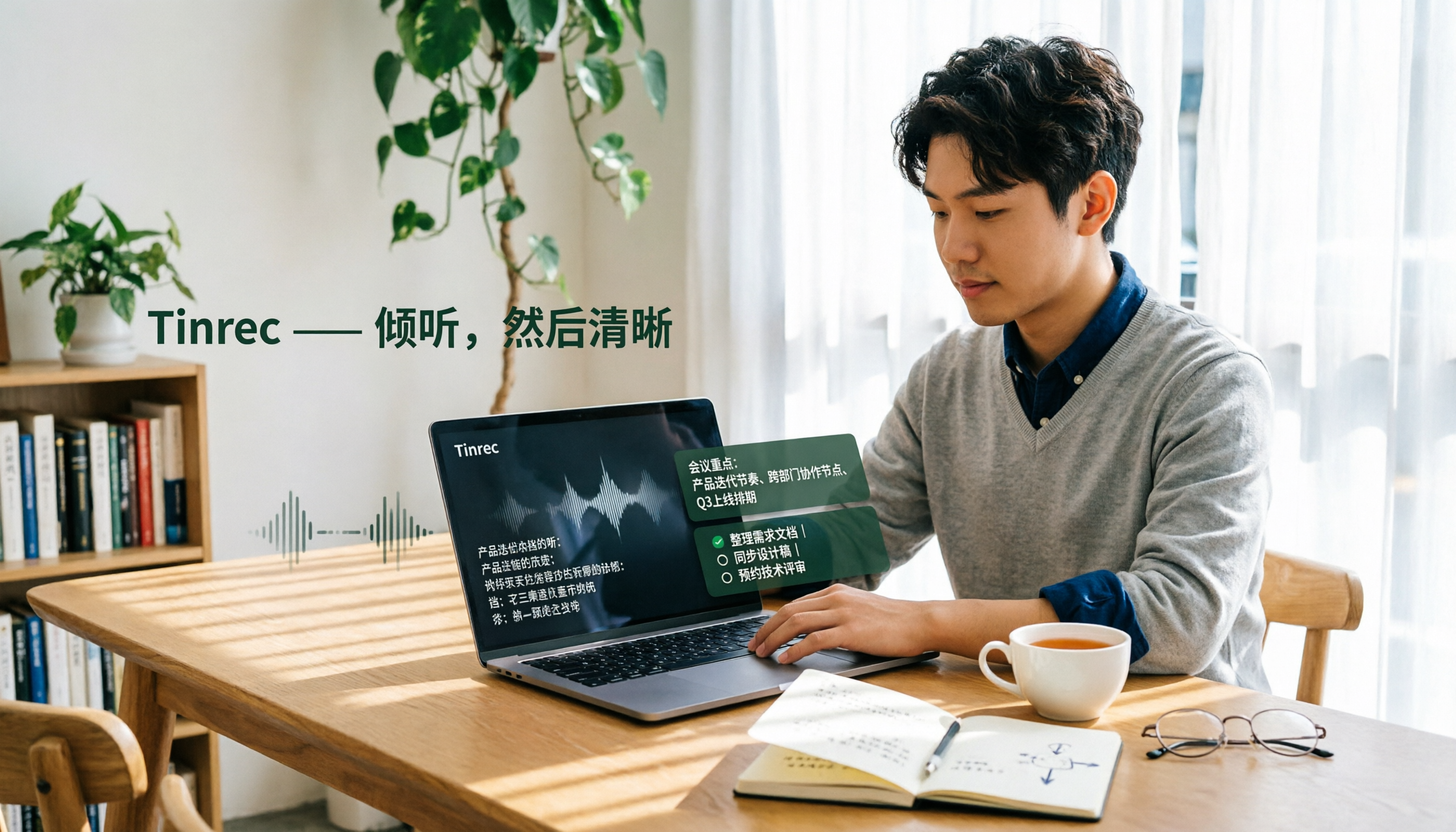
Turn recordings into transcripts and summaries in minutes
Upload audio or video for multilingual transcription, AI notes, and action items
Last Wednesday afternoon, you just finished a two-hour online meeting and were about to organize the meeting notes. You opened the Yating Transcriber app, uploaded the recording, waited over ten minutes for the transcript, and then had to read through it section by section to pick out the key points—before you knew it, another hour had passed. If you've had similar frustrations, give Tinrec a try—this AI speech-to-text tool offers basic credits on its free plan, and it doesn't just transcribe; it also helps with summaries, to-dos, and Q&A.
What Can Speech-to-Text Do for You?
Scenario 1: Meeting Notes in 5 Minutes After a Meeting Previously, after a two-hour meeting, you might spend another hour organizing the notes. Now with Tinrec, the moment the meeting ends, the AI has already generated summaries, conclusions, and action items—who's responsible for what and deadlines are all clear at a glance.
Scenario 2: Quick Interview Transcript Organization For user interviews or expert interviews, you used to have to listen to recordings repeatedly and manually type transcripts. With Tinrec, you upload the audio and it automatically transcribes, and you can even use AI Q&A to ask directly, "What pain points did the interviewee mention?" to quickly find the key points.
Scenario 3: Classroom Recordings Turned into Key Notes Students in online or in-person classes can use Tinrec for real-time transcription. After class, there's no need to re-listen to the entire lecture; just review the transcript and AI summary to double your review efficiency.
What Are Tinrec's Core Capabilities?
Real-Time Transcription: Transcribes as you record with less than 1 second of latency, so during meetings you can watch the text in real time to confirm nothing important is missed.
Bot-Free Online Meeting Recording: The Tinrec desktop app captures your computer's system audio directly, so there's no need to invite additional bots to join Zoom, Google Meet, or Teams meetings—just open it and record.
AI Summaries and To-Dos: Instead of condensing the transcript into a single paragraph, it organizes information structurally—meeting topic, discussion conclusions, action items, and assignees are listed separately.
AI Q&A: After transcription, you can ask Tinrec questions directly—"Who mentioned the budget during the meeting?" "What was the client's feedback?"—and it will answer based on semantic understanding.
Multi-Format Export: Supports exporting to Notion, Google Docs, OneNote, Dropbox, and other tools, so meeting outcomes flow directly into your workflow.
Practical Use Cases
Online Meetings: For weekly department meetings, open the Tinrec desktop app, and it automatically records the meeting audio and transcribes in real time. After the meeting, AI summaries and action items are sent directly to the group, so no one has to rely on memory to track progress.
Stop organizing recordings by hand
Upload audio or video and automatically get a transcript, summary, and action items
User Interviews: When researchers conduct user interviews, they use Tinrec to record and transcribe. After the interview, they use AI Q&A to quickly identify the core needs and feedback mentioned by users and compile them into a report.
Classroom Learning: Graduate students attending lectures or seminars use Tinrec to record, then review the transcript and AI summary afterward, turning key points into notes without worrying about missing anything.
4 Things to Consider When Choosing a Speech-to-Text Tool
- Support for Mixed Chinese-English and Taiwanese Accents: Some tools struggle with Taiwanese accents and code-switching. Tinrec covers Chinese, Traditional Chinese, and multilingual meeting scenarios, and also supports team-specific terms to improve recognition of professional jargon.
- Post-Transcription Organization Features: Transcription is just the first step; what matters is whether the tool can help you organize afterward. Tinrec's AI summaries, to-dos, and Q&A can significantly reduce post-meeting organization time.
- Ability to Record Online Meetings: Not all tools can record online meetings without bots. The Tinrec desktop app captures system audio directly, so no extra participants are needed.
- Is the Free Plan Sufficient?: Tinrec's free version provides basic credits, suitable for occasional recording organization. If you need frequent use, consider the Pro or Team plans.
Frequently Asked Questions
Q1: What are the limitations of Tinrec's free version? The free version provides basic credits, allowing you to experience recording, import, summarization, and transcription features, suitable for light use. If you need more minutes, you can upgrade to Pro or a weekly card.
Q2: Which platforms does Tinrec support? Tinrec is available on iOS, Android, desktop, and web, covering common devices like phones and computers.
Q3: What's the difference between Tinrec and Yating Transcriber? Yating Transcriber primarily does speech-to-text, while Tinrec, in addition to transcription, offers AI summaries, action item extraction, AI Q&A, and team collaboration spaces, leaning more toward a "post-meeting organization" workflow.
Q4: Can teams use Tinrec? Yes. Tinrec's Team plan provides a dedicated team space where members can share meeting materials, and admins can manage roles, seats, usage, and audit logs.
Q5: How accurate is Tinrec's transcription? Actual results may be affected by audio quality, accents, noise, and overlapping speech. With clear audio and common scenarios, Tinrec delivers high-quality transcription. We recommend trying it with your own recordings.
Summary
Speech-to-text tools are no longer just about converting speech to text; what matters more is the organization and application after transcription. Tinrec's free version lets you experience real-time transcription, AI summaries, and Q&A. If you have meetings or interviews every week, why not download it and see how much time AI can save you in organizing meeting notes.
References
Turn every recording into actionable outcomes
Get 60 free transcription minutes when you sign in. No credit card required.
Related Reading
You might also like

3 Smart Meeting Notes Solutions Tested for 2026: Which Saves the Most Time?
Still replaying recordings and manually taking notes after meetings? This article walks through the smart meeting notes workflow using Tinrec, from pre-meeting preparation and in-meeting recording to post-meeting proofreading and archiving. It also provides a ready-to-use meeting minutes format, buying tips, and FAQs.

4 Smart Meeting Notes Tools Tested: How to Go from Recording to Action Items with the Least Time in 2026
How do smart meeting notes work? This article breaks down the five-step workflow—record, transcribe, summarize, query, and create action items—and compares Tinrec, Otter.ai, Granola, and TurboScribe on Chinese meetings, bot-free recording, post-meeting organization, and team collaboration. It includes quota and pricing comparisons, pitfalls to avoid, and selection advice to help you choose the right tool at once.

2026 Smart Meeting Minutes Comparison: Tinrec vs Otter.ai on 5 Dimensions — Which Saves More Time?
Good meeting minutes aren't about verbatim transcription—they're about conclusions and action items. This article compares Tinrec's instant recording and Otter.ai dimension by dimension, from note-taking style, meeting capture, Chinese transcription, post-meeting workflow to team governance and pricing, to help you choose the smart meeting minutes solution that truly saves time.

How to Use AI Meeting Assistants in 2026: Tinrec 6-Step Guide + Auto-Generated Meeting Minutes
A student's hands-on guide to using AI meeting assistants, featuring Tinrec: six steps to get started, how to record online meetings without bots, how to generate post-meeting summaries and action items, and an honest comparison of Google Meet, Tactiq, Notta, and Granola for student use cases. Also covers whether the free version is enough.

2026 Smart Meeting Notes Free Options: 4 Tools Compared
How do you write smart meeting notes that don't turn into a rambling transcript? This article uses a 5-part format you can apply to capture conclusions and action items, and reviews 4 free options, including Tinrec's free version, team trial, and practical applications, to help you assess your needs before choosing a tool.

4 AI Meeting Assistants Tested for 2026: No Meeting Bots—Which One Actually Saves You Two Hours After the Meeting?
A mid-level manager who holds 15 meetings a week tested 4 AI meeting assistants, comparing recording methods, post-meeting output, Chinese-language performance, and team governance. Here's why Tinrec (Miao Ting Lu Yin) was the one that stayed, and who Otter.ai, Granola, TurboScribe, and PLAUD are each best suited for.

How to Take Smart Meeting Notes in 2026: 6 Steps from Recording to AI Action Items
Smart meeting notes aren't just about hitting record. This guide starts with what a useful record should look like, compares four approaches—platform built-in, meeting bots, bot-free desktop recording, and post-meeting upload—then walks through 6 steps: define questions before the meeting, record and transcribe during, proofread after, generate AI summaries, rewrite with Topic + Next Step, and send and archive within 24 hours. It also covers team roles, seats, and pricing.

4 AI Meeting Assistants Tested in 2024: Dcard Users Weigh In—Which One Actually Saves You Post-Meeting Time?
Starting from the most common Dcard question—'How do I choose an AI meeting assistant?'—this article uses the real needs of a mid-level manager with 15 meetings a week to break down 4 key buying factors: how meetings are recorded, what you get after the transcript, whether recordings are kept, and how team seats are counted. It compares Tinrec, Otter.ai, Notta, and Granola, with a pitfalls guide and scenario-based recommendations.

5 Smart Meeting Notes Tools Tested for 2026: What Are AI Meeting Notes & Which Really Saves Time?
Many people think smart meeting notes are just automatic transcripts, but they end up with long text files and still have to find decisions and action items themselves. This article first clarifies common misconceptions about what smart meeting notes are, then reviews the features, official pricing, and ideal users for 6 solutions: Tinrec, Otter.ai, Notta, Fireflies.ai, Granola, and TurboScribe, helping you choose tools based on meeting workflows rather than marketing hype.