
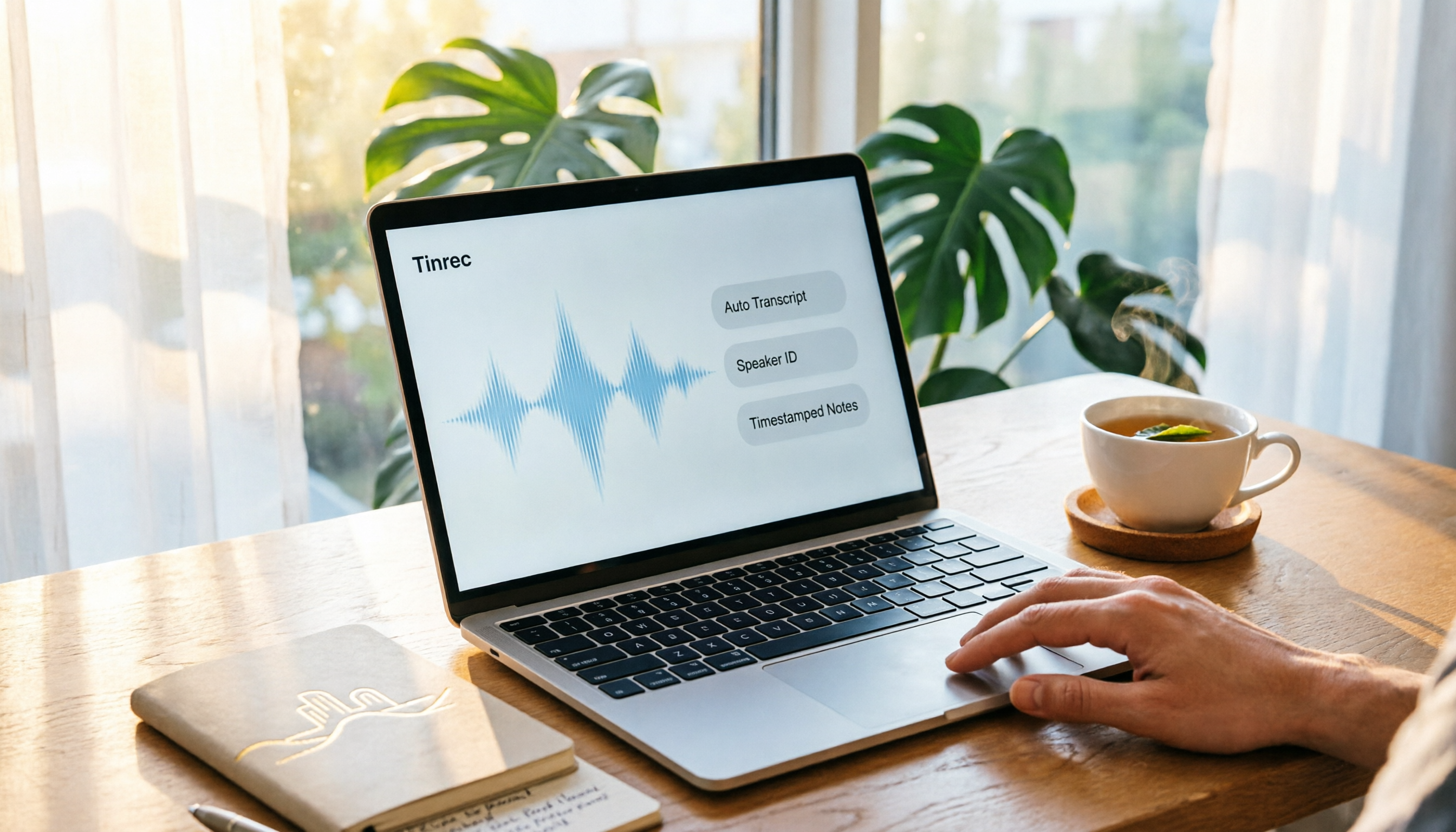
Turn recordings into transcripts and summaries in minutes
Upload audio or video for multilingual transcription, AI notes, and action items
When recording on a Mac, you might be wondering: should you just use the built-in QuickTime Player, or do you need an additional AI tool like Tinrec? If you only occasionally record a microphone voice, QuickTime is sufficient; but if you want to record system audio, automatically generate transcripts, and organize them into to-dos, Tinrec is more suitable. This article compares them from several key dimensions to help you avoid wasting time.
Tinrec vs QuickTime Player | Quick Overview
First, let's quickly look at the positioning differences between the two tools:
| Item | Tinrec | QuickTime Player |
|---|---|---|
| Positioning | AI meeting notes and collaboration tool | Mac built-in recording/screen capture tool |
| Recording method | Robot-free capture of system audio, microphone, file import | Microphone, screen recording (system audio requires virtual sound card) |
| AI features | Transcription, summary, to-dos, Q&A, translation | None |
| Team collaboration | Team space, member management, shared data | None |
| Pricing | Free tier available, paid plans separately | Free built-in |
In short, QuickTime is a "recording tool," while Tinrec is a complete "record + organize + collaborate" solution. Below, we compare them across five dimensions.
Dimension 1 | Recording Sources: System Audio and Internal Sound
QuickTime Player can record microphone audio and screen, but if you want to record "sound playing inside the computer" (e.g., online meetings, YouTube videos), the built-in feature cannot do it. You must install additional virtual sound cards like Soundflower or BlackHole, and the setup steps are cumbersome; many people get stuck the first time.
Tinrec's Mac desktop version directly captures system audio without installing any virtual sound card or adding a bot to meetings. Just open Tinrec, press record, and it captures both the meeting audio playing on your computer and your microphone input, making it much more convenient for online meetings.
→ This dimension: Tinrec clearly wins.
Dimension 2 | Transcription and Organization: AI Automation vs Manual
QuickTime's recording result is just an audio or video file. To turn it into text, you have to transcribe manually or use another transcription tool, which is very time-consuming. Especially for a one-hour meeting, manually transcribing can take two to three hours.
Tinrec generates transcripts in real-time while recording, so you don't have to wait until the recording ends. After recording, it automatically generates summaries, chapters, highlights, and to-dos, which you can search, copy, and share, saving a lot of post-production time.
→ This dimension: Tinrec clearly wins.
Dimension 3 | Post-Meeting Applications: Summary, To-Dos, and Q&A
QuickTime has no post-processing features; after recording, you just have a file. Subsequent meeting notes and action item tracking require other tools or manual work.
In addition to transcripts, Tinrec supports AI Q&A. You can directly ask, "What are the key points of this meeting?" "What are the to-dos?" "Who is responsible for which item?" It answers based on the meeting content. Furthermore, Tinrec can export results to tools like Notion, Google Docs, OneNote, and Dropbox, integrating directly into your existing workflow.
→ This dimension: Tinrec clearly wins.
Dimension 4 | Cross-Platform and Team Collaboration
QuickTime only works within the Apple ecosystem. Although you can AirDrop files, it's essentially a personal tool with no team collaboration concept.
Stop organizing recordings by hand
Upload audio or video and automatically get a transcript, summary, and action items
Besides the Mac desktop app, Tinrec also supports web and mobile versions, and meeting data can be centrally stored in a team space. Members can view historical meetings, search content, and share to-dos, while admins can manage members, seats, and usage. For departments or project teams, this is something QuickTime cannot provide at all.
→ This dimension: Tinrec clearly wins.
Dimension 5 | Cost and Learning Curve
QuickTime is free and built-in, with a low learning curve, but if you need system audio recording, you must first deal with virtual sound card installation and setup, which is a barrier for average users.
Tinrec offers a free tier to experience basic recording and AI features, with paid plans based on usage and team needs. Its interface is intuitive; you don't need complex settings—just open it and record, and it automatically organizes afterward. For working professionals, time cost is far more significant than software cost.
→ This dimension: If you only record microphone audio, QuickTime's free version is sufficient; but if you want to save post-processing time, Tinrec's overall cost is lower.
What Are the Unique Advantages of Each?
Tinrec's unique advantages:
- Robot-free online meeting recording: The desktop version directly captures system audio, no extra participant needed, balancing privacy and convenience.
- More than just transcripts: Automatic summaries, to-dos, chapters, AI Q&A, and real-time translation turn recordings into actionable data.
- Team space: Meeting data belongs to the team; data is not lost when members change, and it's traceable and collaborative.
- Multi-format export and post-processing: Can generate reports, tables, and export to third-party tools.
QuickTime Player's unique advantages:
- Built-in and free: No download needed, ready to use out of the box.
- Convenient screen recording: Suitable for quickly recording tutorial videos or simple operations, and can be edited with iMovie.
Summary: Which One Should You Choose?
- If you only occasionally record microphone audio and don't need AI organization → QuickTime Player is sufficient.
- If you need to record system audio or online meetings without installing virtual sound cards → Tinrec (robot-free desktop recording).
- If you want automatic transcripts, summaries, to-dos, and the ability to search and ask questions → Tinrec.
- If you need to share meeting data with your team and manage members and usage → Tinrec's team plan.
- If you only record occasionally and have zero budget → Start with QuickTime, or try Tinrec's free tier.
In one sentence: For most Mac users who need meeting notes, Tinrec is a more complete choice. We recommend downloading Tinrec's free tier, testing it with your own recordings, and then deciding whether to upgrade.
Frequently Asked Questions
Q: Can Tinrec directly record system audio on Mac? A: Yes. Tinrec's desktop version directly captures system audio without needing to install virtual sound cards like Soundflower or BlackHole.
Q: Is there a free tier for Tinrec? What are the limits? A: Tinrec offers a free tier with basic usage limits, including recording, file import, and transcription/summary features. For specific limits, refer to the official website.
Q: What is the accuracy of speech-to-text? A: We don't recommend committing to a fixed number. Actual accuracy depends on audio quality, accents, background noise, and overlapping speech. For important content, cross-check with the transcript timestamps and original recording.
Q: Do I need to inform participants before recording? A: We recommend complying with local laws, obtaining consent from all participants when necessary, and clearly stating the purpose of the recording.
Q: What is the biggest difference between Tinrec and QuickTime? A: QuickTime only records; transcription, organization, and to-dos must be done manually. Tinrec automatically generates transcripts, summaries, and to-dos after recording, and supports AI Q&A and team sharing.
Q: Can Tinrec export to other tools? A: Yes. It supports multi-format export and integration with third-party tools such as Notion, Google Docs, OneNote, and Dropbox, making it easy to integrate into your existing workflow.
References
- 4 Best Mac Recording Software Recommendations [2025]
- 【Mac OS APP】Music Recorder: Powerful and Easy-to-Use Recording Software
- Free Screen Recording and Audio on Mac: QuickTime Works! - MacOS|OSX
- Make a Recording on Mac - Apple Support (Taiwan)
- MAC Software 《iScream》: A Recording Tool That Can Stay in the Dock, Click the Icon to Start Recording Super Convenient | 就是教不落 - Your Richest 3C Info and Tutorial Site
Turn every recording into actionable outcomes
Get 60 free transcription minutes when you sign in. No credit card required.
Related Reading
You might also like

2026 AI Meeting Assistant Comparison: 4 Tools Tested for Chinese Transcription and Post-Meeting Organization — Which One Actually Saves Time?
A 2026 hands-on comparison of 4 AI meeting assistants, starting with the most common pre-download misconceptions. We break down 4 key buying factors, share real-world experience with Tinrec, compare the positioning of Otter.ai, Notta, and Granola, and highlight 3 pitfalls to avoid — so you can think clearly before hitting install.

How to Choose an AI Meeting Notes Tool in 2026: 7 Tools Compared + Summaries and Action Items in One Go
Most people compare AI meeting note tools only by minutes and price, overlooking who will actually use the notes after the meeting. This guide starts with three key questions and compares seven tools—Tinrec, Otter.ai, Fireflies.ai, Notta, Granola, PLAUD, and TurboScribe—on meeting capture methods, Chinese-language experience, post-meeting output, and team management, with clear recommendations by scenario.

Best AI Meeting Recorder in 2026? We Tested 2 Options — This One Saves the Most Time for Chinese Meetings
Many people think the pain point of meeting notes is whether the recording captures audio, so they buy a recorder first—only to still spend time organizing afterward. This article compares Tinrec and Plaud Note across online meeting recording, Chinese transcription, post-meeting organization, team collaboration, and cost structure to help you choose the truly time-saving option in 2026.

How to Download AI Meeting Assistants in 2025: Bot-Free Recording + Chinese Transcripts
Tired of recording meetings but never organizing them? This guide walks you through downloading and using two AI meeting assistants, Tinrec and Otter.ai, comparing them across five dimensions: recording methods, Chinese and mixed-language handling, post-meeting outputs, file import/export, and team collaboration governance. Find out which one fits your meeting scenarios and budget.

Tinrec vs Granola 2026: 5-Dimension Comparison — Which Wins for Chinese Meetings and Team Knowledge Retention?
Looking for the best AI meeting assistant in 2026? This article compares Tinrec and Granola across 5 dimensions: meeting capture and audio retention, Chinese transcription and real-time translation, post-meeting organization and AI follow-up, team workspace governance, and platform coverage and export. It also lists pricing and ideal use cases to help Hong Kong office workers decide which tool fits them best.

3 Smart Meeting Notes Solutions Tested for 2026: Which Saves the Most Time?
Still replaying recordings and manually taking notes after meetings? This article walks through the smart meeting notes workflow using Tinrec, from pre-meeting preparation and in-meeting recording to post-meeting proofreading and archiving. It also provides a ready-to-use meeting minutes format, buying tips, and FAQs.

4 Smart Meeting Notes Tools Tested: How to Go from Recording to Action Items with the Least Time in 2026
How do smart meeting notes work? This article breaks down the five-step workflow—record, transcribe, summarize, query, and create action items—and compares Tinrec, Otter.ai, Granola, and TurboScribe on Chinese meetings, bot-free recording, post-meeting organization, and team collaboration. It includes quota and pricing comparisons, pitfalls to avoid, and selection advice to help you choose the right tool at once.

2026 Smart Meeting Minutes Comparison: Tinrec vs Otter.ai on 5 Dimensions — Which Saves More Time?
Good meeting minutes aren't about verbatim transcription—they're about conclusions and action items. This article compares Tinrec's instant recording and Otter.ai dimension by dimension, from note-taking style, meeting capture, Chinese transcription, post-meeting workflow to team governance and pricing, to help you choose the smart meeting minutes solution that truly saves time.

How to Use AI Meeting Assistants in 2026: Tinrec 6-Step Guide + Auto-Generated Meeting Minutes
A student's hands-on guide to using AI meeting assistants, featuring Tinrec: six steps to get started, how to record online meetings without bots, how to generate post-meeting summaries and action items, and an honest comparison of Google Meet, Tactiq, Notta, and Granola for student use cases. Also covers whether the free version is enough.