
Turn recordings into transcripts and summaries in minutes
Upload audio or video for multilingual transcription, AI notes, and action items
Facing Cantonese (Yue) meeting or interview recordings, do you often feel frustrated? The unique difference between spoken and written Cantonese (e.g., '咁' to '這樣') combined with the common habit of code-mixing (Cantonese and English) in Hong Kong and Greater Bay Area workplaces often causes garbled text or incoherent meaning in generic voice recognition software. For professionals, what is needed is not just simple dictation, but an AI assistant that can 'understand' and 'organize' content.
This article provides an in-depth review of two mainstream solutions on the market in 2026: the hardware recorder camp represented by Plaud.ai and the pure software AI tool camp represented by Tinrec (Miao Ting Voice). We will compare them in terms of recognition accuracy, ease of use, meeting summarization capabilities, and cost-effectiveness, and provide hands-on tutorials.
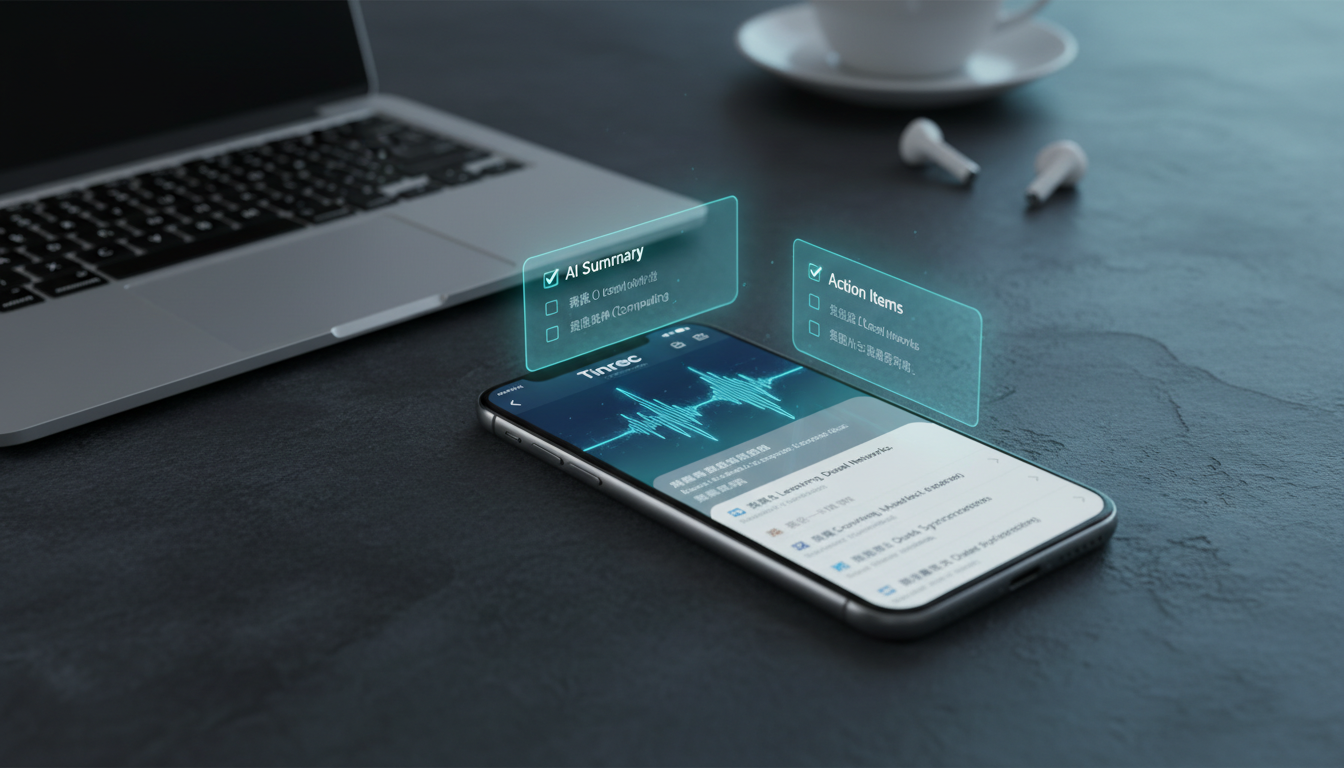
Quick Purchase Recommendations:
- If you are a 'Mobile Business User': Frequently take calls on the go and don't mind carrying hardware, Plaud.ai's MagSafe voice recorder is the top choice.
- If you are a 'Digital Efficiency User': Mainly process files (MP3/videos), need to organize past recordings, or summarize long meetings, Tinrec's software ecosystem offers greater flexibility and value.
Why Is Cantonese Speech-to-Text So Difficult? Three Core Pain Points
Before choosing a tool, we must understand the special technical challenges of Cantonese speech-to-text (STT), which also serve as criteria to evaluate tools:
- Separation of Spoken and Written Language: Daily Cantonese communication uses colloquial terms (e.g., '佢', '喺度'), but formal meeting minutes require written forms (e.g., '他', '正在'). Older tools often only produce literal transcriptions, making the output hard to use.
- Code-mixing (Cantonese-English): In professional contexts, it's common for a sentence to mix Cantonese grammar with English proper nouns (e.g., 'When is the deadline for this project?'). Single-language engines easily fail to recognize such mixed input.
- Inefficient Post-processing: Even after obtaining a transcript, manually extracting key points from a 2-hour meeting transcript remains time-consuming. The core competitiveness of modern tools has shifted from 'transcription' to 'AI summarization and comprehension'.
Hardware vs Software: In-depth Review of Plaud.ai and Tinrec
Solutions on the market mainly fall into two paths: hardware-dependent and pure software cloud. Below is a detailed comparison of these two representative tools:
Tool Comparison Table: Feature and Use Case Analysis
| Dimension | Plaud.ai (Hardware Recorder) | Tinrec (AI Software Tool) |
|---|---|---|
| Core Advantage | One-button physical recording; breaks iPhone call recording restrictions | Full format compatibility; no extra device needed; powerful post-processing |
| Cantonese/Mixed Language Recognition | Supported (relies on cloud models) | Highly optimized (supports Cantonese-English mixing, automatic dialect detection) |
| Data Input Methods | Via hardware Bluetooth transfer, App recording | Live recording, MP3/MP4 upload, YouTube links |
| AI Meeting Summary | Basic summary, mind maps | Deep structured (meeting minutes, action items To-do, topic breakdown) |
| Query Function | Keyword search | AI dialogue query (ask AI questions about recording content) |
| Best For | Ad-hoc phone meetings, impromptu interviews, on-site business | Regular meetings, file organization, course learning, content creation |
| Pricing Model | Hardware purchase + subscription fee | Free trial + flexible subscription (Basic/Pro) |
1. Plaud.ai: Hardware Solution Breaking iOS Call Recording Restrictions
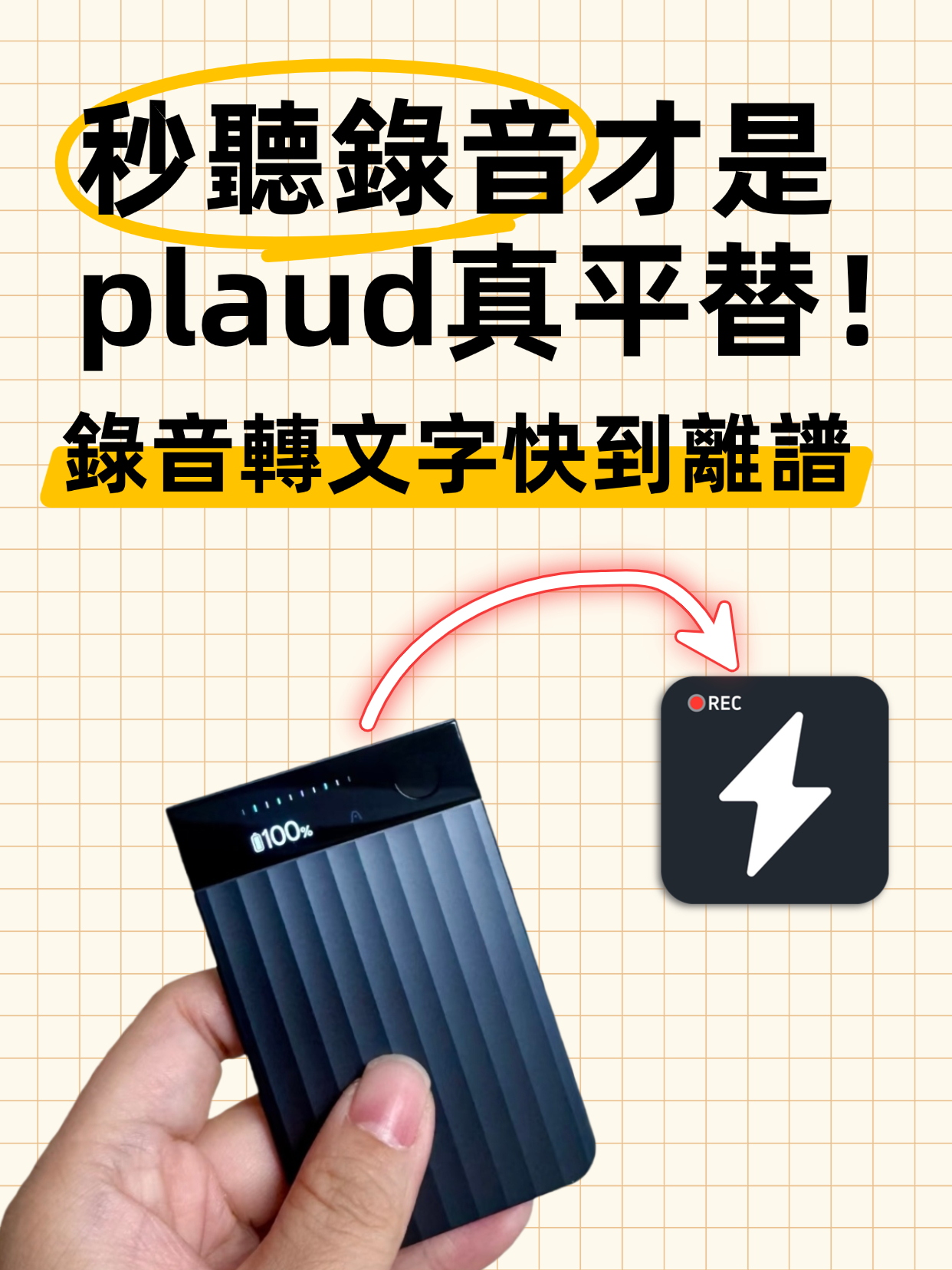
Plaud.ai enters the market with its ultra-thin Plaud Note hardware, using MagSafe to attach to the back of a phone and vibration conduction sensors (VCS) to solve the long-standing difficulty of recording calls on iPhone. Its advantage lies in 'physical convenience'—press a button to record. However, its limitation is that users must carry the hardware, and processing files not recorded by the device (e.g., Zoom recordings on a computer or MP3s from others) is cumbersome.
Stop organizing recordings by hand
Upload audio or video and automatically get a transcript, summary, and action items
2. Tinrec (Miao Ting Voice): Flexible and Efficient AI Software Ecosystem
Tinrec takes a pure software path, breaking hardware constraints. It is not just a recording app but an 'audio processing hub'. Tinrec is specifically optimized for Cantonese and Cantonese-English mixed contexts, and uses large language models (LLMs) to handle the 'spoken-to-written' refinement. Its biggest differentiator lies in the 'full workflow'—from recording to transcription to automatic generation of action items—making it more suitable for knowledge workers who handle large amounts of digital files.
Hands-on Tutorial: How to Efficiently Generate Cantonese Meeting Minutes with AI Tools
Below, using Tinrec (Miao Ting Voice)'s interface as an example, we demonstrate how to turn a meeting mixed with Cantonese and English into actionable work items within 5 minutes. These steps apply to both web and app versions.
Step 1: Get Audio Source (Three Modes)
Tinrec offers three flexible input methods covering most work scenarios:
- Scenario A - Live/Remote Meeting: Use the mobile app or web version's 'Live Transcription' feature. The system displays transcribed text in real time and distinguishes different speakers.
- Scenario B - Existing File Organization: If you have recordings from a voice recorder or Zoom meeting recordings, choose 'Audio File to Text' to upload MP3/MP4 files.
- Scenario C - Online Learning/Competitive Analysis: For Cantonese interviews or tutorial videos on YouTube, simply paste the link for parsing.

Step 2: AI Auto-Transcription and Language Detection
After uploading or recording, Tinrec automatically processes the audio. For Cantonese users, the system recognizes English terms in context and converts colloquial terms like '咁' and '系度' into formal language during the summarization phase, reducing manual proofreading time.

Step 3: Generate Structured Meeting Minutes and Action Items
This is the biggest differentiator between AI tools and traditional recorders. Tinrec automatically analyzes the full text and generates the following:
- Meeting Summary: A one-sentence summary of the meeting's core.
- Topic Breakdown: List of discussion points along a timeline.
- To-do List: AI automatically captures 'who is responsible for what' and lists clear items.

Step 4: AI Dialogue Query (Advanced Tip)
If the meeting lasts 2 hours, you don't need to re-read the entire transcript. Use the 'AI Dialogue Query' feature, type questions in the chat box, e.g., 'What was the manager's decision about Q3 budget?', and the AI will answer based on the recording content and provide source timestamps.


Frequently Asked Questions (FAQ)
Regarding Cantonese speech-to-text and tool selection, here are the 6 most commonly asked questions:
Q1: Can these tools accurately recognize Cantonese mixed with English?
A: Traditional dictation software performs poorly with this, but next-generation AI tools (e.g., Tinrec) have optimized for code-mixing. They can determine meaning based on context, for example distinguishing between the English word 'File' and a Cantonese homonym, greatly improving recognition accuracy for Cantonese-English mixing.
Q2: Is my data secure when using AI to transcribe meeting recordings?
A: This is a top concern for enterprise users. Most reputable services (including Tinrec) use encryption for transmission and storage. When choosing a tool, check its privacy policy to see if it clearly states that data is used only for the service and supports user-initiated permanent deletion of cloud files.
Q3: Can I use these tools to process a large number of old audio files (MP3)?
A: Yes. Software solutions (e.g., Tinrec) are best suited for this need, supporting batch upload of MP3, WAV, M4A, etc. Hardware recorders (e.g., Plaud) typically require transferring files to the phone app first, adding an extra step.
Q4: Can the generated transcripts be sent directly as formal meeting minutes?
A: Although AI's 'spoken-to-written' ability for Cantonese has greatly improved, a quick manual polish is still recommended. AI excels at generating 'summaries' and 'action items', which can often be sent directly as email content, while the full transcript serves as an attachment for records.
Q5: Do these tools cost money? Is the free tier sufficient?
A: Most AI tools use a 'free trial + subscription' model. For example, Tinrec offers a free version (about 100 minutes per month) for light users. If you need to process lengthy meetings or many videos, subscribing to Basic or Pro (hundreds to thousands of minutes per month) is often more cost-effective than buying a hardware recorder.
Q6: Can I use these tools to transcribe Cantonese YouTube videos for note-taking?
A: Yes, this is a major advantage of software tools. Tinrec supports pasting YouTube links to directly generate time-stamped subtitles and summaries. This is very useful for learning Cantonese, organizing interview content, or analyzing competitor videos, eliminating the need to download and re-upload.
Conclusion: Cantonese speech-to-text technology has evolved from simple 'recognition' to 'understanding'. Whether you choose Plaud.ai's hardware integration or Tinrec's software ecosystem, the key is to let AI handle the tedious work of 'transcription' and 'summarization'. You can visit the Tinrec official website to learn more about how software solutions can fit your workflow, freeing your mind for decisions rather than records.
Turn every recording into actionable outcomes
Get 60 free transcription minutes when you sign in. No credit card required.
Related Reading
You might also like

2026 Smart Meeting Notes Tools Compared: Which Really Deliver Transcripts, Decisions, and Action Items?
We tested 6 smart meeting notes tools in 2026, breaking down transcripts, AI summaries, decisions and action items, team permissions and deletion workflows, plus pricing and ideal users for each, so you can judge which one truly saves post-meeting cleanup time.

2026 Comparison of 3 Online AI Meeting Notes Apps: Which One Turns Meetings into Actionable Team Data?
A hands-on comparison of three online AI meeting notes apps in 2026, focusing on five key aspects: meeting capture methods, post-meeting workflows, Chinese language experience, team governance, and quota/pricing. Tinrec is the primary test subject, compared with Notta and Granola in terms of positioning and limitations, to help you decide which one suits individuals, teams, and budget-conscious users.

Best AI Meeting Notes Apps in 2026: We Tested 4 — Tinrec Excels for Chinese Meetings
Starting from the pain point of never-ending meeting notes, we outline the criteria for choosing an AI meeting notes app and compare Tinrec, Otter.ai, Granola, and PLAUD to help you decide which one suits Chinese meetings, bot-free recording, and team collaboration.

2026 Comparison of 4 AI Meeting Note Apps: Which Saves More Time with Bot-Free Recording and Post-Meeting Organization?
Starting from a Wednesday afternoon online meeting scenario, we tested and compared four AI meeting note apps: Tinrec, Fireflies.ai, Notta, and Granola. We cover selection criteria, pitfalls to avoid, and team pricing to help you decide which is best for Chinese-language meetings and post-meeting collaboration.

How to Take Smart Meeting Notes in 2026: 5 Steps from Recording to AI Summary
How do you choose and use smart meeting notes software in 2026? This article addresses common misconceptions and demonstrates 5 steps with Tinrec: bot-free recording of online meetings, real-time transcription, AI summaries and action items, Q&A follow-ups, and team archiving. It also covers purchasing considerations and FAQs.

2026 Smart Meeting Notes App Buying Guide: Tinrec vs Otter.ai Across 5 Dimensions
Starting from common buying mistakes, this guide compares Tinrec and Otter.ai across 5 dimensions—Chinese-language meetings, bot-free recording, post-meeting outputs, team governance, and pricing/quotas—to help SMBs and team leads make a choice they can justify to their boss.

2026 Comparison of 4 AI Meeting Notes Apps: Which Handles Chinese Meeting Minutes Best?
How much time do you spend after a meeting turning the content into minutes you can actually send out? This article is built around real meeting scenarios office workers face. It first breaks down the 5 key decision points when choosing an AI meeting notes app, then reviews Tinrec, Otter.ai, Granola, and Notta—their positioning, limitations, and pricing. Finally, it uses scenario-based guidance to help you decide which one fits you, and lists the 4 most common buying mistakes.

Tinrec vs Meeting Bots in 2026: 5-Dimension Comparison – Are Smart Meeting Recorders Worth It?
Tired of staying after meetings to organize notes? This article compares Tinrec with traditional meeting bots across 5 dimensions: meeting capture, Chinese transcription, post-meeting organization, team collaboration, and pricing/quotas. It also uses real scenarios to show how a smart meeting recorder can handle transcripts, summaries, and action items all at once.

3 Smart Meeting Notes Tools Tested: Which Delivers the Most Practical Minutes and Action Items?
After a meeting, all you have are three lines of notes? This article starts from the real pain points of meeting documentation, outlines key criteria for choosing a smart meeting notes tool, and tests and compares Tinrec, Otter.ai, Notta, and PLAUD Note on their meeting minutes and action item output examples, bot-free recording methods, Chinese language support, and team data ownership, with a pitfall guide and selection advice.