
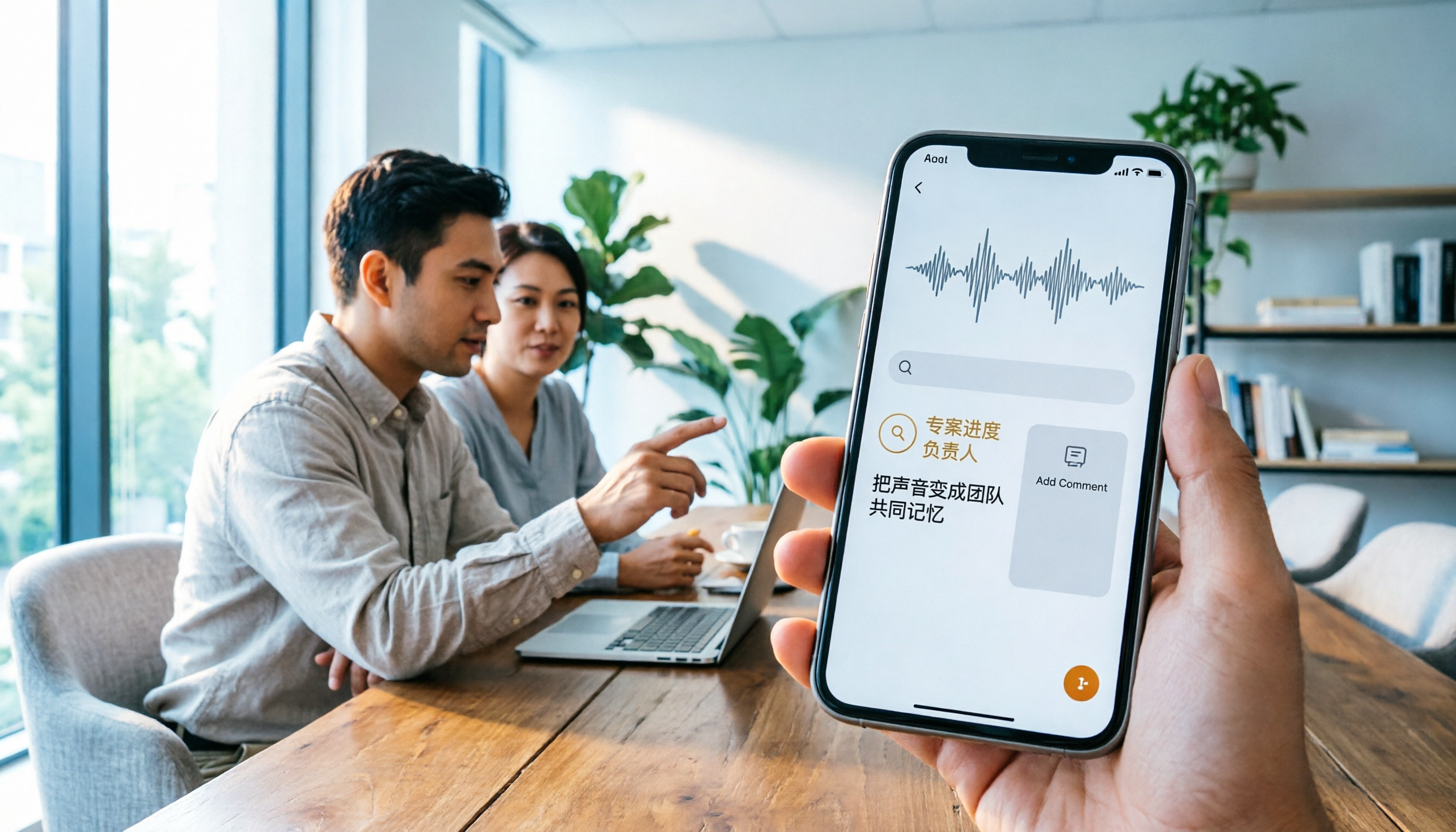
Turn recordings into transcripts and summaries in minutes
Upload audio or video for multilingual transcription, AI notes, and action items
Let me ask you a question: If you need to record a LINE call on your iPhone right now, would you use the built-in feature, screen recording, or an external recorder? If it's a one-off, your answer might differ; but if you handle over a dozen meetings a week, this choice directly affects what time you get off work.
I manage a 10-person team and have at least 15 meetings a week, many via LINE or online. In the past, to record client calls, I tried various methods on my iPhone and eventually realized that "capturing the audio" is just the first step; "turning it into actionable tasks" is what really matters.
Bottom Line: Three Ways to Record LINE Calls on iPhone
Method 1: iOS 26 Native Capture (Most Direct)
After upgrading to iOS 26, start a LINE call, pull down Control Center, and tap "Native Capture" to record. The key is to enable speakerphone to avoid system blackouts. To stop, long-press the red dot on the Dynamic Island; the file is saved to the Files app under iCloud Downloads. This method doesn't notify the other party, making it suitable for low-key recording.
Method 2: Screen Recording (Least Recommended)
iPhone's screen recording during LINE calls typically captures only your microphone, not the other party's voice—many Dcard users report silent recordings. Unless you only need the screen, skip this.
Method 3: External Recorder or Another Phone (Most Traditional)
Put the LINE call on speaker and record with a voice recorder or another phone. Pros: stable and independent of the system. Cons: no automatic transcription; all post-processing is manual.
For Professionals, LINE Call Recording Is Just One Piece—The Real Pain Point Is "What Happens After"
After trying all three, I found that LINE call recording suits short, one-on-one client conversations. But for weekly meetings, cross-departmental sessions, online courses, or user interviews, iPhone's built-in recording can't handle multi-speaker discussions, auto-summarization, or task tracking. That's why I switched to Tinrec for recording meetings. It's not a call recorder; it's an AI meeting notes and collaboration tool. In short, it transforms a meeting from "an audio file" into "searchable, collaborative, trackable data."
Three Real-World Scenarios Where I Use Tinrec
Scenario 1: No More Asking Team Members to Transcribe Weekly Meetings
Previously, after our weekly team meeting, I'd spend half an hour organizing action items. Now, I open Tinrec's desktop app—no meeting bot required—and it records the system audio directly, generating a live transcript as we speak. When the meeting ends, AI summaries, chapters, key points, and action items are auto-generated, with owners and deadlines listed. I just paste it into the group chat, and everyone picks up their tasks.
Scenario 2: Cross-Departmental Zoom Meetings
Tinrec supports Google Meet, Microsoft Teams, Webex, and other online meetings without requiring plugins. Its real-time translation and mixed Chinese-English transcription are handy; it correctly recognizes English terms and lets you set team-specific vocabulary (like product names or project codes) to reduce errors.
Stop organizing recordings by hand
Upload audio or video and automatically get a transcript, summary, and action items
Scenario 3: One-on-One Interviews and Client Meetings
In the past, I had to replay recordings and manually transcribe. Now, after recording, I can ask Tinrec AI: "What was the client's attitude toward the budget?" or "What action items were mentioned?" It answers based on semantic understanding and can generate reports or tables, exporting directly to Notion or Google Docs.
5 Things I Look for in a Recording or Meeting Notes Tool (and How Tinrec Performs)
- No bot joining the meeting: Some tools require a bot to join, which can feel awkward for clients. Tinrec's desktop app captures system audio directly without adding extra participants.
- More than just a transcript: A transcript is just raw material. Tinrec auto-generates summaries, chapters, action items, and mind maps, allowing further processing after transcription.
- Chinese and multilingual support: Tinrec handles Chinese, mixed Chinese-English, and real-time translation well, making it more suited to the Taiwanese workplace than mature English-only tools.
- Team collaboration and management: Personal data tends to scatter across devices. Tinrec's team plan offers a dedicated workspace where data belongs to the team; when members leave, they don't take it with them. Admins can assign seats, monitor usage, and review audit logs.
- Data retention and flexibility: It supports an audio recycle bin (so accidental deletions can be recovered) and multiple export formats.
FAQ
Q: Can I record LINE calls directly on iPhone now?
A: Yes. After upgrading to iOS 26, use "Native Capture" with speakerphone enabled—no external device needed. However, screen recording typically won't capture the other party's voice.
Q: Can Tinrec directly record LINE calls on iPhone?
A: No. Tinrec is not a phone call recorder; it mainly handles meetings, interviews, online conferences, and audio files. If you just need to record a LINE call, use iOS 26's native capture; if you need to organize meeting content, then use Tinrec.
Q: Are there legal issues with recording?
A: In Taiwan, if you're a participant in the call, recording for work documentation or evidence preservation is generally legal, but it's advisable to inform the other party or check company policy; don't use it to pry into privacy.
Q: Is Tinrec's free version sufficient?
A: If you have fewer than three meetings a week, start with the free version. If you meet daily and need team collaboration, consider the Pro or Team plans.
Conclusion
Recording LINE calls on iPhone is now possible, but "capturing audio" and "making it useful" are two different things. For the occasional client call, iOS 26's native capture is enough. If you're like me—lots of meetings and tired of organizing—try handing your meetings to Tinrec and let AI handle the most mechanical parts.
References
- LINE finally supports call recording! No plugins or external devices needed—just use iPhone's built-in system feature
- #Question ios system LINE call recording? - 3C forum | Dcard
- How to record phone calls and LINE calls? Recommended call recording apps for iPhone and Samsung
- 【Phone Tip】LINE can now record calls! iPhone built-in recording trick without notifying the other party! - Jason Communication (@jason89908738) | Dcard
- LINE call recording iPhone tutorial: Use iOS 26 native capture to easily record call audio - Mr. Mad
Turn every recording into actionable outcomes
Get 60 free transcription minutes when you sign in. No credit card required.
Related Reading
You might also like

Best AI Meeting Recorder in 2026? Hands-On Test of Tinrec vs PLAUD Note
Many people choose an AI meeting recorder based only on recording and transcription, overlooking post-meeting organization and team handoff. This article compares two approaches—Tinrec and PLAUD Note—across meeting capture, Chinese and cross-language support, post-meeting organization, data retention, and team governance, with actionable selection advice and a starter checklist.

4 Smart Meeting Notes Apps Tested for 2026: Free Tiers, Transcripts, and AI Summaries Compared
Smart meeting notes software is more than just audio-to-text. This article addresses three common misconceptions, explains the real value of AI meeting notes tools across four stages—capture, organize, use, and govern—then compares Tinrec and Notta across five dimensions: meeting capture, transcripts and languages, post-meeting output, team governance, and pricing/quotas. Finally, six FAQs help you decide if a free version is enough and how team plans differ.

2026 Smart Meeting Notes App Comparison: Which One Actually Saves You Time?
Spending two hours after a meeting to organize notes is a daily reality for many professionals. This hands-on comparison of Tinrec, Otter.ai, Notta, and PLAUD Note evaluates how each records meetings, what they produce afterward, their Chinese-language experience, and team management features. We break down 4 key buying factors and 3 common pitfalls to help you choose the one that truly saves time.

Best AI Meeting Notes Tools in 2026: 5 Tested + Automatic To-Do Summaries
A mid-level manager who runs 15 meetings a week tested popular AI meeting note tools, covering Chinese recognition, how meetings are recorded, post-meeting output, team data ownership, and quota calculations. He shares 5 key selection criteria and 4 common mistakes, and explains why he ultimately kept Tinrec as his daily go-to.

4 AI Meeting Assistants Tested for 2026: Which Saves the Most Time on Chinese Meeting Notes and Post-Meeting Organization?
How to choose an AI meeting assistant in 2026? Starting from real meeting pain points, this article compares Tinrec, Otter.ai, Notta, and Granola on recording methods, post-meeting organization, Chinese support, and team permissions. It outlines 4 key purchasing factors and 3 common pitfalls to help you pick the one that truly saves time.

2026 Smart Meeting Notes: Auto Summaries + Action Items, Faster Than Any Book
Looking for a book on smart meeting notes? This guide starts with whether to learn a method or use a tool, explains what AI meeting notes can do, core features, real use cases, and buying tips, and uses Tinrec as an example to show how to automatically generate transcripts, summaries, and action items.

2026 AI Meeting Recorder Comparison: Tinrec vs Plaud Note vs Otter.ai for Chinese Meetings
Tired of missing details in meetings and re-listening to recordings? This hands-on comparison looks at Tinrec, Plaud Note, and Otter.ai from a real-world workflow perspective, with an in-depth head-to-head between Tinrec and Plaud Note covering Chinese recognition, online meeting recording, post-meeting organization, team collaboration, and pricing—so you can decide which tool best fits how you work.

4 AI Meeting Transcription Tools Tested in 2026: Which One Handles Chinese Best and Offers the Most Free Usage?
After the meeting ends, nobody wants to read the transcript. This article compares Tinrec, Notta, Otter.ai, and PLAUD recording hardware in real meeting scenarios, focusing on Chinese recognition, meeting capture methods, post-meeting organization, and team data ownership. It also covers free tiers, single-session limits, team seats, and pricing to help you choose an AI meeting transcription tool that saves time without pitfalls.

2026 AI Meeting Recorder Comparison: Which Tool Actually Saves Your Lost Meeting Notes?
Lost meeting notes are usually not the tool's fault—it's how you store and organize them. This article starts with common misconceptions about why notes disappear, outlines 4 key factors for choosing an AI meeting recorder, and compares Tinrec, Granola, Notta, and PLAUD Note on recording preservation, team ownership, and post-meeting organization to help you find the one that truly prevents notes from vanishing.