
Turn recordings into transcripts and summaries in minutes
Upload audio or video for multilingual transcription, AI notes, and action items
The Complete 2026 Guide to Plaud Recording: A 5-Dimension Comparison with Tinrec and Buying Advice
Many students have a misconception: if you want to record, you must buy a voice recorder. I thought the same way during my freshman year, believing that phone recordings weren't professional enough, so I spent money on a voice recorder. In the end, I barely used it, and the audio files piled up on my computer with no time to listen to them. Later, I realized that the key isn't recording itself, but how you quickly turn recordings into key points afterward. Based on my own experience over a full semester, this article compares Plaud recording hardware with Tinrec recording software to see which is more suitable for students.
Plaud vs Tinrec | Quick Overview
Plaud is an AI recording hardware device that looks like a transit card or a capsule. It's designed for on-the-go recording with one-touch operation, and files are automatically transferred to the mobile app for transcription. Tinrec, on the other hand, is an AI meeting notes software that works on both phones and computers, requiring no additional hardware. In simple terms, Plaud means "buy a voice recorder," while Tinrec means "record directly with your phone or computer."
| Comparison Item | Plaud | Tinrec |
|---|---|---|
| Product Type | Hardware voice recorder | Software app/desktop version |
| Price | Hardware starts at around USD 159, plus membership fees | Free version available; paid plans include weekly/monthly/yearly options |
| Primary Use | In-person recording, phone call recording, on-the-go notes | Online meetings, lecture recording, file transcription |
| Core Difference | Standalone device, can record offline | Multi-platform use, no extra hardware needed |
Next, I'll compare them across five dimensions to help you decide which one is right for you as a student.
Dimension 1 | Recording Methods and Hardware Dependency
Plaud's recording method is straightforward: press and hold the record button on the device for 1 second, it vibrates once to start recording, and press and hold again for two vibrations to stop—no need to look at your phone. Audio files sync automatically to the app, so you don't have to keep your phone on. However, you need to spend money upfront on the hardware and carry an extra device with you.
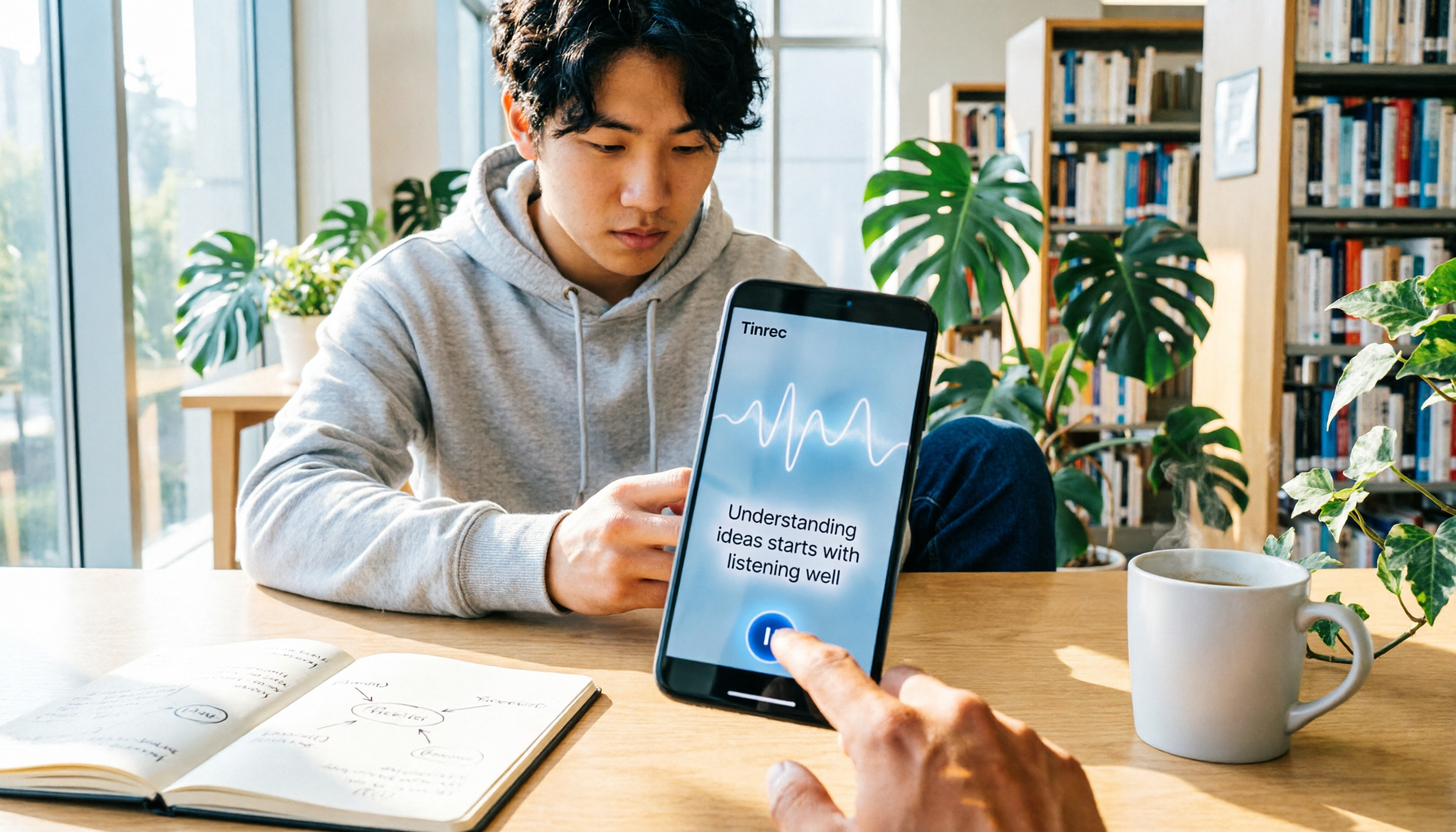
Tinrec requires no hardware; it's installed directly on your phone or computer. For lectures, just place your phone on the desk, open the app, and tap record. For online meetings, use the desktop version to capture system audio directly, without needing an external microphone. For students, not having to buy extra equipment is the biggest advantage.
→ This dimension: Tinrec wins, because there's zero hardware cost, so students don't have to spend extra money.
Dimension 2 | Online Meeting Recording
Plaud is essentially a voice recorder, so to record online meetings (like Zoom or Google Meet), you'd have to place the recorder next to the speaker, which degrades audio quality and transcription accuracy in noisy environments. It's better suited for face-to-face interviews or phone call recordings.
Tinrec's desktop version can directly record your computer's system audio, so you don't need to point a microphone at the speaker or invite a meeting bot. This is super convenient for students whose classes have moved online, as you get transcripts and summaries right after recording.
Stop organizing recordings by hand
Upload audio or video and automatically get a transcript, summary, and action items
→ This dimension: Tinrec wins, as the experience with online courses and video meetings is far superior.
Dimension 3 | Transcription Accuracy and Chinese Support
Plaud supports transcription in 112 languages, with speaker labeling and custom vocabulary. Its Chinese recognition is decent, especially with clear speech. However, it may still make errors with mixed Chinese-English content or when multiple people speak simultaneously.
Tinrec also supports Chinese, mixed Chinese-English, and multiple languages, and has a team vocabulary feature (not available in the personal version, but common terms are recognized). In my experience recording professors with Taiwanese-accented Chinese, accuracy is high, with occasional errors on proper nouns that are easy to correct manually.
→ This dimension: Tie, as both offer good Chinese support with no significant difference.
Dimension 4 | Post-Meeting Organization and AI Features
After recording, Plaud's app automatically generates transcripts, along with AI summaries, mind maps, and templates. However, its organization is more about turning recordings into notes, with limited options for further editing or exporting.
Tinrec goes beyond transcripts by automatically extracting key points, dividing into chapters, and pulling out action items. You can also use AI Q&A to ask questions about the recording, such as "What did the professor say about the midterm scope?" Additionally, you can export to Notion or Google Docs, or generate meeting minutes directly. For students, this is like having an assistant that helps you organize key points.
→ This dimension: Tinrec wins, as its AI applications are more extensive, going beyond simple transcription.
Dimension 5 | Pricing and Free Allowance
Plaud's hardware is expensive on its own: the NotePin costs USD 159 and the Note Pro costs USD 189, not including membership fees. The Starter membership includes 300 minutes per month, while the Pro membership costs USD 99.99 per year and includes 1,200 minutes per month. For students, this is a significant expense.
Tinrec offers a free version with basic recording and transcription allowances. In my testing, recording a few hours of lectures per week was sufficient (I won't specify exact minutes as allowances may change). If you need more, you can purchase a weekly card or Pro, but at least you don't have to spend a large amount on hardware upfront.
→ This dimension: Tinrec wins, as the free version meets most students' needs and offers great value for money.
What Are the Unique Advantages of Each?
Tinrec's Unique Advantages
- No hardware needed: record directly with your phone or computer, zero equipment cost.
- Online meetings without bots: the desktop version captures system audio, supporting Zoom and Meet.
- AI Q&A and export: ask questions about the recording and export to Notion or Google Docs for further organization.
- Team space (if collaborating in groups): share recordings and transcripts, though students typically don't need the team version; the free version is sufficient.
Plaud's Unique Advantages
- Portable hardware recording: no need to carry your phone; a recorder in your pocket is ideal for interviews or impromptu notes.
- Offline recording: you can record without your phone and sync later.
Conclusion: Which One Should You Choose?
If you're a student like me, mainly recording lectures, online courses, and group discussions, and you're on a budget, go with Tinrec. The free version meets most needs without spending money on a recorder or worrying about membership fees.
Only if you frequently need "independent recording without your phone," such as outdoor interviews or environments where phones aren't allowed, does Plaud become valuable. But for the average student, your phone is almost always with you, so carrying an extra recorder just adds weight and cost.
In a nutshell: download the Tinrec free version first, try it with your own lecture recordings, and consider paid options only if needed. There's no need to buy Plaud hardware from the start.
References
- Plaud Taiwan | Official Website | Leading AI Recording Device Brand
- Recording via Plaud App – Help Center
- Plaud Note | The Smartest AI Voice Recorder Card
- Recording Guide | Plaud Taiwan
- China's AI Recording Capsule Sells Well in US and Japan: Plaud's Secret Is "Not Saying It's a Chinese Company" | CommonWealth Magazine
Turn every recording into actionable outcomes
Get 60 free transcription minutes when you sign in. No credit card required.
Related Reading
You might also like

Best AI Meeting Recorder in 2026? Hands-On Test of Tinrec vs PLAUD Note
Many people choose an AI meeting recorder based only on recording and transcription, overlooking post-meeting organization and team handoff. This article compares two approaches—Tinrec and PLAUD Note—across meeting capture, Chinese and cross-language support, post-meeting organization, data retention, and team governance, with actionable selection advice and a starter checklist.

4 Smart Meeting Notes Apps Tested for 2026: Free Tiers, Transcripts, and AI Summaries Compared
Smart meeting notes software is more than just audio-to-text. This article addresses three common misconceptions, explains the real value of AI meeting notes tools across four stages—capture, organize, use, and govern—then compares Tinrec and Notta across five dimensions: meeting capture, transcripts and languages, post-meeting output, team governance, and pricing/quotas. Finally, six FAQs help you decide if a free version is enough and how team plans differ.

2026 Smart Meeting Notes App Comparison: Which One Actually Saves You Time?
Spending two hours after a meeting to organize notes is a daily reality for many professionals. This hands-on comparison of Tinrec, Otter.ai, Notta, and PLAUD Note evaluates how each records meetings, what they produce afterward, their Chinese-language experience, and team management features. We break down 4 key buying factors and 3 common pitfalls to help you choose the one that truly saves time.

Best AI Meeting Notes Tools in 2026: 5 Tested + Automatic To-Do Summaries
A mid-level manager who runs 15 meetings a week tested popular AI meeting note tools, covering Chinese recognition, how meetings are recorded, post-meeting output, team data ownership, and quota calculations. He shares 5 key selection criteria and 4 common mistakes, and explains why he ultimately kept Tinrec as his daily go-to.

4 AI Meeting Assistants Tested for 2026: Which Saves the Most Time on Chinese Meeting Notes and Post-Meeting Organization?
How to choose an AI meeting assistant in 2026? Starting from real meeting pain points, this article compares Tinrec, Otter.ai, Notta, and Granola on recording methods, post-meeting organization, Chinese support, and team permissions. It outlines 4 key purchasing factors and 3 common pitfalls to help you pick the one that truly saves time.

2026 Smart Meeting Notes: Auto Summaries + Action Items, Faster Than Any Book
Looking for a book on smart meeting notes? This guide starts with whether to learn a method or use a tool, explains what AI meeting notes can do, core features, real use cases, and buying tips, and uses Tinrec as an example to show how to automatically generate transcripts, summaries, and action items.

2026 AI Meeting Recorder Comparison: Tinrec vs Plaud Note vs Otter.ai for Chinese Meetings
Tired of missing details in meetings and re-listening to recordings? This hands-on comparison looks at Tinrec, Plaud Note, and Otter.ai from a real-world workflow perspective, with an in-depth head-to-head between Tinrec and Plaud Note covering Chinese recognition, online meeting recording, post-meeting organization, team collaboration, and pricing—so you can decide which tool best fits how you work.

4 AI Meeting Transcription Tools Tested in 2026: Which One Handles Chinese Best and Offers the Most Free Usage?
After the meeting ends, nobody wants to read the transcript. This article compares Tinrec, Notta, Otter.ai, and PLAUD recording hardware in real meeting scenarios, focusing on Chinese recognition, meeting capture methods, post-meeting organization, and team data ownership. It also covers free tiers, single-session limits, team seats, and pricing to help you choose an AI meeting transcription tool that saves time without pitfalls.

2026 AI Meeting Recorder Comparison: Which Tool Actually Saves Your Lost Meeting Notes?
Lost meeting notes are usually not the tool's fault—it's how you store and organize them. This article starts with common misconceptions about why notes disappear, outlines 4 key factors for choosing an AI meeting recorder, and compares Tinrec, Granola, Notta, and PLAUD Note on recording preservation, team ownership, and post-meeting organization to help you find the one that truly prevents notes from vanishing.