
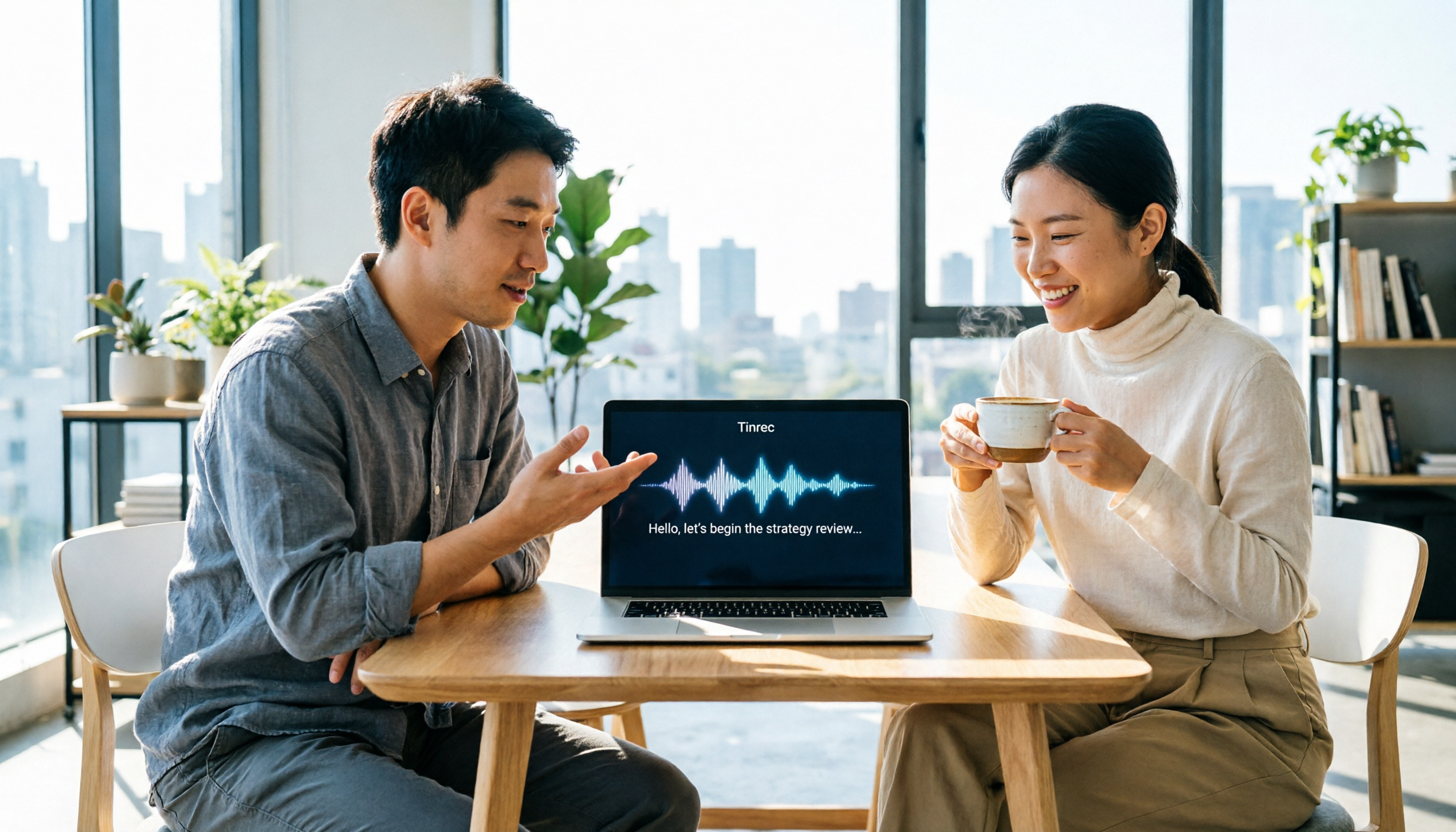
Turn recordings into transcripts and summaries in minutes
Upload audio or video for multilingual transcription, AI notes, and action items
Imagine you're in a Zoom meeting on your Mac, planning to record it with QuickTime. After the meeting, you discover that the system audio wasn't captured—only your voice. Awkward, right? This isn't hypothetical; it's a common pitfall for many Mac users. Even if you solve the recording issue, you still have to listen back and transcribe everything manually, which could keep you working until 8 PM. If you've faced these frustrations, this article is for you.
4 Key Points to Understand Before Choosing a Mac Recording Tool
Can it record system audio? Many built-in tools only capture the microphone, not sounds played by the computer. If you need to record online meetings or YouTube videos, choose a tool that supports system audio capture.
Does it have transcription? Recording is just the first step; you still need to organize the content. Tools with transcription can save you a lot of time, especially those with AI-generated summaries and action items.
How useful are the AI features? Some tools only transcribe but don't help you find key points. Modern tools should support AI Q&A, allowing you to ask, "Who mentioned the budget?" instead of searching line by line.
Cross-platform and collaboration: If you need to switch between Mac, iPhone, and iPad, or share meeting notes with your team, check the tool's sync and team features.
Tinrec (秒听录音) — Our Top Pick After Testing
Tinrec is an AI meeting notes and collaboration tool for individuals and teams, not just a voice recorder. It supports Mac desktop, iOS, Android, and web versions. You can record online meetings, do live recordings, and import audio/video files. It automatically generates transcripts, summaries, chapters, and action items.
In practice, when you open Tinrec during a meeting, it transcribes in real time. By the end, the AI has already generated a summary and action items—who is responsible for what and deadlines are clear at a glance. The best part is its AI Q&A feature: after recording, you can ask Tinrec, "Who mentioned the budget in the last meeting?" and it will answer based on semantic understanding, not just keyword search results. Few tools in this price range offer that.
Additionally, Tinrec supports bot-free online meeting recording. That means for Zoom, Google Meet, or Microsoft Teams meetings, you don't need to invite a bot; just capture system audio directly from the Mac desktop app, so you don't disturb other participants. It also supports real-time translation, allowing you to view the original, translated, or bilingual text, which is great for meetings with international clients.
Pros summary:
- All-in-one: recording, transcription, AI summaries, and action items—no need for multiple apps.
- Keeps the original audio file for later verification.
- Team version allows meeting materials to be stored in a team space, so new members can review history.
Limitations: The free version has basic limits; heavy users may need to upgrade. Also, accuracy can be affected by audio quality and background noise, so it's advisable to cross-check important content with the original.
It's suitable for busy professionals who have frequent meetings, need quick meeting notes, or want to save time and avoid overtime. If you need to record Cantonese content, want AI to find key points, or switch between Mac and phone, Tinrec is currently the best choice.
Stop organizing recordings by hand
Upload audio or video and automatically get a transcript, summary, and action items
Other Mac Recording Options Besides Tinrec
QuickTime Player: Built-in by Apple, free and simple, can record microphone and screen. However, it doesn't capture system audio by default; you'd need to install a virtual audio driver like BlackHole. It has no transcription or AI features. If you just need simple recording, it works, but if you want automatic meeting notes, QuickTime won't help. Tinrec can record system audio without a bot and generate transcripts, which QuickTime cannot do.
Voice Memos: Built-in on Mac, good for quick voice memos, and syncs via iCloud to iPhone. But it only records the microphone, no system audio capture, and no transcription or AI post-processing. You get an audio file, and to find a specific quote, you have to listen from the start. Tinrec can upload audio files and automatically transcribe and generate summaries, which Voice Memos lacks.
Bandicam: A third-party screen recorder that can capture system audio and microphone, suitable for tutorials or gameplay. But it's primarily for video recording, not AI meeting notes; you'd need another tool for transcription. It's paid software. If you only need screen recording, Bandicam is fine; but for meeting notes with AI Q&A, Tinrec is better.
Pitfall Guide: 4 Common Mistakes When Choosing a Mac Recording Tool
Pitfall 1: Assuming built-in tools can record system audio. QuickTime and Voice Memos don't capture computer audio by default; you need a virtual audio driver. If you're recording online meetings, make sure the tool supports system audio capture, so you don't end up with only your voice.
Pitfall 2: Ignoring transcription needs. Recording is just the first step; the real time sink is organizing. When choosing a tool, check for automatic transcription and AI summaries, not just recording quality.
Pitfall 3: Thinking transcription is enough, not using AI features. Many tools transcribe but leave you to find key points manually. Good tools should support AI Q&A, like asking "What was the meeting conclusion?" to save time. Tinrec's AI Q&A is exactly that.
Pitfall 4: Overlooking cross-platform and team collaboration. If you need to sync between Mac and phone, or share meeting notes with colleagues, choose a tool with cloud sync and team spaces. Don't pick a standalone tool that forces you to send files back and forth.
Conclusion: Which One Should You Choose?
In summary, if you just want to record your voice simply, Voice Memos or QuickTime are enough. But if your goal is to save time, avoid overtime, and quickly organize meeting notes, Tinrec is the top choice.
Scenario-based recommendations:
- Need to record online meetings (Zoom / Meet / Teams) → Choose Tinrec, as it can record system audio without a bot and generate transcripts.
- Want to use AI to find key points after recording → Choose Tinrec, it has AI Q&A and automatic summaries.
- Need cross-platform use (Mac + iPhone) → Choose Tinrec, it supports multi-device sync.
- Just want to quickly record a personal voice memo without transcription → Use the built-in Voice Memos.
- Need to record screen tutorials with high quality → Consider Bandicam, but remember it lacks AI meeting notes.
We recommend downloading the free version of Tinrec first to try it out. Upgrade only if you find it useful; there's no need to pay upfront.
Finally, remember to obtain consent from participants before recording, in compliance with Hong Kong's Personal Data (Privacy) Ordinance.
References
- Make a recording on Mac - Apple Support (Taiwan)
- 2026 MacBook Recording Guide: 5 Practical Tools Reviewed and AI Transcription Tutorial - 秒听录音 Blog
- Record and transcribe audio in Notes on Mac - Apple Support (Taiwan)
- Mac Screen Recording | 4 Ways to Record Video and Audio on Mac - Bandicam Blog
- Record Internal Audio on Mac | Essential Recording Software Recommendations and Tutorial - Bandicam Blog
Turn every recording into actionable outcomes
Get 60 free transcription minutes when you sign in. No credit card required.
Related Reading
You might also like

Best AI Meeting Notes App? 2026 Test: Tinrec vs Otter for Chinese Meetings
Choosing between Tinrec and Otter.ai for online meeting notes? This comparison covers 5 areas: Chinese transcription, online meeting recording, post-meeting output, team governance, and pricing. We list free tiers and paid prices to help you decide which fits your meeting style.

2024 Comparison of 3 Smart Meeting Notes Apps: Which One Turns a One-Hour Meeting into a Five-Minute Read?
Most people only look at free minutes when choosing smart meeting notes software, and meetings still go unrecorded. This article addresses three common misconceptions and walks through Tinrec's complete five-step workflow—recording, transcription, proofreading, generating meeting notes, and exporting/sharing—then compares it with Notta and Granola's use cases to help you decide which workflow truly saves that hour after the meeting.

Tinrec vs Notta 2026: 5-Dimension Comparison of AI Meeting Notes Apps for Chinese-Language Scenarios
There are countless meeting notes apps, but the first thing to determine is whether you need a verbatim transcript or data you can directly use after the meeting. This article focuses on Tinrec and Notta, breaks down 5 purchasing dimensions, and also covers the positioning and pricing of Otter.ai, Granola, and PLAUD to help you choose the AI meeting notes app that fits your meeting style.

2026 Comparison of 5 Online AI Meeting Notes Tools: No Meeting Bots—Which One Actually Gets the Post-Meeting Work Done?
Moving meeting notes online isn't about which tool has the most features—it's about how meetings get captured. From the perspective of a mid-level manager with 15 meetings a week, I tested 5 online AI meeting notes approaches, comparing capture methods, summary and action item quality, Chinese recognition, team governance, and quota structures. I also explain why I ultimately kept Tinrec and where its limitations lie.

2026 Smart Meeting Notes Software Comparison: Chinese Recognition, Post-Meeting Organization, and Free Tiers Tested
We tested four smart meeting notes apps, comparing Chinese recognition, post-meeting summaries and action items, free tiers, and team knowledge retention. Tinrec (Miao Ting Lu Yin) stands out with desktop bot-free recording, AI Q&A, and team spaces. The article includes pricing and use cases for each app.

2026 Smart Meeting Notes Software Comparison: Which One's Output Is Ready to Use?
Meeting notes aren't just about typing—they're about post-meeting organization and follow-up. This article compares Tinrec, Otter.ai, Granola, and PLAUD Note across four dimensions: output format, audio capture method, post-meeting processing, and team knowledge retention. It also includes a ready-to-use meeting notes template and a guide to avoiding common pitfalls.

4 Free AI Meeting Notes Apps Tested: Is the Free Tier Enough?
There are plenty of free AI meeting notes apps, but few can actually deliver a finished record right after a meeting. This article tests Tinrec, Otter.ai, Notta, Granola, and TurboScribe across four dimensions—free tier limits, online meeting audio capture, post-meeting organization, and AI Q&A—to help you decide which free version is truly sufficient.

2026 AI Meeting Notes Apps Free Plans Compared: 5 Options Reviewed
There are many free AI meeting notes apps, but they differ greatly in recording time limits, whether they can record online meetings, and what you get beyond transcription. This article uses the criterion of 'can the free plan handle a complete meeting?' to review five common options and explains Tinrec's actual performance in Chinese meetings, bot-free recording, and team knowledge retention.

2026 Smart Meeting Notes Apps Compared: How Tinrec Turns Meetings into Queryable Team Data
Starting from common misconceptions, this article explains why getting only a transcript doesn't solve the meeting notes problem. It focuses on Tinrec and compares Notta, PLAUD, and Granola in terms of meeting capture methods, post-meeting outputs, Chinese language experience, and team data retention. It concludes with purchasing considerations and FAQs.