

Turn recordings into transcripts and summaries in minutes
Upload audio or video for multilingual transcription, AI notes, and action items
Many people saw that Google Meet introduced beauty filters in 2024, and their first reaction was, "I don't need to put on makeup for meetings anymore." That's thoughtful, but if you think turning on the beauty filter means your meetings will go smoothly, you're falling into a common misconception: appearance enhancement only solves the "looking good" problem, not the "remembering" problem.
After a meeting, you still have to recall what was discussed, who is responsible for what, and what needs to be delivered next. If you're lucky, you have a colleague's shared notes; if not, you have to rely on memory to send follow-up emails. This inefficient approach is what really holds you back at work.
A more sensible approach is to let AI turn your meeting content into searchable, trackable data. After testing Tinrec, I found it fills the gap that Google Meet's beauty filter doesn't cover: from recording, transcription, and summarization to action items, it's a one-stop solution.
What Can Tinrec Do for You?
Tinrec is an AI meeting notes and collaboration tool, not just a regular voice recorder. Its core value is turning meetings into actionable data, not just an audio file sitting on your phone.
Here are three scenarios you'll likely relate to:
Scenario 1: Meeting notes ready 5 minutes after the meeting ends
Previously, after a two-hour meeting, you might spend another hour organizing notes. Now with Tinrec, as soon as the meeting ends, AI has already generated summaries, conclusions, and action items, showing who is responsible for what and deadlines at a glance.
Scenario 2: No need to add bots to Google Meet
Tinrec's desktop version can capture your computer's system audio directly, so you don't need to invite a meeting bot. You just start Google Meet as usual, open Tinrec, hit record, and it transcribes in the background in real time, giving you the full transcript after the meeting.
Scenario 3: Ask questions about past meetings anytime
When a team member leaves, do meeting contents disappear with them? Tinrec keeps meeting recordings and transcripts in the team space, so you can ask AI anytime, "What did the client say about the budget last time?" and get the answer directly.
What Are Tinrec's Core Capabilities?
Tinrec is not just about "speech-to-text." Let me break down its most useful features:
Real-time transcription: Generates text as it records with low latency. During meetings, you can follow along to ensure nothing is missed, without waiting for the recording to finish and then waiting another half hour.
AI semantic summarization: Not just condensing the transcript into a paragraph, but structuring it—meeting topic, conclusions, action items, and owners are listed separately.
AI chat query: After transcription, you can ask Tinrec questions like "Who mentioned the budget?" or "What was the client's feedback?" It answers based on semantic understanding.
Action item extraction: Automatically identifies follow-up actions from the discussion, including who does what and by when, so you don't have to write them down manually.
Multi-format export: Export meeting results to Notion, Google Docs, OneNote, and other tools to continue your workflow.
Practical Use Cases
Online meetings: Use Tinrec desktop to record Google Meet without bots or extra participants. The entire meeting is transcribed, and you can share the summary with those who didn't attend.
Stop organizing recordings by hand
Upload audio or video and automatically get a transcript, summary, and action items
Client interviews: Record the interview, see the transcript in real time, then use AI to extract key needs and commitments, and export as a report.
Weekly project meetings: Record weekly meetings, Tinrec automatically organizes action items, team members can review past discussions, and new members can quickly catch up.
Courses or lectures: Record online courses or in-person talks, convert to text for searching key points, note-taking, and even translation into other languages.
4 Things to Consider When Choosing an AI Meeting Notes Tool
If you're looking for a similar tool, these 4 criteria can help you decide, and I'll also tell you how Tinrec performs on each.
1. Can it record online meetings without a bot?
Many tools require you to invite a bot to the meeting, which shows up as an extra participant. Tinrec desktop captures system audio directly and works with Google Meet, Zoom, and Teams without any extra invitations.
2. Does it turn transcripts into truly usable data?
Getting just the transcript isn't enough; you need summaries, action items, and Q&A. Tinrec's AI summaries and action item extraction are practical, and you can use them directly for progress reports.
3. How well does it handle Chinese and mixed Chinese-English content?
Tinrec supports Chinese, Traditional Chinese, and mixed Chinese-English content well, and offers real-time translation and bilingual transcripts. Of course, actual performance depends on recording quality, accents, and background noise, so test with your own recordings.
4. Is team collaboration and data ownership clear?
The personal plan is for individual use, while the team plan centralizes meeting data in a team space where members can view past meetings, and admins can manage seats, usage, and audit logs. Team data belongs to the team, so when a member leaves, they don't take the meeting records with them.
FAQ
Q: Is Tinrec's free plan sufficient?
The free plan includes basic credits so you can try recording, importing, summarization, and transcription. If you only need to organize meeting recordings occasionally, the free plan is a good start; if you have consistent weekly needs, consider the Pro plan.
Q: Can Tinrec record Google Meet meetings?
Yes. Tinrec desktop records by capturing your computer's system audio, so you don't need to invite a bot to Google Meet. Just open Tinrec, start recording, and proceed with your meeting normally.
Q: What is Tinrec's transcription accuracy?
It's not advisable to rely on a fixed number. Tinrec provides high-quality transcription in clear audio and common scenarios, but actual results depend on recording quality, accents, overlapping speech, and technical jargon. For important content, it's recommended to cross-check with the transcript timestamps and playback.
Q: Will meeting data disappear when a team member leaves?
No. In the team plan, meeting data belongs to the team. When a member exits, is removed, or loses their seat, the system requires them to transfer their team resources to other active members.
Q: What platforms does Tinrec support?
Tinrec is available on desktop (Windows / macOS), mobile (iOS / Android), and web, covering most use cases.
Conclusion
Google Meet's beauty filter boosts your confidence on camera, but the real value of a meeting lies in its content and follow-up actions. If you have more than 3 meetings a week, instead of spending time after each meeting trying to recall, let Tinrec turn your meetings into searchable, trackable data. Start with the free plan to experience AI-powered meeting notes, then decide if you want to upgrade.
References
- How to Quickly Use Google Meet Beauty Filters
- Google Meet Can Be Fun and Beautiful Too! | Mingyi Digital Education Academy - MBP Project
- Google Meet Launches AI Makeup Feature! Look Great on Camera While Working or Studying from Home - 電獺少女:女孩的科技日常-App、科技酷品、生活與美食
- Visual Effects for Google Meet - Chrome Web Store
- Google Meet Feature Updates: 1:1 Calls, Portrait Mode, Companion Mode | Tanaka Systems
Turn every recording into actionable outcomes
Get 60 free transcription minutes when you sign in. No credit card required.
Related Reading
You might also like

6 Meeting Minutes Tools Compared for 2026: From MoM Abbreviation to AI-Generated Summaries
Meeting minutes are abbreviated as MoM (Minutes of Meeting), but 'minutes' here doesn't mean time. This article first breaks down common abbreviations and terms like take the minutes, minutes taker, resolution, and action items, then compares six meeting minutes solutions—Tinrec, Otter.ai, Notta, Granola, TurboScribe, and PLAUD—from the decision-making perspective of whether to organize minutes yourself or let a tool do it, helping you choose the right workflow for your meeting style.

2026 Voice-to-Transcript Tools Compared: NotebookLM vs. Tinrec — Which Saves More Time?
No more manual typing for meeting transcripts. This hands-on comparison of NotebookLM, Tinrec, EchoScript, and Otter.ai covers Chinese transcription, post-meeting organization, online meeting audio capture, and team collaboration, plus 4 key buying factors and common pitfalls to help you pick the one that truly saves time.

2026 Comparison of 4 Meeting Minutes Tools: Which Saves the Most Time After Using a Template?
Most people looking for meeting minutes templates get stuck not on the format, but on filling them out after the meeting. Starting from a 12-field meeting minutes template skeleton, this article explains 5 key points to consider before choosing a tool, and compares Tinrec, Notta, Otter.ai, and Granola in terms of efficiency, limitations, and suitable users for filling out templates.

2026 Comparison of 5 iPhone Recording-to-Meeting-Notes Tools: Is the Free Version Enough?
What's the most time-saving way to turn iPhone recordings into meeting notes? This article starts with common misconceptions and compares 5 approaches: built-in Voice Memos, Notes app, third-party transcription apps, meeting bot tools, and Tinrec desktop bot-free recording. It uses Tinrec to demonstrate the complete workflow from recording, transcription, AI summary to to-dos and team collaboration, with buying tips and FAQs.
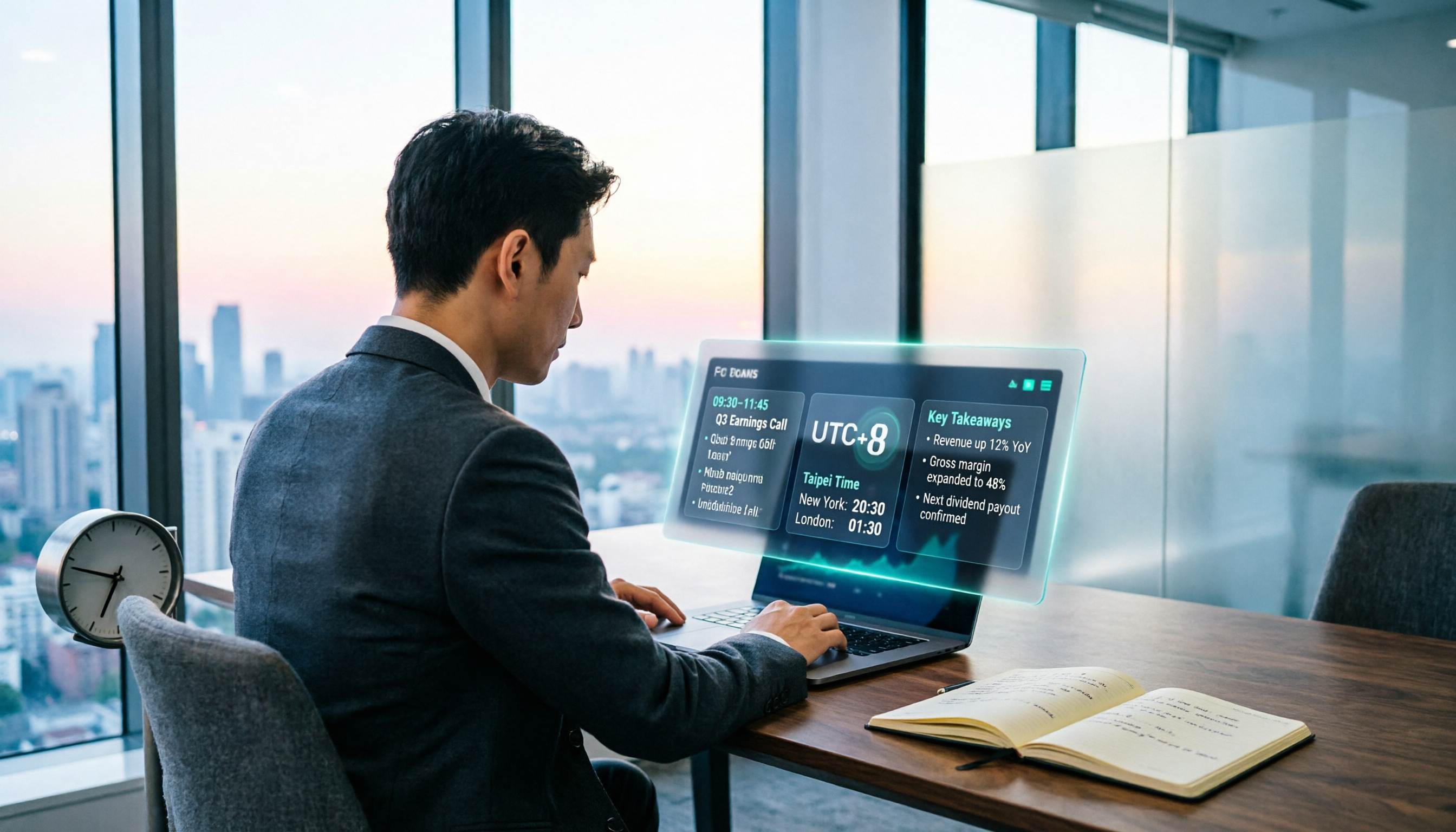
When Are the 2026 Fed Meeting Minutes Released? 5 Steps to Understand Time Conversion and Key Takeaways
When exactly are FOMC meeting minutes released? How do you convert to Taiwan time? This article breaks down the release pattern of Fed meeting minutes in 5 steps, the difference between daylight saving and standard time, and how to quickly grasp the key points after release. It also tests using an AI meeting notes tool to organize press conferences and financial content, saving you from staying up late reading the original text word by word.

How to Record iPhone Meetings in 2026: Auto-Generate Transcripts & Action Items
Recording a meeting on iPhone seems easy, but the real time sink is post-meeting organization. This guide starts with the decision point: do you just want audio, or do you need something usable? It breaks down 4 key selection criteria, compares Tinrec with PLAUD, Notta, and Otter.ai, and covers 4 common pitfalls to help you choose the right solution within your budget.

What Does 'Meeting Minutes' Mean? 4 Meeting Note Tools Tested in 2026 — This One Handles Chinese Best
'Meeting minutes' doesn't mean 'a few minutes' — it refers to the official written record of a meeting. This article first explains the correct meaning of 'minutes,' common collocations, and the fields a proper set of meeting minutes should include. It then tests and compares four tools — Tinrec, Otter.ai, Notta, and Granola — on Chinese transcription, recording retention, post-meeting organization, and team collaboration, helping you pick the one you'll actually keep using.

6 Speech-to-Text Tools Compared for 2026: Free Tiers, Chinese Recognition, and AI Summaries
How to choose a speech-to-text tool in 2026? Starting from three common misconceptions, this guide breaks down five key buying factors—free tier limits, Traditional Chinese recognition, AI summaries, and offline privacy—then compares six options including Whisper, MacWhisper, Google Live Transcribe, Otter.ai, Notta, and Yating Transcription, covering their best use cases and limitations.

2026 Client Meeting Notes: 3 Common Mistakes Freelancers Make and How to Fix Them
For freelancers, the biggest fear isn't a lack of projects—it's the 'he said, she said' after a client meeting. This article tackles three common mistakes, explains what to include (and exclude) in client meeting notes, shares a before-during-after approach, and uses Tinrec as an example to show how to turn voice into trackable decisions and action items. It wraps up with key considerations for choosing a tool and answers to FAQs.