
Turn recordings into transcripts and summaries in minutes
Upload audio or video for multilingual transcription, AI notes, and action items
2026 Hands-On Comparison of 3 Teams Meeting Recorders: Which One Turns Meeting Content into a Real Team Asset?
When something goes wrong in a Teams meeting, many people's first instinct is to "remove someone from the meeting." But if you ask me, the real problem isn't who's in the meeting—it's what happens to the discussions, decisions, and commitments after the meeting ends.
In my experience, a two-hour Teams meeting without proper documentation means spending even more time afterward trying to recall details and track progress. Especially when the meeting has recordings, transcripts, and action items—if you don't organize these, the meeting might as well not have happened.
So instead of obsessing over removing people, focus on setting up a system for meeting records.
In this article, I'll share my hands-on comparison of three meeting recording tools I think are worth considering: Tinrec, Otter, and Notta. The focus isn't on specs, but on "how to turn meeting content into data your team can keep using."
The Pain Point of Teams Meetings: You Don't Need to Remove People—You Need to Keep the Content
First, let's address a common misconception: many people think meeting records are just "recordings" or "transcripts." But recording is only the first step; transcripts are just raw material. The real value lies in being able to quickly find key points, track action items, and let other team members access the discussion later.
When you have meetings in Teams, the platform has built-in transcription, but its capabilities are limited—once the meeting ends, the transcript is scattered in the chat, hard to search, and can't be organized across meetings.
If you also need to handle Chinese, mixed Chinese-English, or want to ask later "who mentioned the budget in the last meeting," you need a dedicated meeting recording tool.
That's the starting point for my hands-on test.
Before Choosing a Meeting Recorder, Understand These 4 Key Points
Bot-free recording: Do you want the tool to record your computer's audio directly, or do you prefer a bot joining the meeting? This affects privacy and how much the meeting is disrupted.
Post-meeting organization: Beyond transcripts, are there summaries, action items, and chapters? Can you use AI to ask follow-up questions? This determines how much time you save.
Team collaboration: Can meeting data be stored centrally in a team space, rather than scattered across personal accounts? If a member leaves, does the data disappear?
Cross-platform and Chinese support: Do you often switch between phone and computer? Does your meeting content include Chinese or mixed Chinese-English? These affect accuracy and convenience.
These four points are the criteria I used to compare the three tools.
Tinrec (秒听录音) — My Top Pick After Testing
My first impression of Tinrec wasn't "another recording-to-text tool," but rather that it treats meetings as data to be managed.
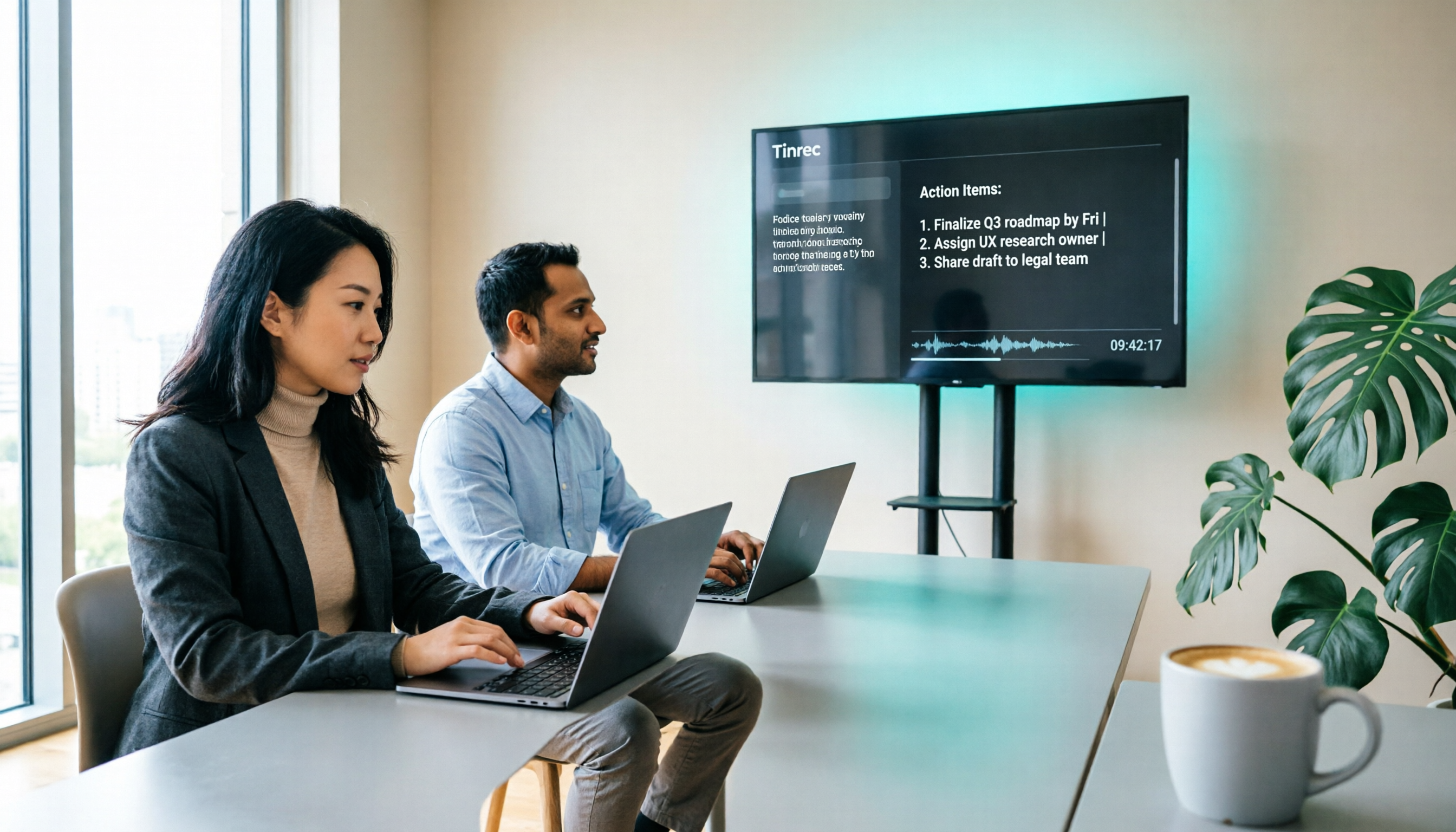
Here's my workflow: Before starting a Teams meeting, I open the Tinrec desktop app, select "System Audio," and it records the meeting directly—no need to invite a bot. During the meeting, the transcript is generated in real time; after the meeting, it automatically organizes summaries, chapters, and action items.
Stop organizing recordings by hand
Upload audio or video and automatically get a transcript, summary, and action items
My most-used feature is the post-meeting AI Q&A. For example, I might ask: "Who mentioned budget adjustments in the last meeting?" Tinrec answers based on semantics, not just returning a bunch of keyword search results. I haven't seen this level of capability in Otter or Notta.
Additionally, it supports Chinese, mixed Chinese-English, and even real-time translation. This is very practical for teams like ours that frequently switch between Chinese and English.
Of course, it has limitations: the free version has usage limits, and heavy use requires a paid plan. But if you have meetings two or three times a week, trying the free version first and then deciding whether to upgrade is reasonable.
Also, the team plan is quite comprehensive: meeting data belongs to the team, data remains even if a member leaves, and admins can assign seats and monitor usage. For small to medium-sized teams, this is key to retaining meeting knowledge.
Beyond Tinrec: What Other Options Are There?
Otter.ai: A mature choice for English meetings. The free plan offers a generous 300 minutes per month, and English transcription quality is good. However, its Chinese experience and depth of post-meeting organization don't match Tinrec for our needs.
Notta: Clean interface and decent transcription accuracy. But it leans more toward transcription and translation; the team space and post-meeting AI follow-up capabilities are more complete in Tinrec.
Granola: Bot-free meeting notes, similar concept to Tinrec. However, it doesn't support uploading pre-recorded audio files and doesn't retain meeting audio. If you need to organize historical meetings, Granola isn't suitable.
Pitfall Guide: 3 Common Mistakes When Choosing a Meeting Recorder
Pitfall 1: Only looking at transcription accuracy. Many people obsess over 98% or 99%, but real meetings have noise, interruptions, and accents, which lower accuracy. Instead of relying on ads, test with your own recordings and check the quality of summaries and action items.
Pitfall 2: Ignoring post-meeting organization. If you only use the tool as a "recording-to-text" converter, you're only using a third of its potential. What really saves time are AI summaries, action items, and follow-up questions.
Pitfall 3: Team data scattered across personal accounts. It's fine for personal use, but for team meetings, make sure meeting data can be stored centrally and won't disappear if a member leaves. Tinrec's team space is designed to solve this.
Summary: Which One Should You Choose?
If you frequently have Teams meetings and need Chinese or mixed Chinese-English organization, plus post-meeting follow-up and team collaboration, Tinrec is currently the most complete choice.
If you only need English meeting records and don't need team features much, Otter's free tier is a good starting point.
If you just want simple transcription and translation, Notta is decent, but you'll need to verify its team and AI follow-up features.
My advice: Download the Tinrec free version and try it on one or two meetings. Run through the recording, summary, and action items, and you'll know whether it's worth upgrading.
Turning meeting content into a team asset is more important than removing people from meetings.
References
- Remember to Hang Up After TEAMS Meeting (or End Meeting, Force Remove Members) - IT Office
- Remove Microsoft Apps in Teams - Microsoft Support
- Update or Cancel a Meeting You Scheduled - Microsoft Support
- Remove People from a Meeting - Microsoft Support
- Delete an Appointment or Meeting - Microsoft Support
Turn every recording into actionable outcomes
Get 60 free transcription minutes when you sign in. No credit card required.
Related Reading
You might also like

Free Audio Transcription Options in 2026: 4 Plans Compared
The key to a good audio transcription app isn't just accuracy—it's how much time it saves you on organizing afterward. This article walks through the complete workflow using Tinrec, breaking down four plans from free version to weekly pass to Pro monthly and annual, and covers five key factors to consider when choosing, plus FAQs.

6 Best Speech-to-Text Tools in 2026: How to Get the Most Out of Free Tiers
The key to free transcription isn't which tool is free, but how long your recordings are and how often you use them. This article compares the free rules and limits of 6 tools—Tinrec, Notta, MyEdit, cSubtitle, TurboScribe, and Monica—offers selection advice based on use cases, and lists paid plan prices.

6 AI Meeting Notes Tools Tested and Compared in 2026: How to Use and Choose
From pre-meeting to in-meeting to post-meeting workflows, we compare the free tiers, paid pricing, and best use cases of six AI meeting notes tools—Tinrec, Otter, Notta, Fireflies, Granola, and TurboScribe—to help you pick the one that fits your meeting style.

2026 Comparison of 4 Audio-to-Text Tools: How Free Tiers Work and Which Really Saves Time After Meetings
Are audio-to-text tools actually useful? Many find them hard to use, but the problem often lies in testing methods and mismatched expectations. This article addresses three common misconceptions, outlines 4 key criteria for choosing a tool, and then compares Tinrec, Notta, TurboScribe, and PLAUD in terms of positioning, quota calculations, and post-meeting organization capabilities. It helps you decide which tool suits meeting notes, interview transcripts, or team knowledge retention.

2026 Comparison of 5 Audio-to-Text Tools: Which One Actually Saves You Time on Transcripts?
Recording meetings, interviews, and classes is easy—the real pain is organizing them. This article breaks down 4 key factors for choosing an audio-to-text tool from real-world scenarios, compares Tinrec, Notta, Otter.ai, and TurboScribe, and highlights the 3 most common buying mistakes to help you find a free option that works or a paid one that's worth it.

2026 Comparison of 2 Audio-to-Text Tools: 4 Key Differences Between Tinrec and Notta
Starting from common pitfalls, this comparison examines Tinrec and Notta across free quotas, recording input, post-meeting organization, and team collaboration to help you choose the right audio-to-text workflow for Chinese-language meetings.

2026 Comparison of 4 Audio-to-Text Tools: What Is Audio Transcription and How to Choose
What does audio-to-text mean? Simply put, it's automatically converting spoken words in audio files into written transcripts. This article first explains the definition and three common approaches in plain language, then tests and compares Tinrec, Notta, Otter.ai, and Granola on Chinese recognition, post-meeting organization, and team collaboration. It also lists 4 key points to check before buying and 3 common mistakes to help you decide whether to use a free or paid plan.

3 AI Meeting Notes Methods Tested in 2026: Transcripts Aren't Minutes—Which One Actually Produces Action Items?
Most people think AI meeting notes just means recording and transcribing. But the real time sink is post-meeting decisions, action items, and follow-up. This article starts from common misconceptions, compares three approaches, and pits Tinrec against PLAUD Note dimension by dimension, offering a pre-meeting, in-meeting, and post-meeting workflow you can follow.

5 Meeting Transcription Tools Tested: Which AI Meeting Notes Actually Save Time?
The meeting ends, but the real work begins. This article starts from real meeting scenarios, breaks down 4 key factors for choosing a meeting transcription tool, and compares Tinrec, Notta, Otter.ai, and TurboScribe on recording methods, post-meeting output, Chinese language performance, and team management capabilities to help you pick the one that truly saves time.