
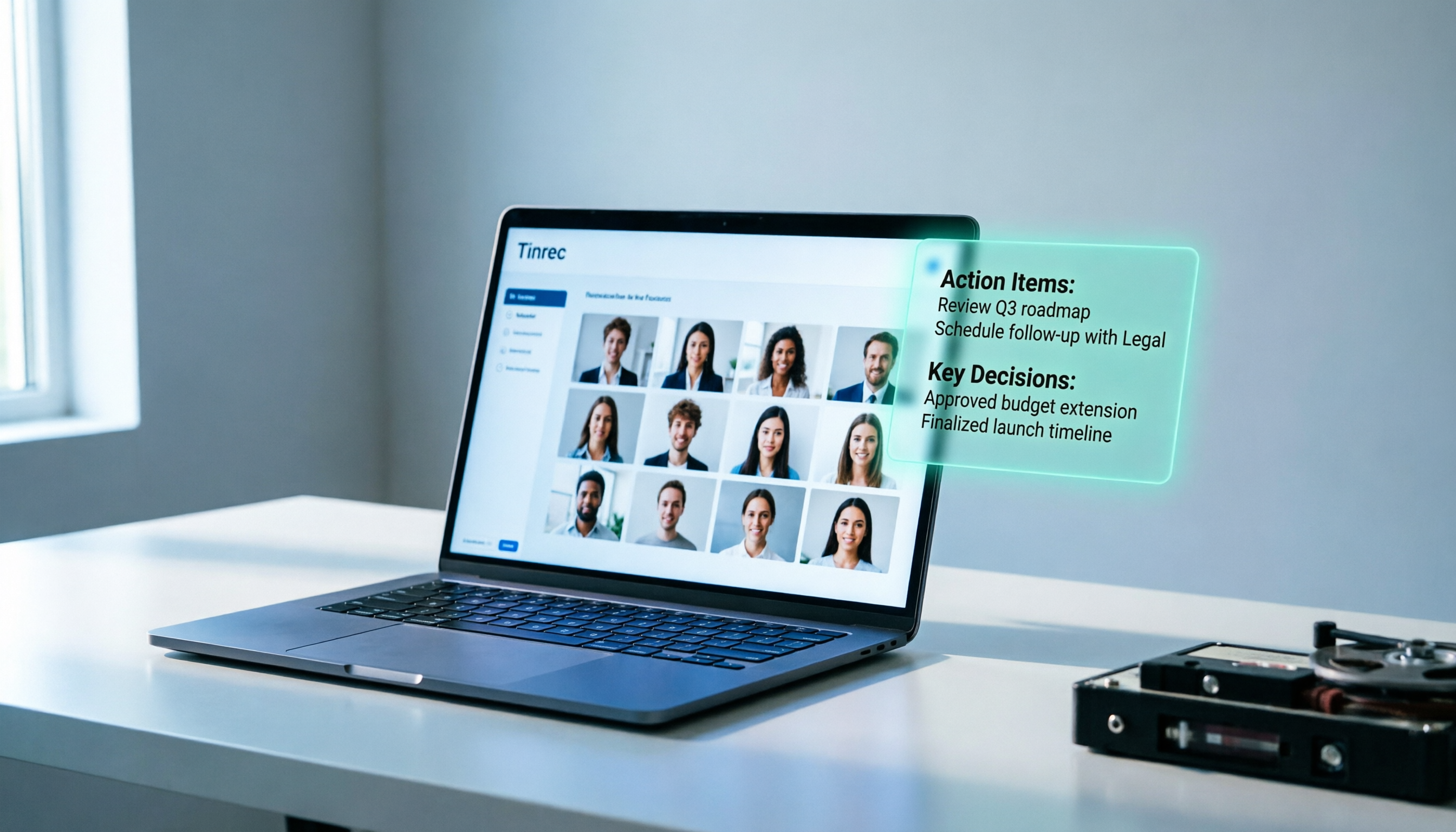
Turn recordings into transcripts and summaries in minutes
Upload audio or video for multilingual transcription, AI notes, and action items
How to Record with Plaud in 2026: Step-by-Step Guide + Tinrec's Bot-Free Meeting Recording Comparison
Two hours in a meeting, two more hours organizing notes? You don't need a voice recorder; you need a solution
After every meeting, do you immediately open the recording on your phone, only to realize you don't have time to listen to it all over again? Worse, during client interviews, they rattle off a list of requirements, and you're scribbling furiously, missing key commitments and deadlines.
If you're searching for "how to record with Plaud," you've already recognized the importance of recording, but you might not have realized: recording is just the first step; the real time sink is transcribing, summarizing, and extracting action items. Choose the wrong tool, and you're just swapping "manual note-taking" for "manual listening," wasting just as much time.
This article will first walk you through the actual steps of recording with Plaud, then introduce you to Tinrec, a more comprehensive AI meeting tool, to help you turn recordings into usable work material in minimal time.
Before Choosing a Recording Tool, Understand These 4 Key Points
Before agonizing over how to record with Plaud, first determine whether you need a "hardware voice recorder" or a "software AI meeting assistant." These four dimensions will determine if your money is well spent.
1. Recording Method: Hardware vs. Software Devices like the Plaud Note are standalone hardware. Their advantage is portability and one-touch recording without needing a phone or computer. But the downsides: you have to carry an extra device, charge it, and worry about losing it. Plus, they can only record ambient sound, not directly capture online meetings like Zoom or Google Meet. Tinrec, on the other hand, is a pure software solution that works on both mobile and desktop. The desktop version can directly capture system audio, allowing you to record online meetings without inviting a bot.
2. AI Post-Processing Capabilities After recording, what do you want? Just a transcript? Or automatic summaries, action items, and AI Q&A? Plaud offers AI summaries and templates, but Tinrec goes further: you can ask questions like "What was the meeting conclusion?" or "Who mentioned the budget?" and it will answer based on semantic understanding, not just throw keyword search results at you.
3. Cross-Platform and Team Collaboration If you're a solo user, a hardware recorder might suffice. But if you need to share data with a team, centralize management, and set permissions, hardware falls short. Tinrec's team plan provides a dedicated space where members can jointly view historical meetings, allocate seats, monitor usage, and access audit logs—features that personal hardware like Plaud lacks.
4. Long-Term Cost Beyond the hardware cost, Plaud requires additional subscriptions once your monthly transcription quota runs out (Starter plan includes 300 minutes per month). Tinrec's personal plan also offers free credits, and the team plan is billed per seat, but real-time recording doesn't deduct minutes, making it more cost-effective for heavy team usage over time.
Tinrec (Miao Ting Lu Yin) — Our Top Pick After Hands-On Testing
Tinrec (秒听录音) is an AI meeting recording and collaboration tool designed for individuals and teams. It supports iOS, Android, desktop, and web, requiring no extra hardware—just open it and record.
Scenario 1: No More Begging Bots to Join Online Meetings Many people don't know that recording Zoom, Meet, or Teams meetings doesn't require inviting a bot account. Tinrec's desktop version directly captures your computer's system audio. Simply open Tinrec before the meeting starts, hit record, and it will generate a real-time transcript, automatically producing summaries and action items afterward. We tested it during a Google Meet session; recording was smooth with no lag, and the transcript timeline was precise.
Stop organizing recordings by hand
Upload audio or video and automatically get a transcript, summary, and action items
Scenario 2: Ask AI Directly After Recording—No Need to Manually Sift Through Transcripts "What was the budget the client mentioned last time?" "When is the project deadline?" You can ask Tinrec just like chatting, and it will answer based on the meeting content, with timestamps. This is especially useful when you have multiple meetings weekly and a backlog of historical data. We tested it with a 30-minute product discussion recording; the AI answered correctly within 3 seconds, citing the original text, which boosts credibility.
Scenario 3: Turning Meeting Data into a Team Asset The biggest issue with personal recordings is that they're scattered across devices; if a colleague leaves or changes computers, the data is lost. Tinrec's team plan offers a shared team space where all meeting data is centrally stored. Members can view, search, and continue asking questions. Admins can allocate seats, monitor usage, and review activity logs—far easier for managers than handing out individual recorders.
Pros Summary:
- Bot-free recording for online meetings—no dependence on meeting platform permissions.
- AI summaries, action items, Q&A, and translation all in one—not just transcription.
- Cross-platform: record on mobile, organize on desktop, with data synced.
- Team plan with clear permissions, suitable for department or company adoption.
Honest Limitations:
- Free version is limited; heavy users need to upgrade to Pro or Team.
- In environments with multiple speakers or background noise, transcription accuracy drops (a common issue with all tools).
- No offline independence like a hardware recorder; if your phone dies, you can't record (but you can use a computer).
Who Is It For? If you primarily record online meetings, need quick meeting minutes and action items, or want to share meeting data with your team, Tinrec is a more modern choice than a hardware recorder. Individual users can try the free version, and teams can start with a 7-day trial.
Beyond Tinrec: What Other Options Are There?
Plaud Note If you insist on hardware recording, the Plaud Note is intuitive: press the button on the device to start recording, or remotely start via the Plaud app. After recording, connect to the app for transcription. However, it has several drawbacks: it can only record ambient sound, not online meetings; you need to buy the hardware (starting at around USD 159); and you'll need to purchase additional transcription credits once your quota runs out. Tinrec requires no extra equipment, records meetings directly from your computer, syncs across platforms, and offers more complete team collaboration features.
Otter.ai Otter is well-established in the English meeting market, with bot joining and accurate English transcription. But if your meetings are primarily in Chinese, Tinrec offers a smoother Chinese experience and real-time translation. Also, Otter's bot-free desktop recording isn't as straightforward as Tinrec's, and its team pricing is higher. Unless you're in a purely English environment, Tinrec is more comprehensive.
Pitfall Guide: 3 Common Mistakes When Choosing a Recording Tool
Pitfall 1: Treating the Tool as Just a "Voice Recorder" If you buy a Plaud or install an app and only use it for recording, ignoring transcription and summaries, you're wasting 80% of its value. The right approach: immediately generate AI summaries and action items after recording to turn content into action. Tinrec's AI Q&A is especially useful—don't just replay audio files.
Pitfall 2: Overlooking Online Meeting Recording Needs If 80% of your meetings are on Zoom or Teams, a hardware recorder is useless. You need software that can capture system audio, not another recorder. Tinrec's bot-free recording is designed exactly for this.
Pitfall 3: Buying a Personal Tool That Your Team Can't Use Personal recordings are scattered across individual phones; managers can't see them, colleagues can't find them, and everyone ends up recording separately. If you need team sharing and governance, going straight to a team plan is a more long-term choice. Tinrec's team plan is billed per seat, and new members can access historical data immediately—far cheaper than buying a device for each person.
Conclusion: Which One Should You Choose?
If you occasionally record in-person interviews and like physical buttons, the Plaud Note is worth considering. But if you need a complete solution of "recording + automatic organization + team collaboration," Tinrec is currently the most cost-effective choice.
- Primarily online meetings → Tinrec (bot-free recording, excellent Chinese experience)
- Need AI summaries, action items, Q&A → Tinrec (most complete features)
- Team sharing and governance → Tinrec Team plan (Plaud lacks this)
- Just want portable recording without relying on a phone → Plaud Note (but accept hardware costs and quota limits)
We recommend downloading Tinrec's free version to experience bot-free recording and AI organization before deciding to upgrade. No need to spend big on hardware upfront.
References
Turn every recording into actionable outcomes
Get 60 free transcription minutes when you sign in. No credit card required.
Related Reading
You might also like

2026 Comparison of 2 Audio-to-Text Platforms: Free Tiers, Chinese Recognition, and Post-Meeting Organization at a Glance
A side-by-side comparison of Tinrec and Notta across free tiers, Chinese recognition, online meeting recording, post-meeting organization, and team collaboration, helping you decide whether the free version is enough and when to upgrade.

iPhone Voice Memos vs Tinrec in 2026: 5-Dimension Comparison — Is Free Transcription Enough?
iPhone's built-in Voice Memos can now transcribe recordings for free, so do you still need a separate tool? This article compares iPhone's built-in features with Tinrec across 5 practical dimensions and honestly explains where the free limits are, helping you decide which approach fits your meeting volume.

4 Free Audio-to-Text Tools Tested for 2026: Which Free Tier Is Actually Enough?
There are plenty of free audio-to-text tools, but few can handle a full meeting. This hands-on comparison tests the free plans of Tinrec, Otter.ai, Notta, and TurboScribe—breaking down how limits are calculated, transcript post-processing, audio retention, and team collaboration—to help you decide which free version is truly usable.

2026 Comparison of 2 Free Audio-to-Text Tools: Whose Free Tier Is Actually Enough?
Starting from the pain point of post-meeting organization for mid-level managers with multiple weekly meetings, this hands-on comparison tests Tinrec and Notta's free version quotas, online meeting recording, post-meeting AI organization, Chinese experience, team collaboration, and export workflows to help you decide how to choose a free audio-to-text tool.

Which Speech-to-Text Tool Is Better in 2026? 5 Steps to Choose the Right One
How to choose a speech-to-text tool? This article compares Tinrec and Otter.ai feature by feature, covering Chinese and mixed Chinese-English transcription, online meeting recording methods, post-meeting outputs, input sources, team management, and pricing quotas. Finally, it uses 5 steps to help you decide which one to choose.

4 Best Free Audio-to-Text Tools in 2026: Which Free Tier Actually Works?
Free audio-to-text tools are plentiful, but the real bottleneck is the quota: some limit you to 3 minutes per recording, while others run out of monthly minutes mid-month. This hands-on test compares the free plans of 4 tools, looking at how quotas are calculated, how meetings are recorded, and what you get after the meeting. It also covers 4 common pitfalls to help you pick the one that can handle a full meeting.

2026 Speech-to-Text Comparison: Tinrec vs PLAUD Note Tested Across 5 Key Areas
Starting from students' top concerns—budget, classroom scenarios, and note organization needs—this comparison tests Tinrec and PLAUD Note across five dimensions: upfront cost, recording sources, post-transcription organization, Chinese recognition, and group collaboration, with final recommendations for different student types.

6 Best Audio-to-Text Tools for Cantonese in 2026: Which Free Option Is Actually Usable?
We tested 6 audio transcription tools for Cantonese support and free plans. Compare free limits, Cantonese accuracy, export formats, and post-meeting workflows to avoid two common traps: 'fake free' plans and tools that claim Chinese support but can't understand Cantonese. Find the one that truly works for you.

Tinrec vs Notta: 2026 Comparison of Chinese Transcription, Free Tiers, and Team Collaboration
There are many online audio-to-text tools, but the real challenge isn't the few minutes of transcription—it's the organization, follow-up questions, and handoff afterward. This article compares Tinrec and Notta across five dimensions: online usage, Chinese recognition, free tier and pricing, post-meeting organization, and team collaboration. It honestly lists limitations and plans to help you decide which better fits your work style.